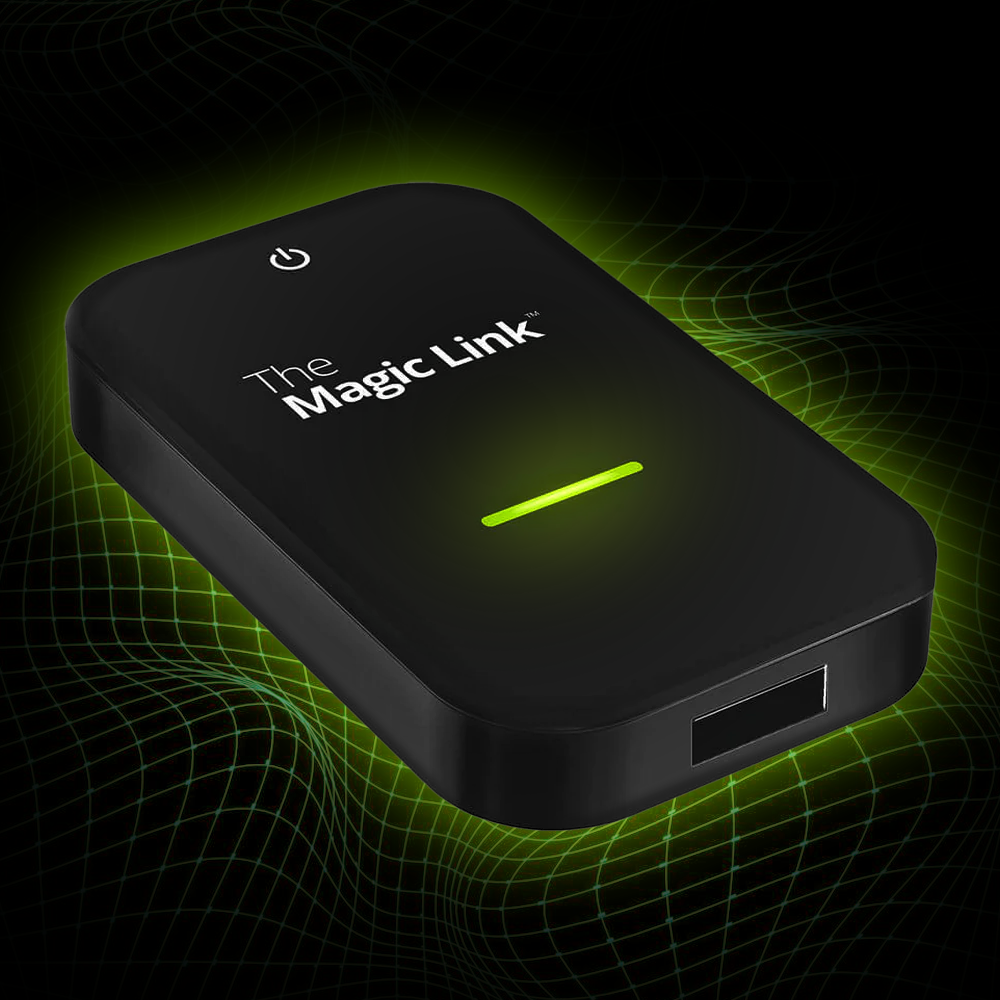


Watch your favorite shows, movies, live sports, and more!
The Magic Box™ 3.0
✔ Our most advanced Magic Box ever!
✔ Instant Access to any app on the app store
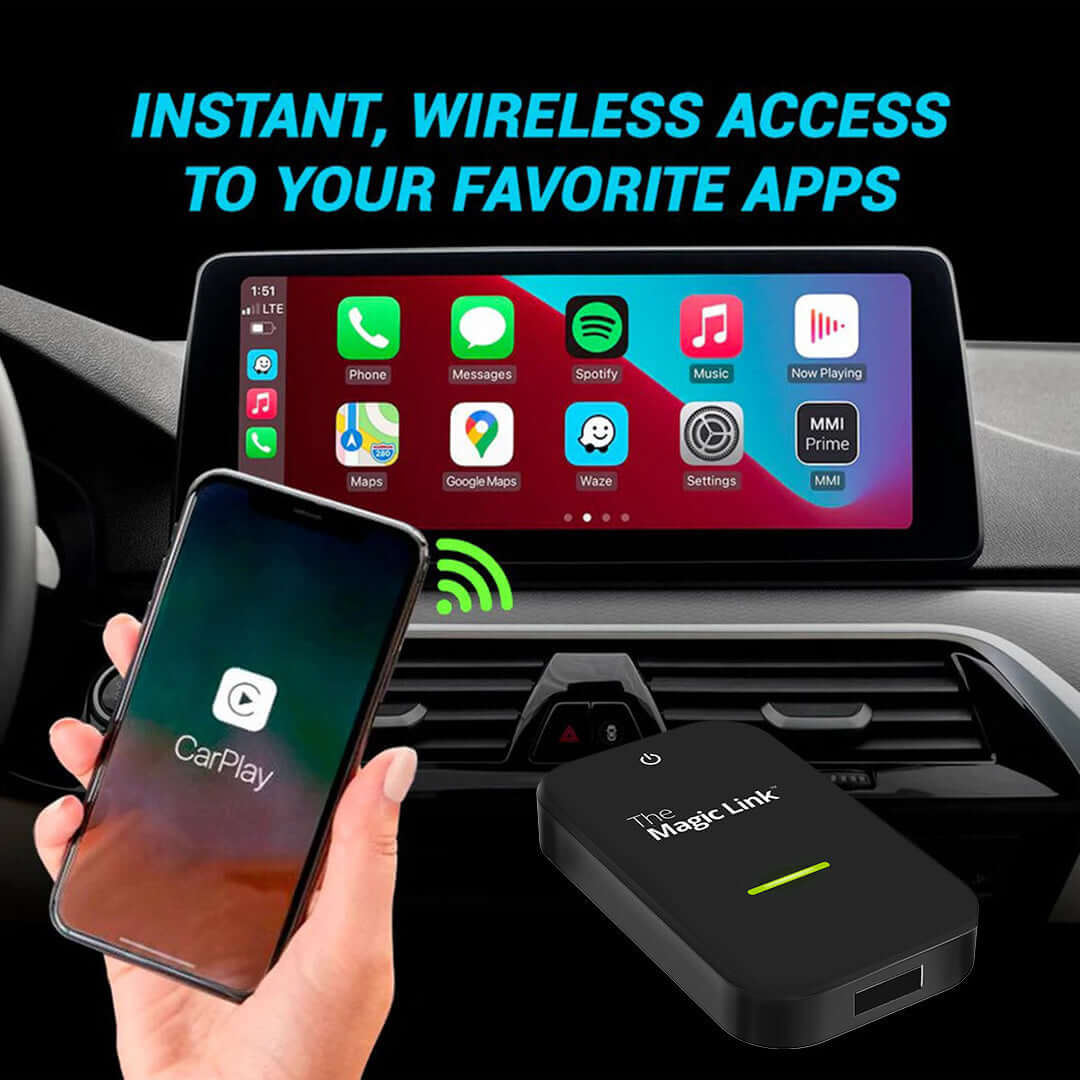
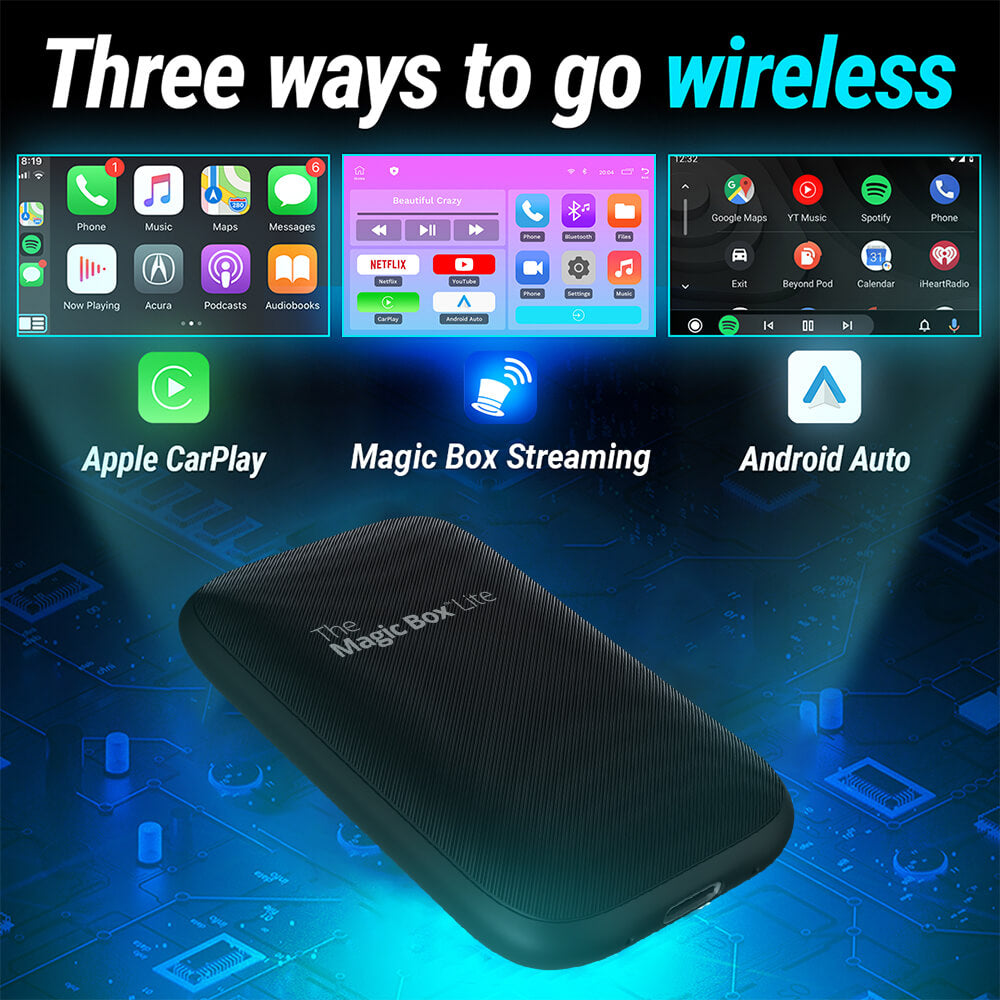
✔ Easy Wireless CarPlay and Android Auto
✔ Free 30-Day Trial of Magic Mobile ($40 value)
✔ Free & easy software updates
Popular Add-Ons
Stream Netflix, YouTube, and Spotify straight to your dash for a month. Added to your cart automatically, nothing to enter.
🟢 Order by 3pm ET for same-day shipping · Mon–Fri
Description
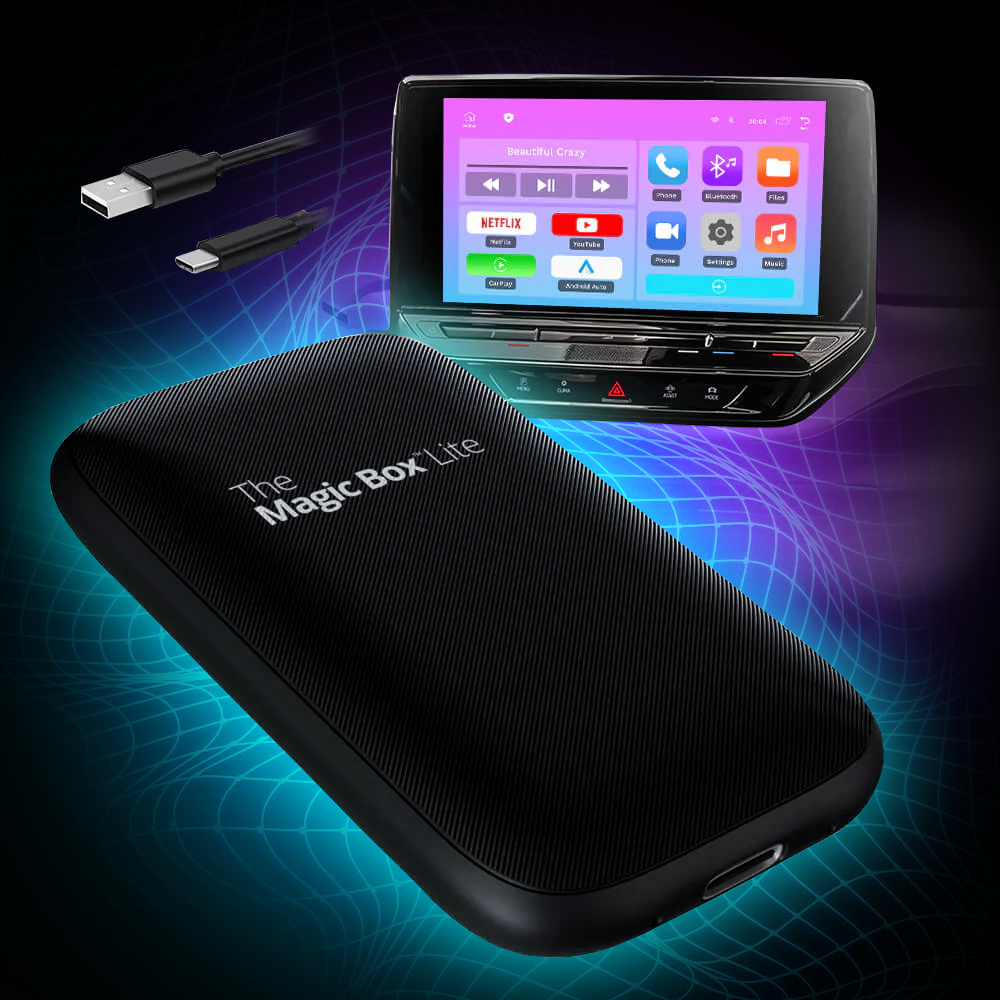
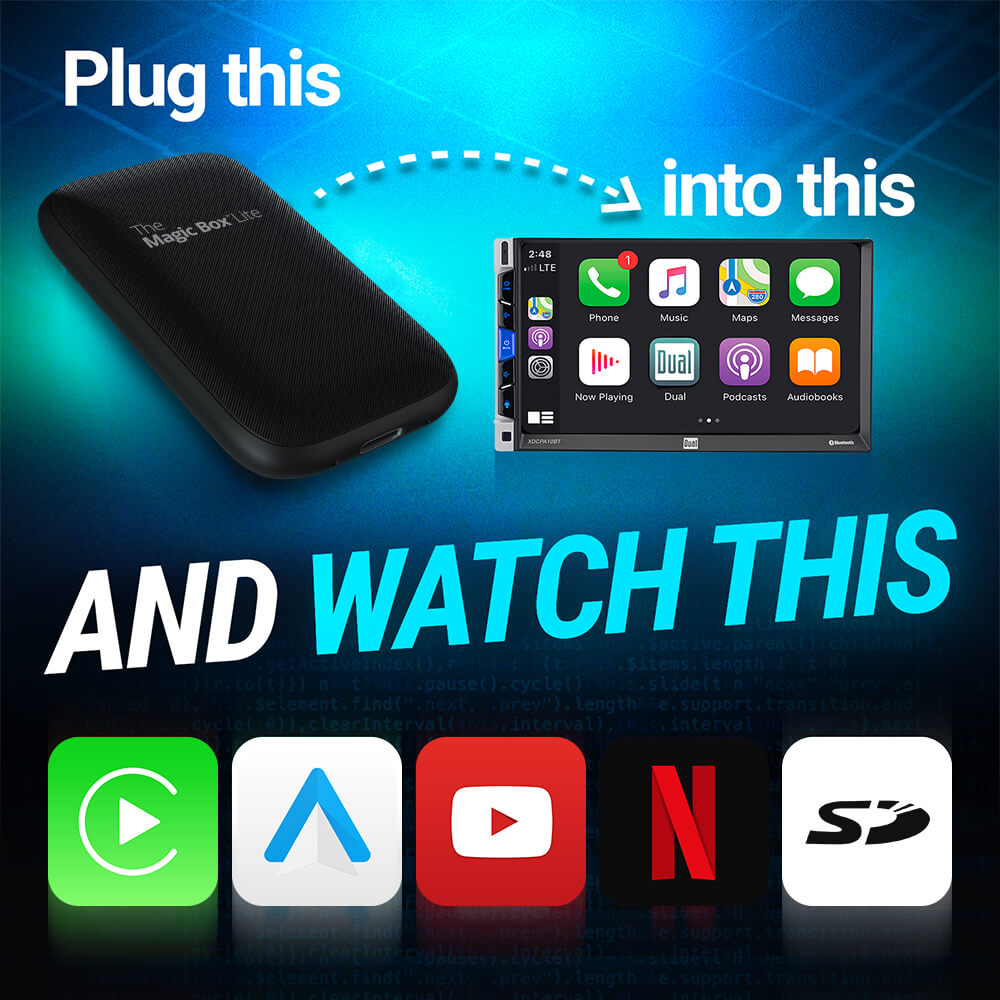
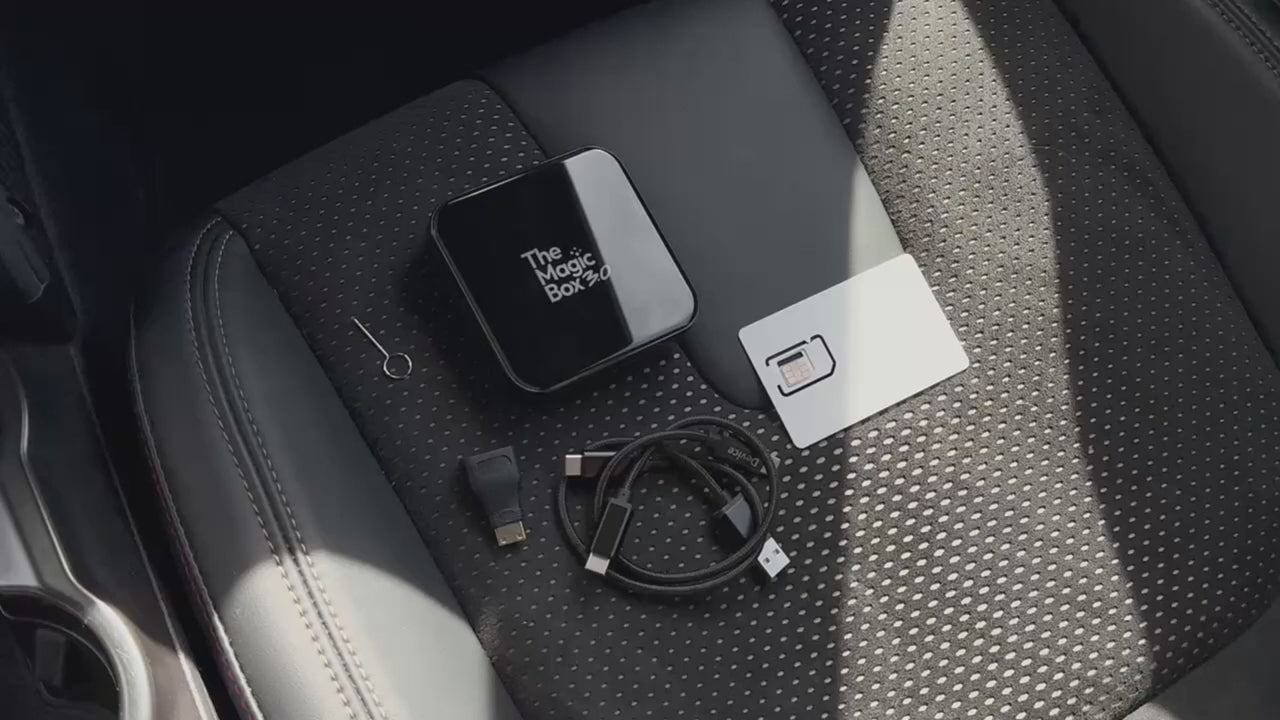
Watch anything from your favorite streaming platform on your car's display screen. Connect The Magic Box™ 3.0 to any CarPlay enabled device and instantly start enjoying it!
What's Included
Tech Specs
Operating System
– Magic OS 3.0
– Android 13 base
Processor
– SnapDragon 6125 4×Cortex-A73@2.0GHz
– Adreno 610 GPU
Memory
– 8GB DDR4 RAM
– 128GB eMMC ROM
– 256GB Expandable with MicroSD
Connections
– USB-C
– Micro HDMI
– MicroSD
– SIM Card
WiFi / Bluetooth
– BT 5.0 + Wi-Fi 5 (dual channel)
Internet
– LTE Cat-12, download 600Mbps/upload 150Mbps
Video Playback
– 4K@30fps H.265/VP9
Dimensions
– Length (85.6mm)
– Height (85.6mm)
– Depth (21mm)
– Weight (9.7oz)
Shipping & Returns
User Manual
The Magic Box™ 3.0

New and Improved

|
The Magic Box™ 2.0 | Why It Matters |
|---|---|---|
| 4K resolution | 1080p resolution | Snapdragon CPU supports 4K playback |
| 8GB RAM + 128GB ROM | 4GB RAM + 64GB ROM | Improved ability to handle multiple functions at the same time. |
| Automatic Screen Resizing | Manual Screen Resizing | Device automatically recognizes the screen size and adjusts accordingly |
| Snapdragon 6125 Processor | MTK6765 Processor | Fastest consumer processor on the market to provide iPhone-like speeds |
| Magic OS 3.0 | Magic OS 2.0 | Improved responsiveness to swiping, tapping, and overall functionality |
| Magic Store 3.0 | Magic Store 2.0 | Increased compatibility and easier updating process for apps |
| LTE Cat-12 600Mbps download / 150Mbps upload | LTE Cat-7 300Mbps download / 100Mbps upload | Doubles download & improves upload speeds, and enhances efficiency |
| USB 3.1 Gen1 | USB 2.0 | USB 3.1 + Micro HDMI for easier connectivity with modern devices |

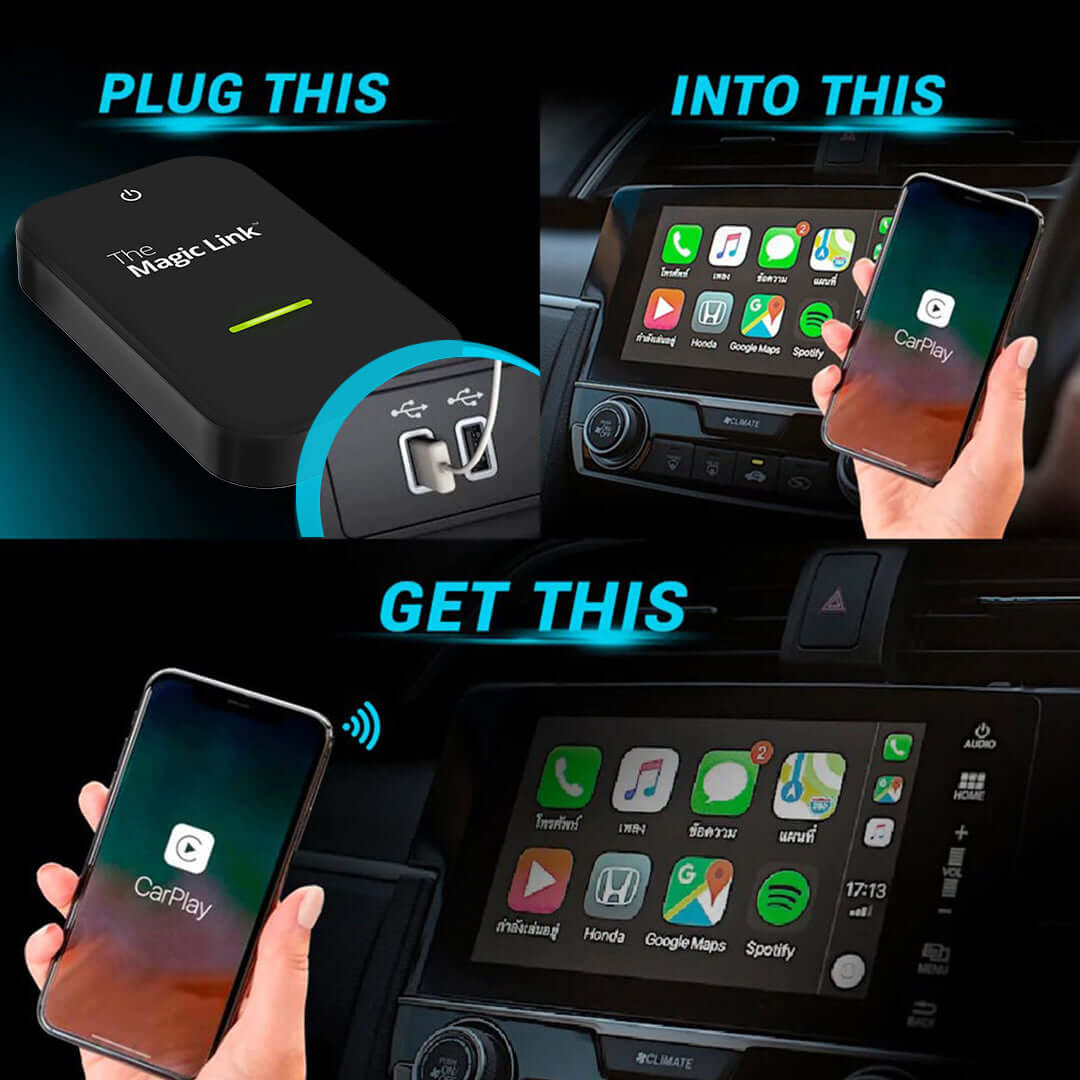
Setup in Three Easy Steps
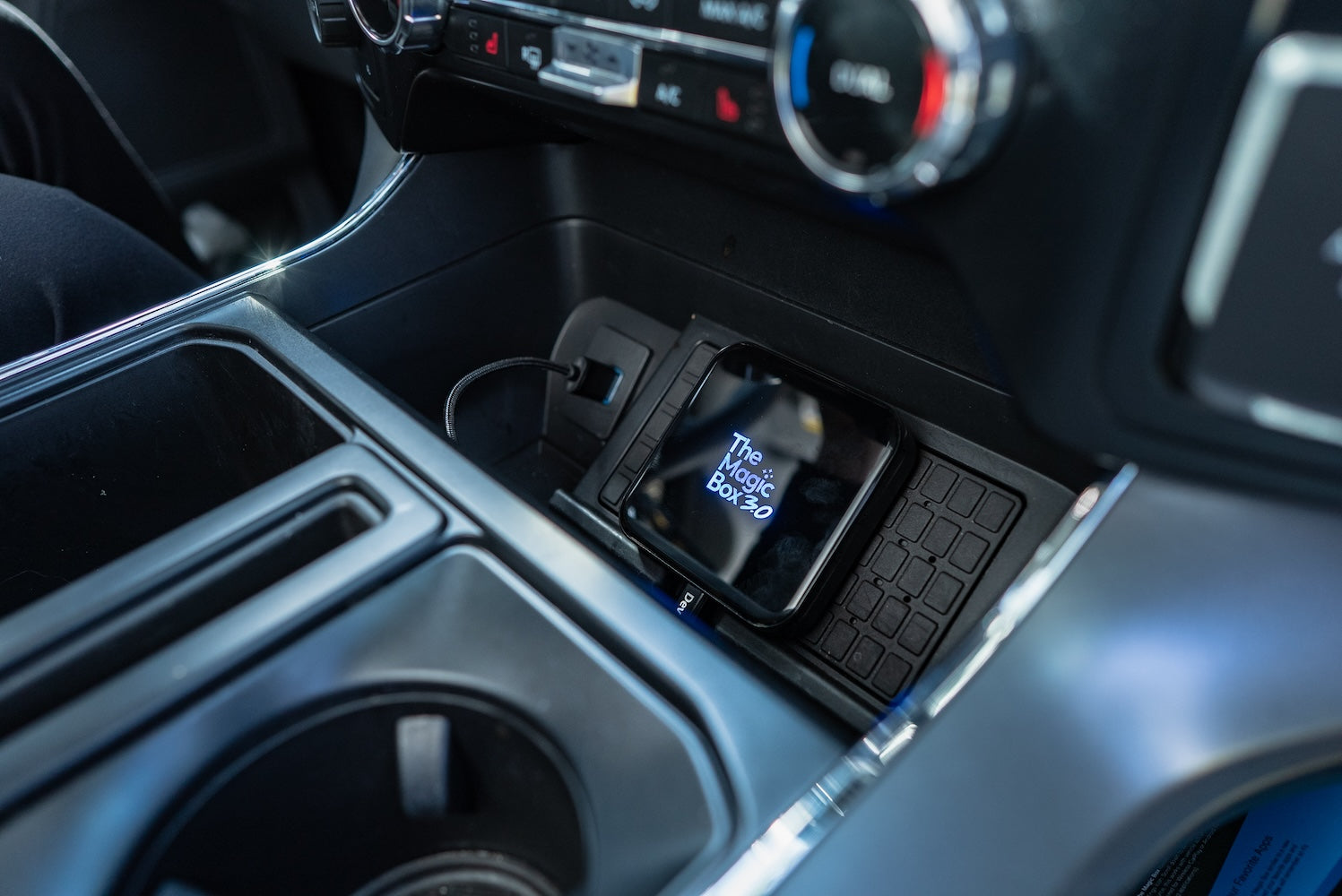
Step 1.
Plug Device into Car
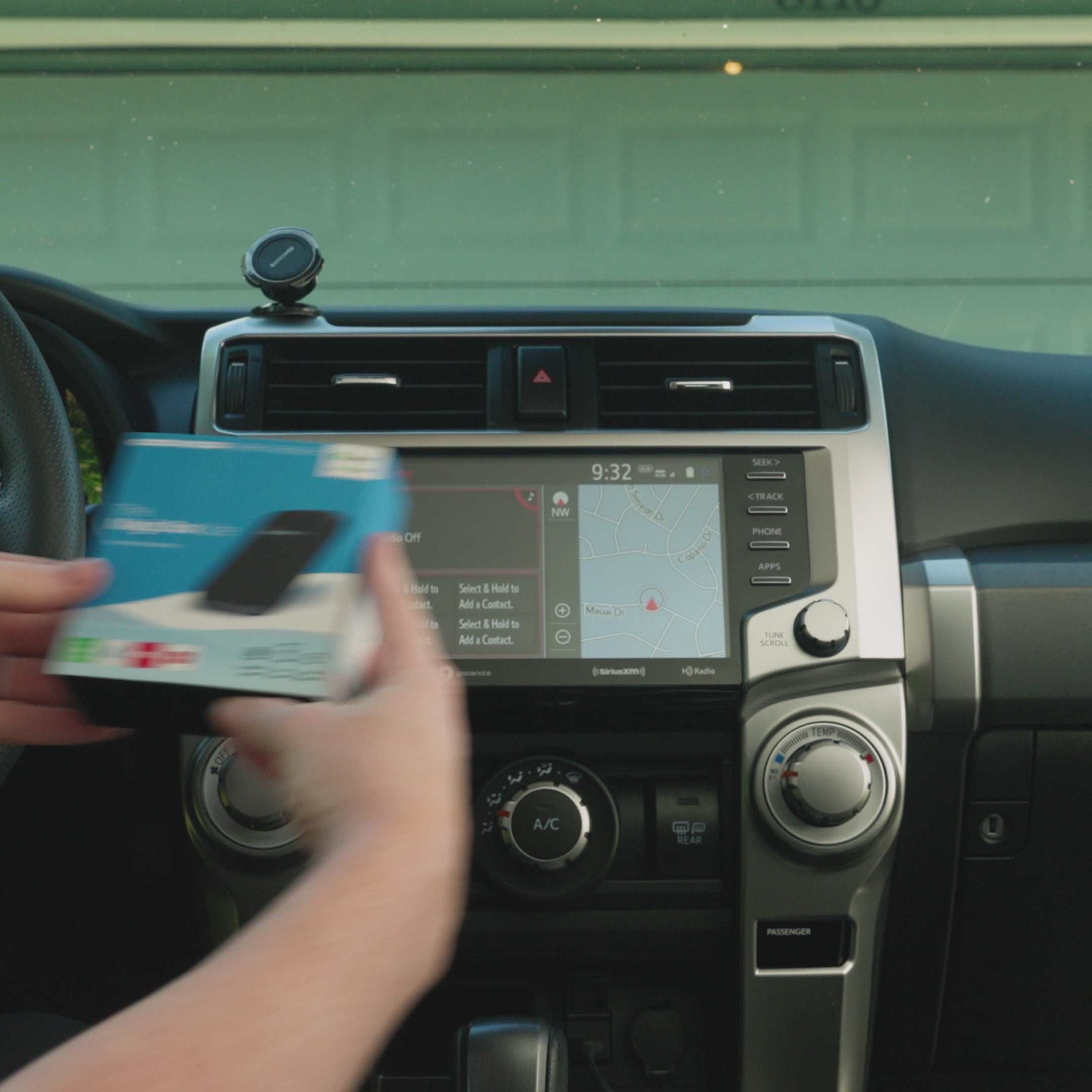
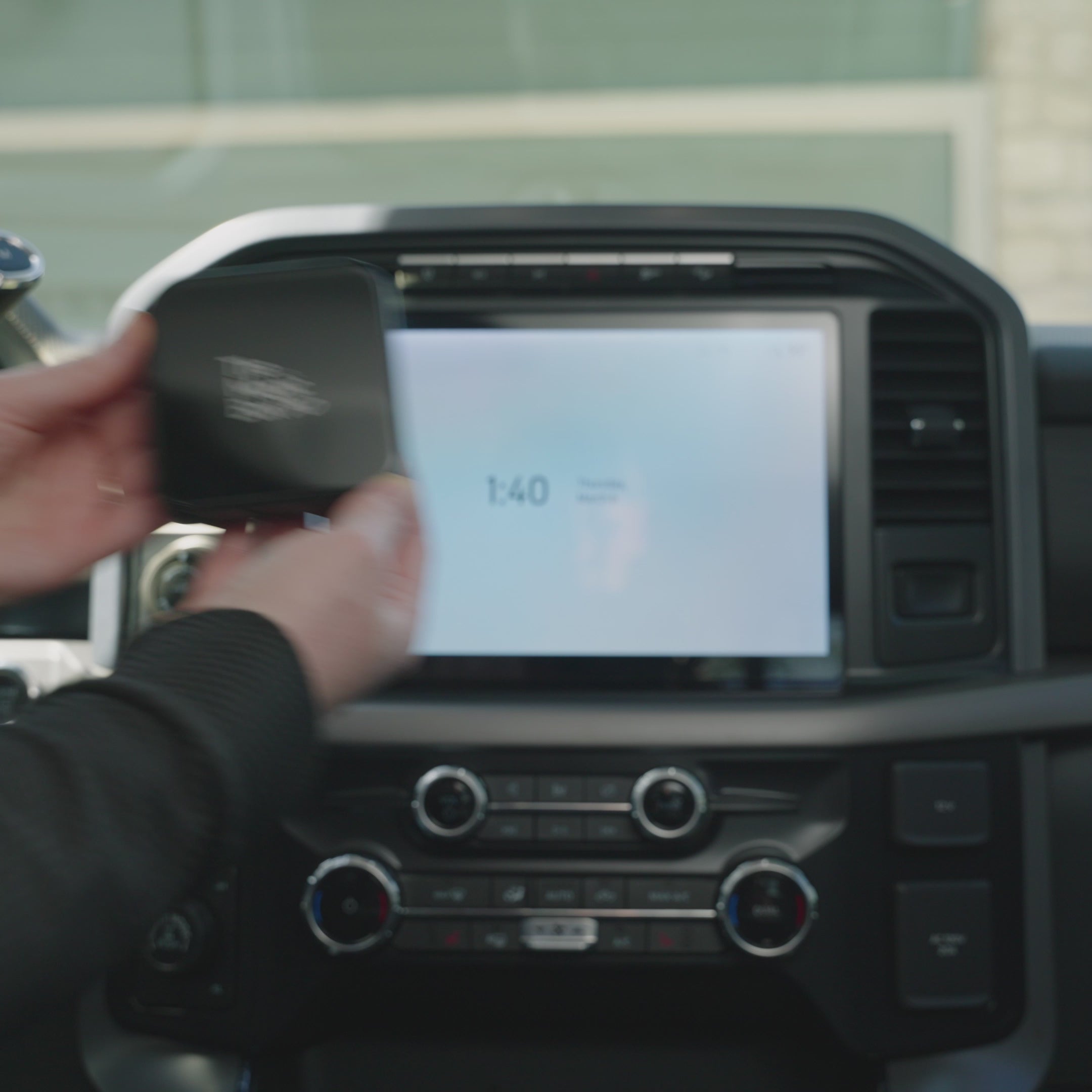
Connect The Magic Box to your car's CarPlay/Android Auto-enabled USB port, using the provided cable.
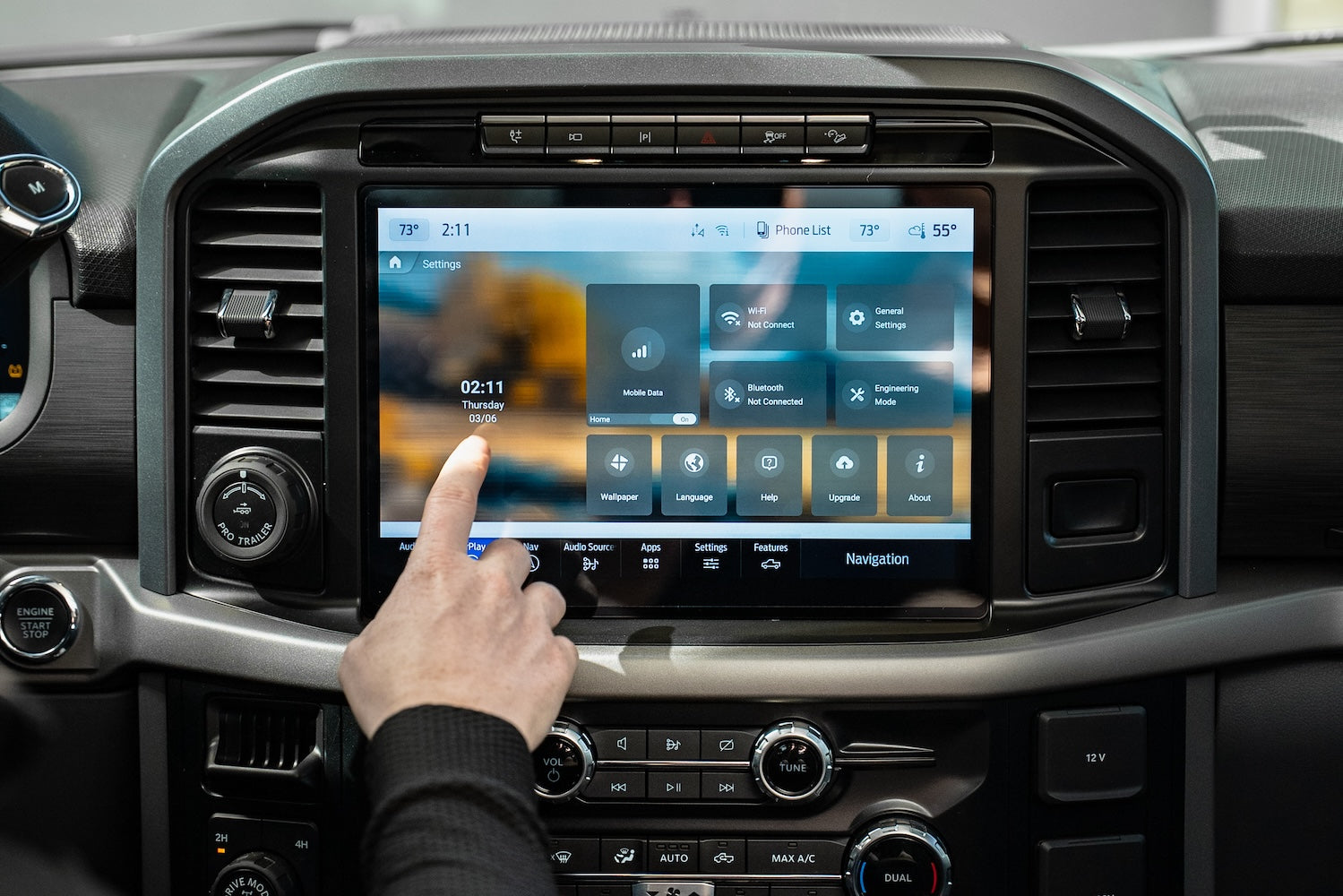
Step 2.
Select Internet Source
Select internet source such as Magic Mobile SIM Card or Mobile Hotspot. This is only necessary for the very first setup.
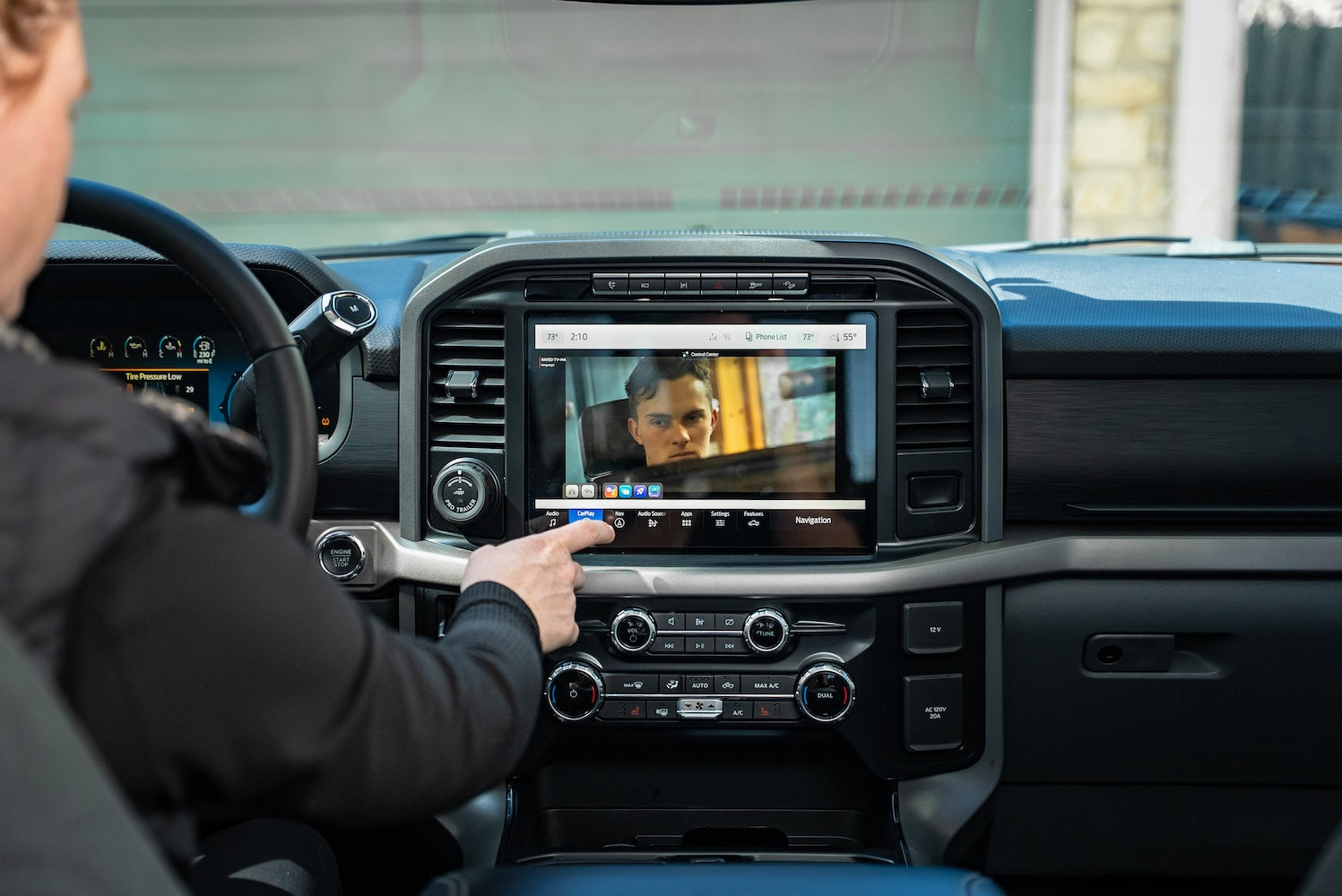
Step 3.
Enjoy Your Favorite Apps
Download your favorite apps from the app store or use our pre-downloaded apps to start streaming!


Bonus Features
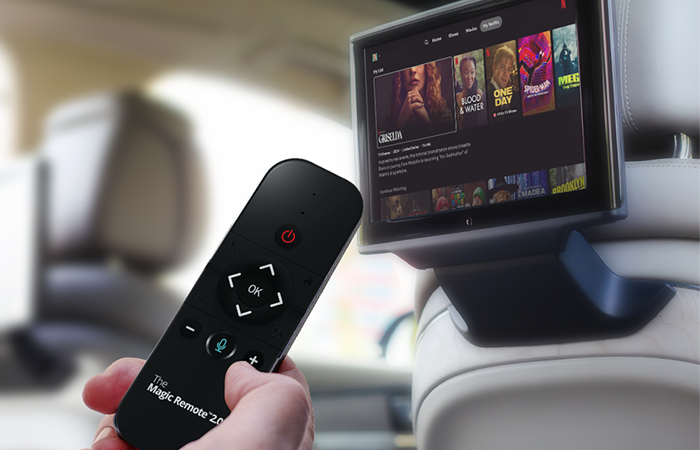
HDMI-Enabled
HDMI-enabled rear seat entertainment
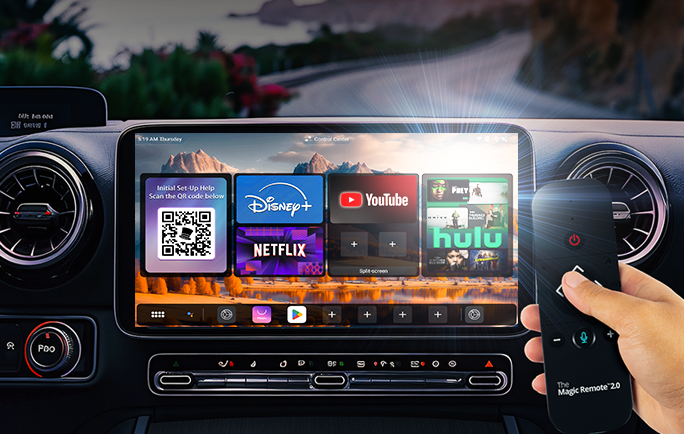
Remote Compatible
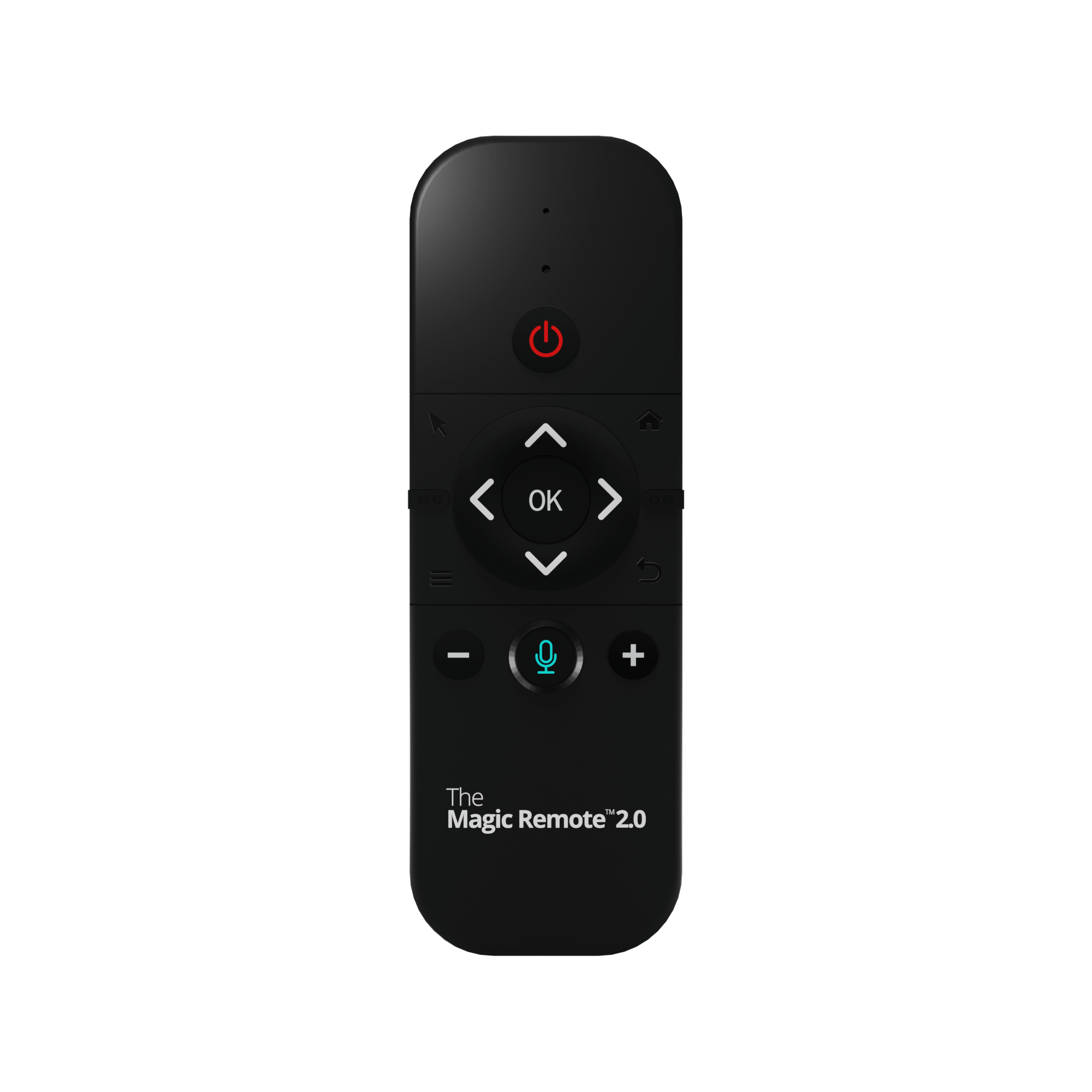
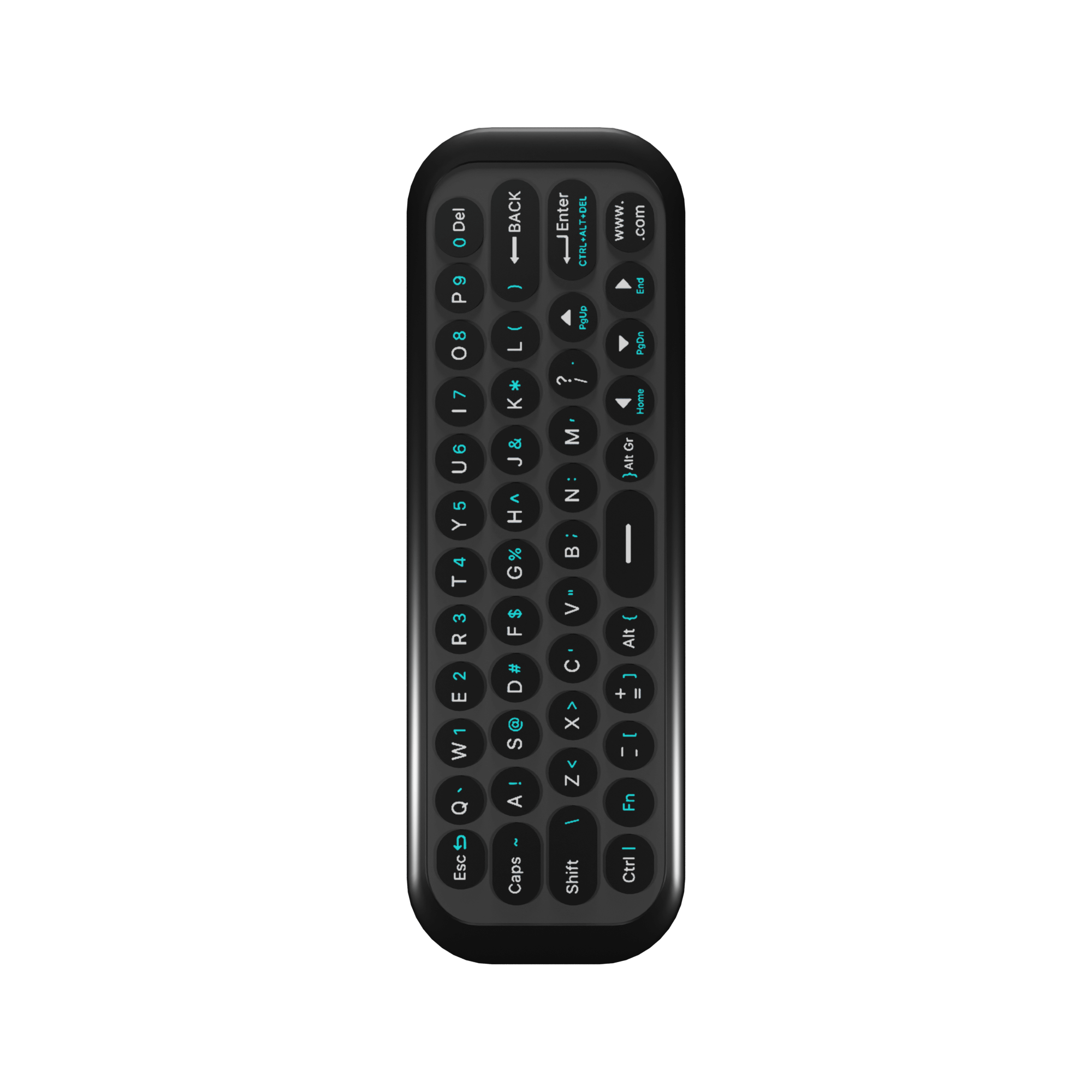
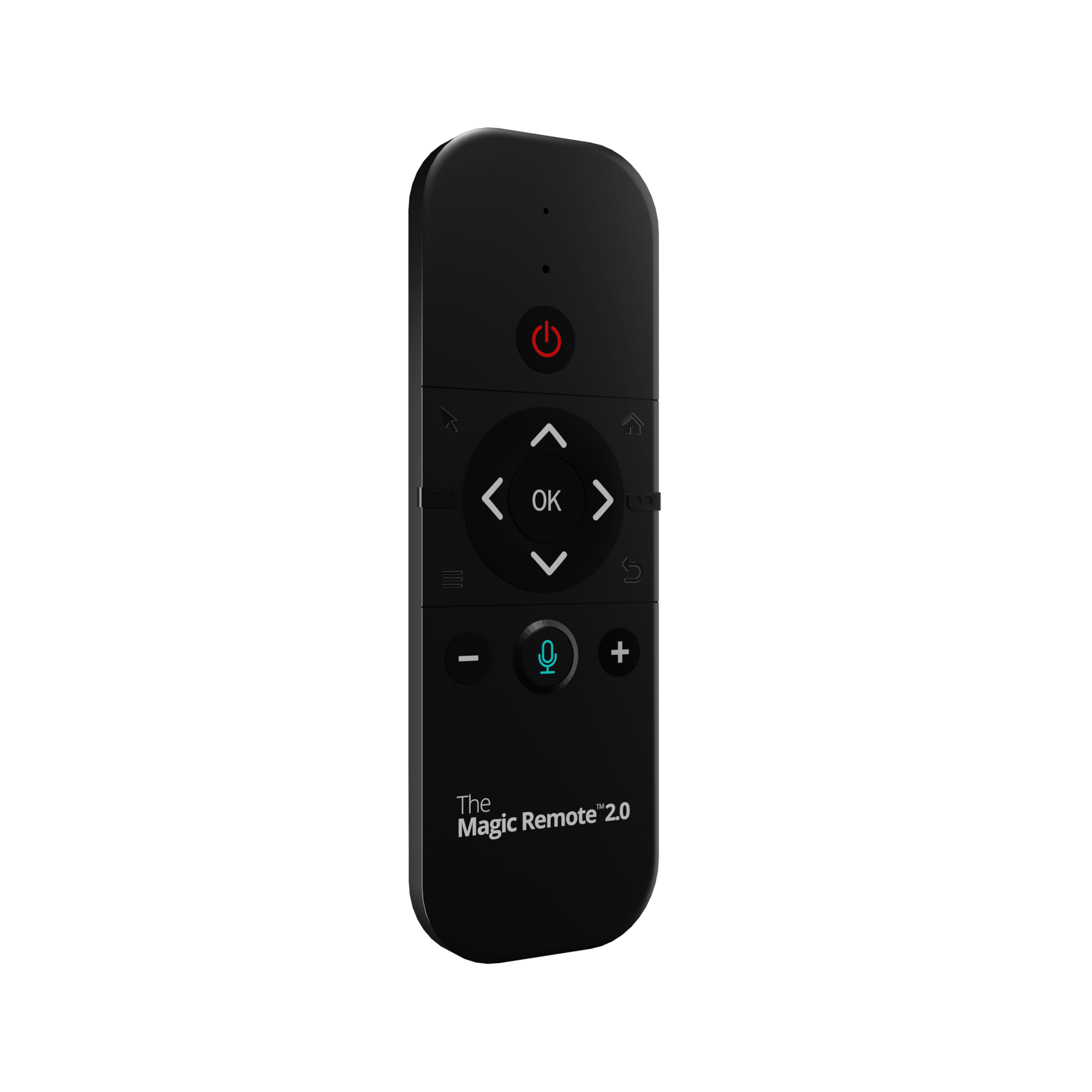
Compatible with The Magic Remote 2.0


Magic OS 3.0 In Action
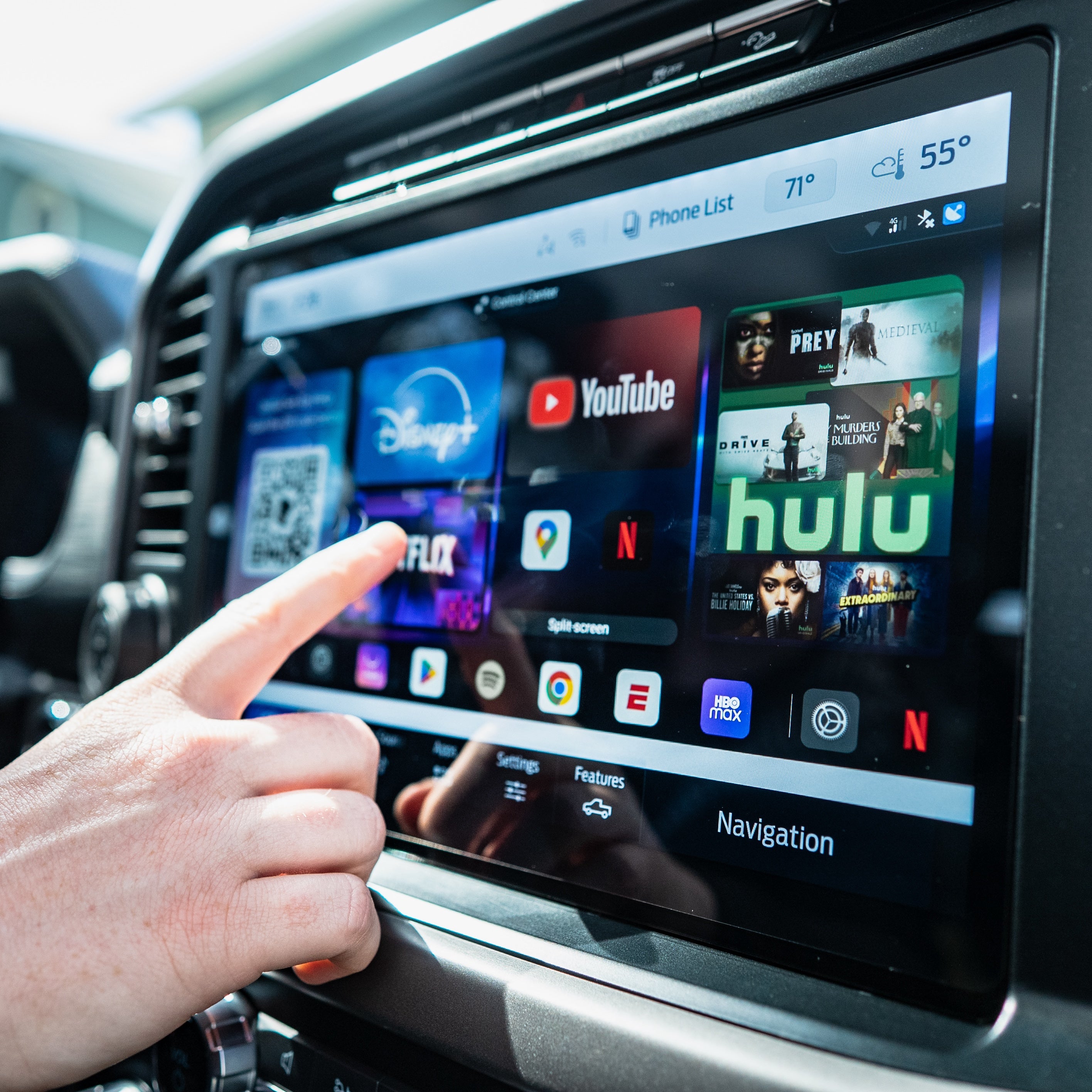
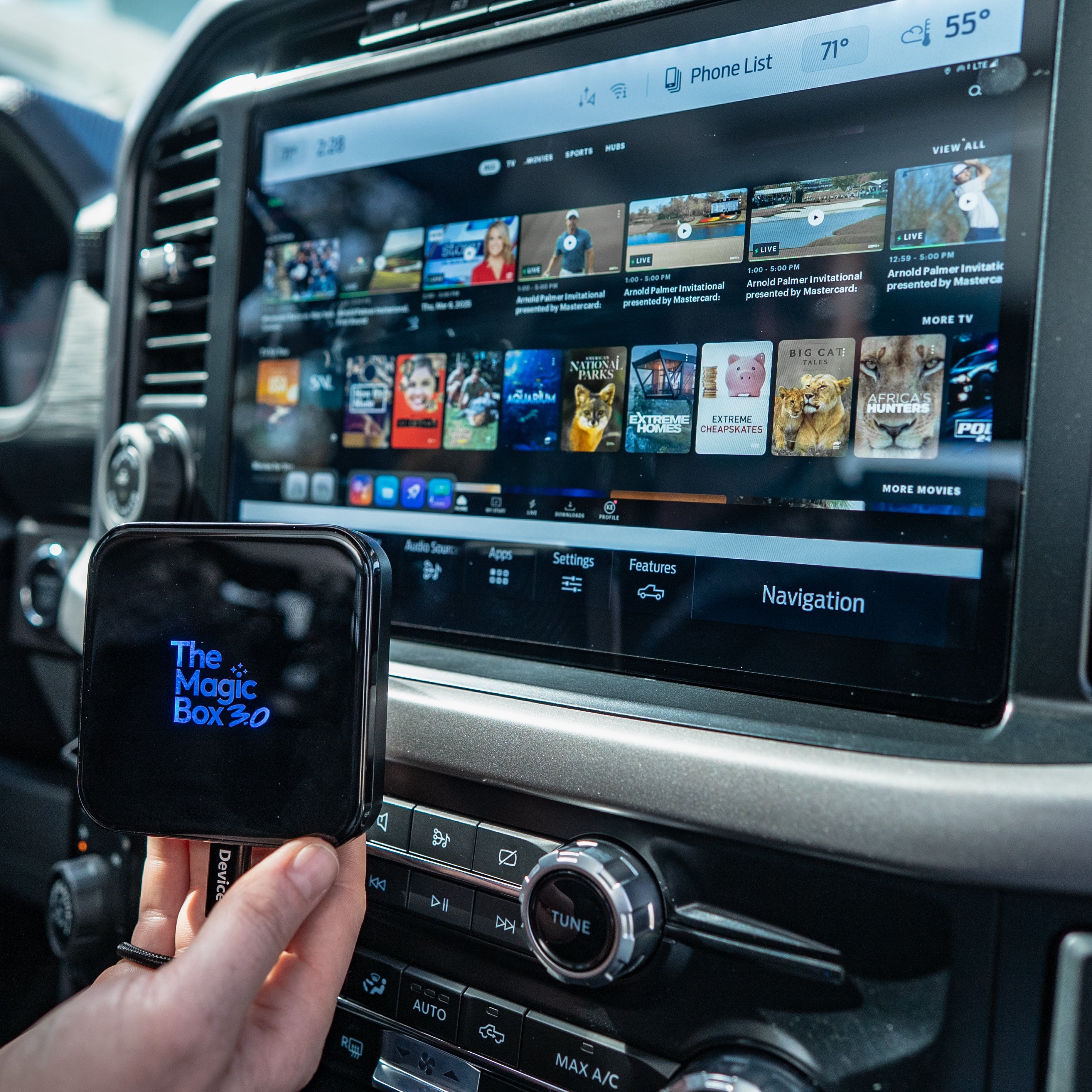
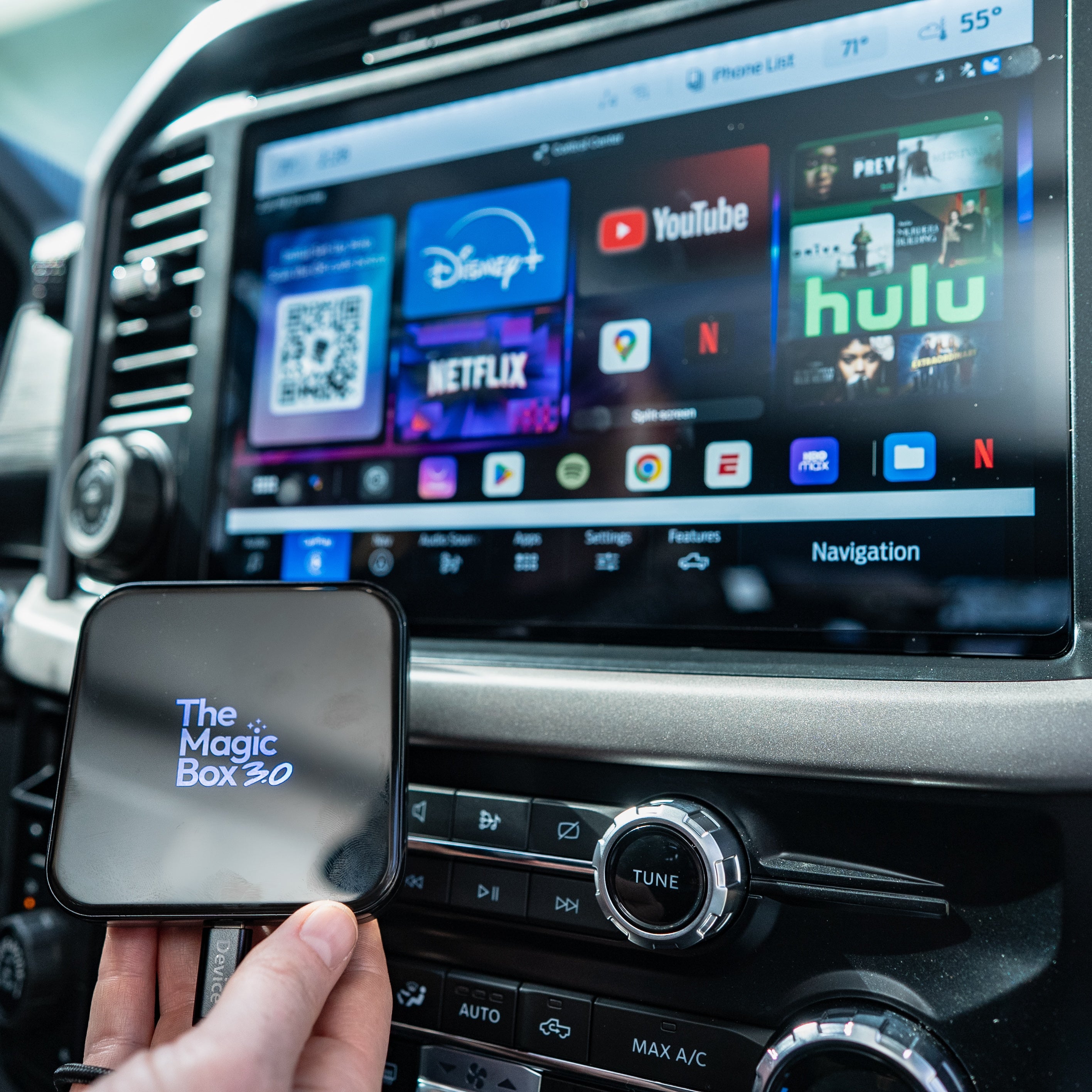
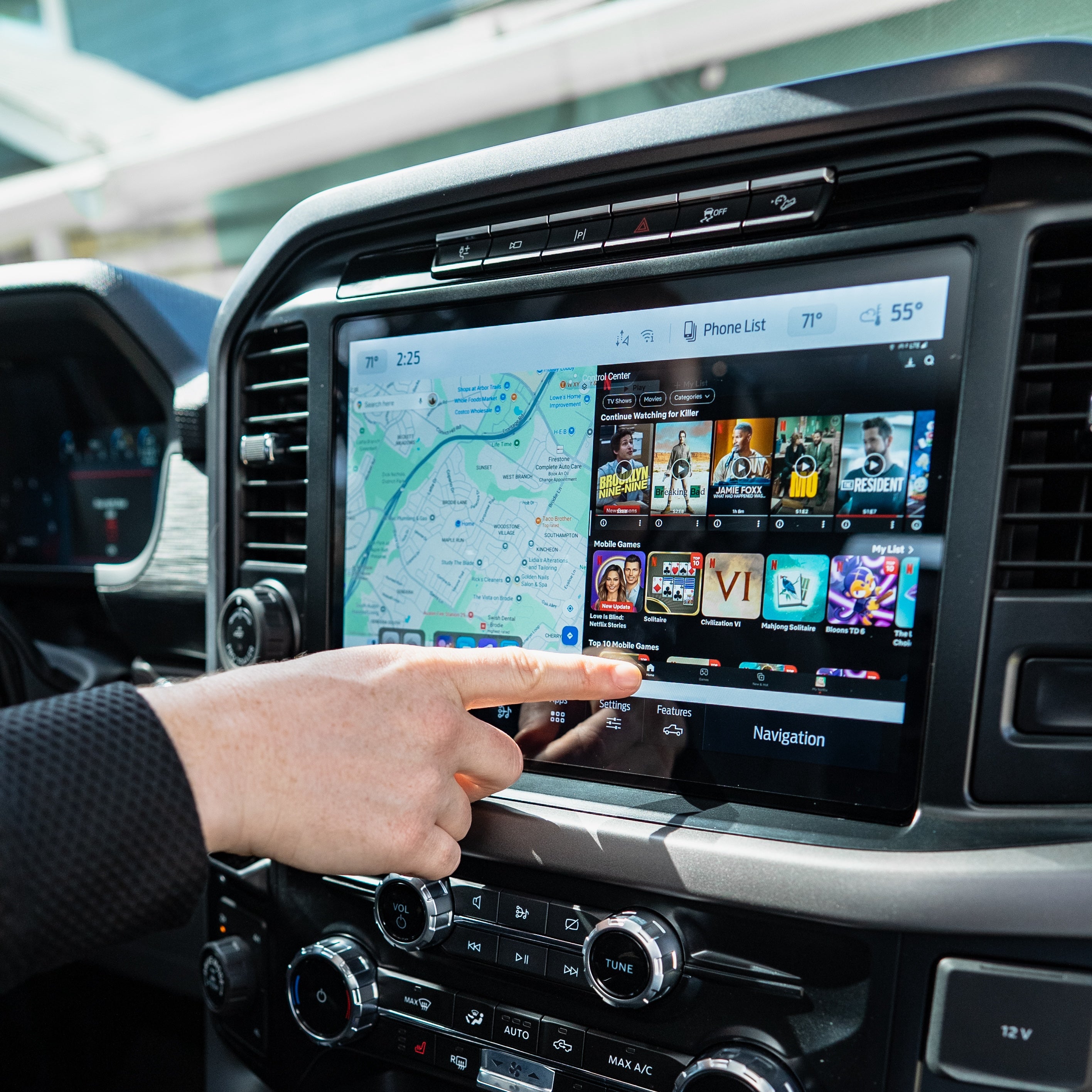
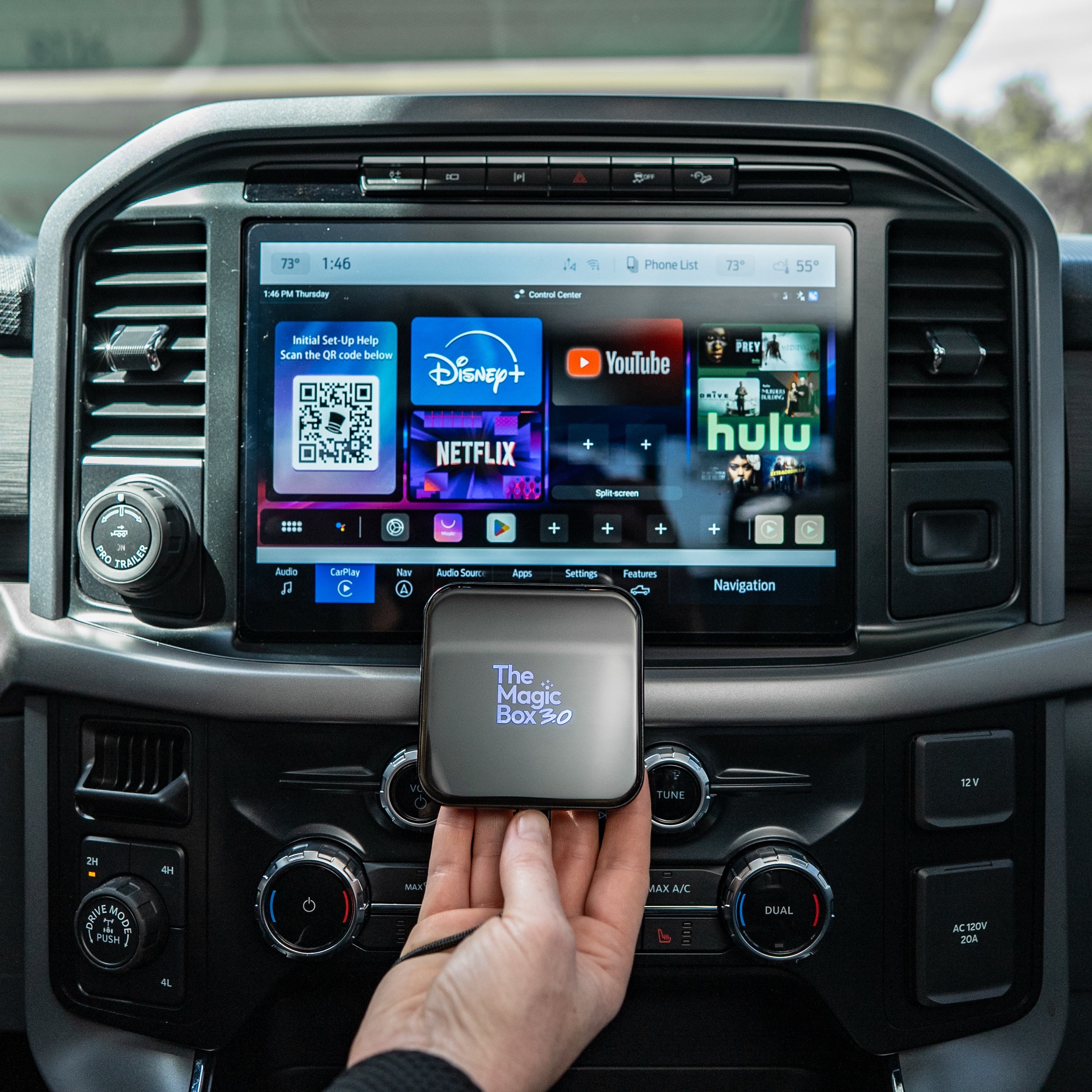
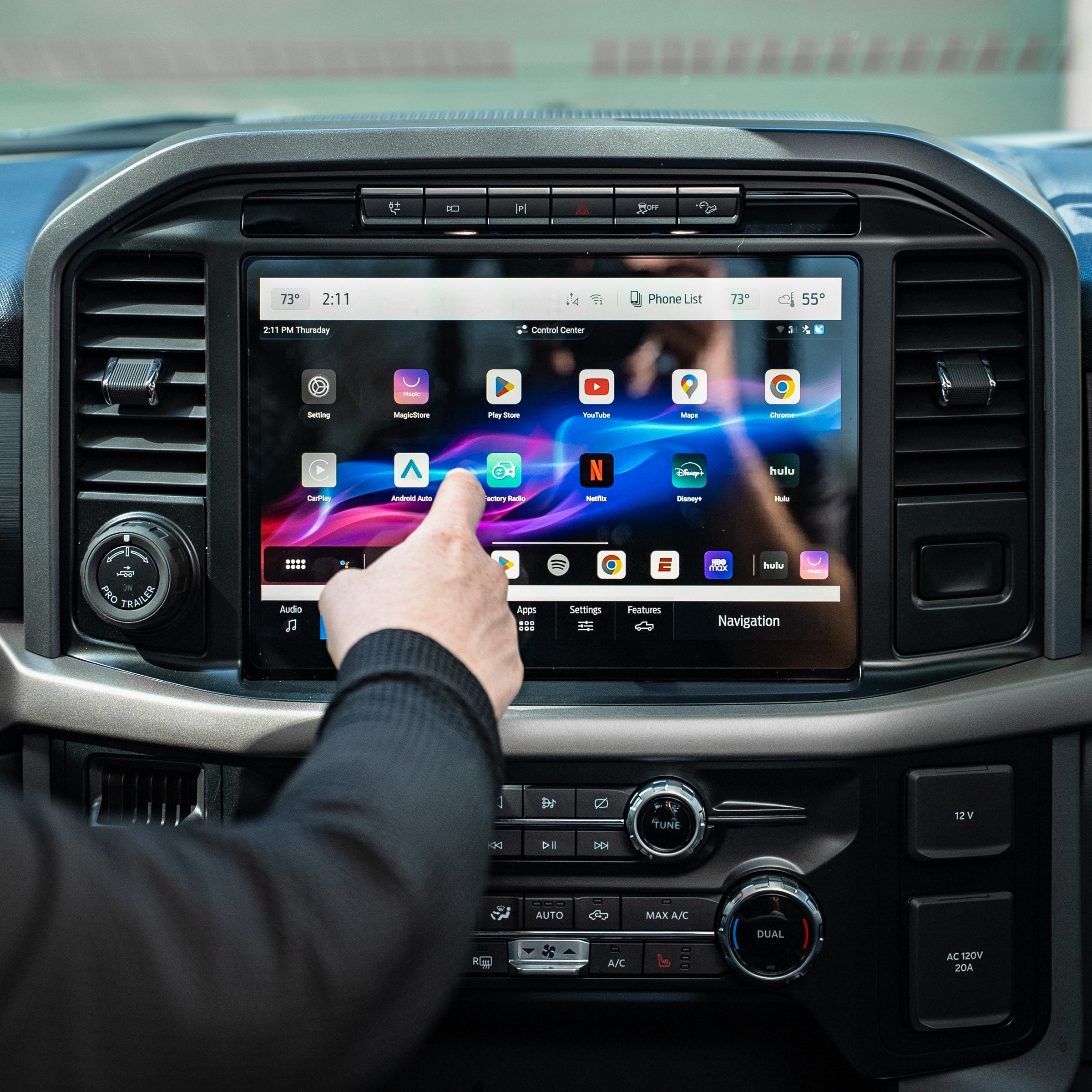
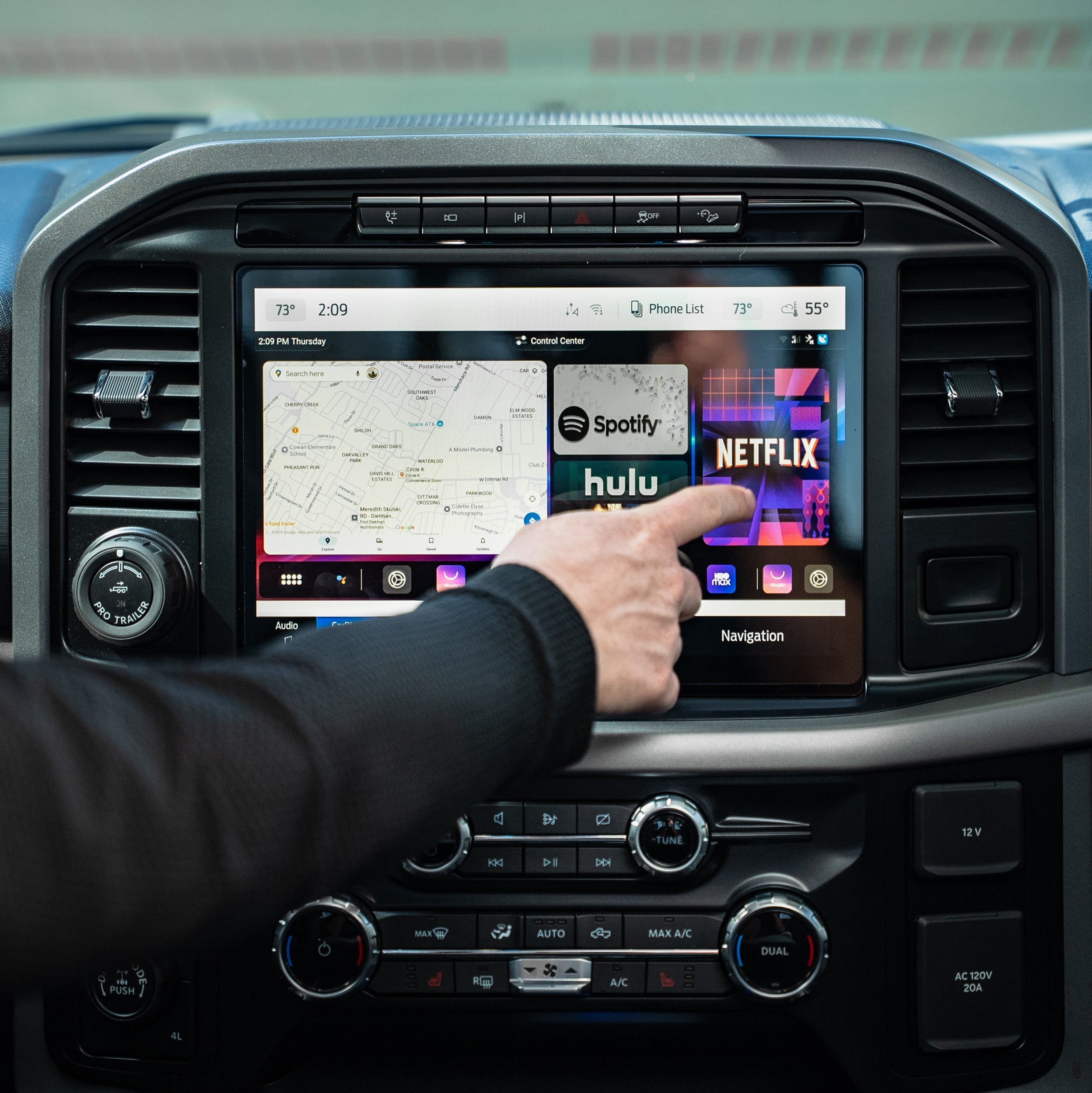
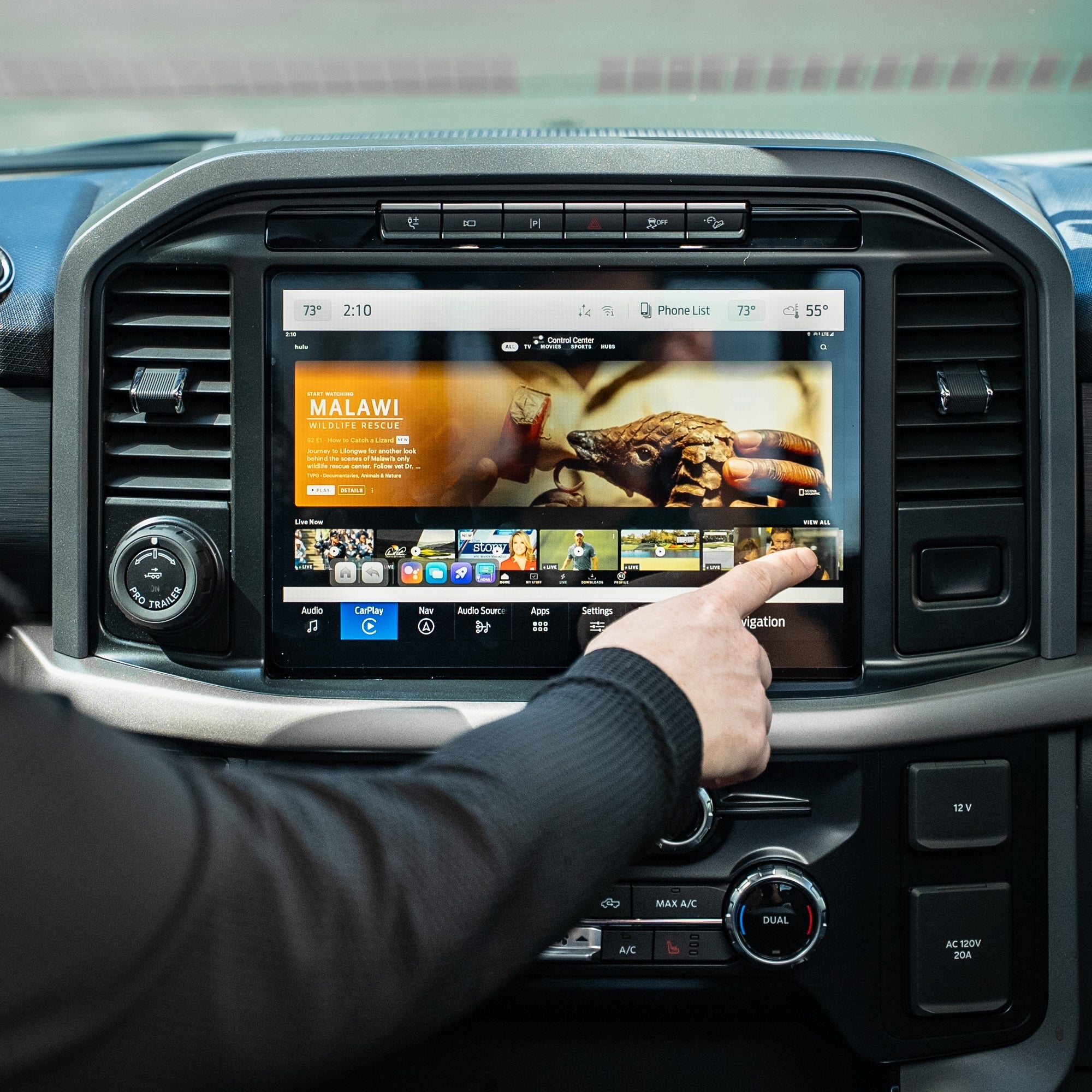
Watch The Magic Box™ 3.0 In Action
FAQs
Not finding your question? Please read our FAQs page or check out our Help Center 📝
Does The Magic Box 3.0 require a subscription?
The Magic Box 3.0 does not require a paid subscription. However, in order to connect to the internet you need either a phone hotspot, car wifi, or sim card. Magic Mobile our own verified data SIM Card network we provide that gives you unlimited data. Every device has a pre-installed SIM card for easy setup and usage.
Will this work in my vehicle?
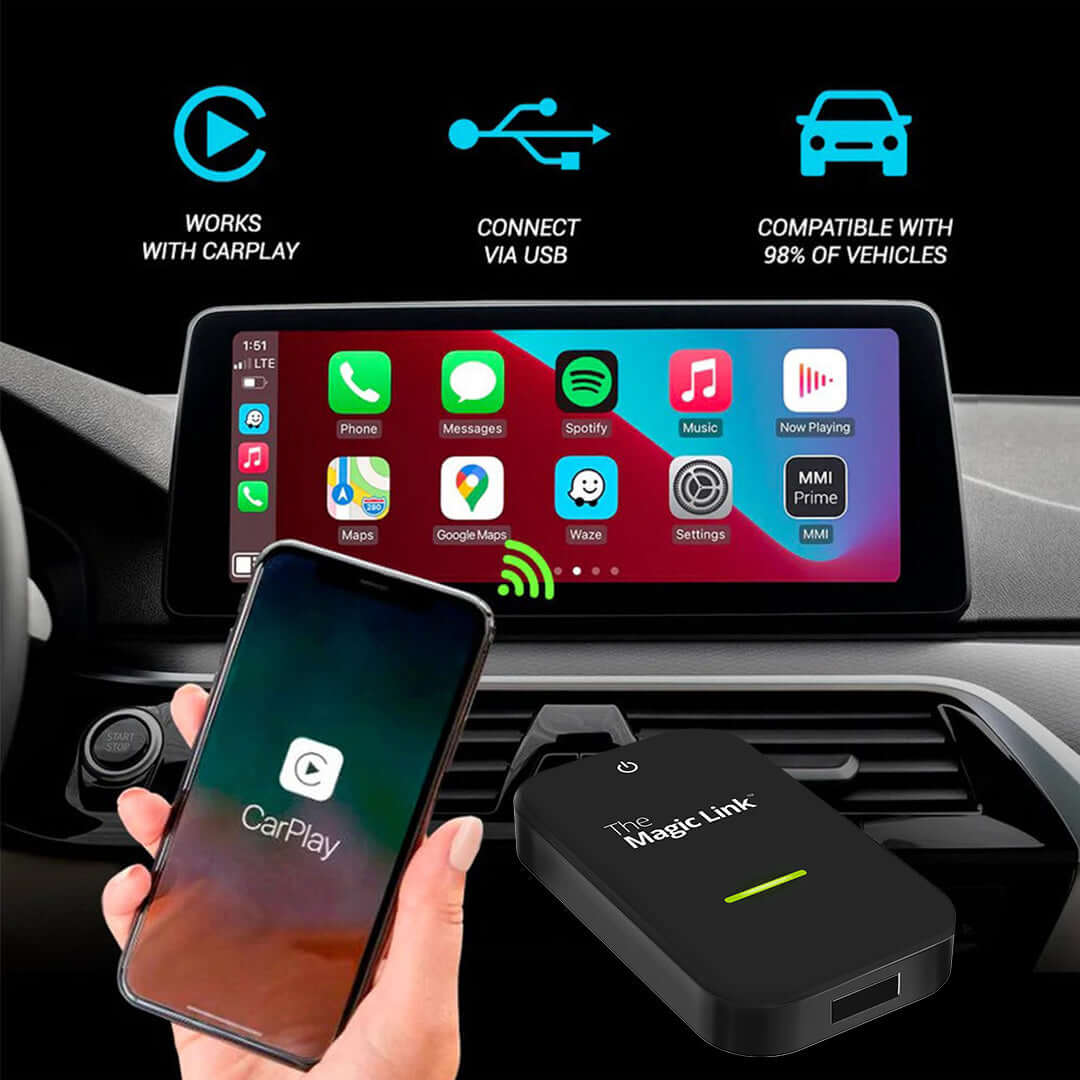
The Magic Box™ 3.0 requires a wired Apple CarPlay connection to work in your vehicle. You can check our extensive compatibility list at the top of this page near the add to cart buttons.
Aftermarket head units from Alpine, Kenwood, and Pioneer are also supported.
If you are still unsure, please reach out to our support team with your vehicle make, model, and year for verification.
How quickly can I set it up?
Most customers get it up and running within a few minutes. It’s plug & play with minimal setup required, similar to a new phone to establish basic settings.
How fast is shipping & where does it ship from?
Is The Magic Box™ 3.0 compatible with my car?
The Magic Box™ 3.0 requires a wired Apple CarPlay connection to work in your vehicle. You can check our extensive compatibility list at the top of this page near the add to cart buttons.
Aftermarket head units from Alpine, Kenwood, and Pioneer are also supported.
If you are still unsure, please reach out to our support team with your vehicle make, model, and year for verification.
Do I need any additional apps to make it work?
Nope, we've pre-installed the most popular streaming apps to the box for you. The Google Play store is accessible from the box to download any app if you wish.
In order to access the streaming options, you will need a WiFi signal from mobile hotspot, SIM card, or in-vehicle internet.
The streaming apps still require an active subscription with those streaming providers, we do not give supply a free account to those apps.
Will it work on iPhone & Android?
Yes, The Magic Box™ 3.0 works great with both iPhone & Android. We simply use the CarPlay channel to allow our device to function so even if you have an Android phone, you'll still click into CarPlay from your display screen.
How to watch Netflix from Apple CarPlay?
Simply download the Netflix app within the Google Play Store within the Magic Box device. Log into your account and start streaming your favorite shows.
How to play videos on CarPlay?
Turn your cars display screen into a smart TV using The Magic Box™ 3.0. Simply plug The Magic Box™ 3.0 into your car's USB port and the regular CarPlay or Android Auto screen will be replaced with ours. Download any app and start streaming with The Magic Box™ 3.0.
- DCDarnell C.Verified BuyerReviewingThe Magic Box™ 3.0I recommend this productWhat is your vehicle make? GMCWhat year is your vehicle? 2023What is your favorite feature? Watch Live TV, Split-screen, Wireless CarPlayRated 5 out of 5 stars3 days agoAmazing product. Super awesome
Complete opinionated review. This is fabulous product
The overall experience so far is beyond what we could ask for in an advertisement / 2buying product.
Phenomenal
- AKAri K.Verified BuyerReviewingThe Magic Box™ 3.0I recommend this productWhat is your vehicle make? HyundaiWhat year is your vehicle? 2023What is your favorite feature? Watch Live TV, Entertain PassengersRated 5 out of 5 stars4 days agoI have two of these now!
Very happy with magic box 3.0. It’s true what they say about the cheap versions on Amazon, I bought one of those first and had all kinds of connectivity issues and crashing apps.
I will say that the Support at Magic box has been amazing. I needed some help setting it up the first time, and it was a person that answered in San Diego on the fourth or fifth ring and walked me right through everything. It wasn’t just the one time, when I configured the second car with it I needed some help, and same thing they were able to answer super fast and it was alive person that was US based. Emails are answered within a day at most.
When I purchased for my 2nd car, I bought the wireless version of it and it didn’t work well; magic box support replaced with a wired version within a couple of days.
- EMEric M.Verified BuyerReviewingThe Magic Box™ 3.0I recommend this productWhat is your vehicle make? ToyotaWhat is your favorite feature? Watch Live TV, Split-screenRated 5 out of 5 stars4 months agoFANTASTIC
I love it. I use it responsibly. I use the magic box 3.0 for CarPlay exclusively now. Boots right in. Only sometimes does it hang up or do I have to reboot the radio to make it all sync up but it’s really almost to be expected from using an aftermarket peripheral device like this based in android. I hit the little rocket and it cleans the device right up. The small minor issues are not deal breaker’s whatsoever. About to give it a good testing this summer, Can’t wait for future generations to get slimmer and faster and the ability to add to existing phone plan! But I am very happy with this! I had a competitor’s product and this blows it out of the water! So, if you are on the fence… I’m frugal and this is the one!!!! No buyer’s remorse!
- RRichardVerified BuyerReviewingThe Magic Box™ 3.0I recommend this productWhat is your vehicle make? GMCWhat is your favorite feature? Watch Live TVRated 4 out of 5 stars4 months agoMagic in a box
Love the abilities of the magic box. Have to work out some kinks with the service plans and glitching. Overall……Very very good.
- BFBilly F.Verified BuyerReviewingThe Magic Box™ 3.0I recommend this productWhat is your vehicle make? LexusWhat is your favorite feature? Watch Live TV, Split-screenRated 5 out of 5 stars5 months agoMasters Weekend
Worked great to watch the Masters on our road trip to and from Kansas City.
You may also like
The Magic Box™ 3.0 (Wireless CarPlay Only)