1080P Rear Seat Camera for The Magic Box 3.0
The Magic Monitor
✓ See your back seat live: View your child or pet on your car's existing screen, day or night.
✓ Built into Magic OS: Open the camera directly from your Magic Box 3.0. No separate screen or app required.
✓ Keep navigation visible: Use full-screen, split-screen, or picture-in-picture while you drive.
✓ Private by design: Live view only. Nothing is recorded, saved, or uploaded.
Don't have a Magic Box 3.0 (select one of the items below to use)
🟢 Order by 3pm ET for same-day shipping · Mon–Fri
The Magic Monitor
Description
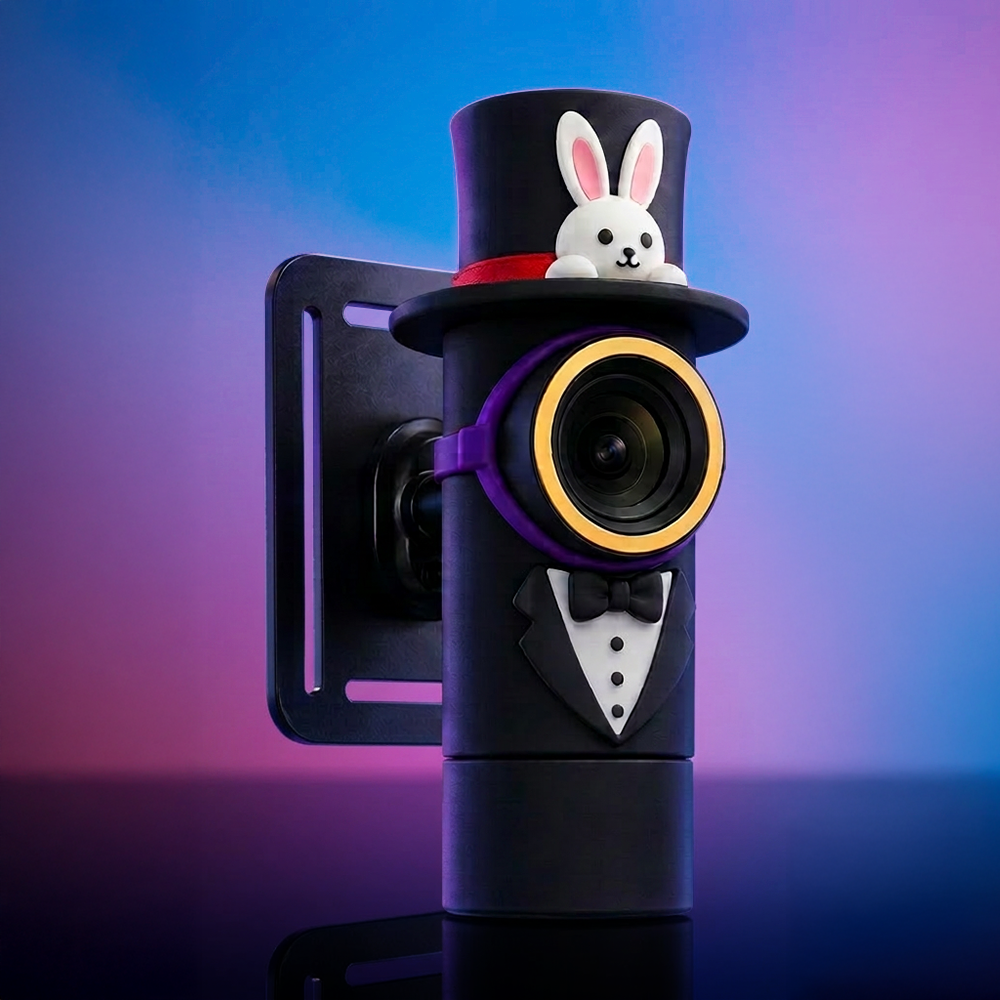
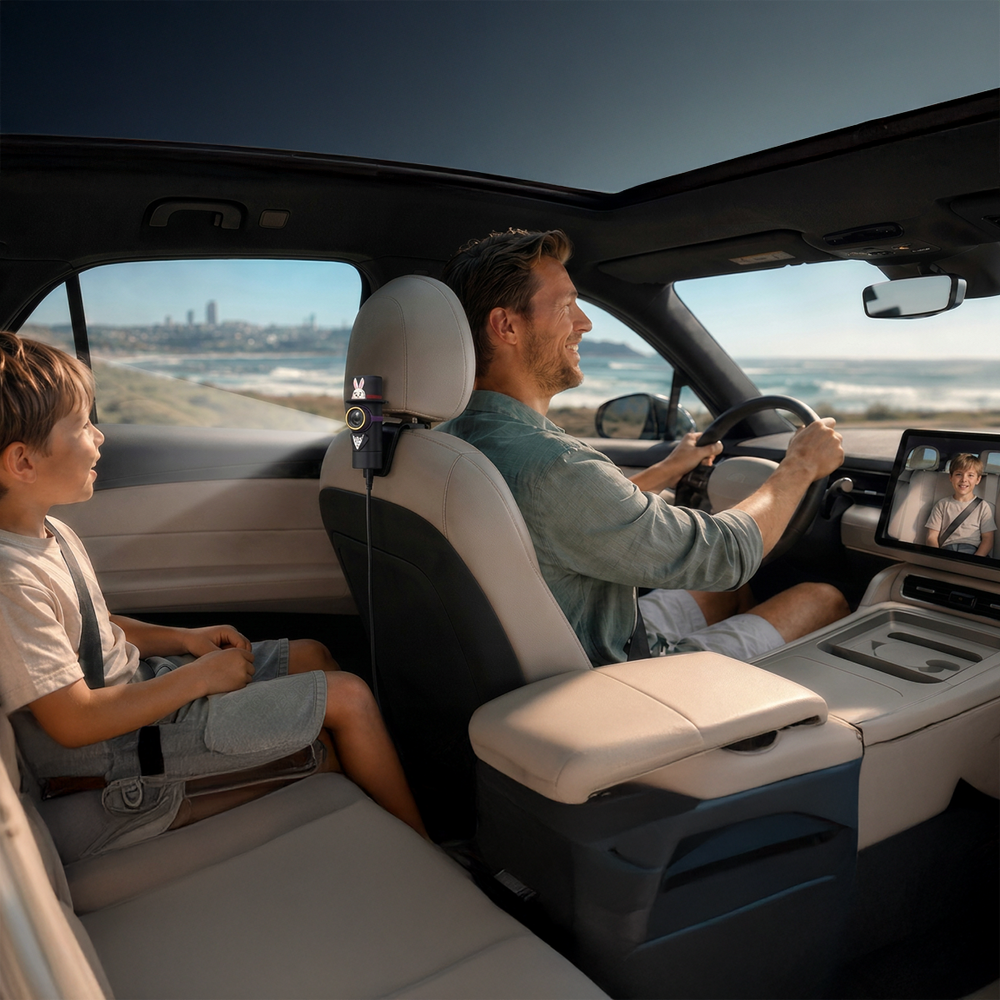
The Magic Monitor puts a live 1080P view of your back seat on your car screen via The Magic Box 3.0. Clip the camera to the headrest, and you can check on a kid or a dog without turning around.
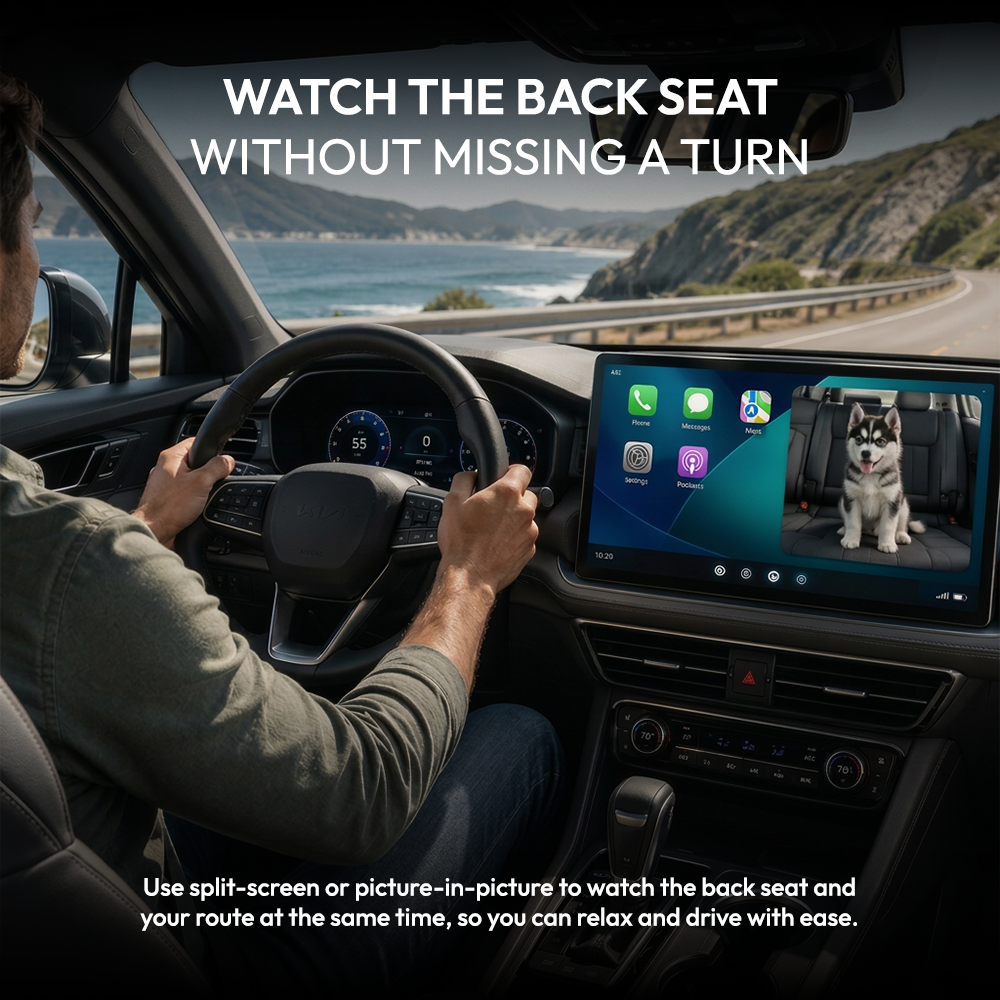
Split-screen and picture-in-picture let you keep your route and your back seat on the display at the same time.
Infrared night vision keeps the picture clear after dark. Nothing is recorded and nothing is uploaded. The feed goes from the camera to your dashboard and stops there.
*Required Software Versions on Magic Box 3.0*
The Magic Box 3.0: 20260717
The Magic Box 3.0 Wireless: 20260718
What's Included
Shipping & Returns
Your back seat, right on your car screen
The Magic Monitor puts a live 1080P view of your back seat on the screen your car already has. Clip the camera to the headrest, and you can check on a kid or a dog without turning around.
Split-screen and picture-in-picture let you keep your route and your back seat on the display at the same time.
Infrared night vision keeps the picture clear after dark. Nothing is recorded and nothing is uploaded. The feed goes from the camera to your dashboard and stops there.
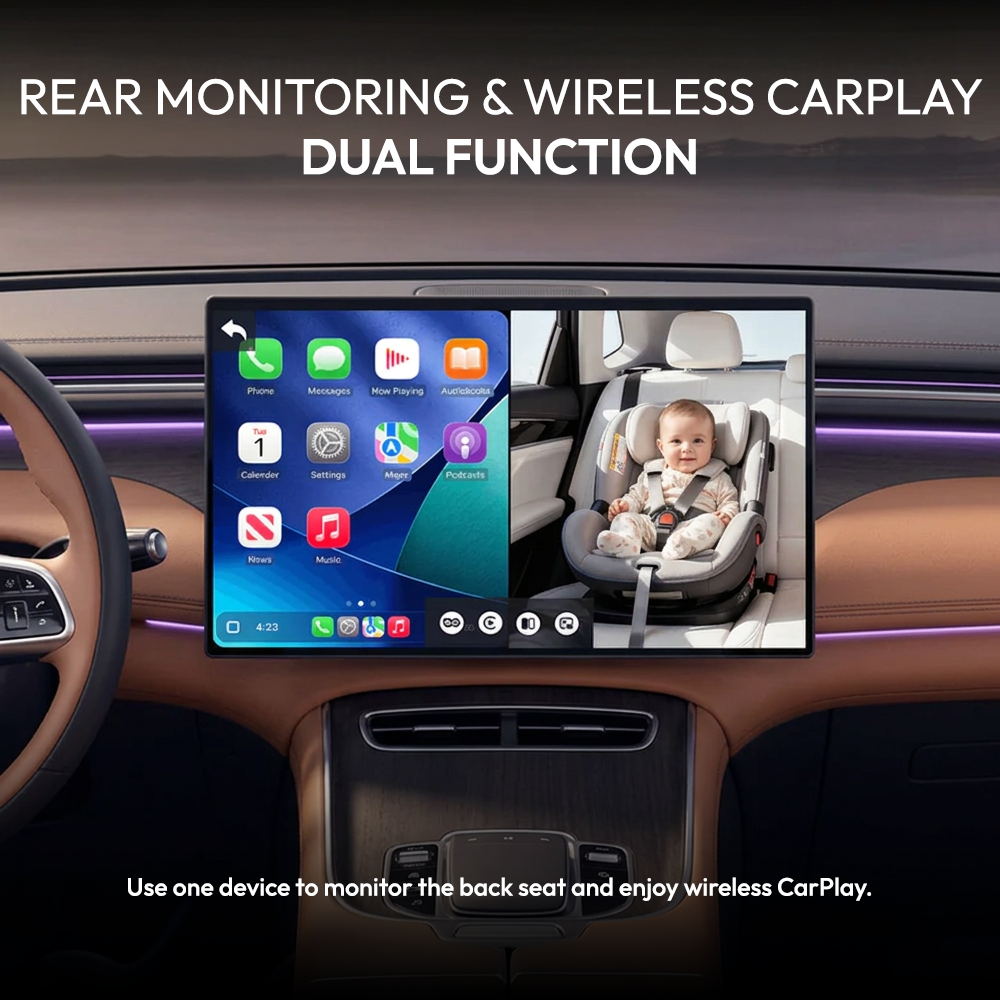
Your CarPlay and back seat, on one screen
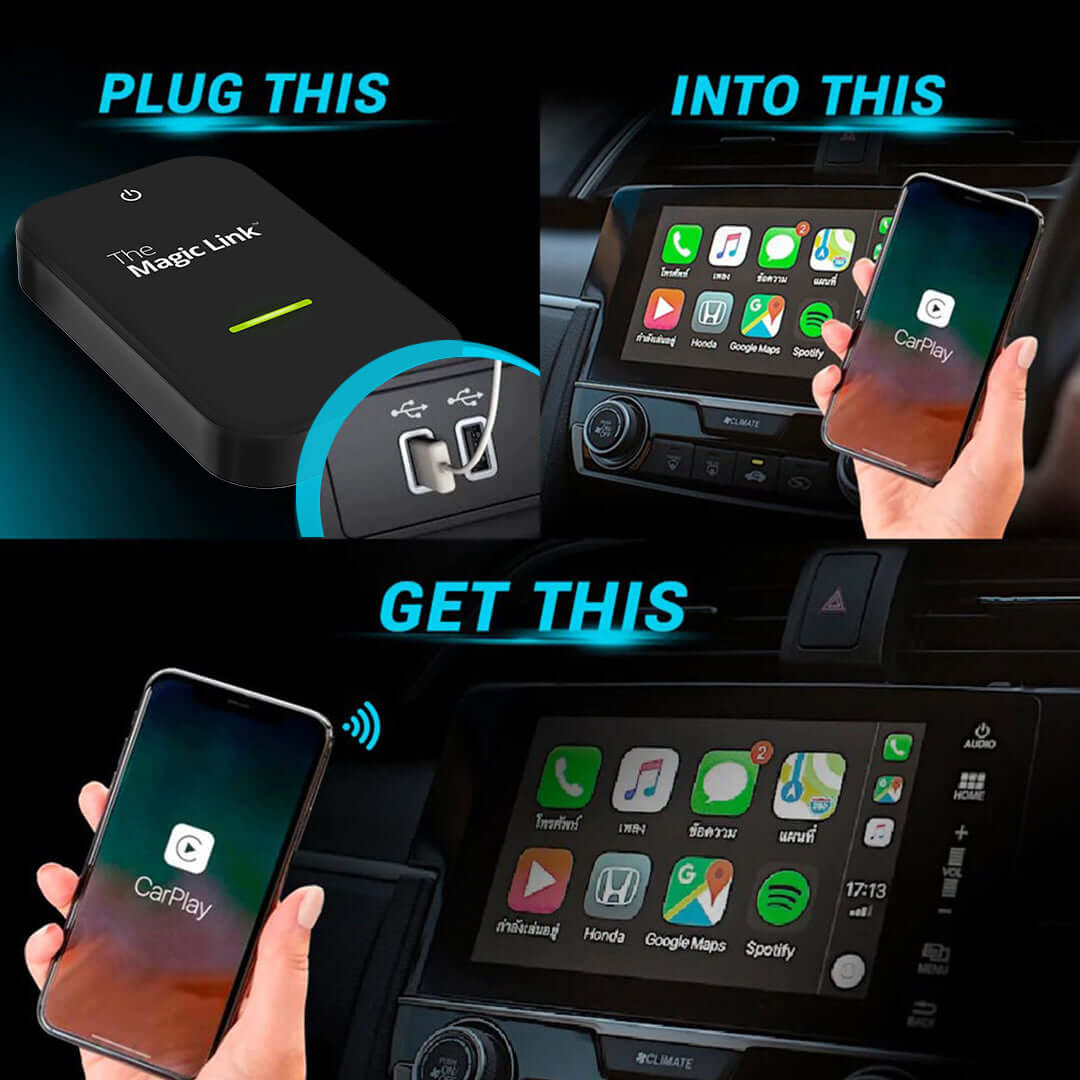
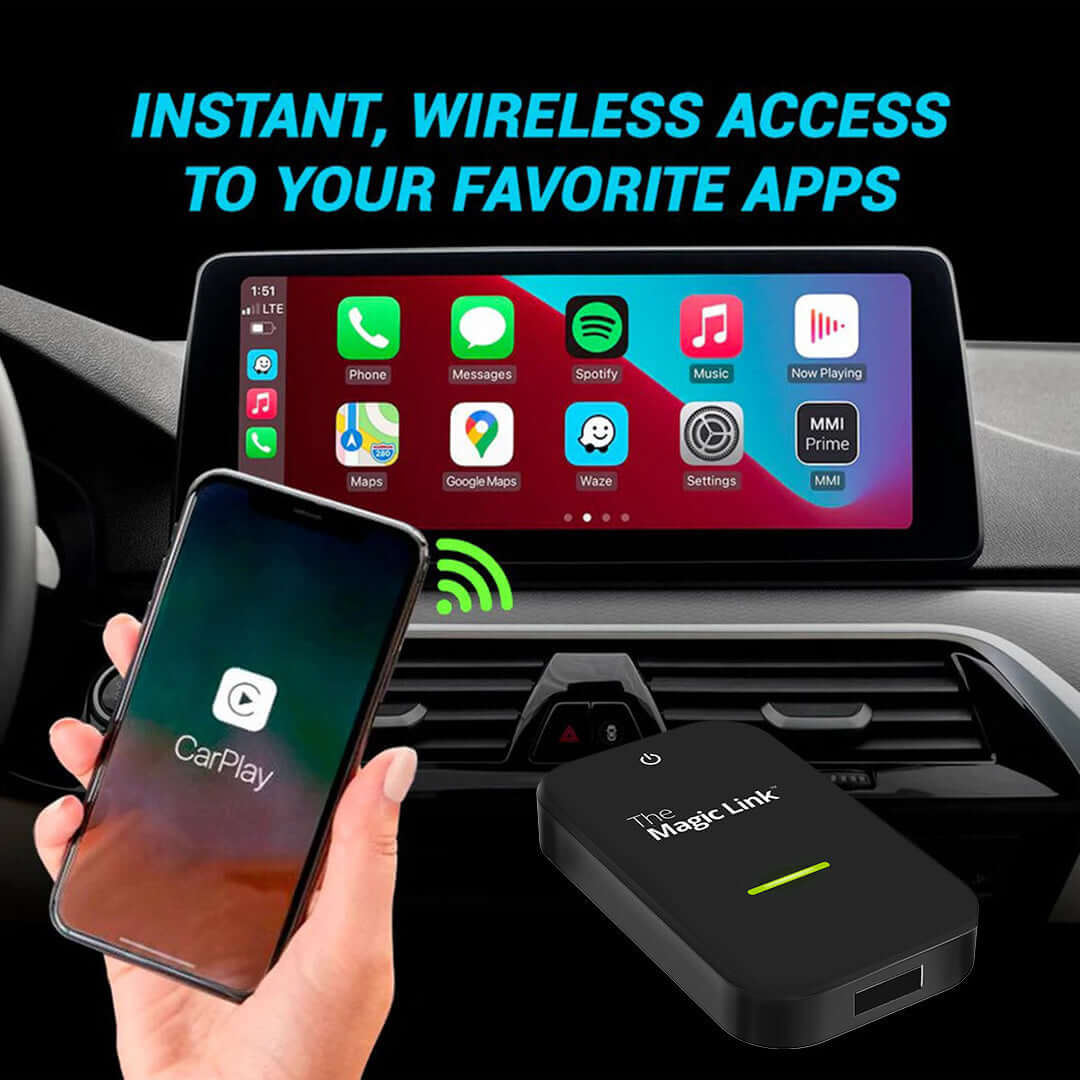
Your Magic Box 3.0 already brings wireless CarPlay to your dashboard. The Magic Monitor adds a live rear-seat camera inside Magic OS, so you can keep navigation, calls, and music on screen while checking on the back seat.
Watch the back seat without missing a turn
Split-screen puts your route and your rear view side by side. Picture-in-picture tucks the camera into a corner while navigation runs full size. You stop choosing between the two.
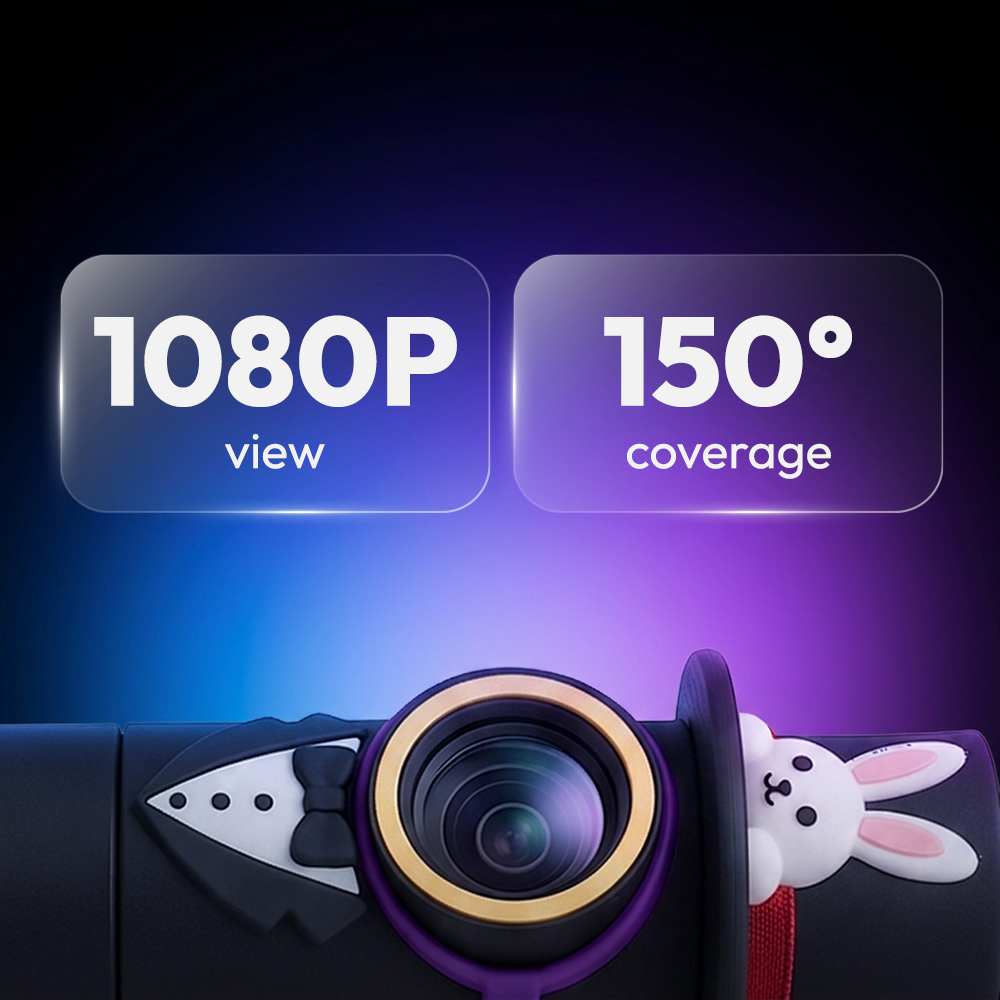
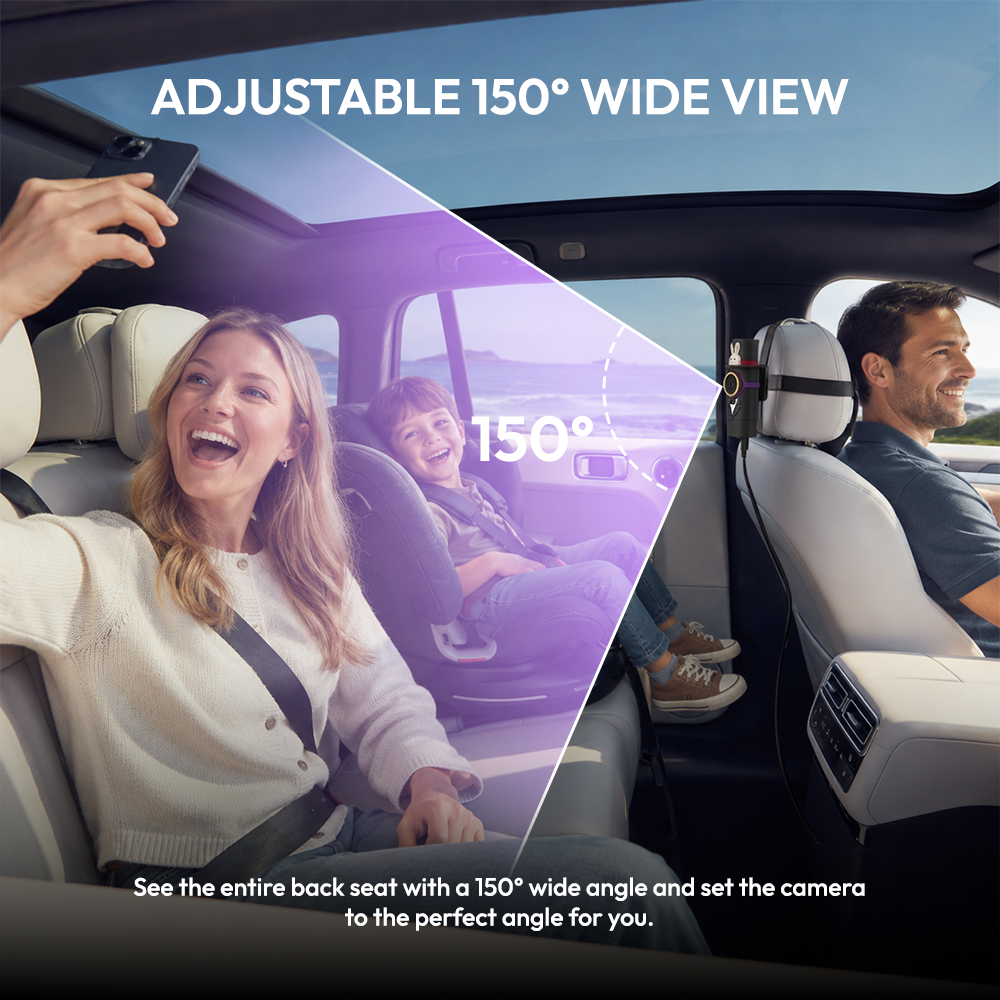
1080P view. 150° coverage.
Sharp enough to see whether their eyes are open. Wide enough to catch both car seats, the dog, and whatever just got thrown at the window. Tilt the lens and lock in your angle.
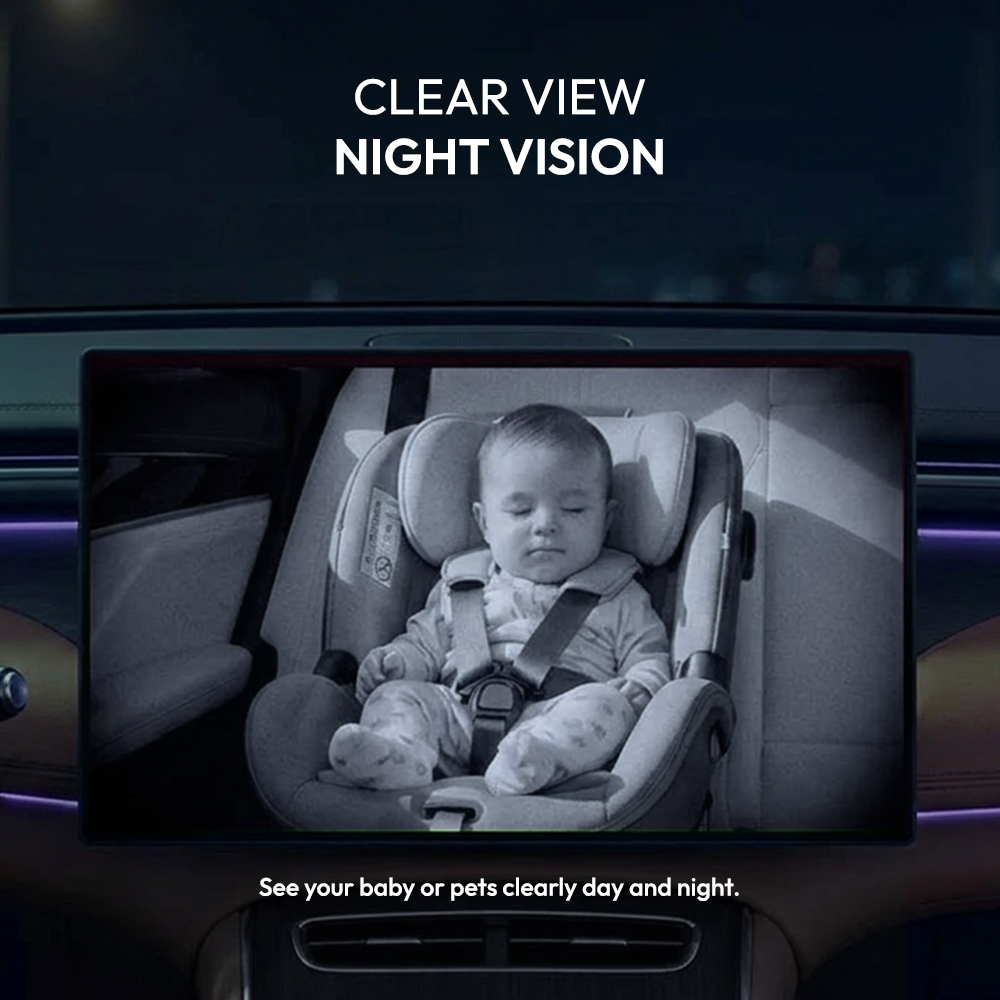
Clear view, day or night
Infrared night vision keeps the back seat visible on the darkest stretch of road. No dome light, no phone flashlight, no waking a sleeping baby just to check on them.
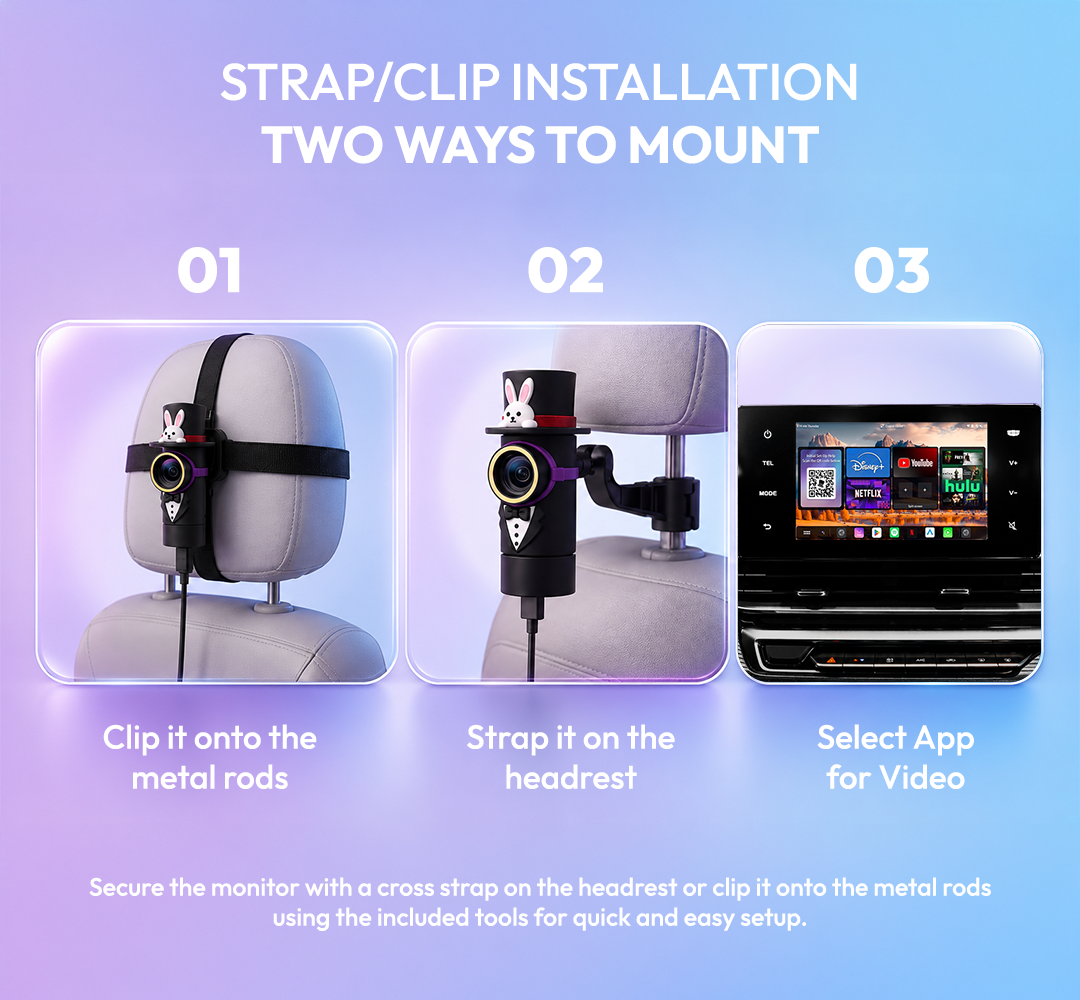
Two ways to mount. Both take a minute.
No tools, no wiring, no trim panels.
Strap it on the headrest
Loop the cross strap around any standard headrest and cinch it down.
Clip it onto the metal rods
Snap the clip onto the headrest posts for a lower, tighter fit.
Plug and play
Connect the camera cable and the adapter to your USB ports. That's the install.

The details
| Resolution | 1080P |
| Field of view | 150° adjustable |
| Night vision | Infrared |
| Display modes | Full screen, split-screen, picture-in-picture |
| Camera connection | Wired (cable included) |
| Phone connection | Wireless, auto-reconnect |
| Power | Car USB port or portable power bank |
| Updates | Free over-the-air (FOTA) |
| Vehicle requirement | 2016+ with factory wired Apple CarPlay |
| Phone requirement | iPhone |
| Recording | None. Live stream only. |
What's in the box
FAQs
Not finding your question? Please read our FAQs page or check out our Help Center 📝
Will this work in my car?
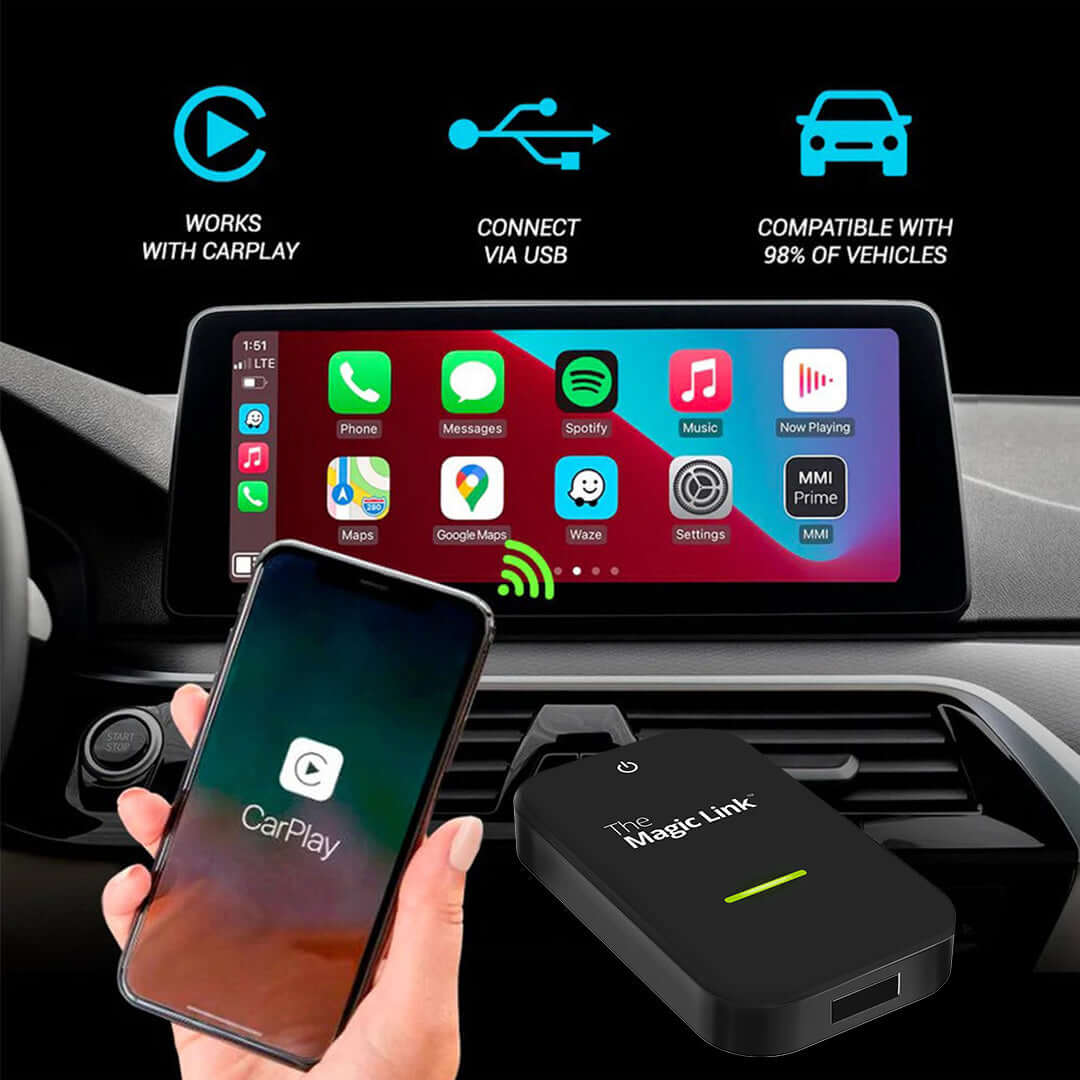
Your car needs factory wired Apple CarPlay and must be a 2016 model year or newer. Quick test: plug your iPhone in with a cable. If CarPlay comes up on your screen, you're good. If your car only has wireless CarPlay, or only Android Auto, this is not the right product for you.
Can I use other Magic Box 3.0 apps while using camera?
Yes, you can split-screen any app on the Magic Box 3.0 while using the camera to monitor your rear seats.
Does it work with Android phones?
Yes, you can use an Android phone. Just connect your phone to The Magic Box 3.0 and navigate to The Magic Monitor app pre-installed on your device.
Do I need a separate screen?
No. That's the point. Everything shows up on the display already in your dashboard.
Is the camera wireless?
The camera connects by cable. The phone connection is wireless directly to The Magic Box 3.0. Make sure both USB ports are data ports, not charge-only.
Is my kid being recorded?
No. The Magic Monitor streams live and stores nothing. There is no recording, no cloud upload, and no app holding footage.
How long does installation take?
About a minute. Strap or clip the camera to the headrest, plug in the two USB connections, done. No tools, no wiring, no trim panels.
Can I use it without CarPlay?
Yes. Camera mode runs independently. Give the camera power and it displays, phone or no phone.
Can I see the back seat and my map at the same time?
Yes. Use split-screen for both at equal size, or picture-in-picture to keep navigation full size with the camera in the corner.
You may also like



The Magic Box™ 3.0 (Wireless CarPlay Only)