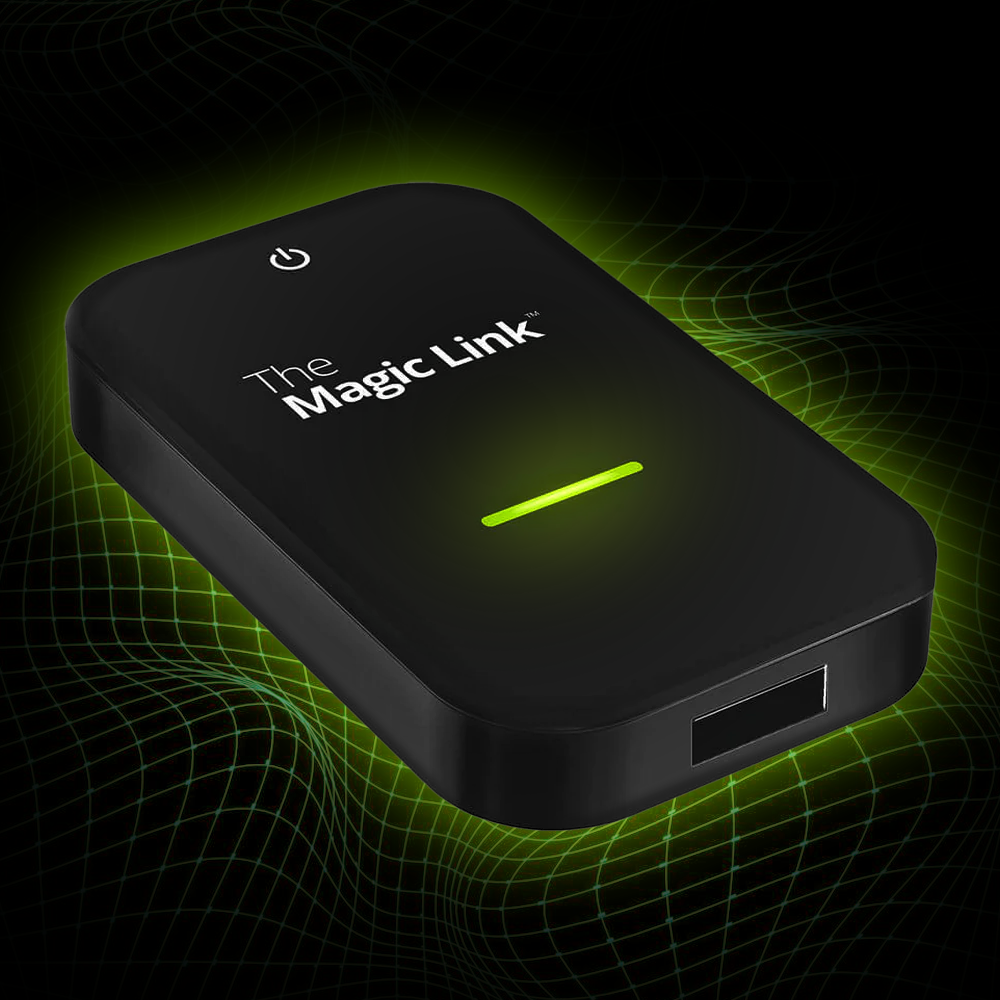


Essentials Kit
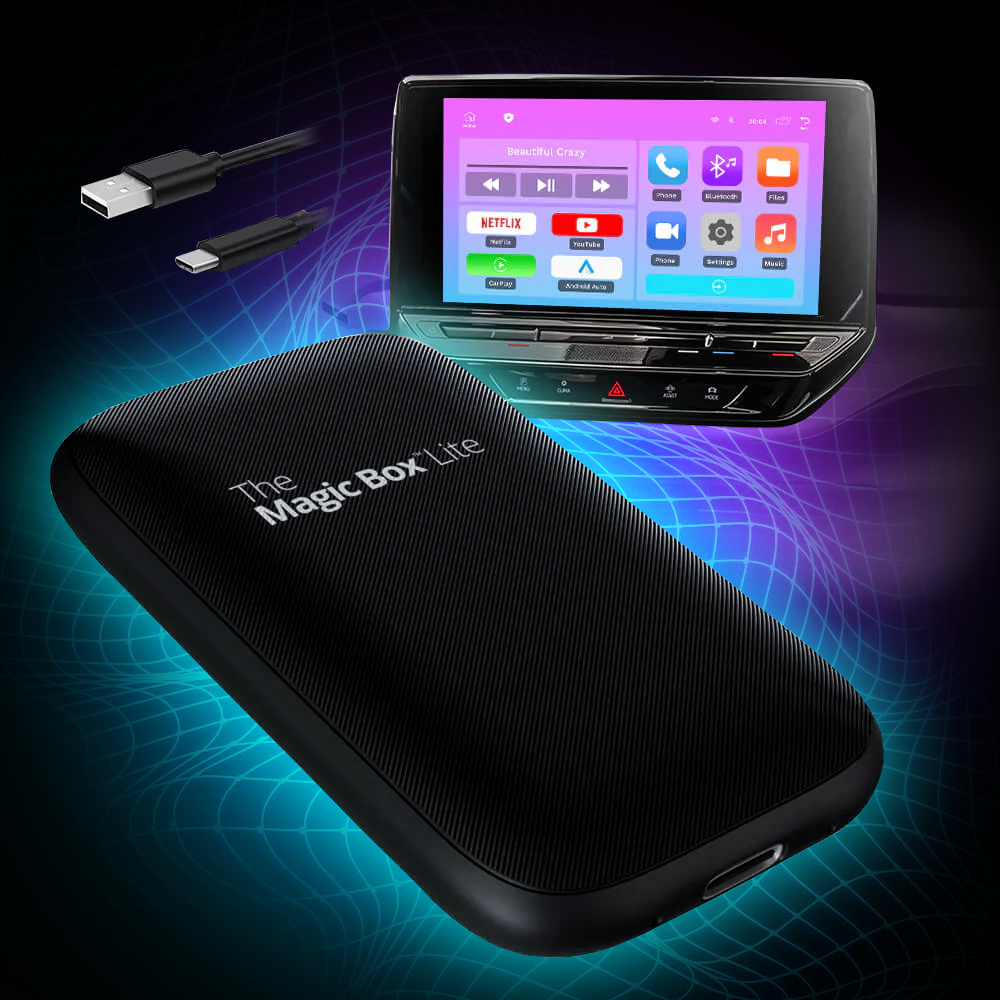
✔ Our most advanced Magic Box ever!
✔ Instant Access to any app on the app store
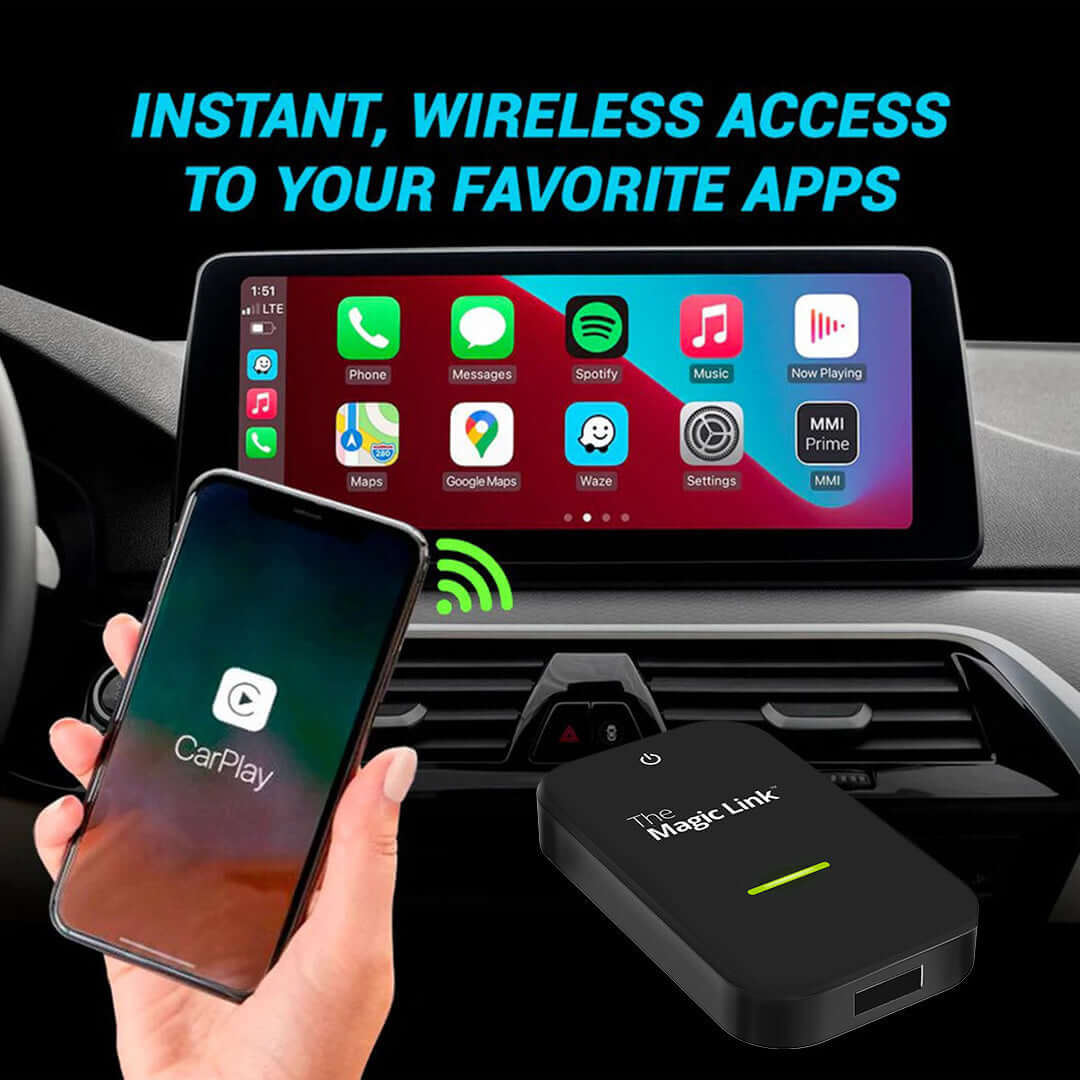
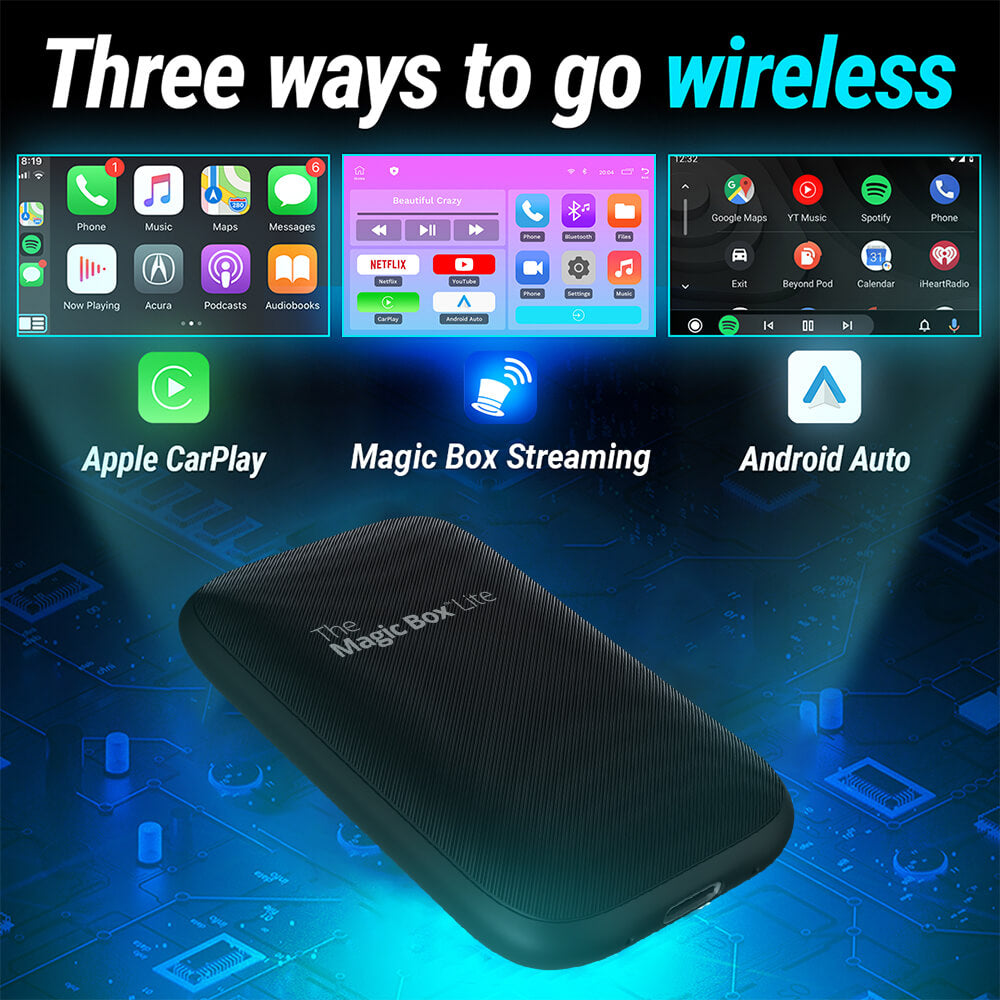
✔ Easy Wireless CarPlay and Android Auto
✔ Free 30-Day Trial of Magic Mobile ($40 value)
✔ Free & easy software updates
Popular Add-Ons
Stream Netflix, YouTube, and Spotify straight to your dash for a month. Added to your cart automatically, nothing to enter.
🟢 Order by 3pm ET for same-day shipping · Mon–Fri
Description
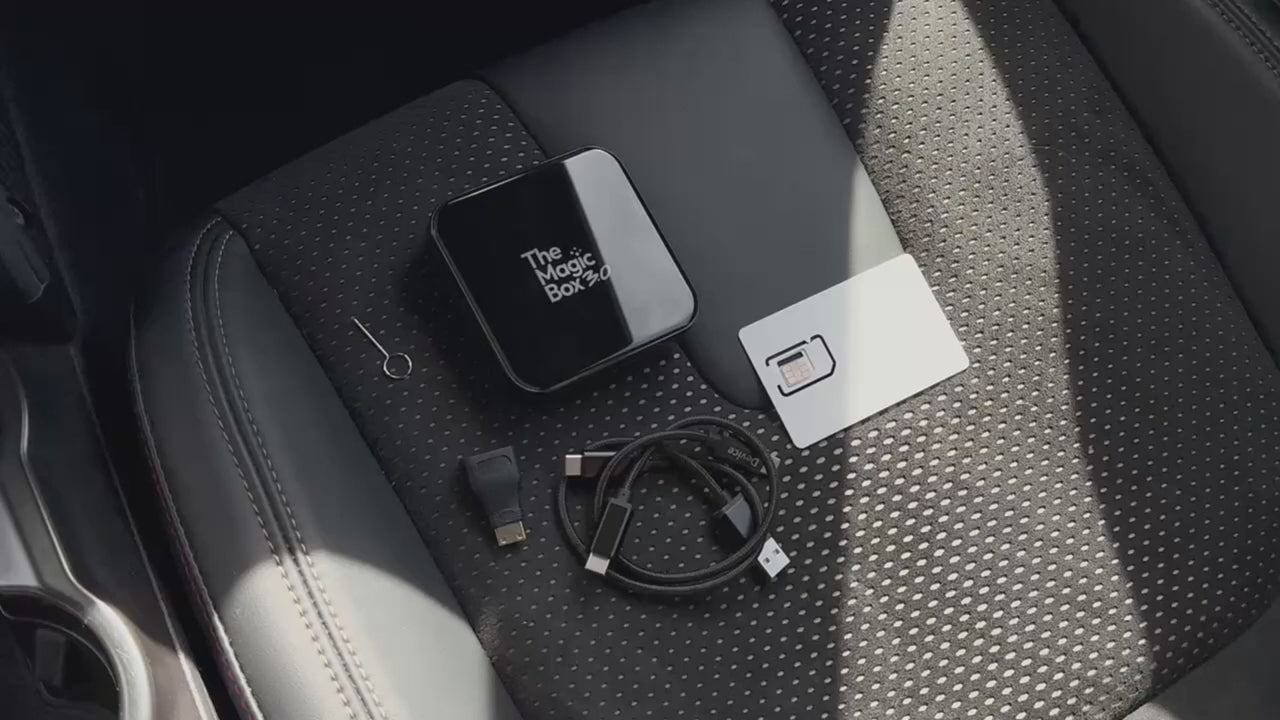
What's Included
Tech Specs
Operating System
– Magic OS 3.0
– Android 13 base
Processor
– SnapDragon 6125 4×Cortex-A73@2.0GHz
– Adreno 610 GPU
Memory
– 8GB DDR4 RAM
– 128GB eMMC ROM
– 256GB Expandable with MicroSD
Connections
– USB-C
– Micro HDMI
– MicroSD
– SIM Card
WiFi / Bluetooth
– BT 5.0 + Wi-Fi 5 (dual channel)
Internet
– LTE Cat-12, download 600Mbps/upload 150Mbps
Video Playback
– 4K@30fps H.265/VP9
Dimensions
– Length (85.6mm)
– Height (85.6mm)
– Depth (21mm)
– Weight (9.7oz)
Shipping & Returns
User Manual
Essentials Kit

New and Improved

|
The Magic Box™ 2.0 | Why It Matters |
|---|---|---|
| 4K resolution | 1080p resolution | Snapdragon CPU supports 4K playback |
| 8GB RAM + 128GB ROM | 4GB RAM + 64GB ROM | Improved ability to handle multiple functions at the same time. |
| Automatic Screen Resizing | Manual Screen Resizing | Device automatically recognizes the screen size and adjusts accordingly |
| Snapdragon 6125 Processor | MTK6765 Processor | Fastest consumer processor on the market to provide iPhone-like speeds |
| Magic OS 3.0 | Magic OS 2.0 | Improved responsiveness to swiping, tapping, and overall functionality |
| Magic Store 3.0 | Magic Store 2.0 | Increased compatibility and easier updating process for apps |
| LTE Cat-12 600Mbps download / 150Mbps upload | LTE Cat-7 300Mbps download / 100Mbps upload | Doubles download & improves upload speeds, and enhances efficiency |
| USB 3.1 Gen1 | USB 2.0 | USB 3.1 + Micro HDMI for easier connectivity with modern devices |

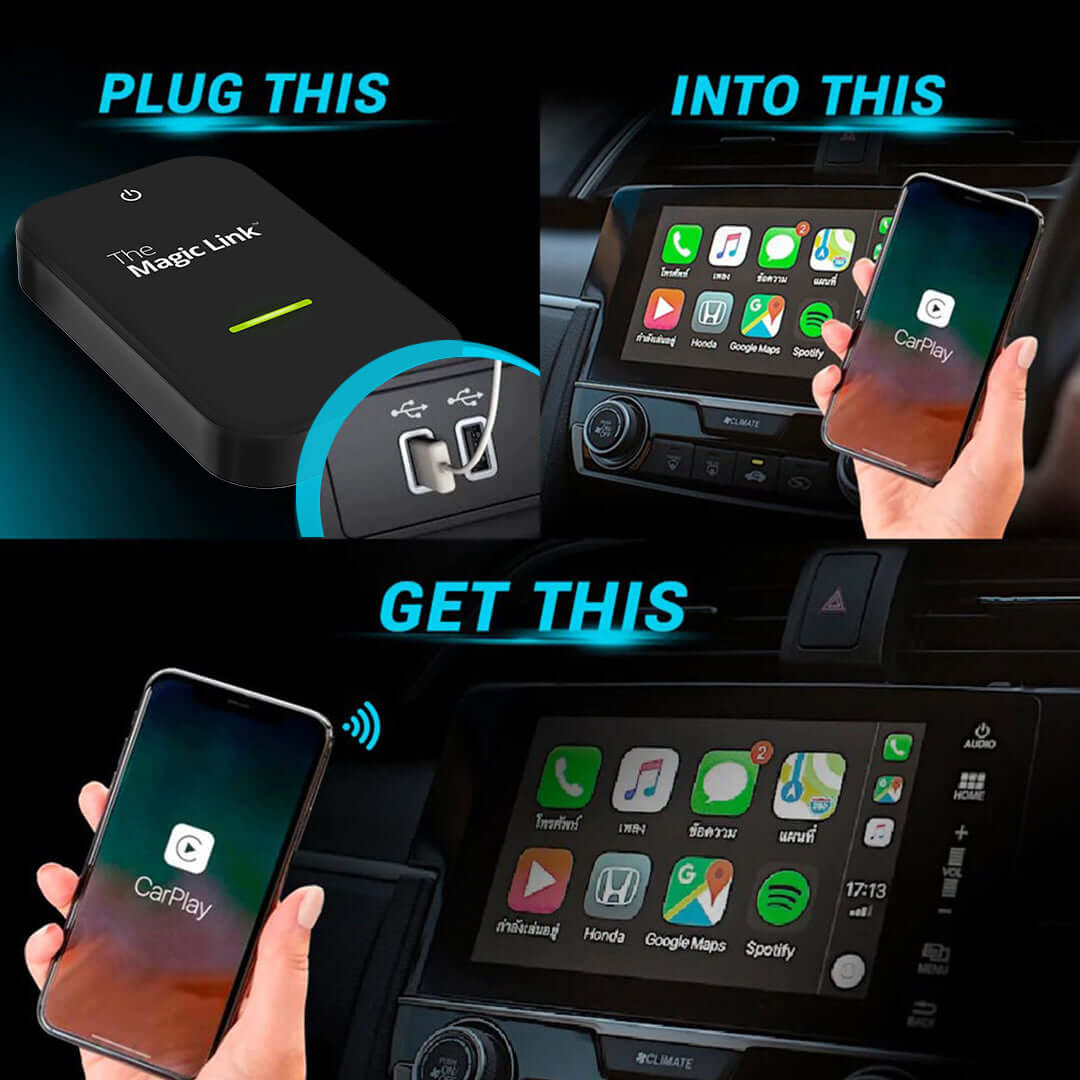
Setup in Three Easy Steps
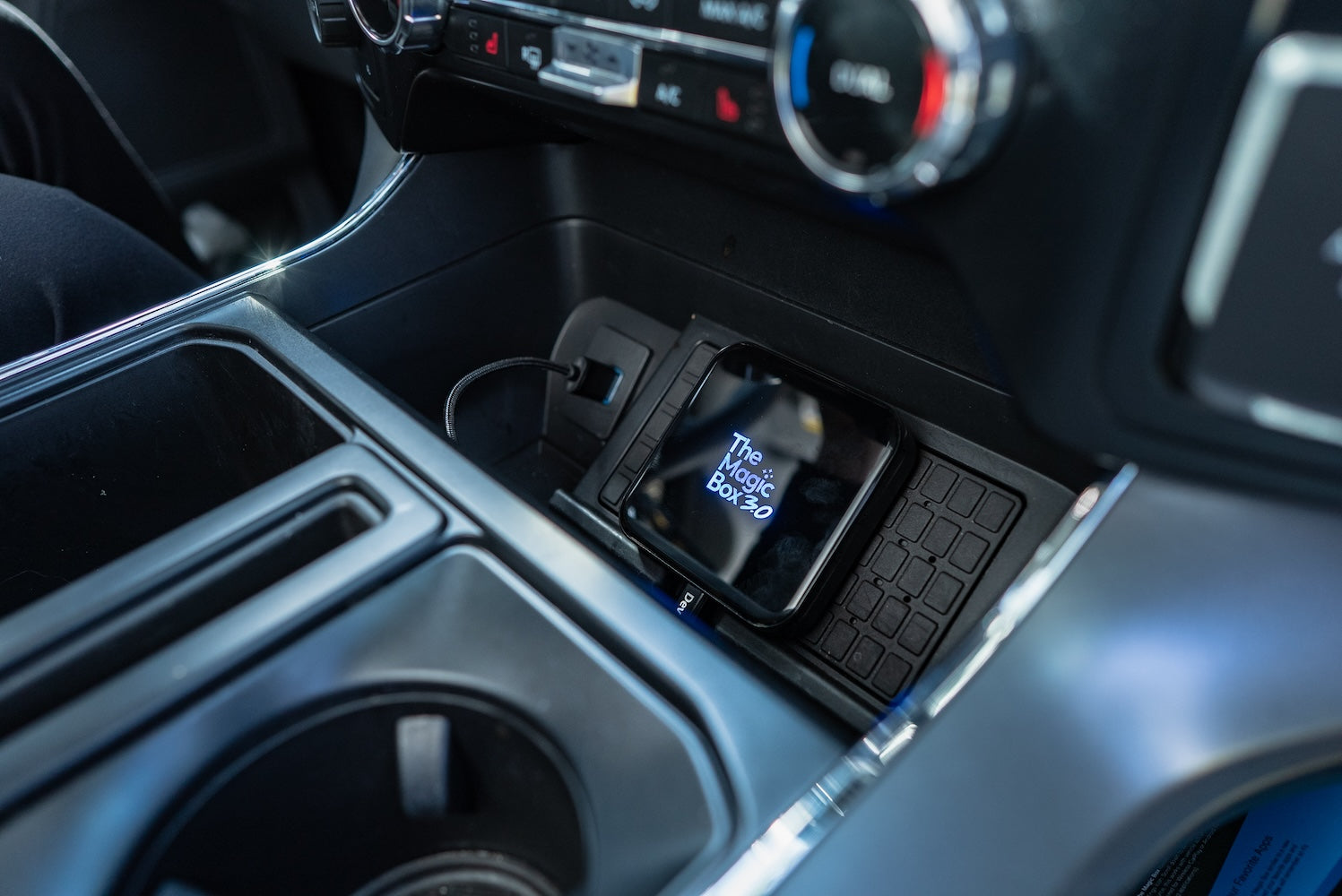
Step 1.
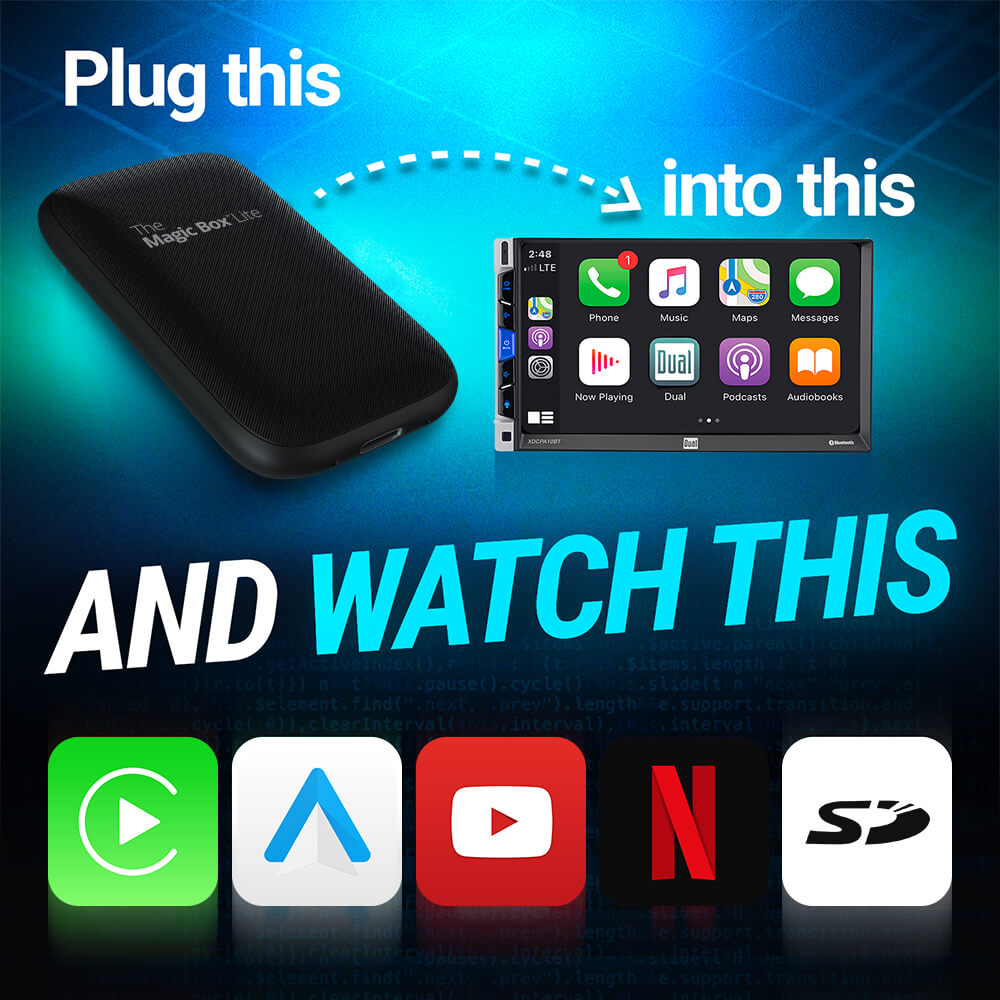
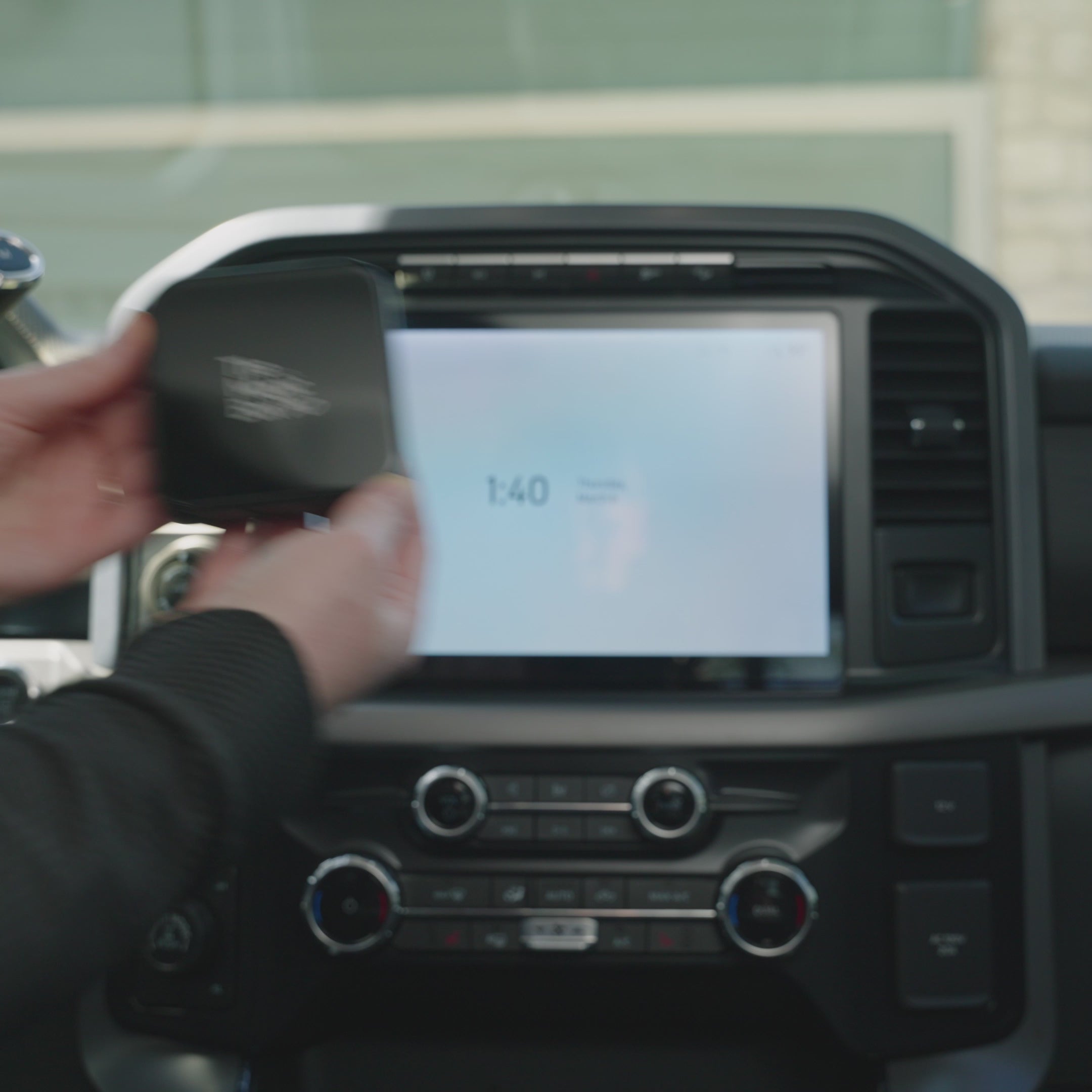
Plug Device into Car
Connect The Magic Box to your car's CarPlay/Android Auto-enabled USB port, using the provided cable.
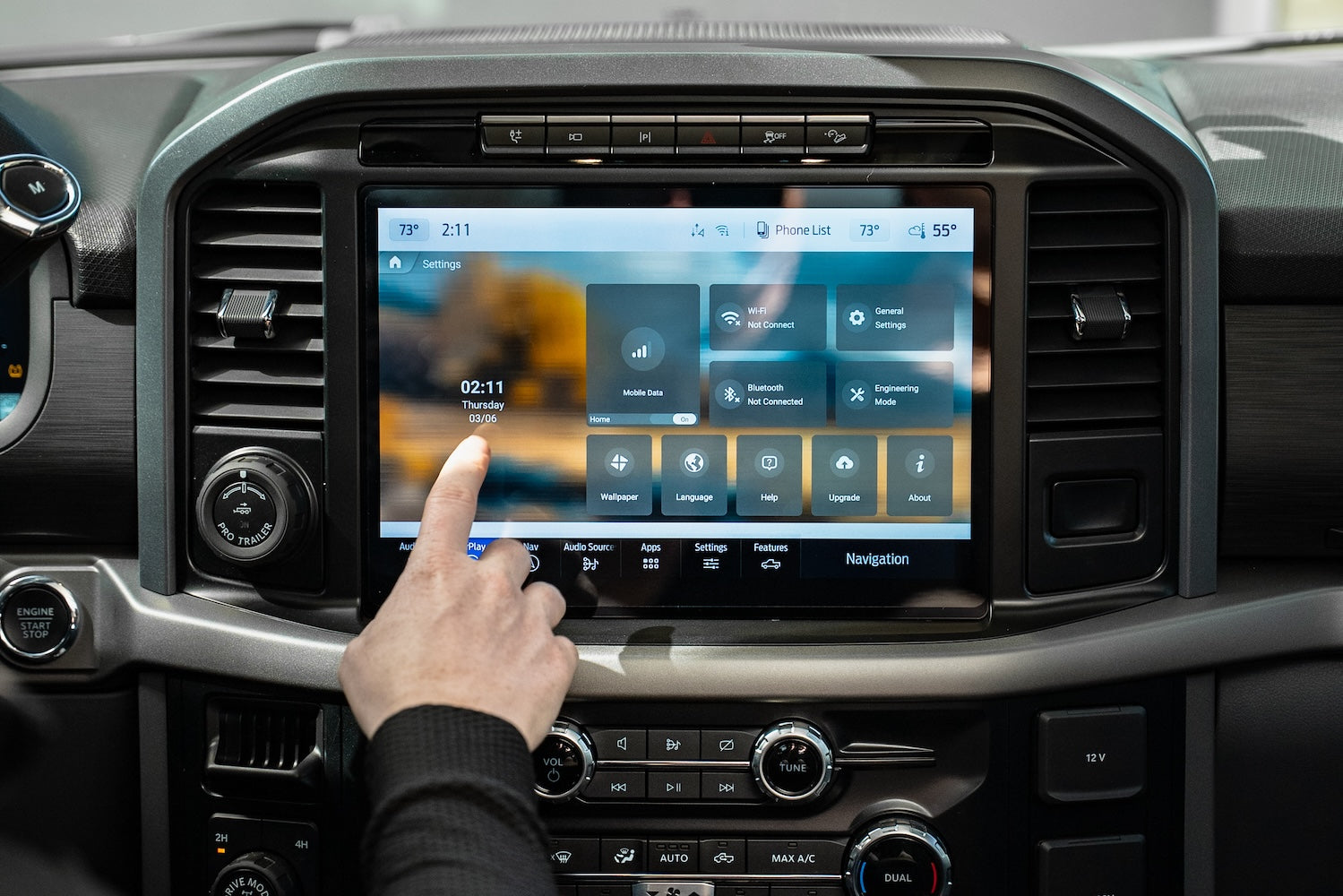
Step 2.
Select Internet Source
Select internet source such as Magic Mobile SIM Card or Mobile Hotspot. This is only necessary for the very first setup.
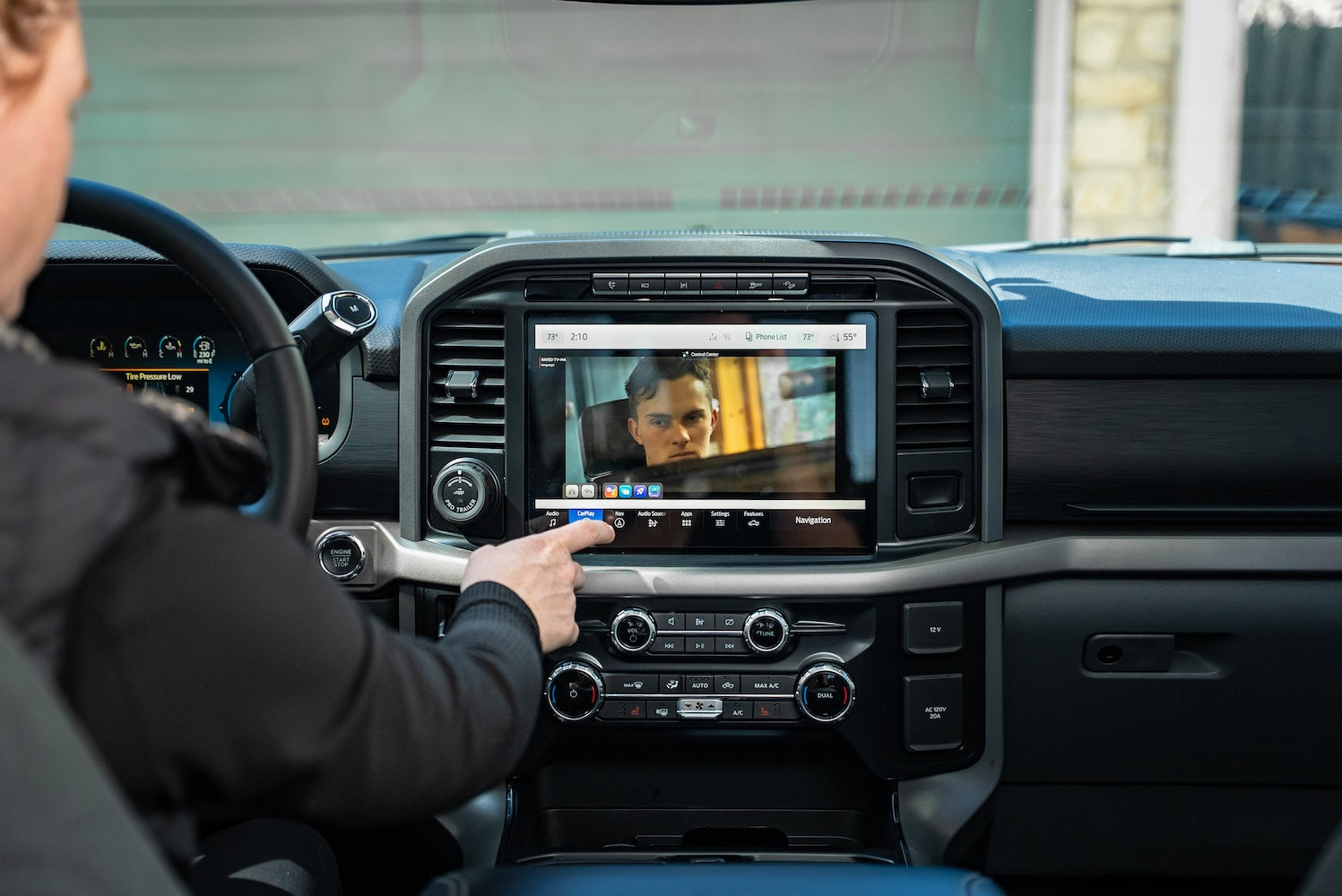
Step 3.
Enjoy Your Favorite Apps
Download your favorite apps from the app store or use our pre-downloaded apps to start streaming!


Bonus Features
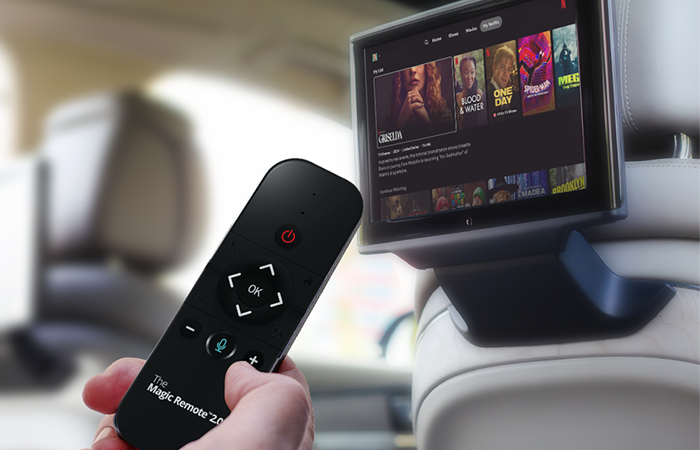
HDMI-Enabled
HDMI-enabled rear seat entertainment
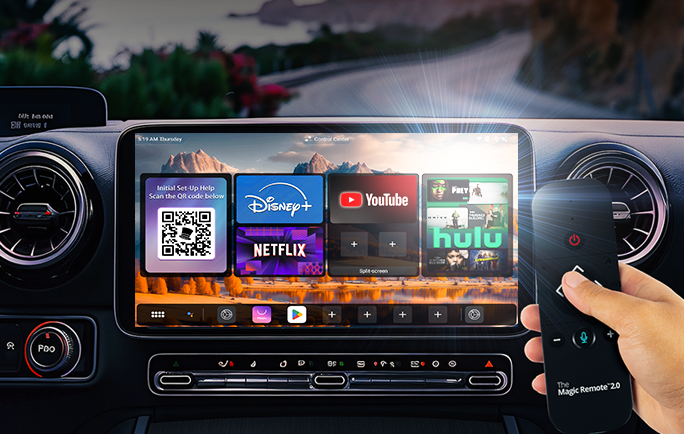
Remote Compatible
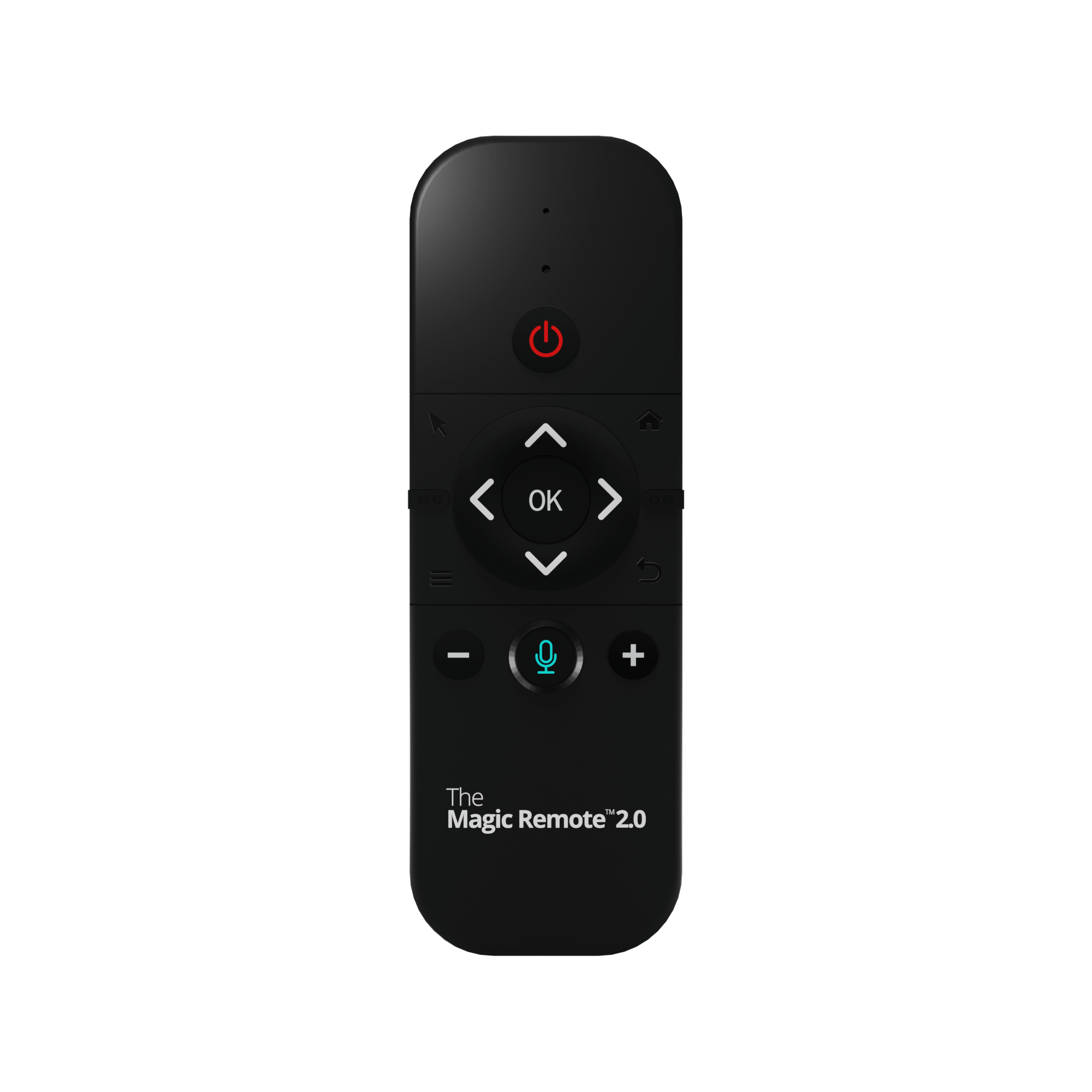
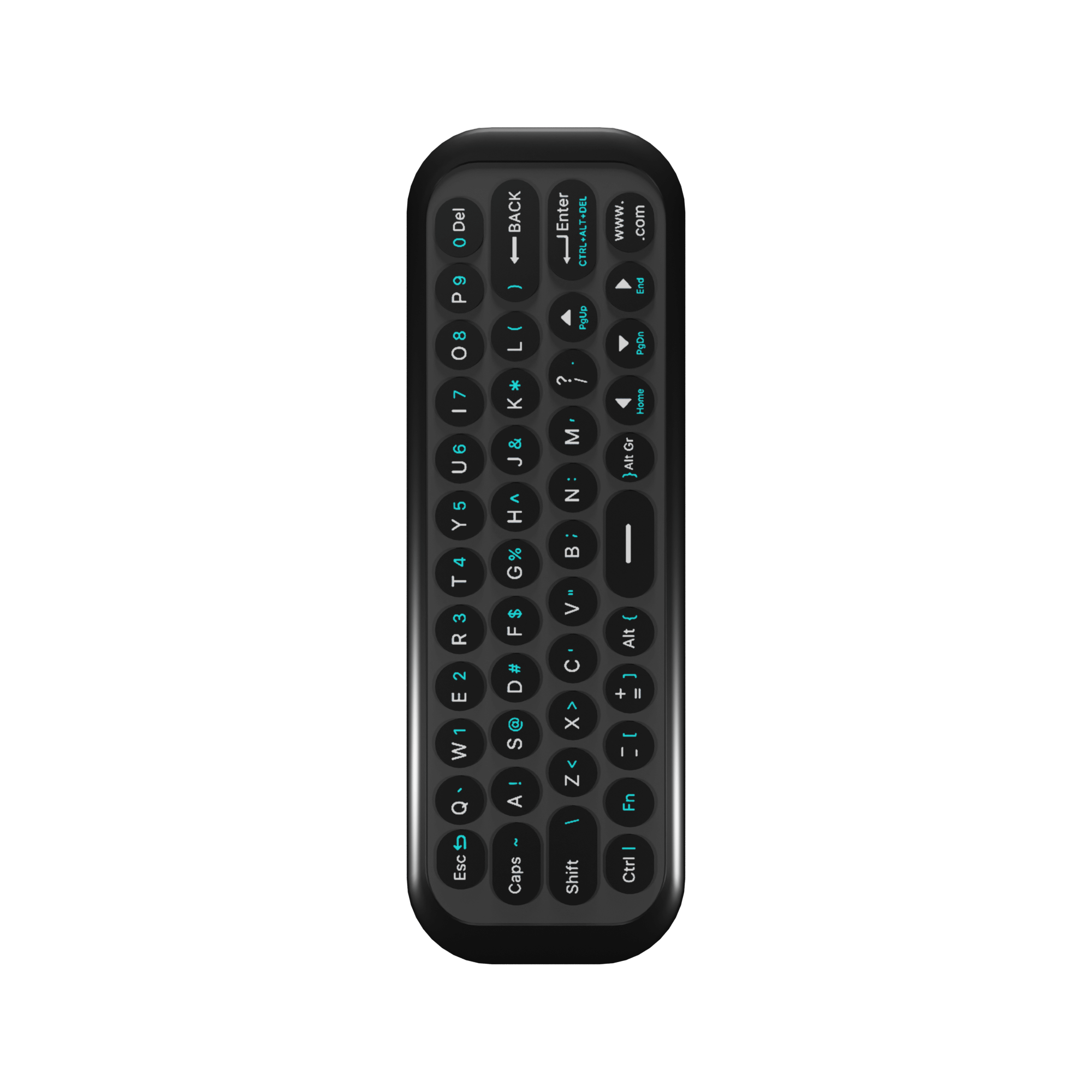
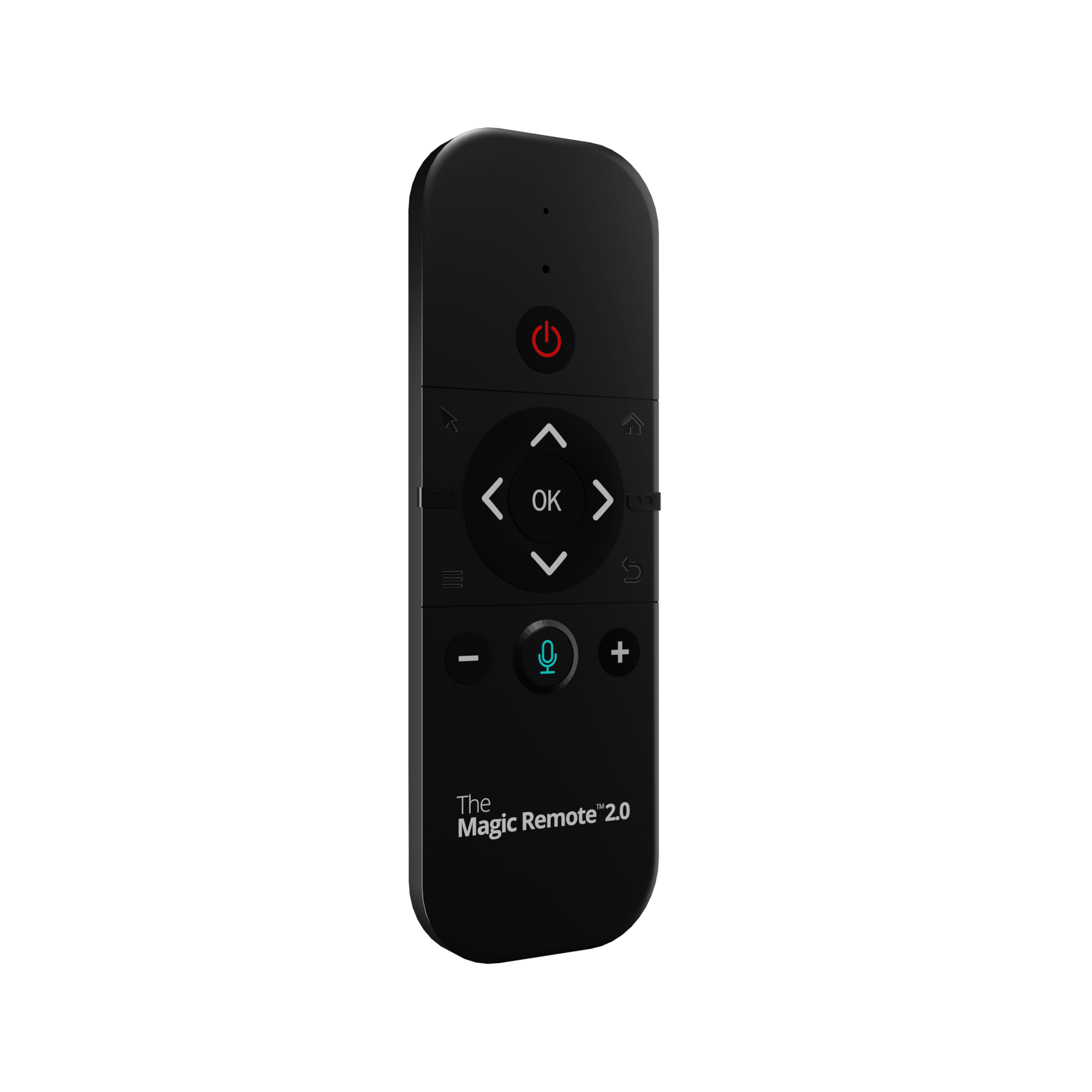
Compatible with The Magic Remote 2.0


Magic OS 3.0 In Action
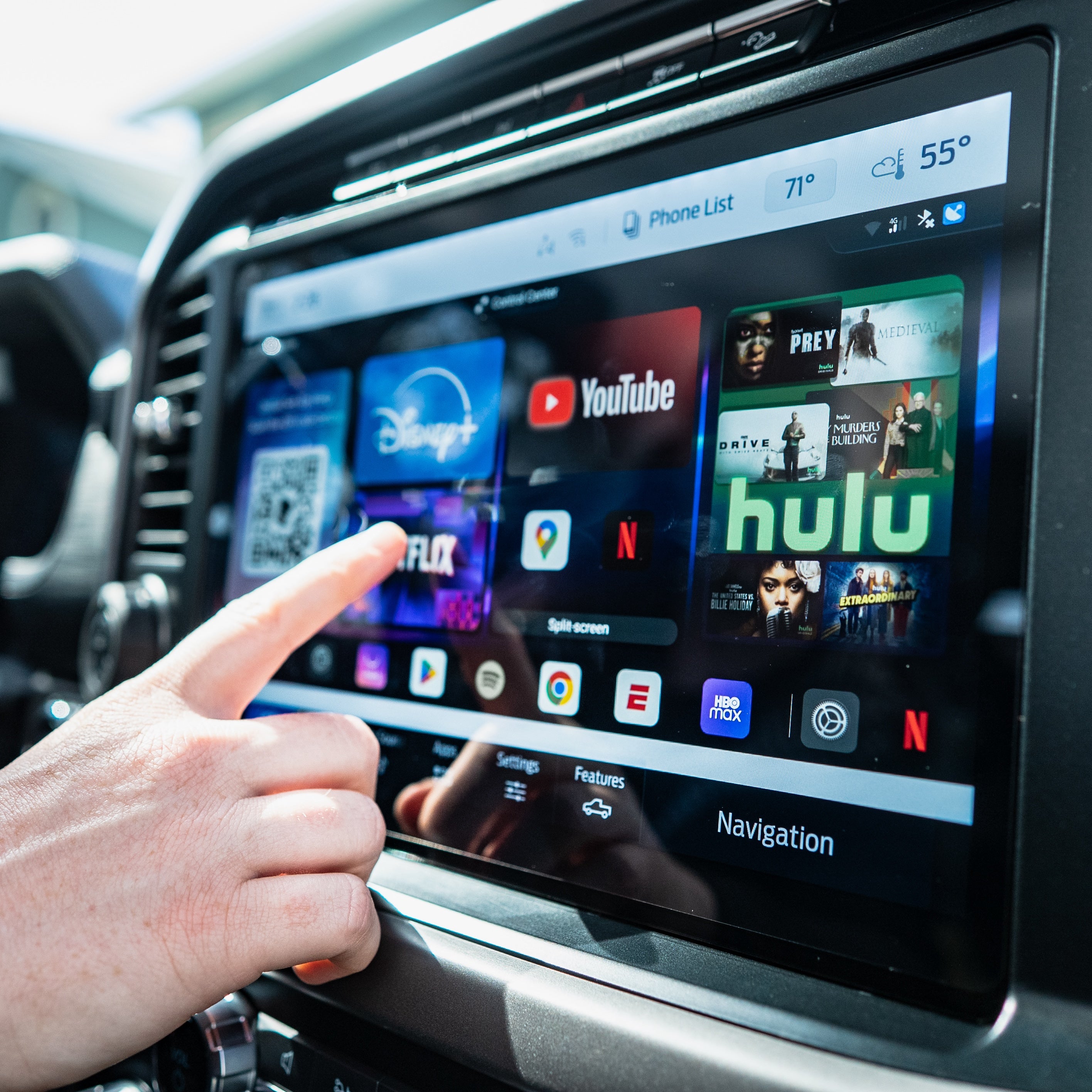
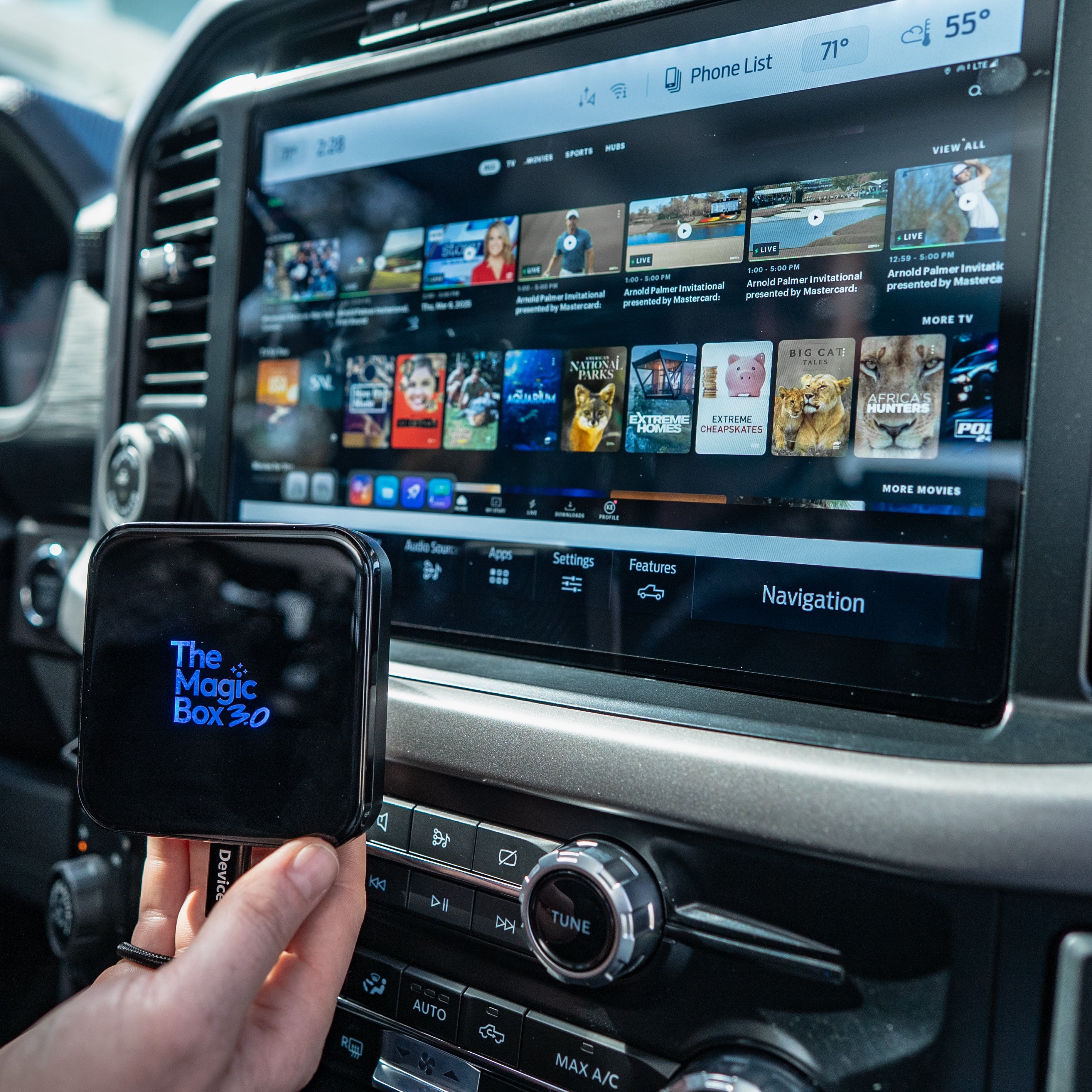
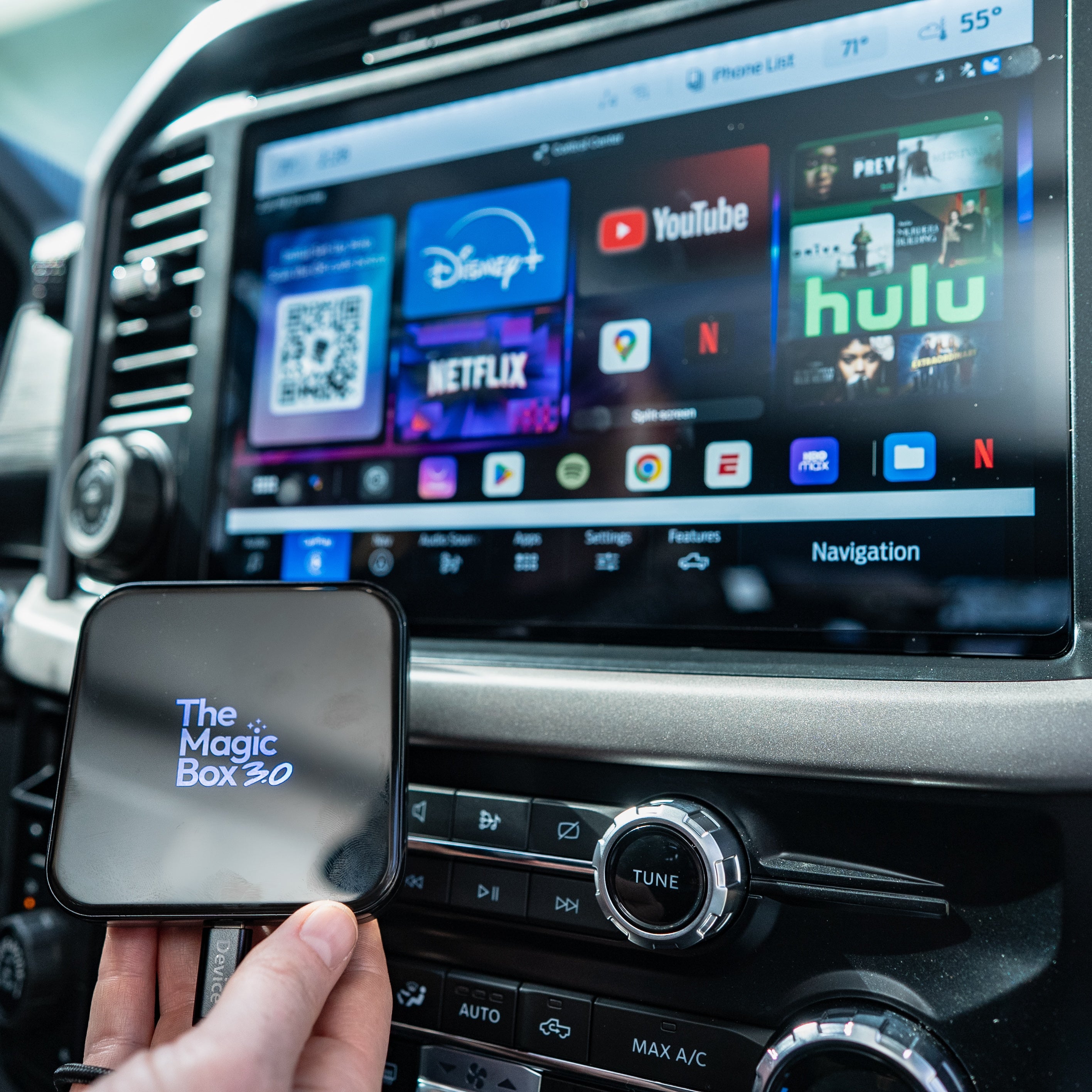
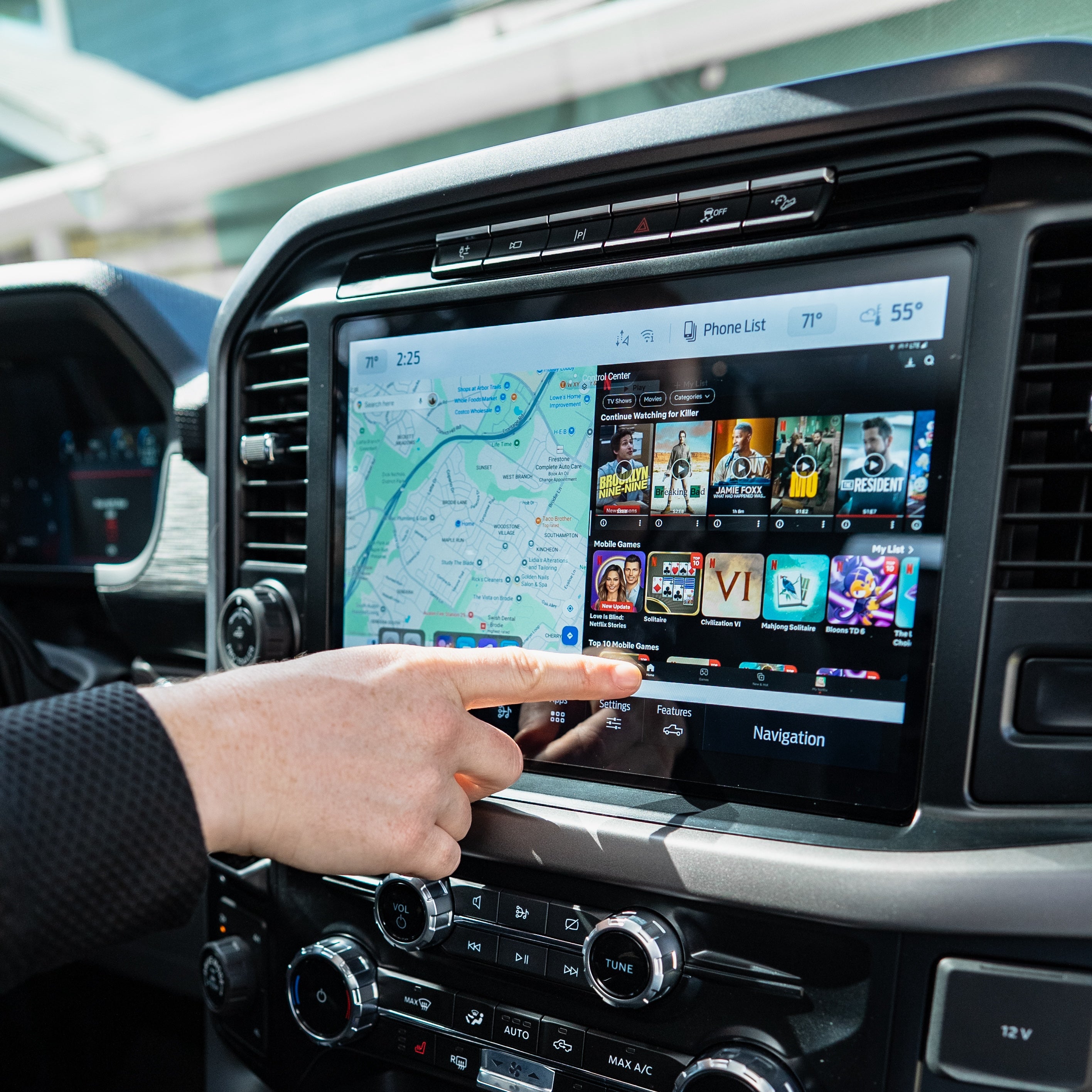
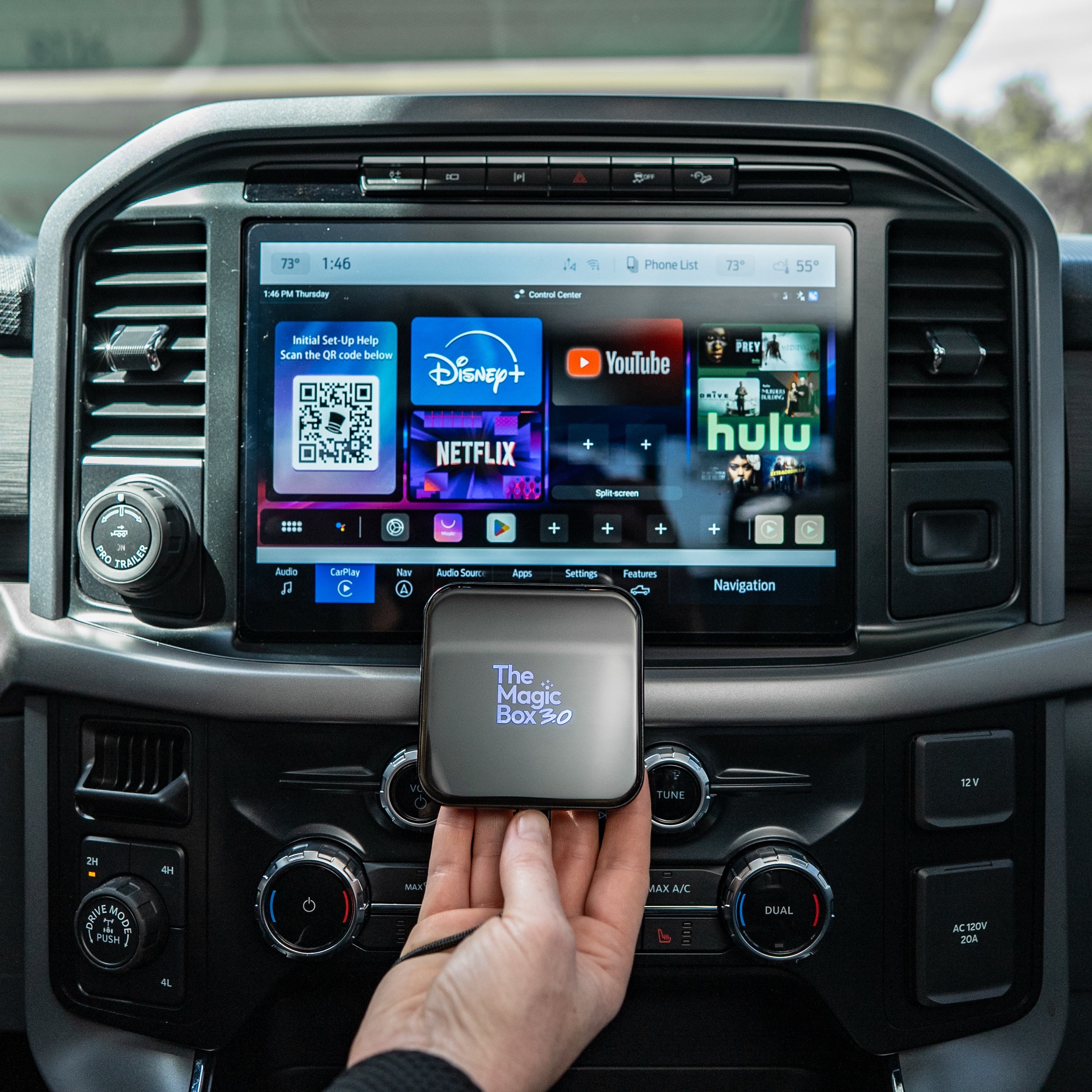
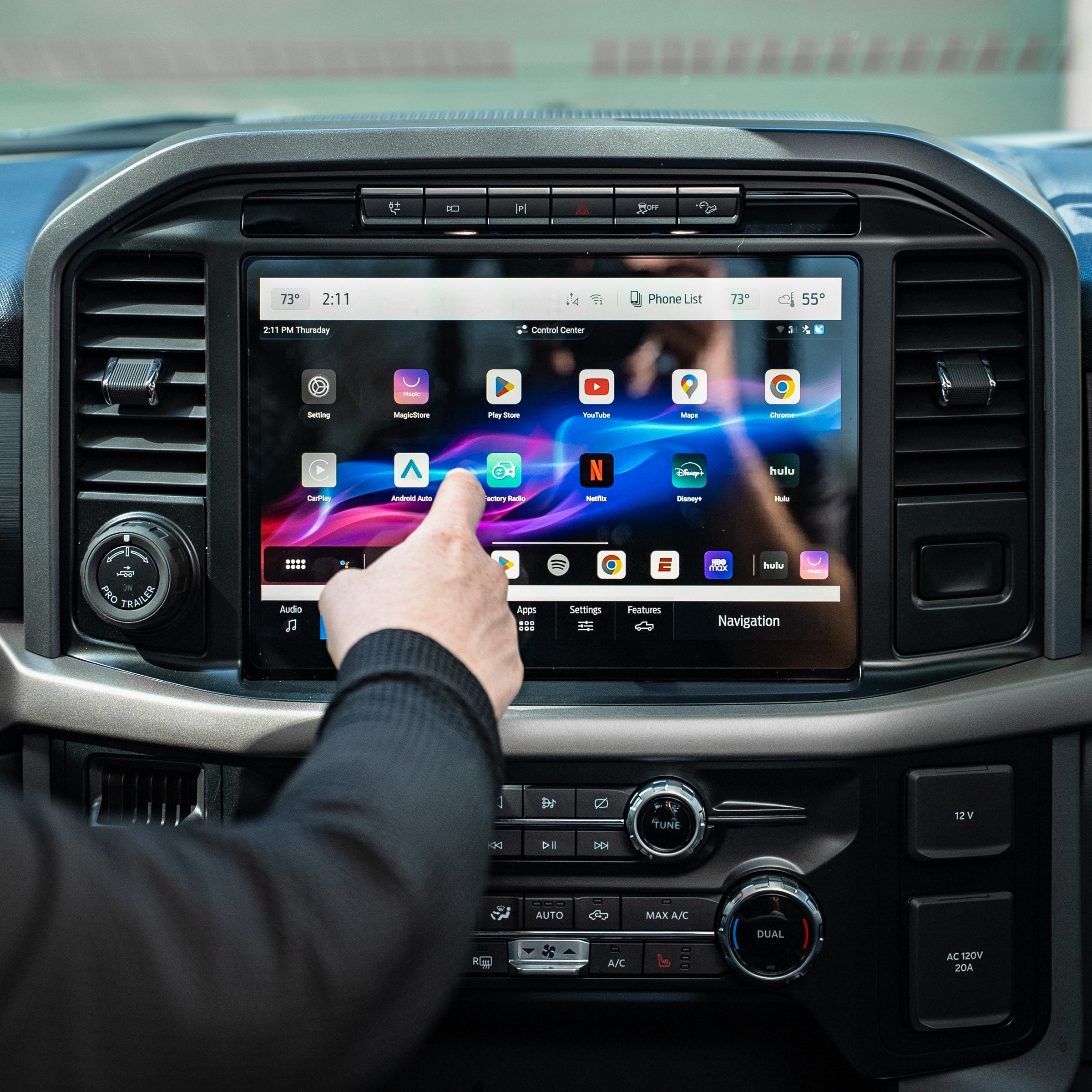
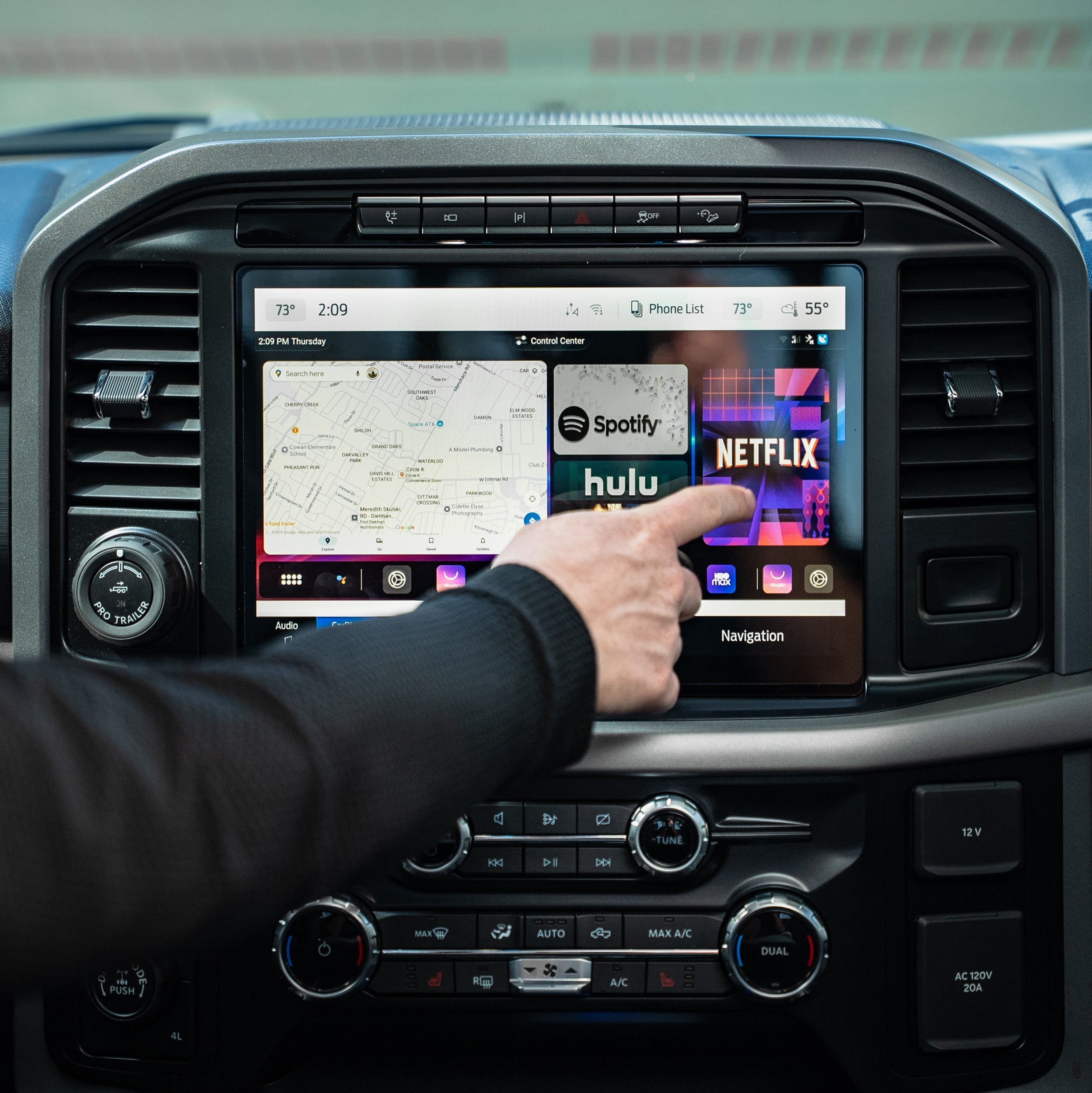
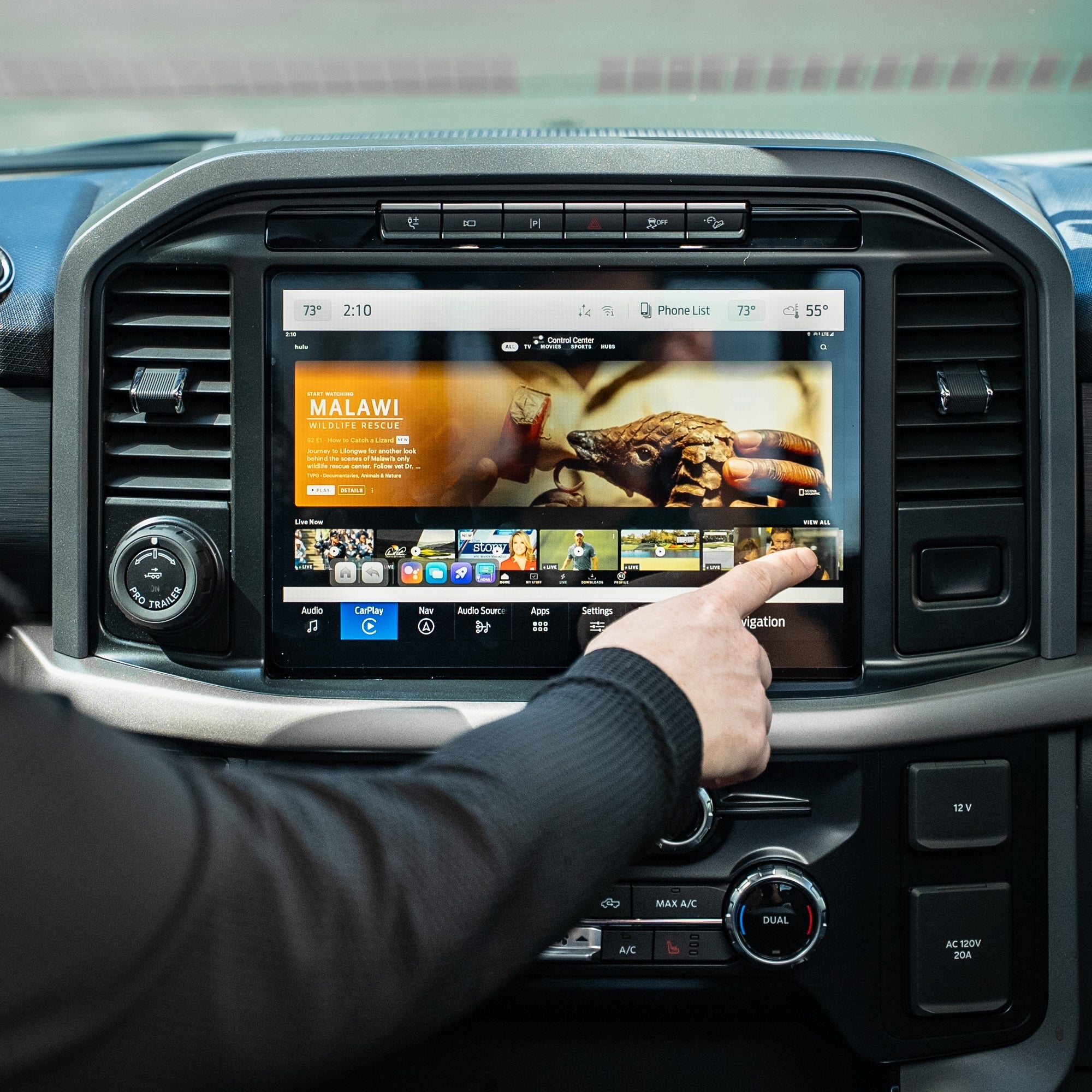
Watch The Magic Box™ 3.0 In Action
FAQs
Not finding your question? Please read our FAQs page or check out our Help Center 📝
Does The Magic Box 3.0 require a subscription?
The Magic Box 3.0 does not require a paid subscription. However, in order to connect to the internet you need either a phone hotspot, car wifi, or sim card. Magic Mobile our own verified data SIM Card network we provide that gives you unlimited data. Every device has a pre-installed SIM card for easy setup and usage.
Will this work in my vehicle?
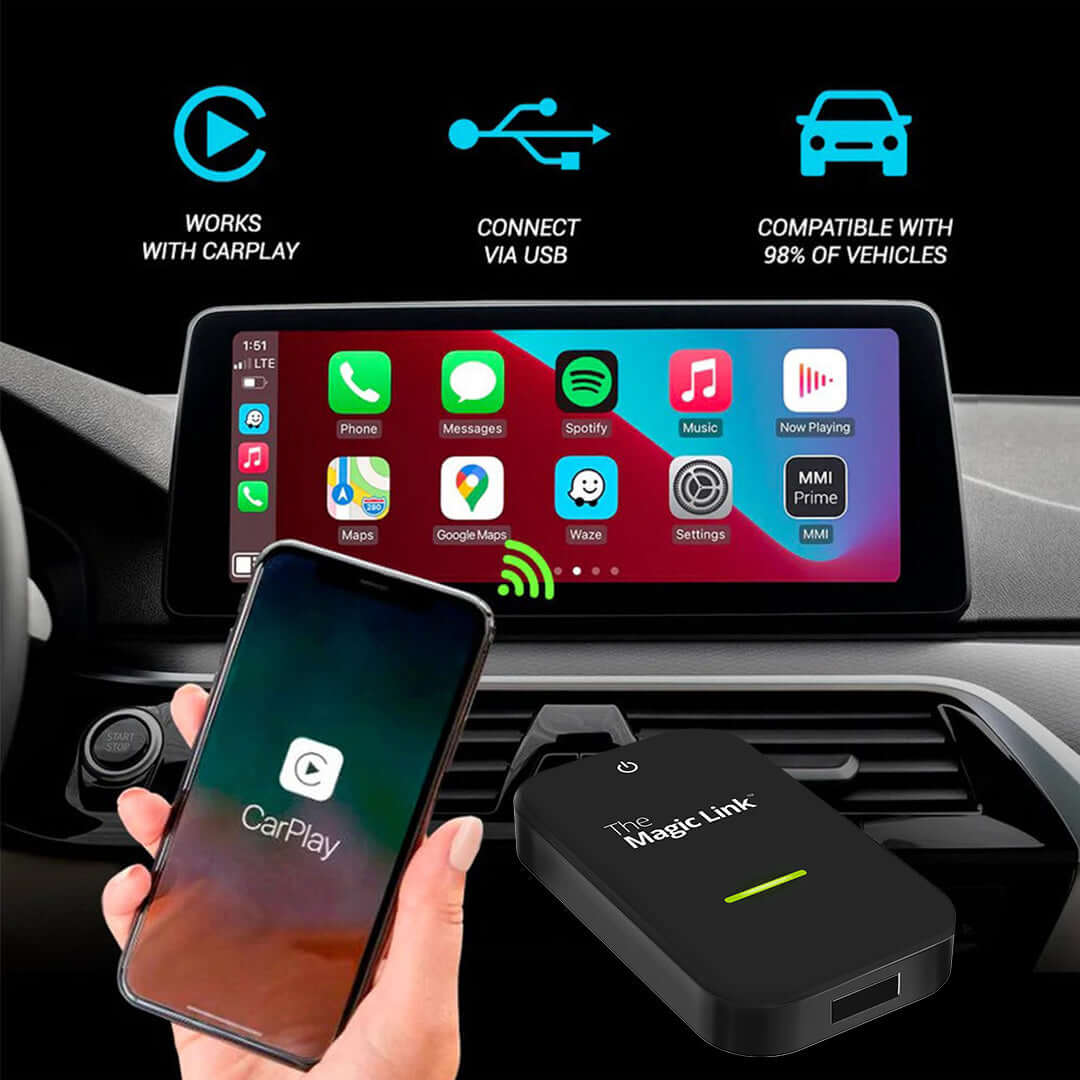
Essentials Kit requires a wired Apple CarPlay connection to work in your vehicle. You can check our extensive compatibility list at the top of this page near the add to cart buttons.
Aftermarket head units from Alpine, Kenwood, and Pioneer are also supported.
If you are still unsure, please reach out to our support team with your vehicle make, model, and year for verification.
How quickly can I set it up?
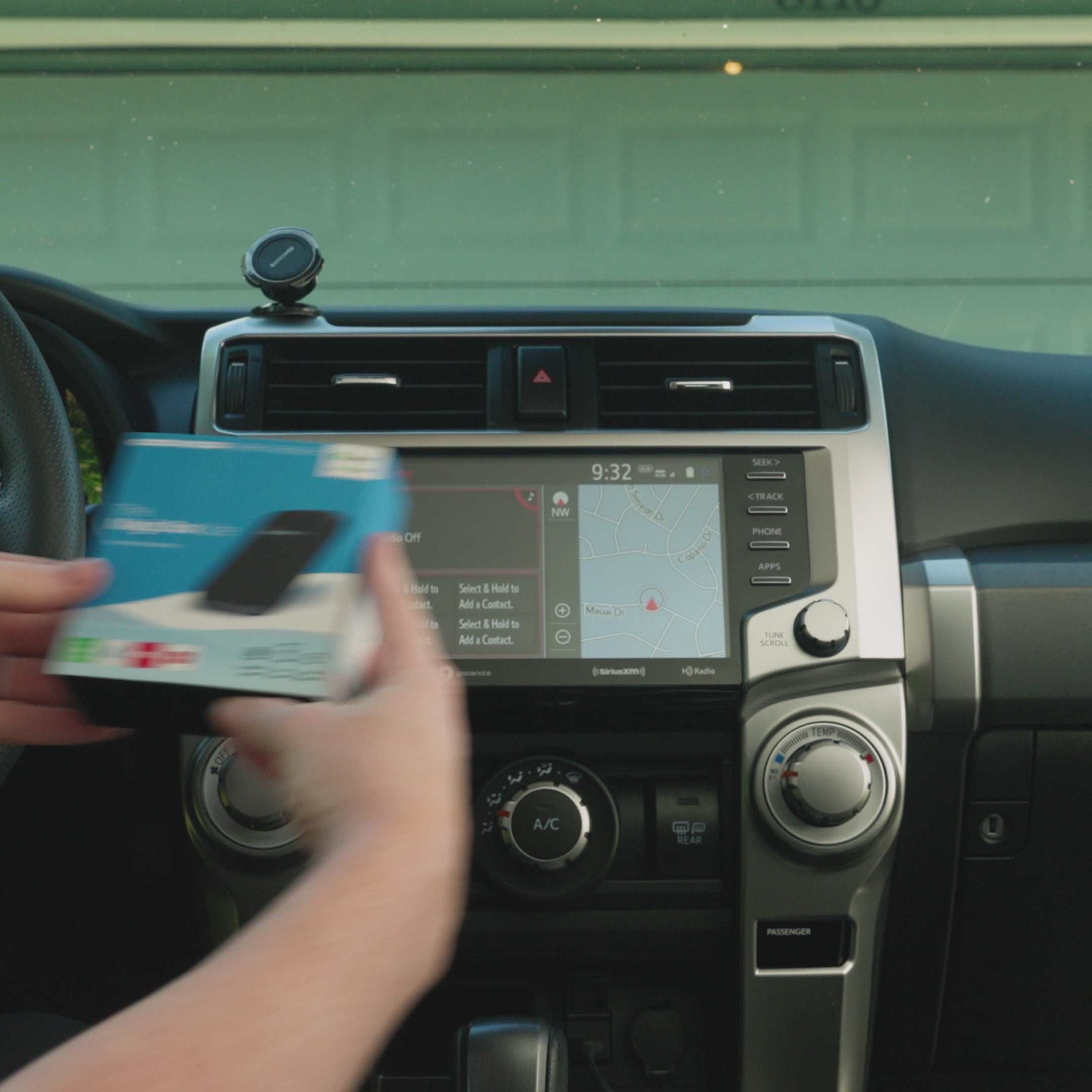
Most customers get it up and running within a few minutes. It’s plug & play with minimal setup required, similar to a new phone to establish basic settings.
How fast is shipping & where does it ship from?
Is Essentials Kit compatible with my car?
Essentials Kit requires a wired Apple CarPlay connection to work in your vehicle. You can check our extensive compatibility list at the top of this page near the add to cart buttons.
Aftermarket head units from Alpine, Kenwood, and Pioneer are also supported.
If you are still unsure, please reach out to our support team with your vehicle make, model, and year for verification.
Do I need any additional apps to make it work?
Nope, we've pre-installed the most popular streaming apps to the box for you. The Google Play store is accessible from the box to download any app if you wish.
In order to access the streaming options, you will need a WiFi signal from mobile hotspot, SIM card, or in-vehicle internet.
The streaming apps still require an active subscription with those streaming providers, we do not give supply a free account to those apps.
Will it work on iPhone & Android?
Yes, Essentials Kit works great with both iPhone & Android. We simply use the CarPlay channel to allow our device to function so even if you have an Android phone, you'll still click into CarPlay from your display screen.
How to watch Netflix from Apple CarPlay?
Simply download the Netflix app within the Google Play Store within the Magic Box device. Log into your account and start streaming your favorite shows.
How to play videos on CarPlay?
Turn your cars display screen into a smart TV using Essentials Kit. Simply plug Essentials Kit into your car's USB port and the regular CarPlay or Android Auto screen will be replaced with ours. Download any app and start streaming with Essentials Kit.
You may also like
The Magic Box™ 3.0 (Wireless CarPlay Only)