

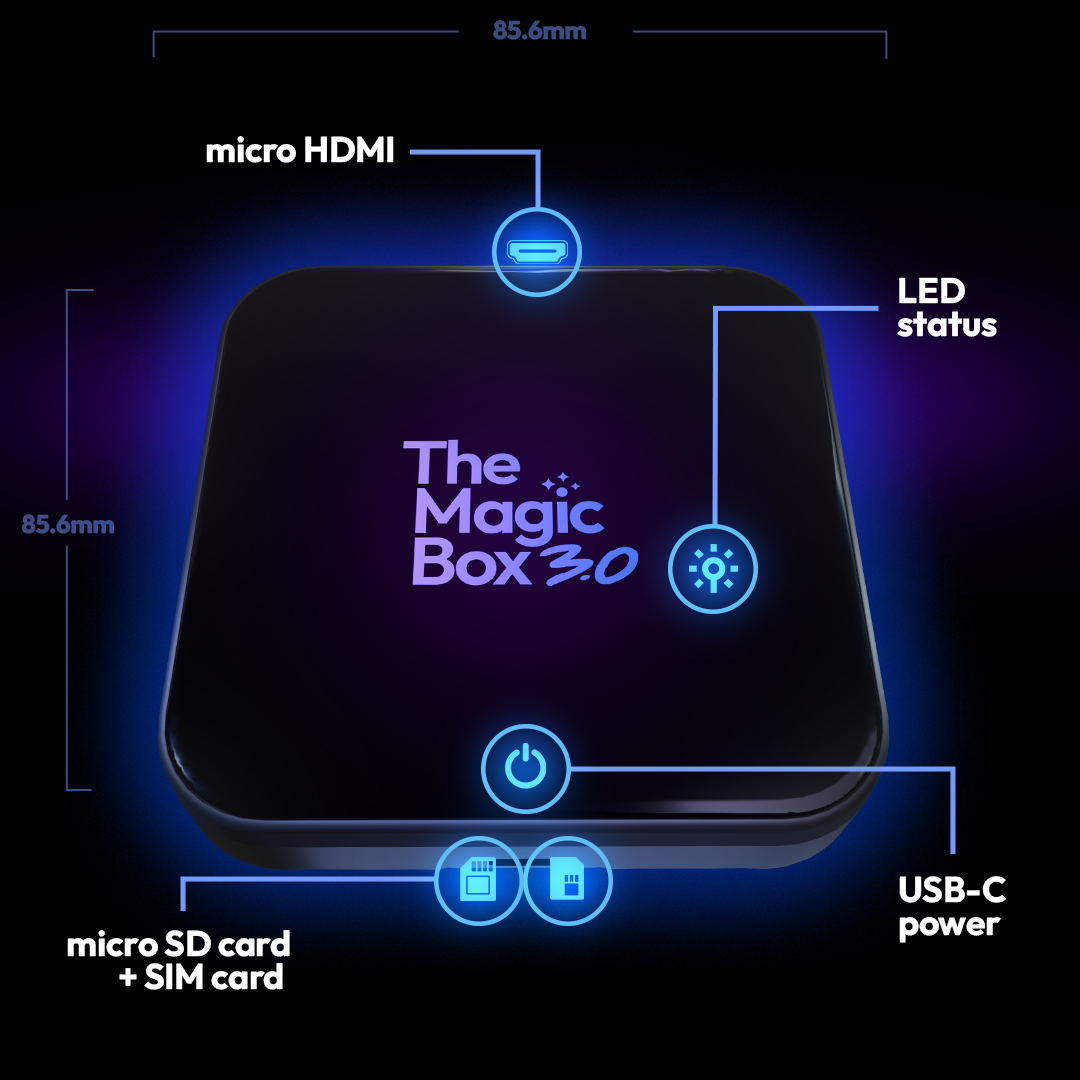

Watch your favorite shows, movies, live sports, and more!
The Magic Box™ 3.0 (Wireless CarPlay Only)
✔ Our most advanced Magic Box ever!
✔ Instant Access to any app on the app store
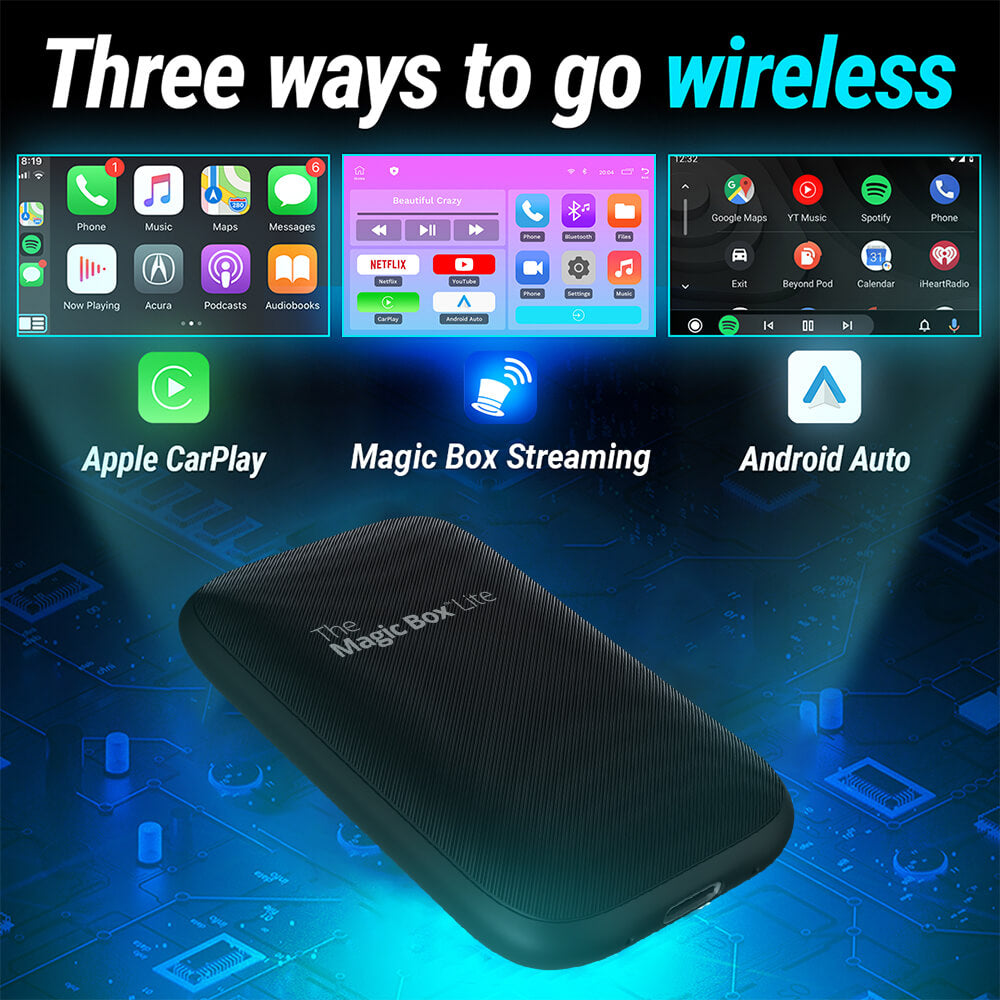
✔ Easy Wireless CarPlay and Android Auto
✔ Free 30-Day Trial of Magic Mobile ($40 value)
✔ Free & easy software updates
Popular Add-Ons
🟢 Order by 3pm ET for same-day shipping · Mon–Fri
Description
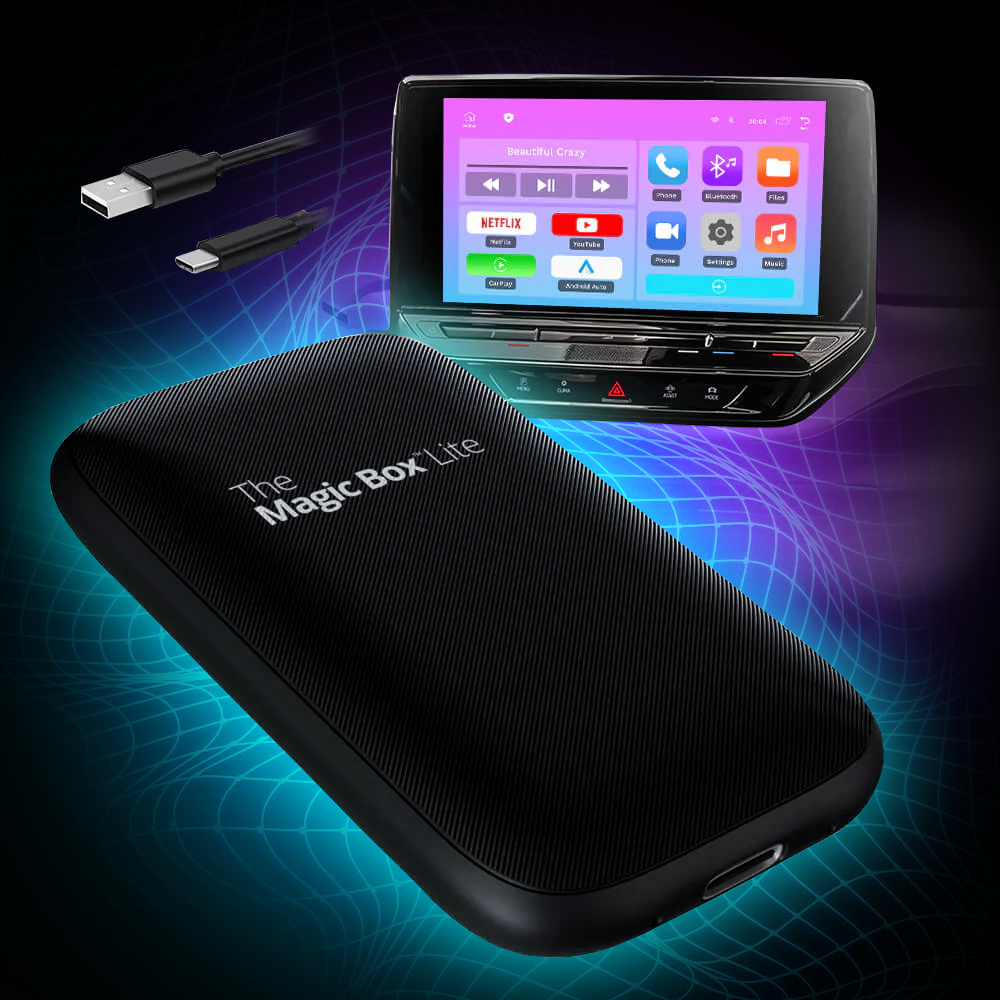
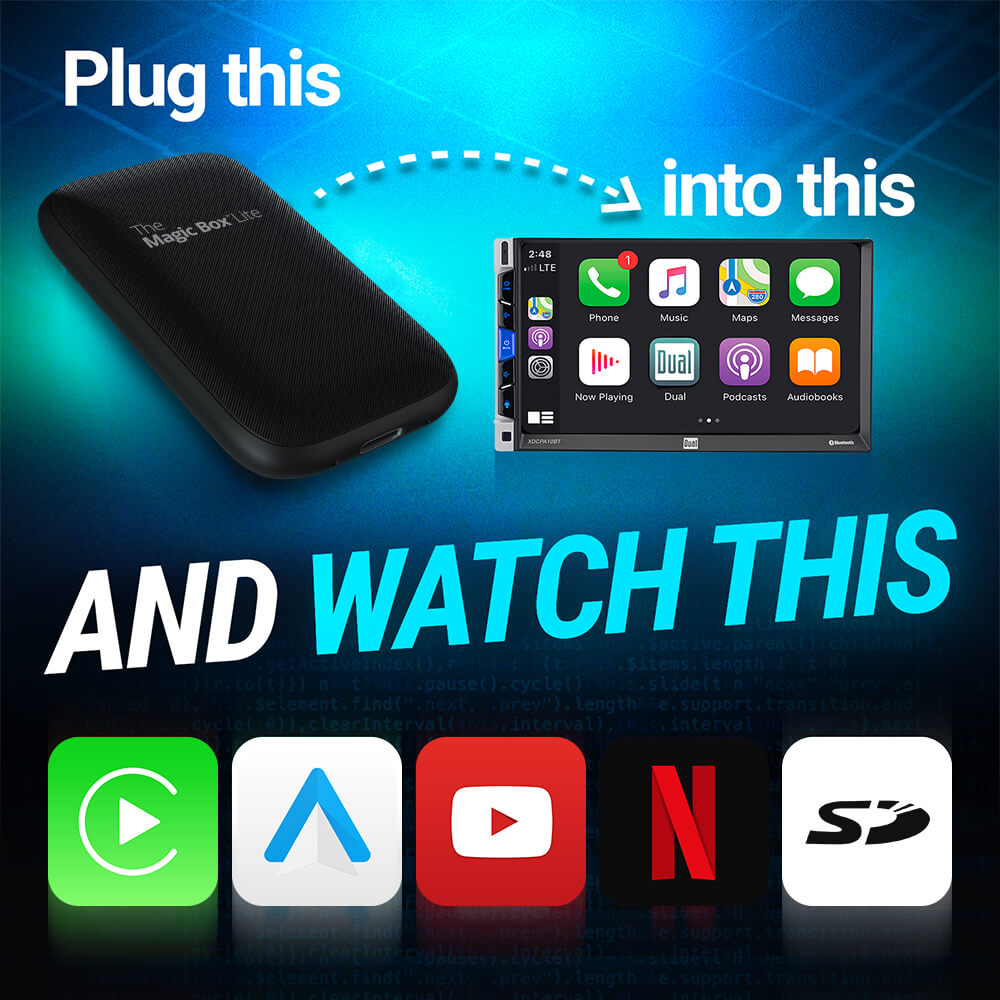
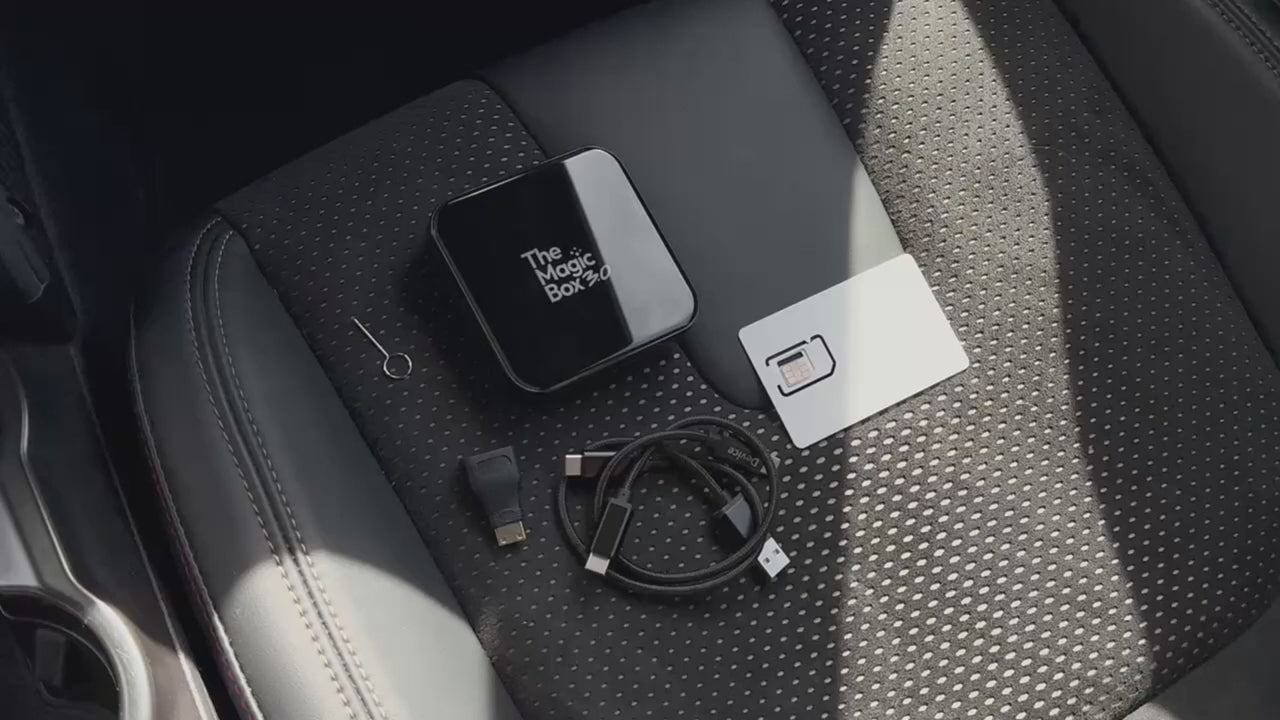
Watch anything from your favorite streaming platform on your car's display screen. Connect The Magic Box™ 3.0 to any CarPlay enabled device and instantly start enjoying it! This device is reserved for Wireless CarPlay vehicle only!!!
What's Included
Tech Specs
Operating System
– Magic OS 3.0
– Android 13 base
Processor
– SnapDragon 6125 4×Cortex-A73@2.0GHz
– Adreno 610 GPU
Memory
– 8GB DDR4 RAM
– 128GB eMMC ROM
– 256GB Expandable with MicroSD
Connections
– USB-C
– Micro HDMI
– MicroSD
– SIM Card
WiFi / Bluetooth
– BT 5.0 + Wi-Fi 5 (dual channel)
Internet
– LTE Cat-12, download 600Mbps/upload 150Mbps
Video Playback
– 4K@30fps H.265/VP9
Dimensions
– Length (85.6mm)
– Height (85.6mm)
– Depth (21mm)
– Weight (9.7oz)
Shipping & Returns
User Manual
The Magic Box™ 3.0 (Wireless CarPlay Only)
Check this list before you purchase
-
Compatibility List


New and Improved

|
The Magic Box™ 2.0 | Why It Matters |
|---|---|---|
| 4K resolution | 1080p resolution | Snapdragon CPU supports 4K playback |
| 8GB RAM + 128GB ROM | 4GB RAM + 64GB ROM | Improved ability to handle multiple functions at the same time. |
| Automatic Screen Resizing | Manual Screen Resizing | Device automatically recognizes the screen size and adjusts accordingly |
| Snapdragon 6125 Processor | MTK6765 Processor | Fastest consumer processor on the market to provide iPhone-like speeds |
| Magic OS 3.0 | Magic OS 2.0 | Improved responsiveness to swiping, tapping, and overall functionality |
| Magic Store 3.0 | Magic Store 2.0 | Increased compatibility and easier updating process for apps |
| LTE Cat-12 600Mbps download / 150Mbps upload | LTE Cat-7 300Mbps download / 100Mbps upload | Doubles download & improves upload speeds, and enhances efficiency |
| USB 3.1 Gen1 | USB 2.0 | USB 3.1 + Micro HDMI for easier connectivity with modern devices |

Setup in Three Easy Steps
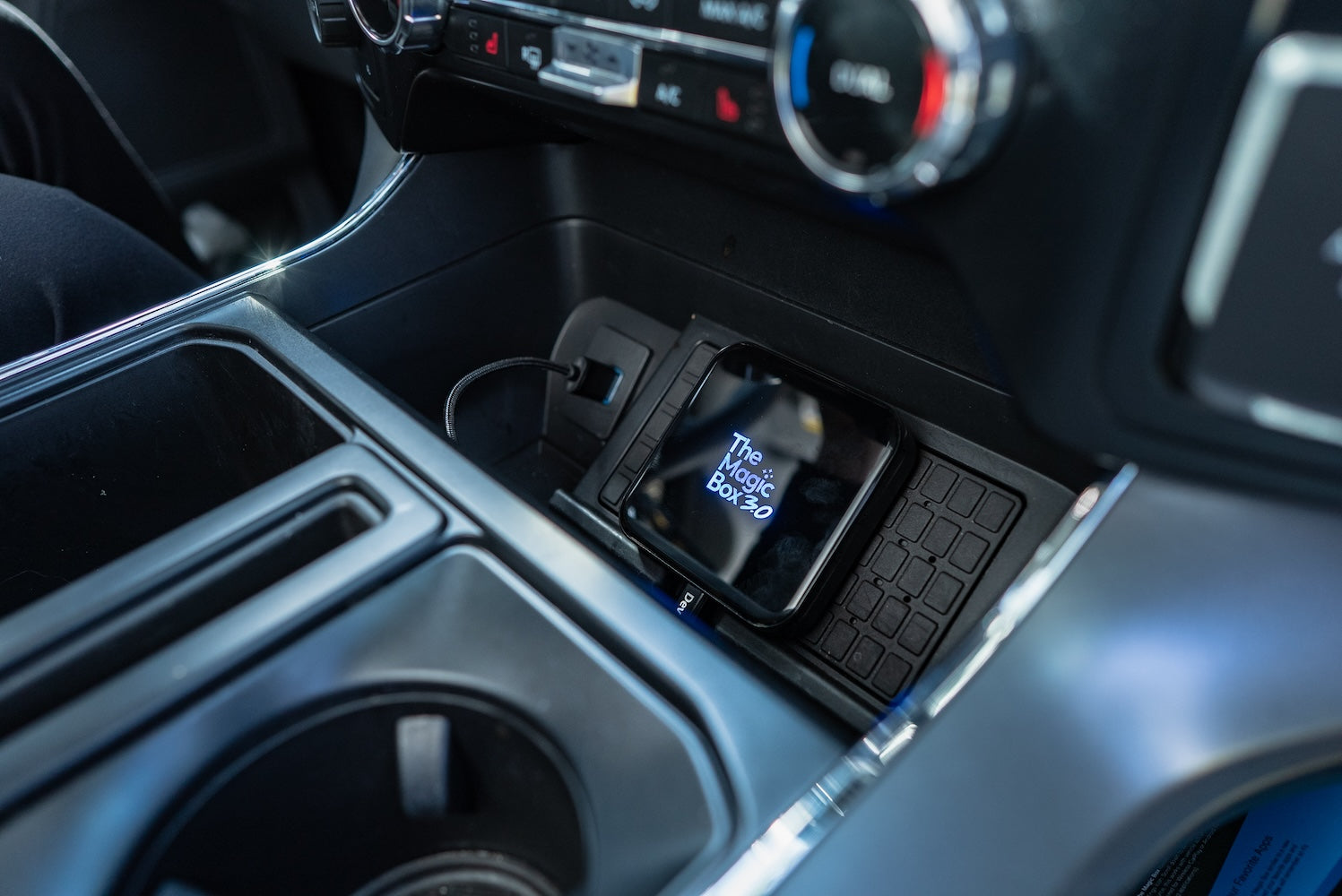
Step 1.
Plug Device into Car
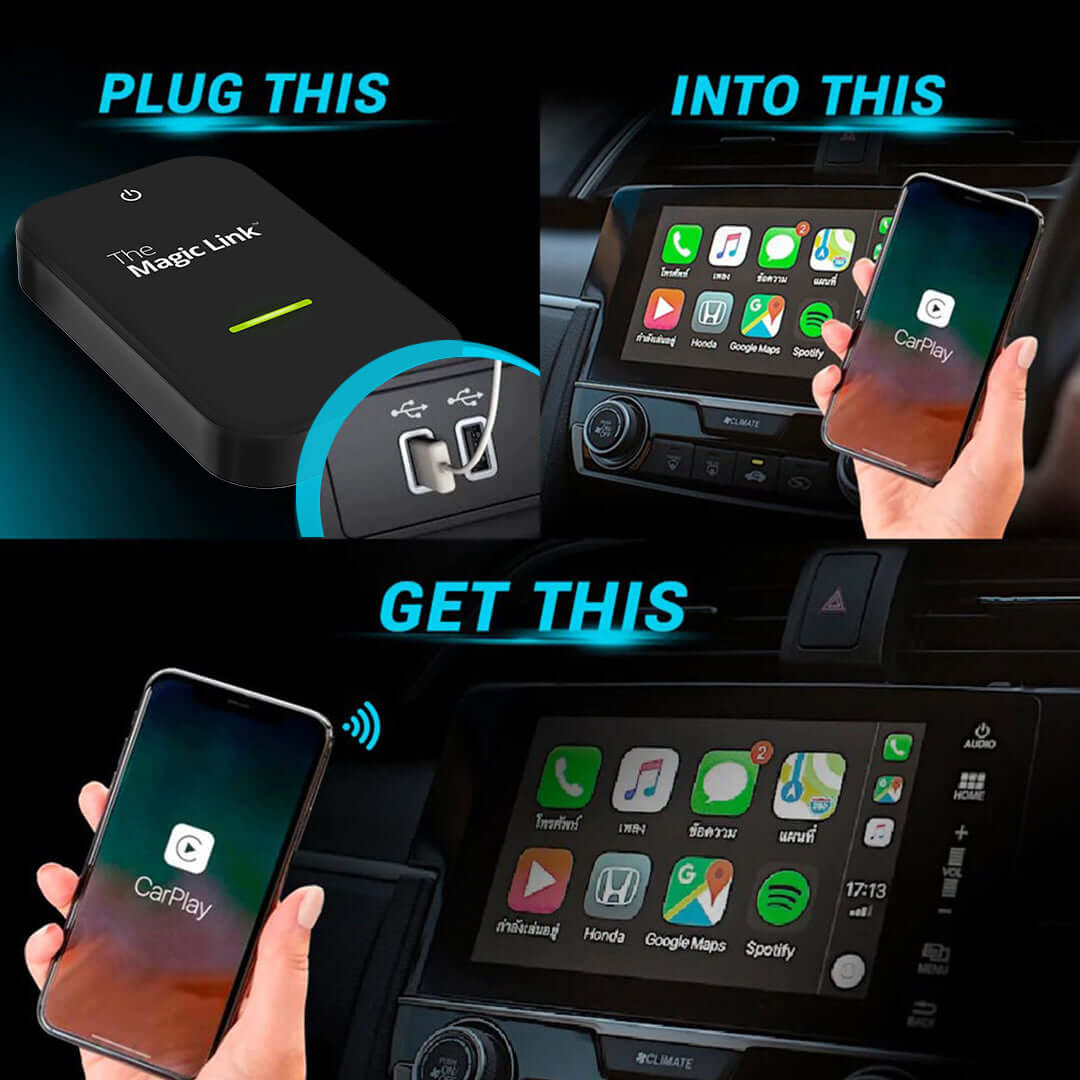
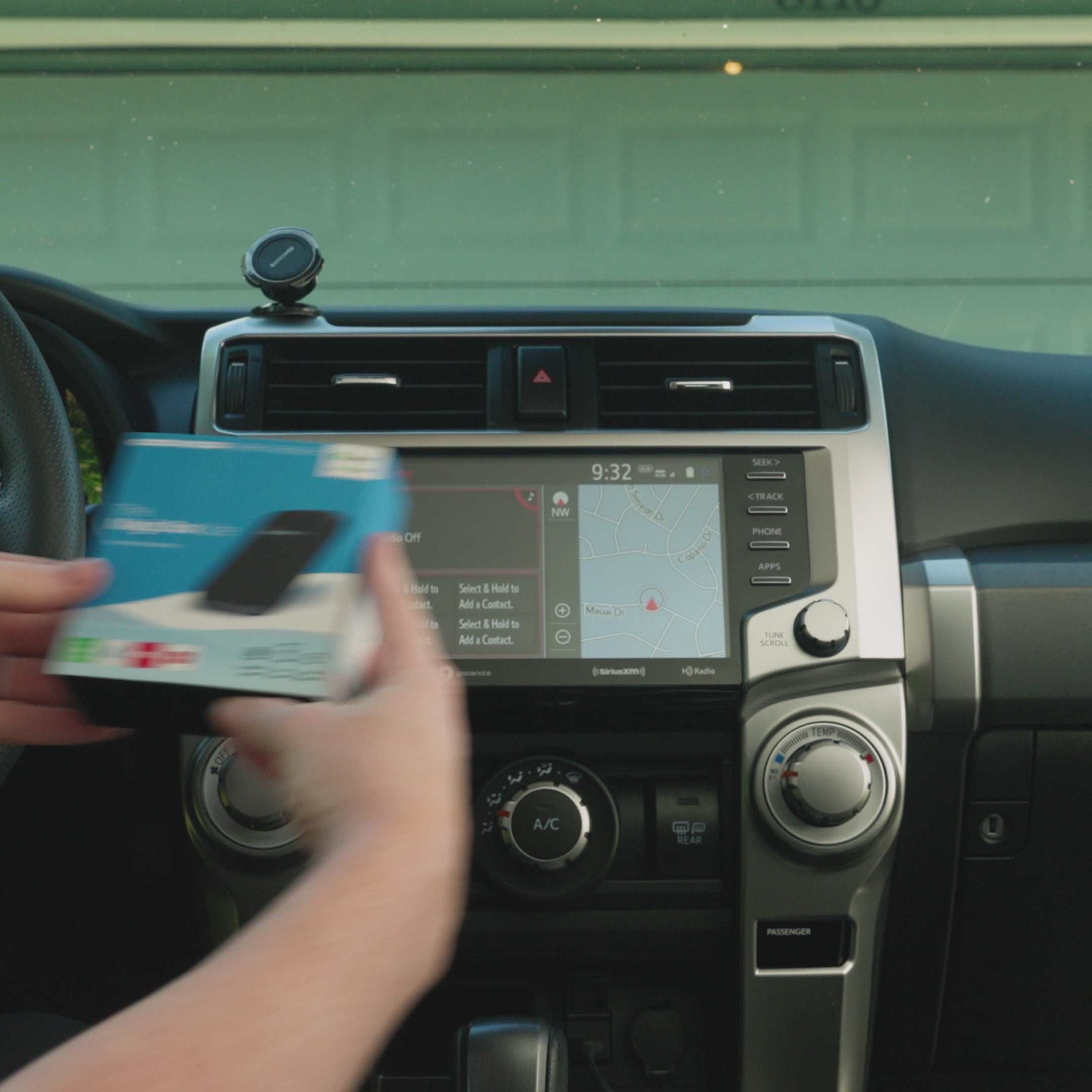
Connect The Magic Box to your car's CarPlay/Android Auto-enabled USB port, using the provided cable.
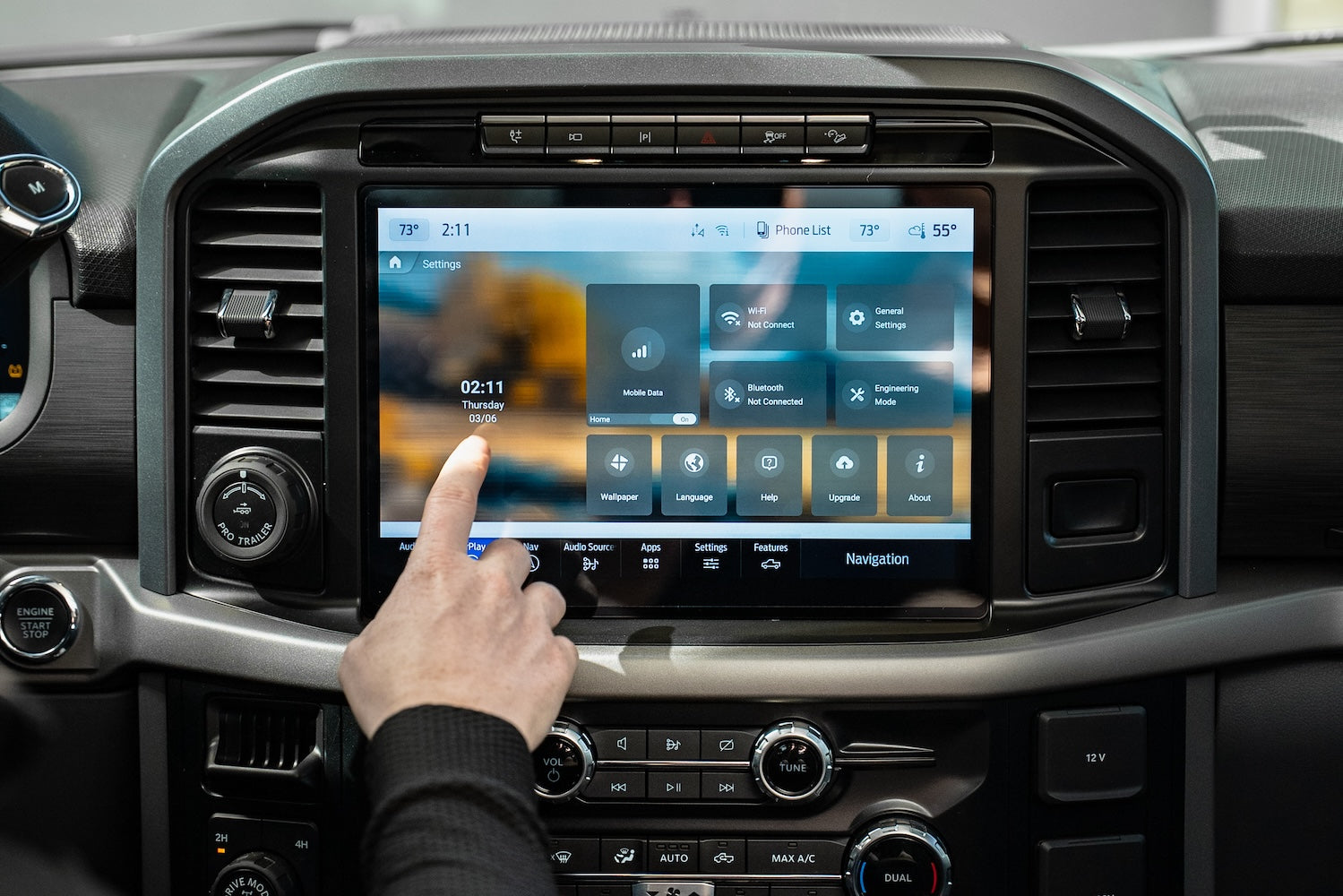
Step 2.
Select Internet Source
Select internet source such as Magic Mobile SIM Card or Mobile Hotspot. This is only necessary for the very first setup.
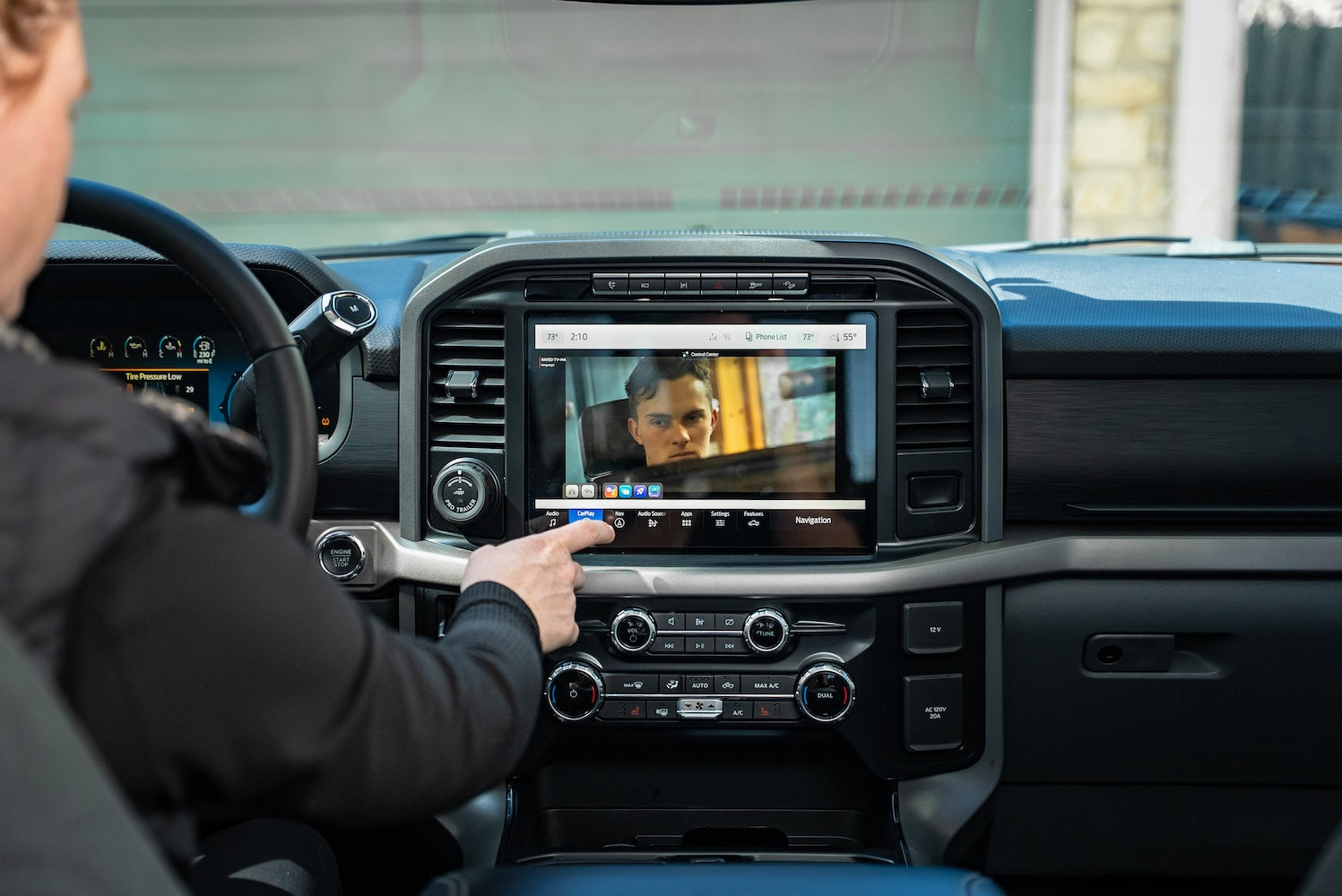
Step 3.
Enjoy Your Favorite Apps
Download your favorite apps from the app store or use our pre-downloaded apps to start streaming!


Bonus Features
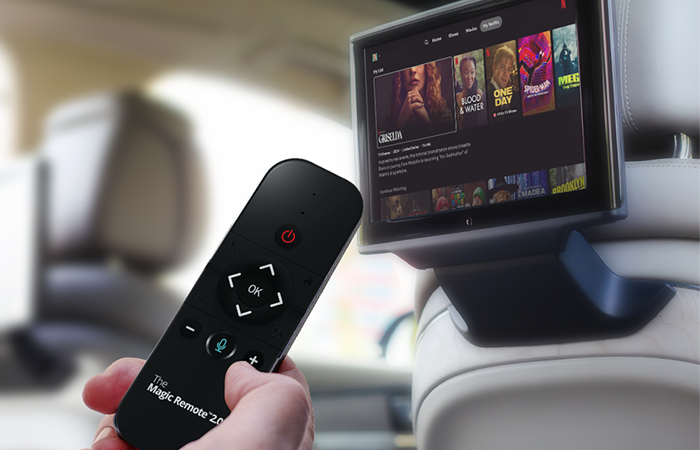
HDMI-Enabled
HDMI-enabled rear seat entertainment
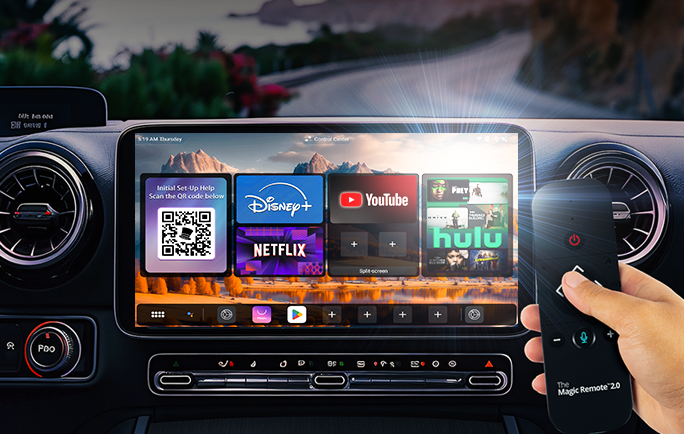
Remote Compatible
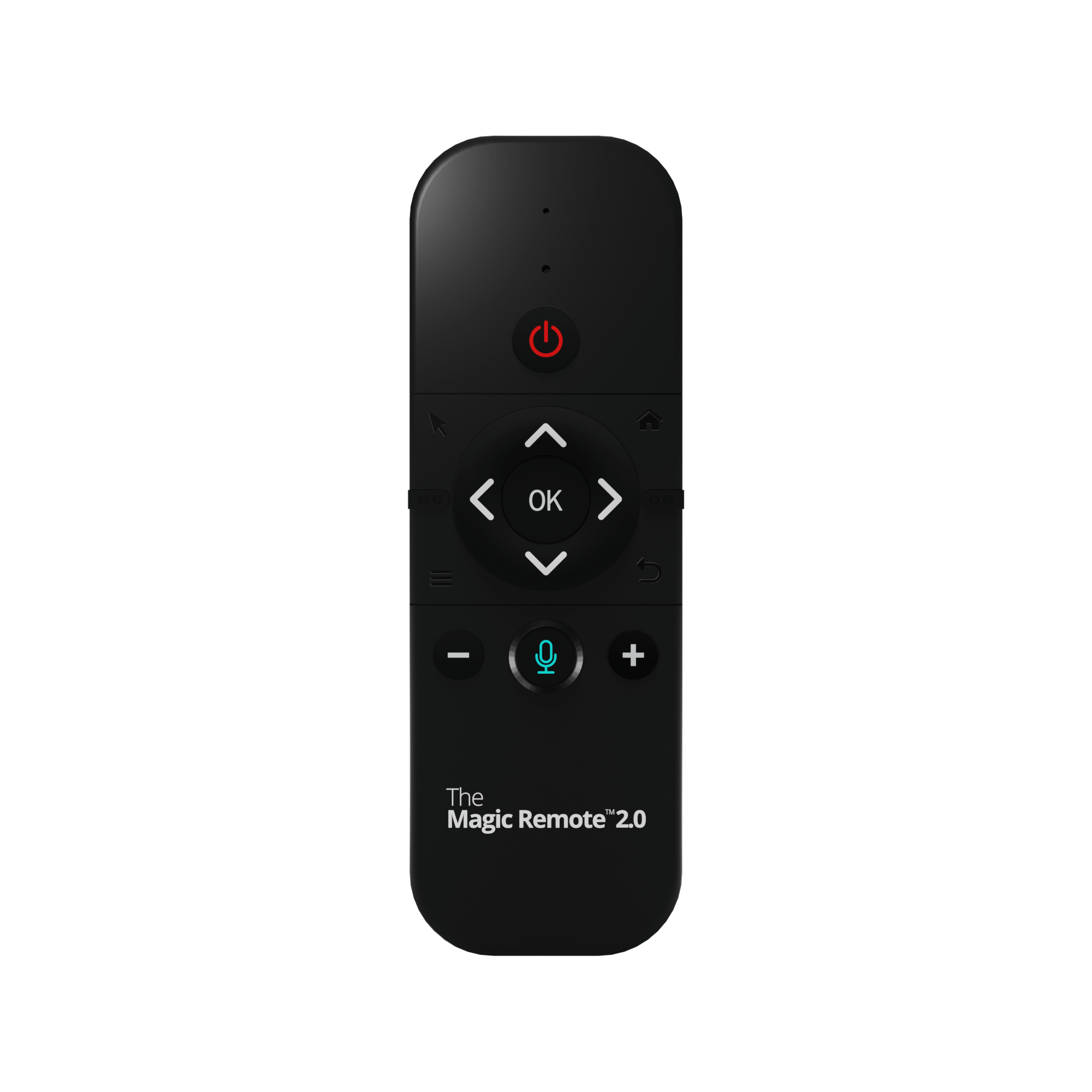
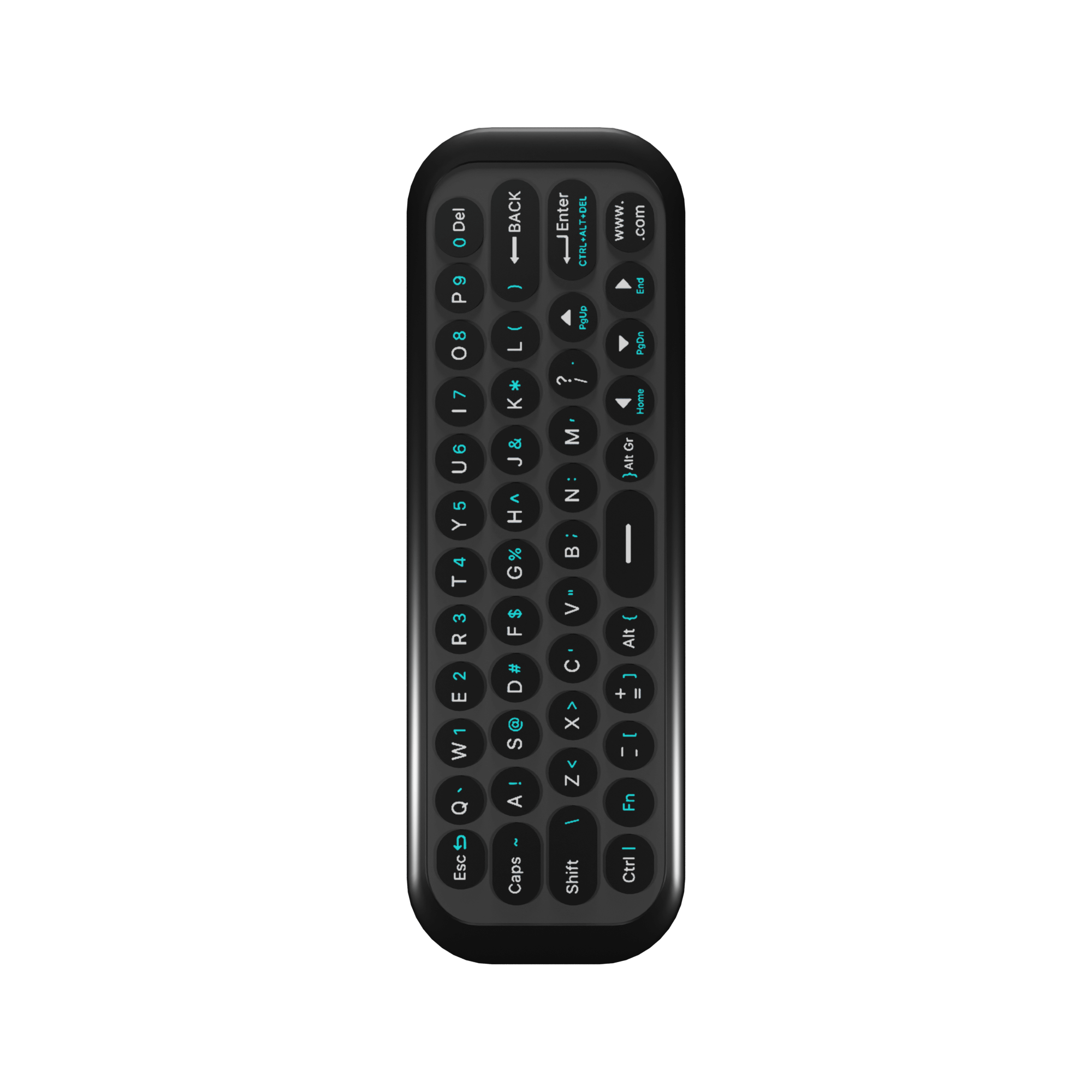
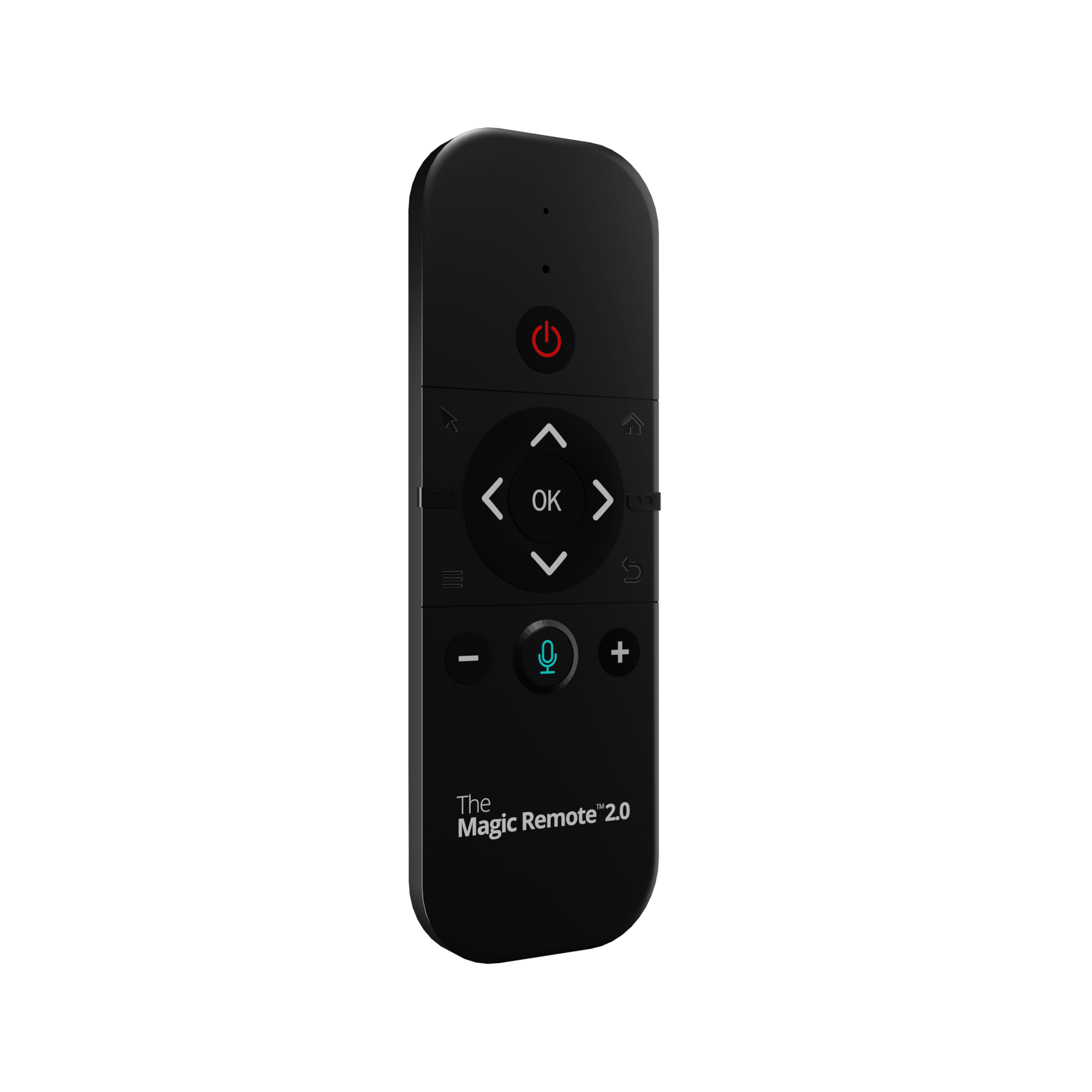
Compatible with The Magic Remote 2.0


Magic OS 3.0 In Action
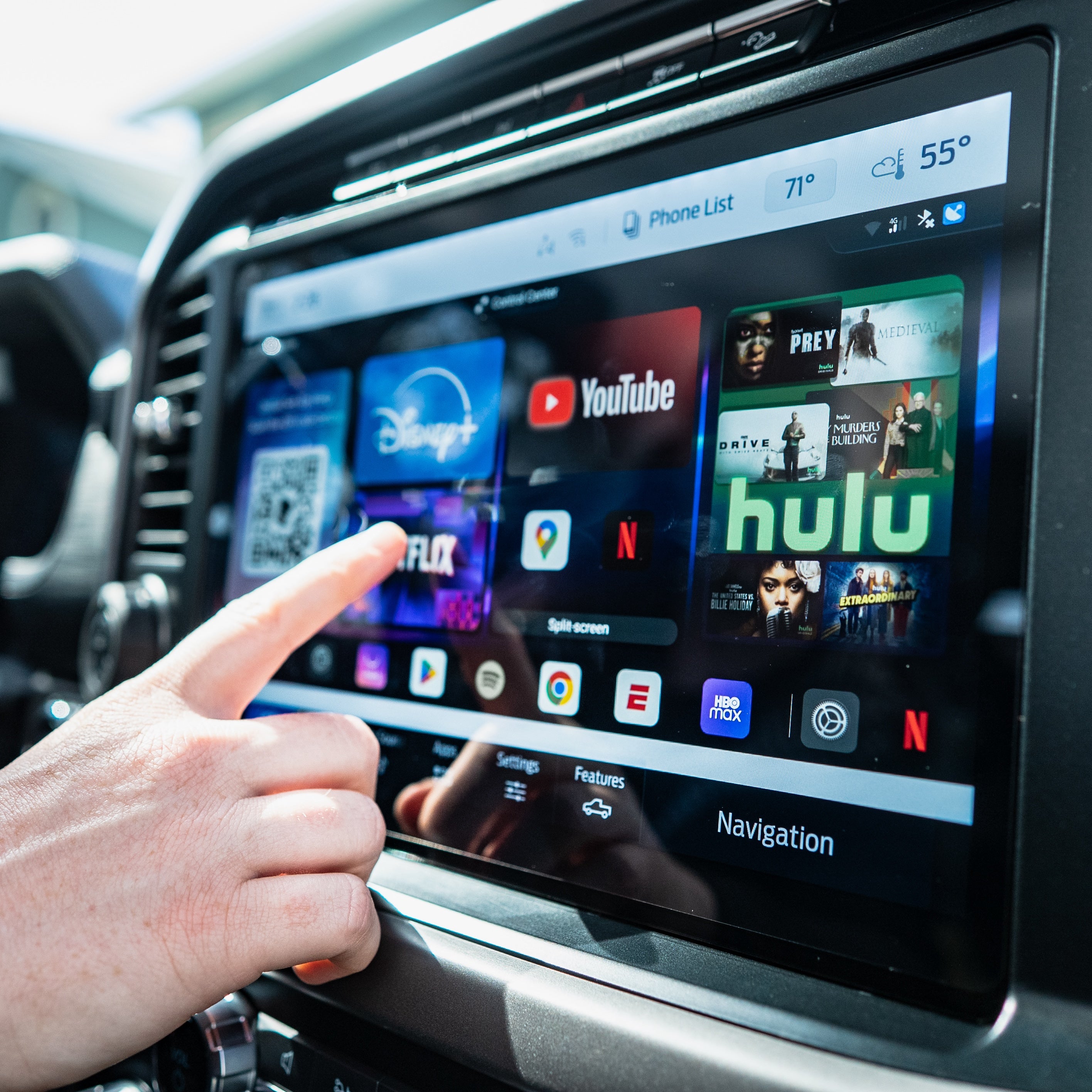
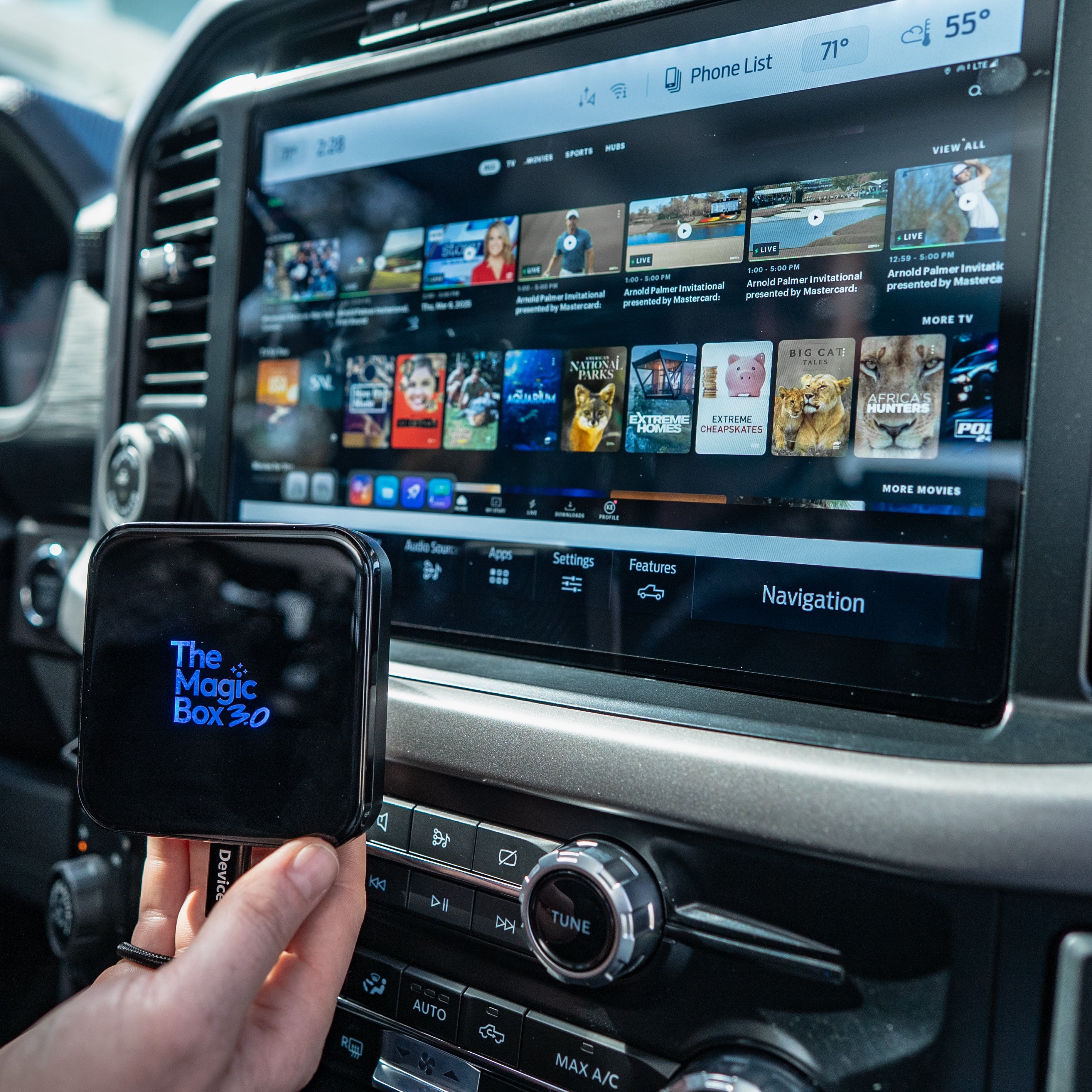
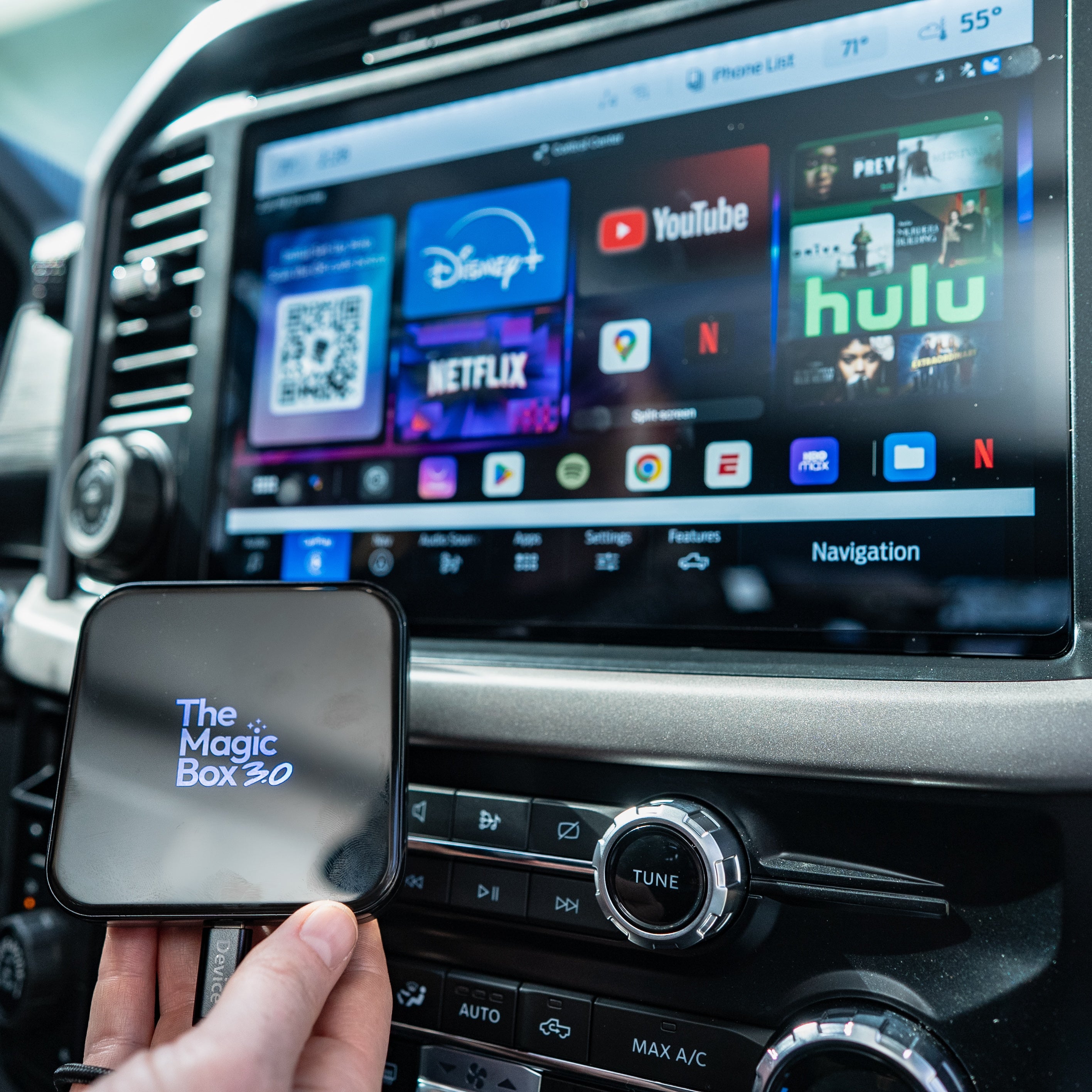
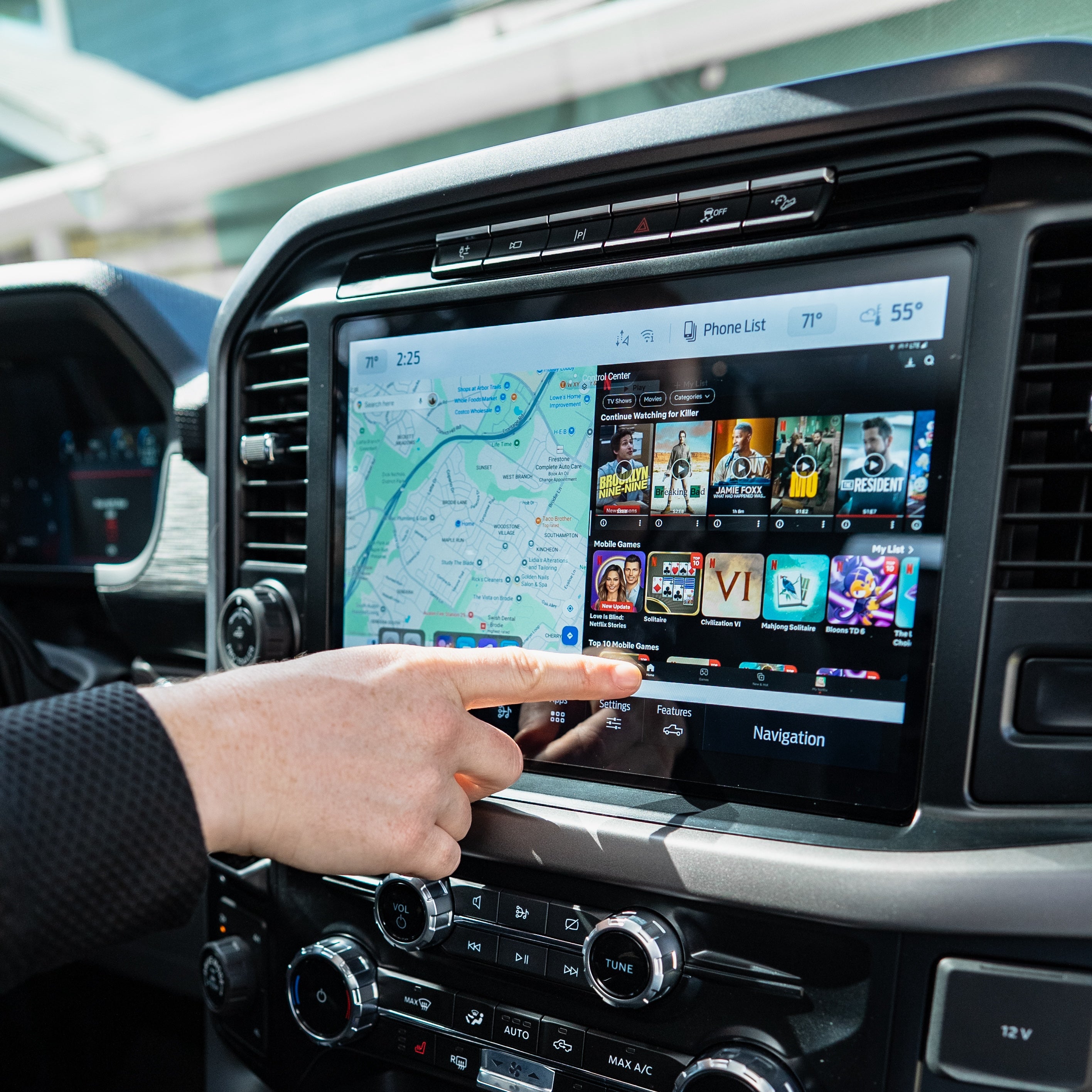
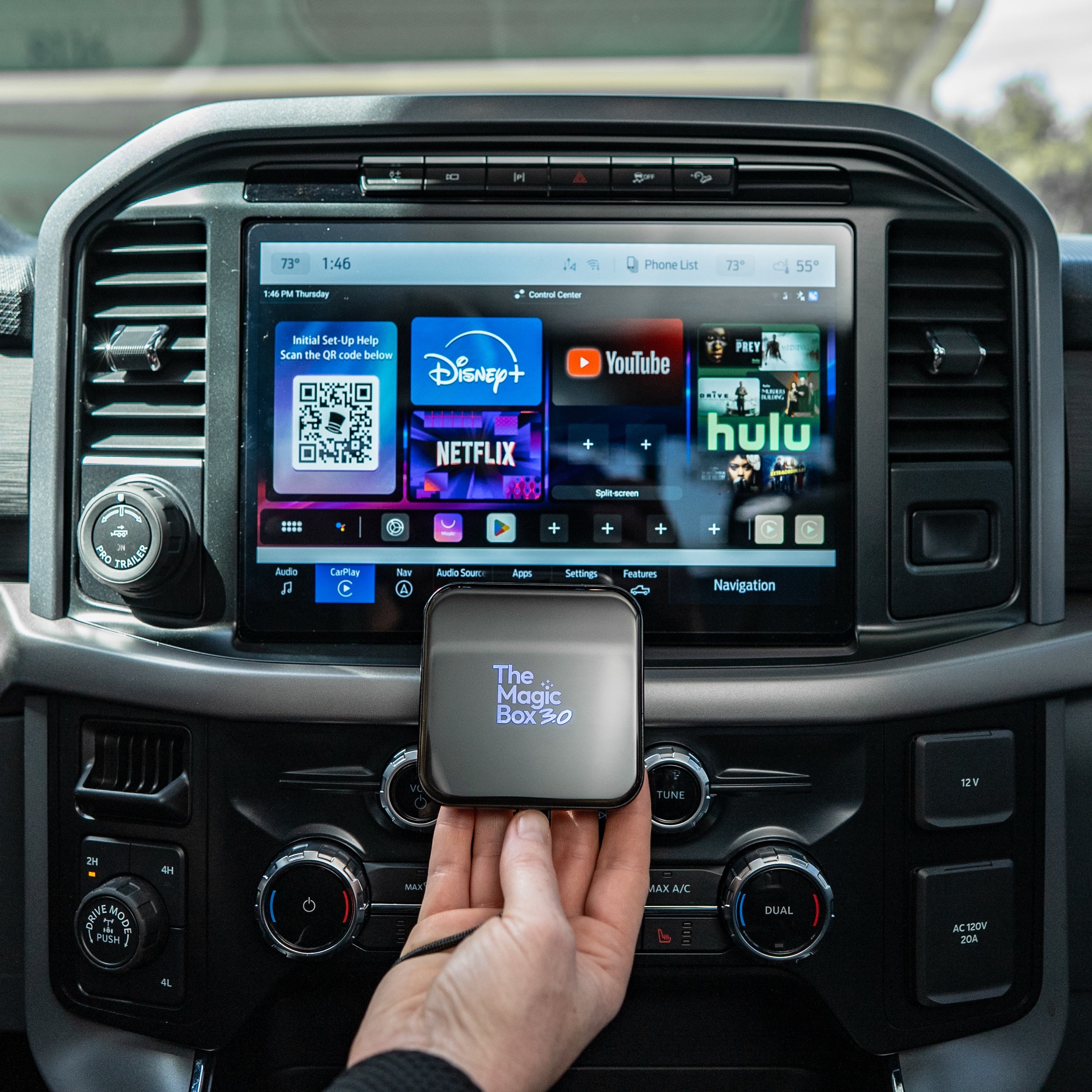
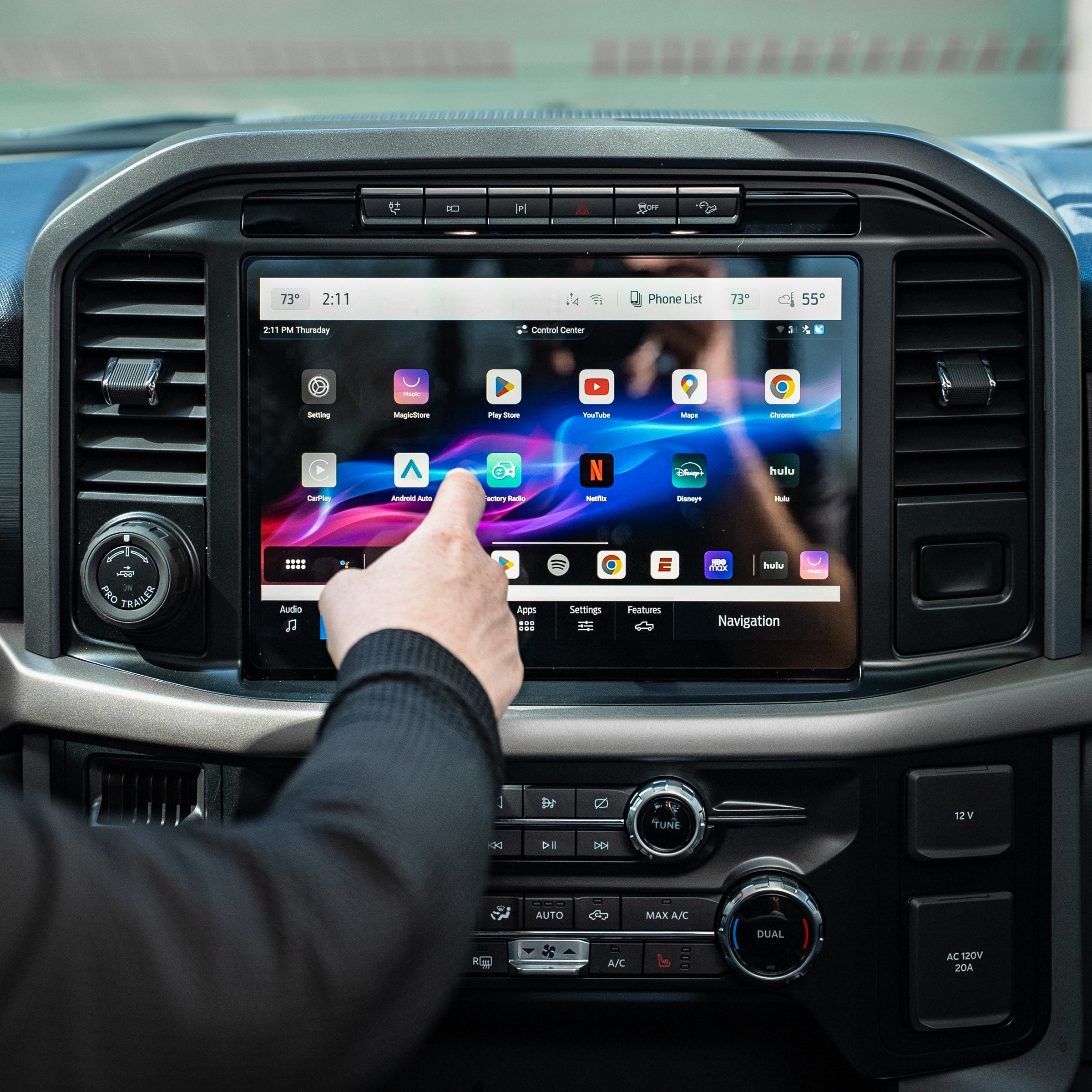
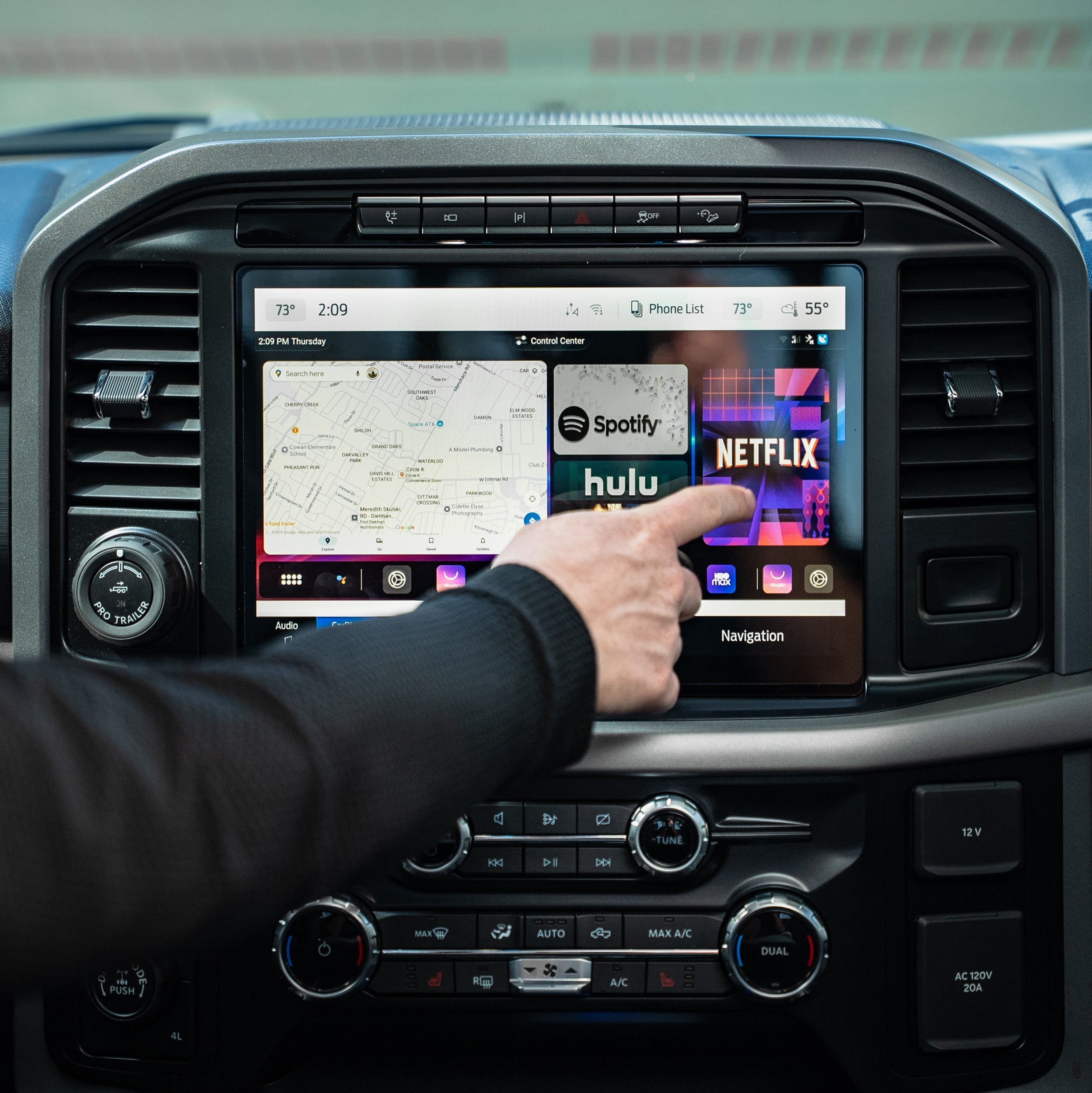
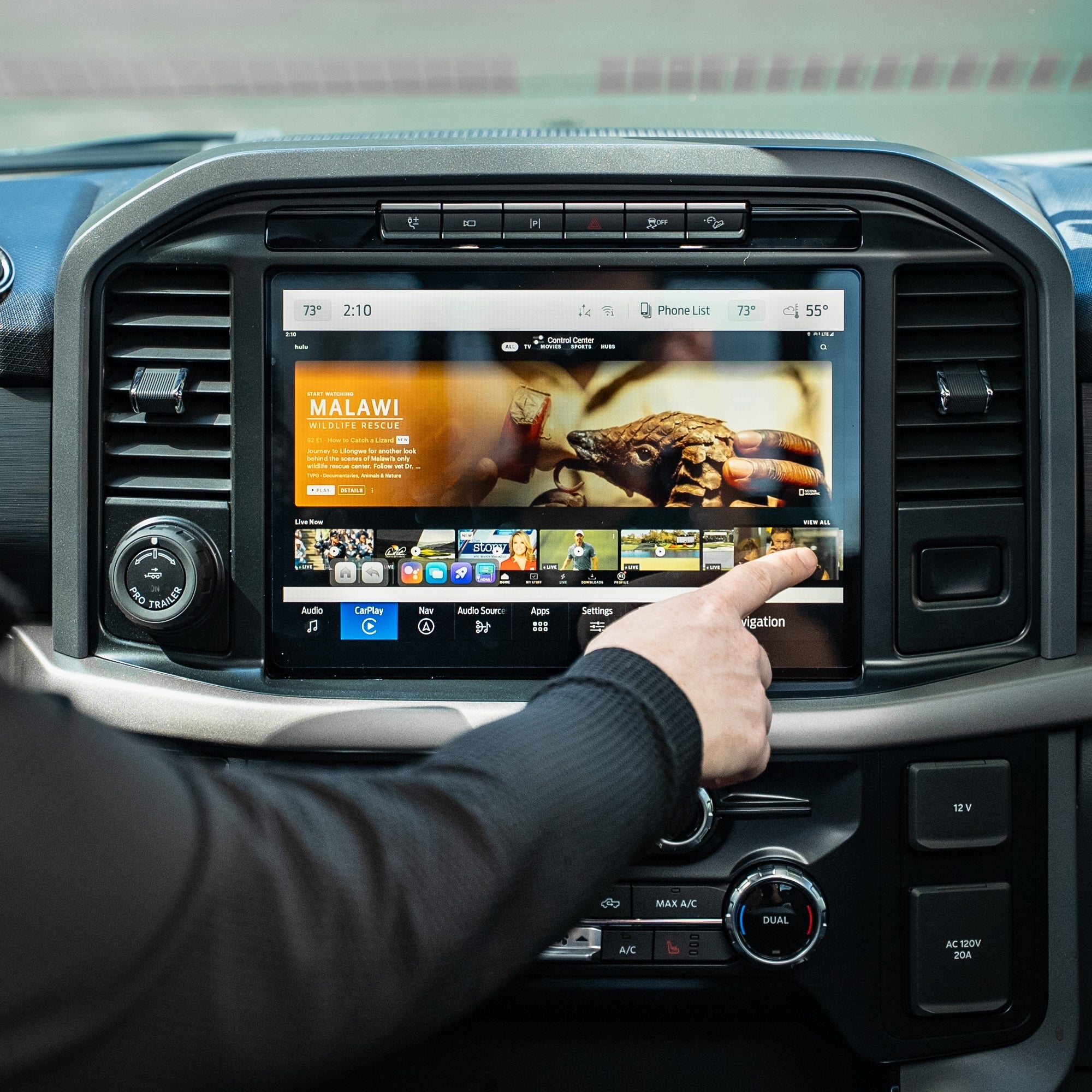
Watch The Magic Box™ 3.0 In Action
FAQs
Not finding your question? Please read our FAQs page or check out our Help Center 📝
Does The Magic Box 3.0 require a subscription?
The Magic Box 3.0 does not require a paid subscription. However, in order to connect to the internet you need either a phone hotspot, car wifi, or sim card. Magic Mobile our own verified data SIM Card network we provide that gives you unlimited data. Every device has a pre-installed SIM card for easy setup and usage.
Will this work in my vehicle?
The Magic Box™ 3.0 (Wireless CarPlay Only) requires a wreless Apple CarPlay connection to work in your vehicle. You can check our extensive compatibility list at the top of this page near the add to cart buttons.
Aftermarket head units from Alpine, Kenwood, and Pioneer are also supported.
If you are still unsure, please reach out to our support team with your vehicle make, model, and year for verification.
How quickly can I set it up?
Most customers get it up and running within a few minutes. It’s plug & play with minimal setup required, similar to a new phone to establish basic settings.
How fast is shipping & where does it ship from?
Is The Magic Box™ 3.0 (Wireless CarPlay Only) compatible with my car?
The Magic Box™ 3.0 (Wireless CarPlay Only) requires a wired Apple CarPlay connection to work in your vehicle. You can check our extensive compatibility list at the top of this page near the add to cart buttons.
Aftermarket head units from Alpine, Kenwood, and Pioneer are also supported.
If you are still unsure, please reach out to our support team with your vehicle make, model, and year for verification.
Do I need any additional apps to make it work?
Nope, we've pre-installed the most popular streaming apps to the box for you. The Google Play store is accessible from the box to download any app if you wish.
In order to access the streaming options, you will need a WiFi signal from mobile hotspot, SIM card, or in-vehicle internet.
The streaming apps still require an active subscription with those streaming providers, we do not give supply a free account to those apps.
Will it work on iPhone & Android?
Yes, The Magic Box™ 3.0 (Wireless CarPlay Only) works great with both iPhone & Android. We simply use the CarPlay channel to allow our device to function so even if you have an Android phone, you'll still click into CarPlay from your display screen.
How to watch Netflix from Apple CarPlay?
Simply download the Netflix app within the Google Play Store within the Magic Box device. Log into your account and start streaming your favorite shows.
How to play videos on CarPlay?
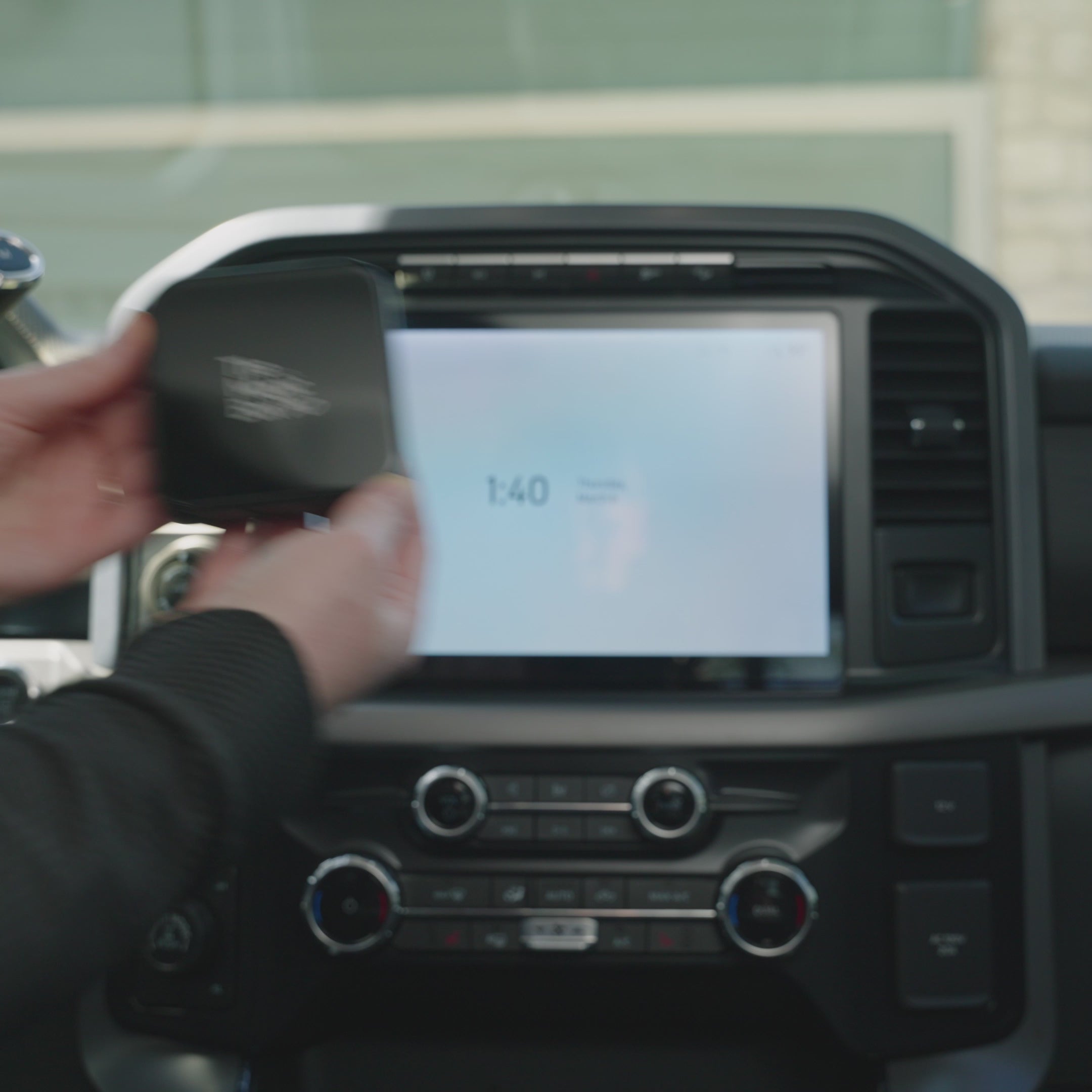
Turn your cars display screen into a smart TV using The Magic Box™ 3.0 (Wireless CarPlay Only). Simply plug The Magic Box™ 3.0 (Wireless CarPlay Only) into your car's USB port and the regular CarPlay or Android Auto screen will be replaced with ours. Download any app and start streaming with The Magic Box™ 3.0 (Wireless CarPlay Only).
- TGTiffany G.Verified ReviewerReviewingThe Magic Box™ 3.0 (Wireless CarPlay Only)I recommend this productWhat is your vehicle make? HondaWhat is your favorite feature? Entertain PassengersRated 5 out of 5 stars2 months agoBest purchase!
I am beyond ecstatic on this purchase. Just went on a long road trip and was able to watch TV on my 2025 Honda CRV. The whole time with no interruptions great quality picture and easy access to CarPlay. What I love the most is you can actually see the show playing when it’s bright and sunny outside and like on a cellular device that would not get the best quality. I will be buying more of these as gifts in the future!
- JLJason L.Verified BuyerReviewingThe Magic Box™ 3.0 (Wireless CarPlay Only)I recommend this productWhat is your vehicle make? FordWhat is your favorite feature? Watch Live TV, Wireless CarPlay, Entertain PassengersRated 5 out of 5 stars3 months agoGreat Box
The Magic Box 3.0 wireless is amazing and works just like the videos! 2025 Ford Expedition Platinum Ultimate.
- TTankboyVerified BuyerReviewingThe Magic Box™ 3.0 (Wireless CarPlay Only)I recommend this productWhat is your vehicle make? FordWhat is your favorite feature? Wireless CarPlay, Watch Live TV, Entertain PassengersRated 5 out of 5 stars3 months agoAwesome Box
We love ❤️ our Magic Box 3.0 wireless. I works just like the videos show! 2025 Ford Expedition Max Platinum.
- JJenVerified BuyerReviewingThe Magic Box™ 3.0 (Wireless CarPlay Only)I recommend this productWhat is your vehicle make? SubaruWhat is your favorite feature? Entertain PassengersRated 5 out of 5 stars3 months agoGame changer!!!!
Sitting in the car while waiting for my kid at theater rehearsals, voice lessons, orchestra, etc has never been better! Love it!!!! Had a little bit of trouble getting started, but customer service was really helpful and now it's smooth sailing!!!!
- DBDavid B.Verified BuyerReviewingThe Magic Box™ 3.0 (Wireless CarPlay Only)I recommend this productWhat is your vehicle make? Land RoverWhat is your favorite feature? Watch Live TVRated 5 out of 5 stars4 months agoGreat Product!
I had a device that only did Netflix and YouTube. This is my dream come true. Watching live tv or any streaming channel is awesome. Works great with Sim.
You may also like
The Magic Box™ 3.0 (Wireless CarPlay Only)