Wireless CarPlay + Rear Seat Camera
The Backseat Buddy
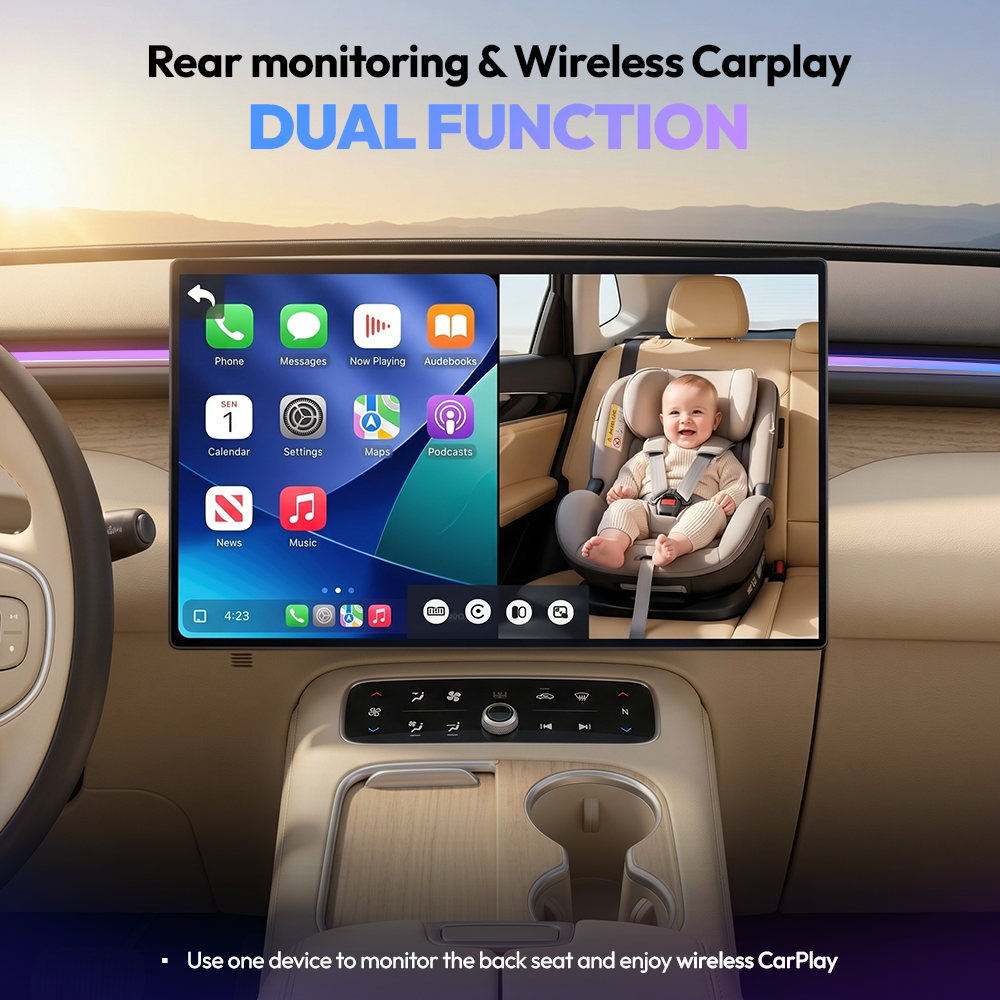
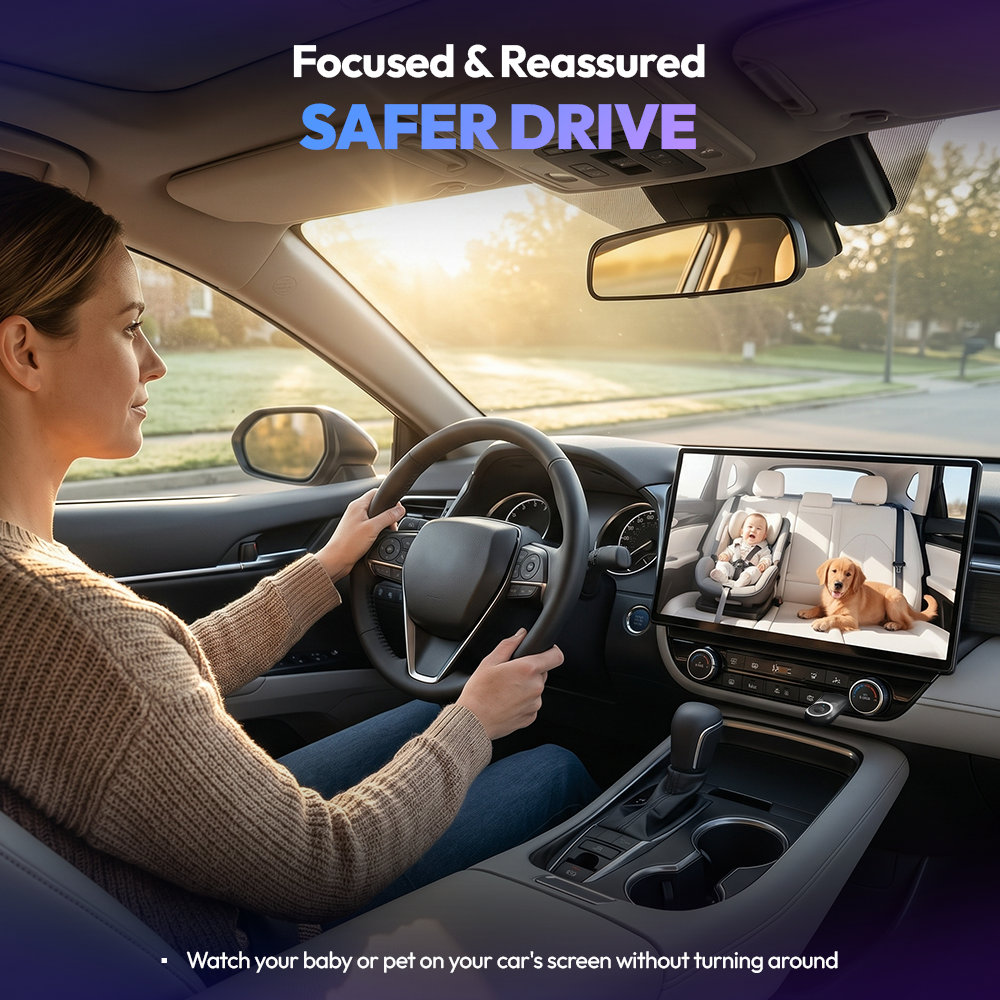
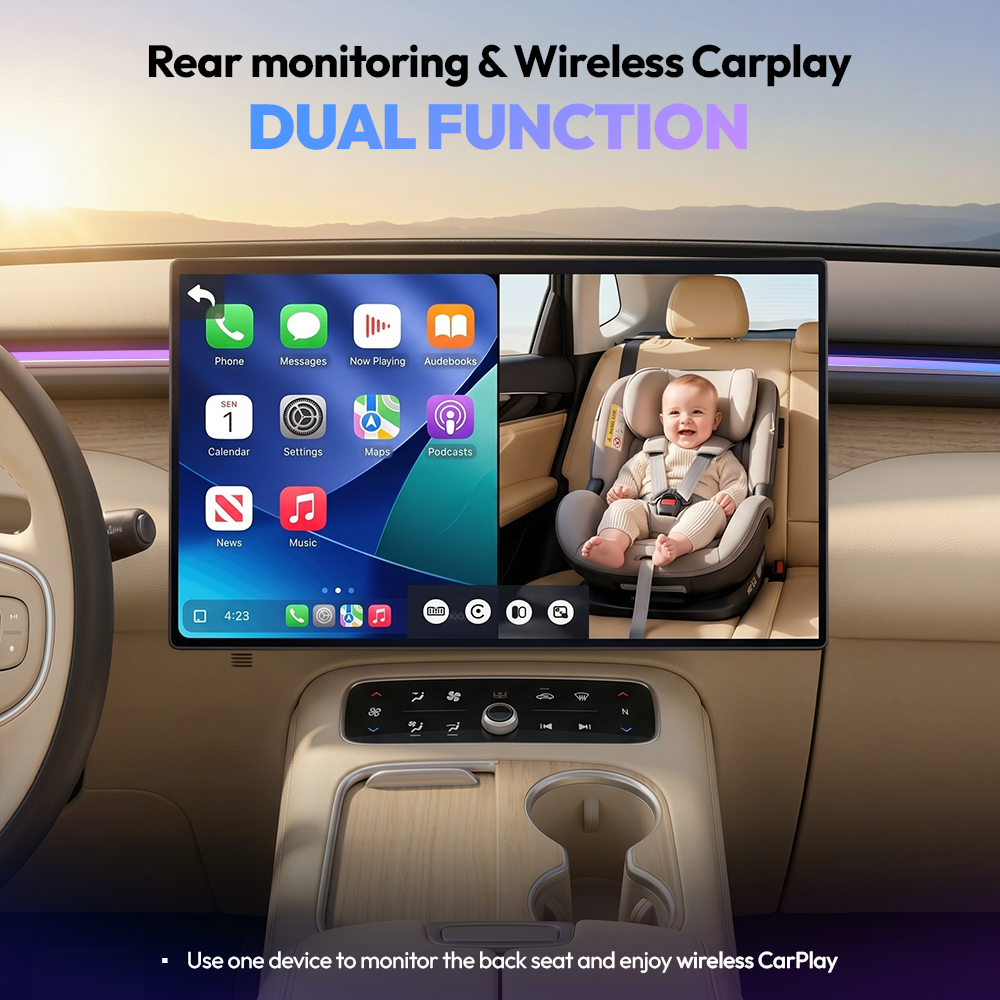
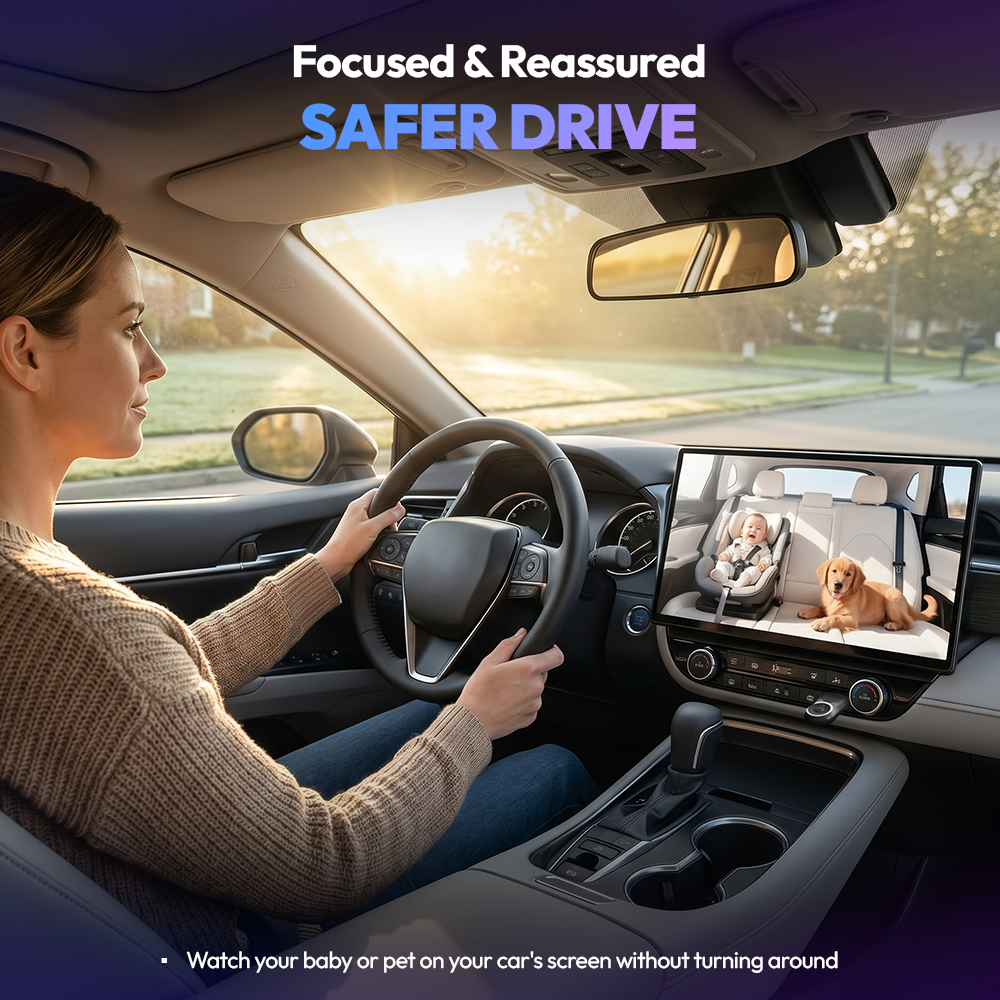
✓ See your back seat live: Watch your child or pet in 1080p on your car's existing screen. No extra monitor needed.
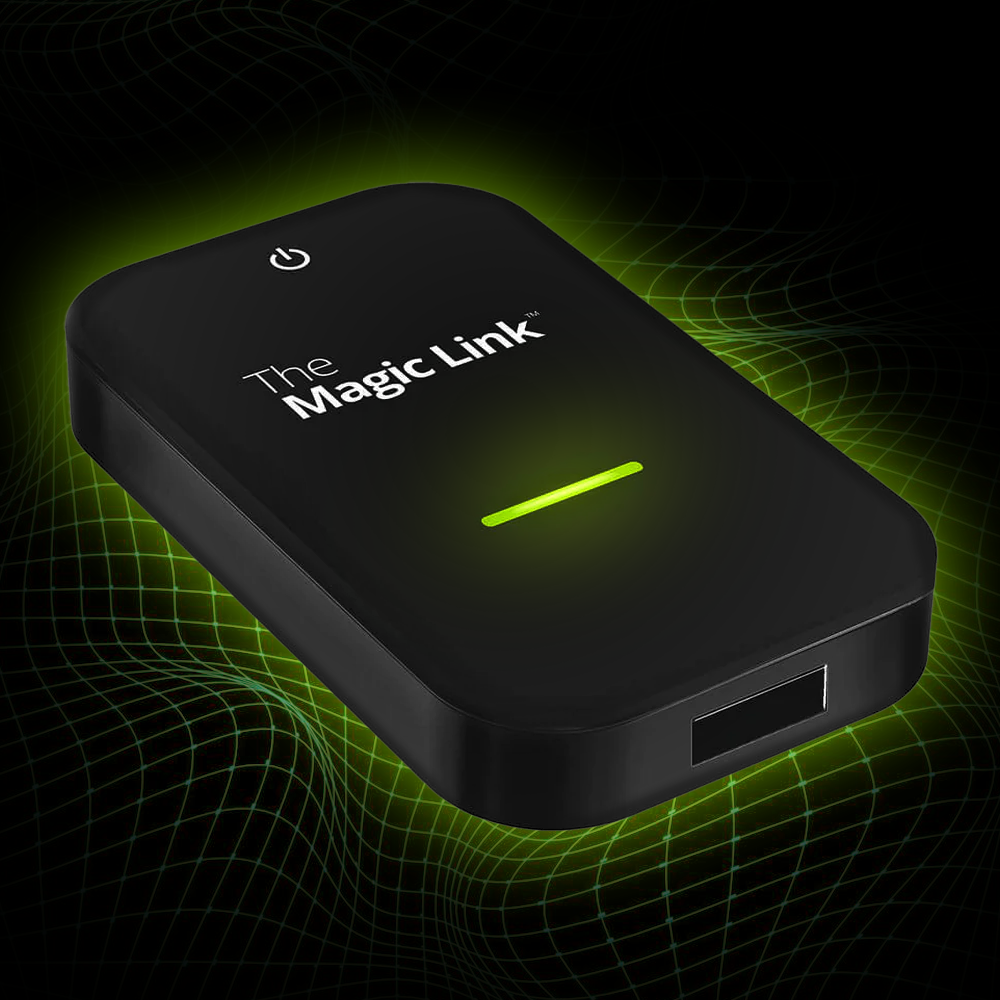
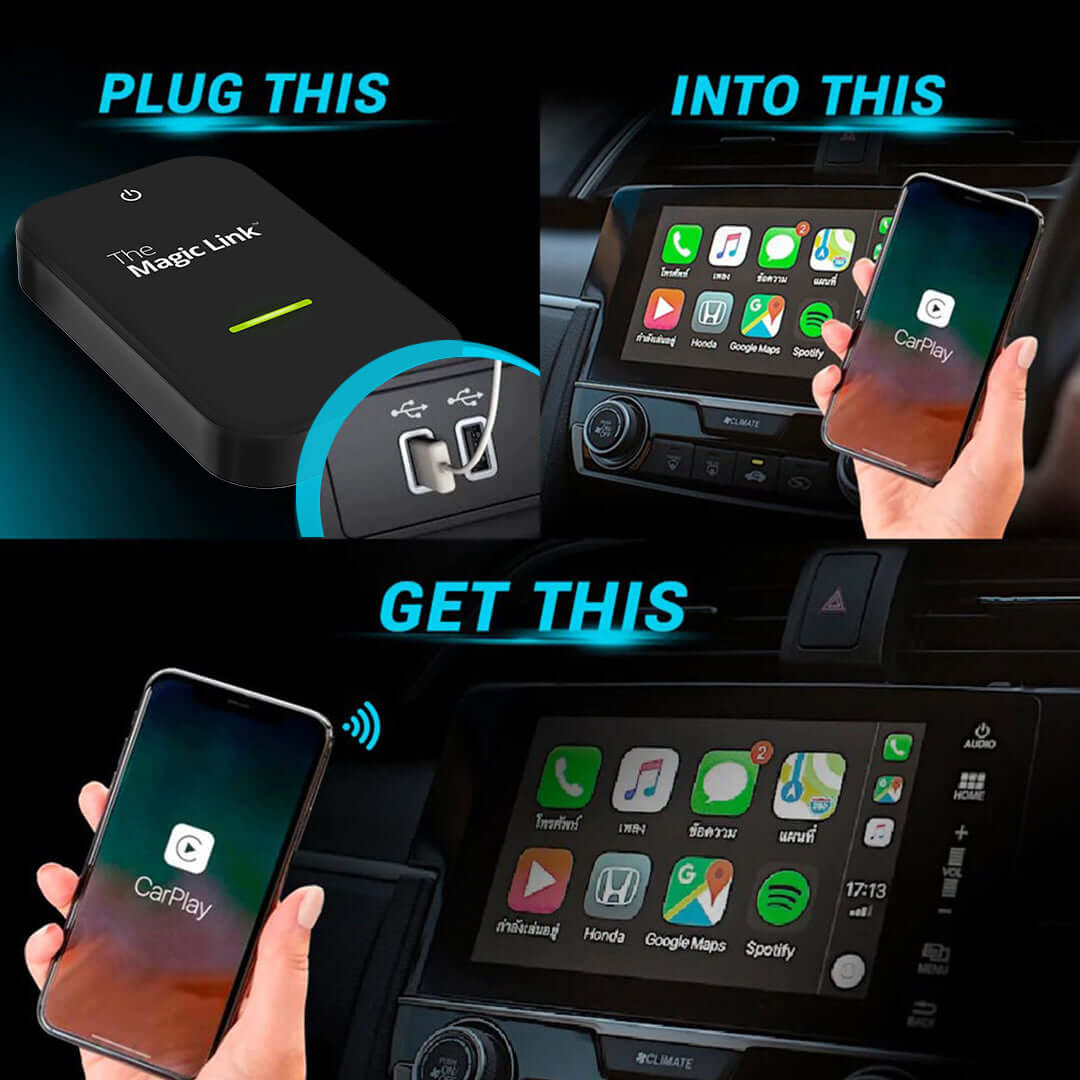
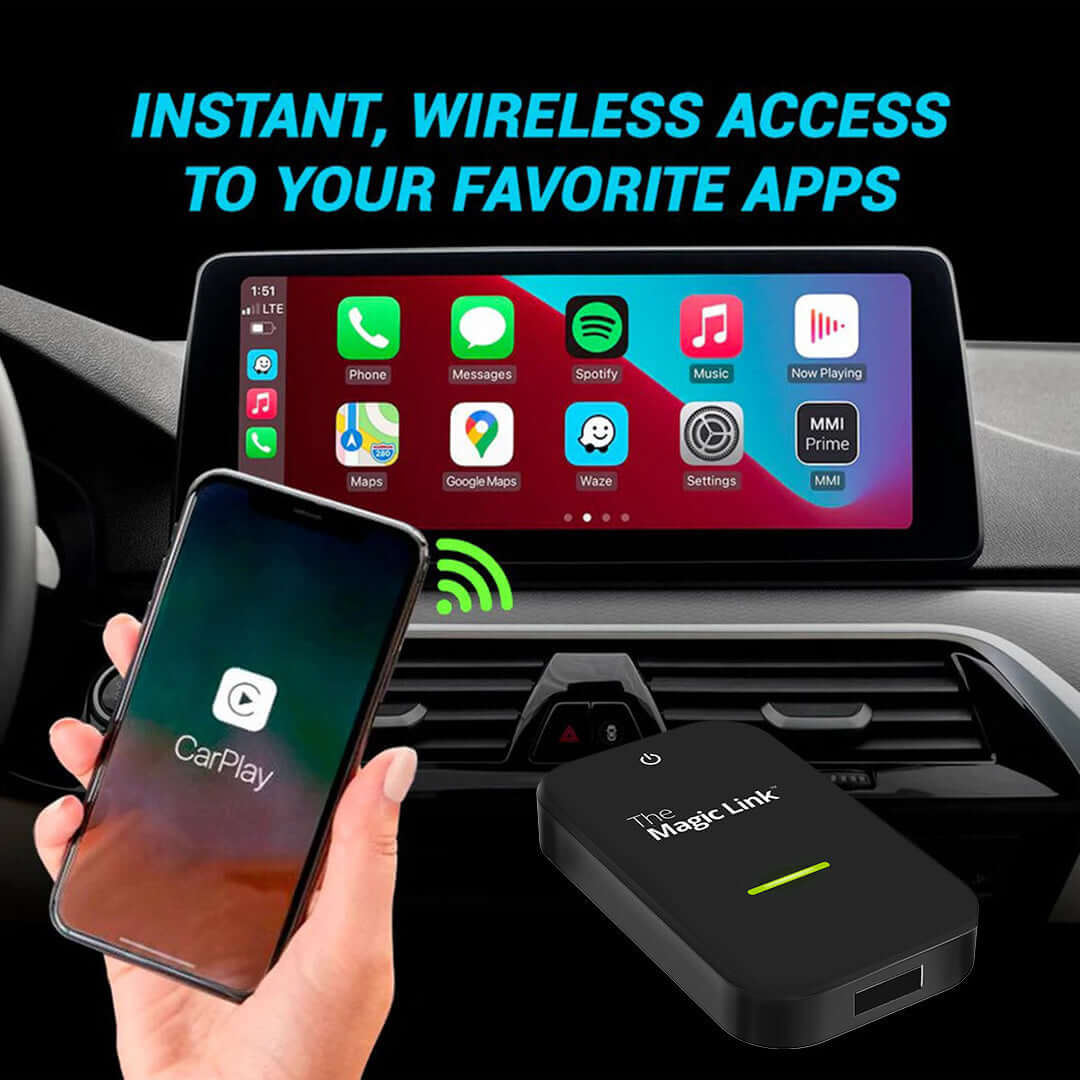
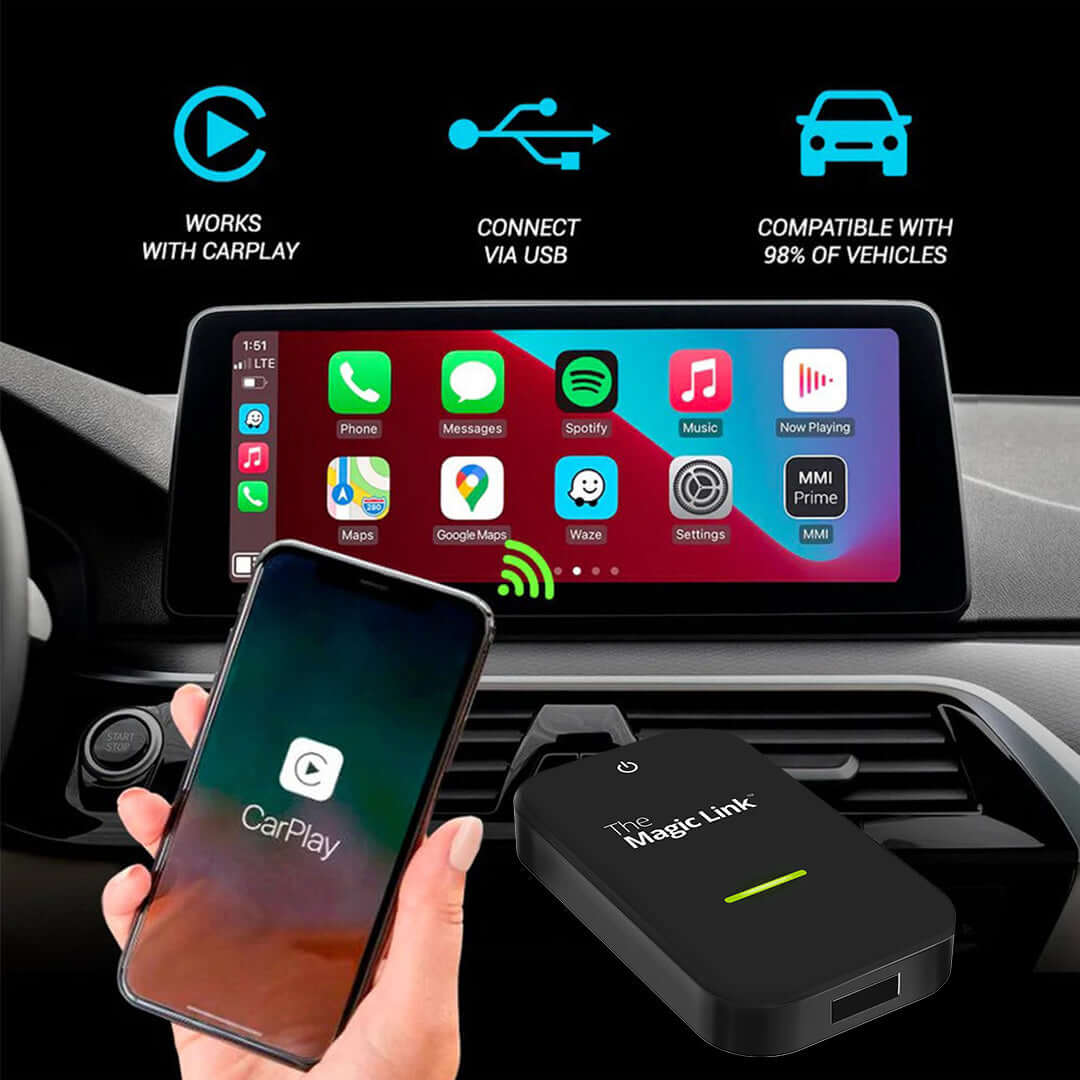
✓ Wireless CarPlay built in: Plug into your factory CarPlay port and go cord-free. No Magic Box required.
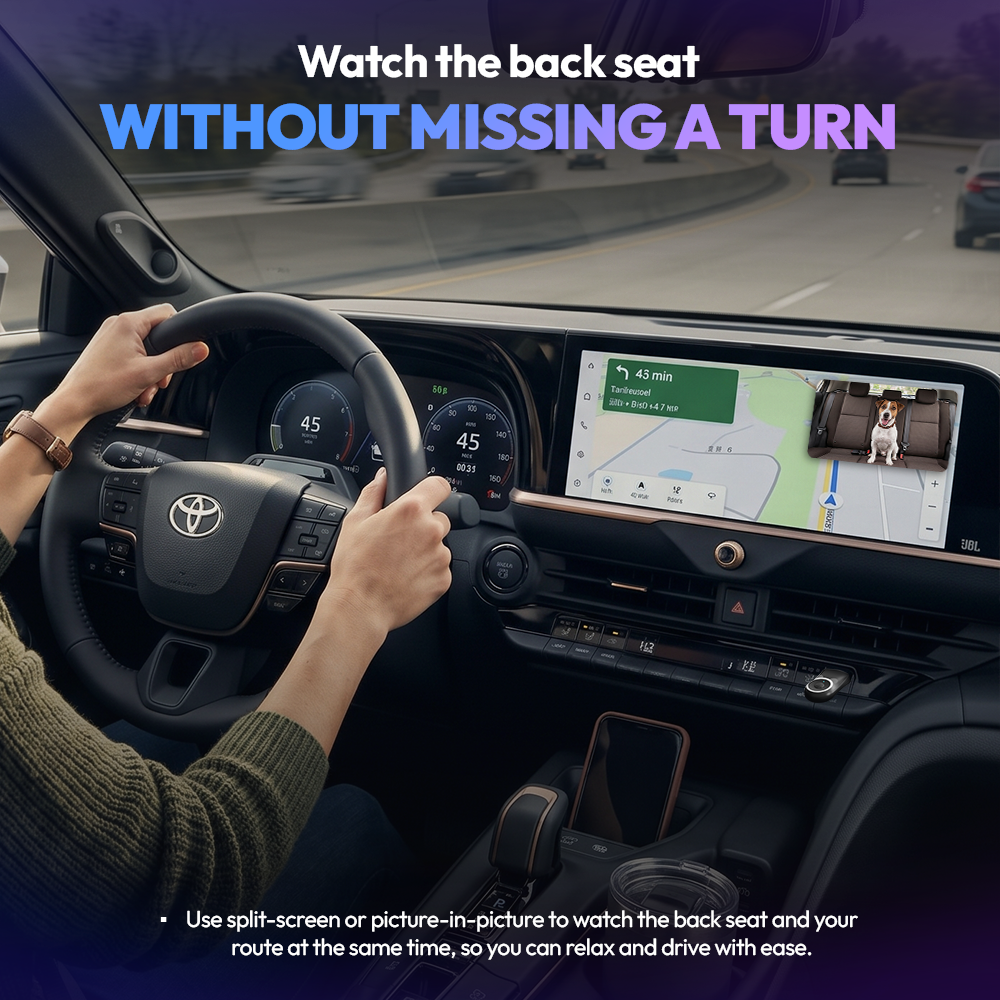
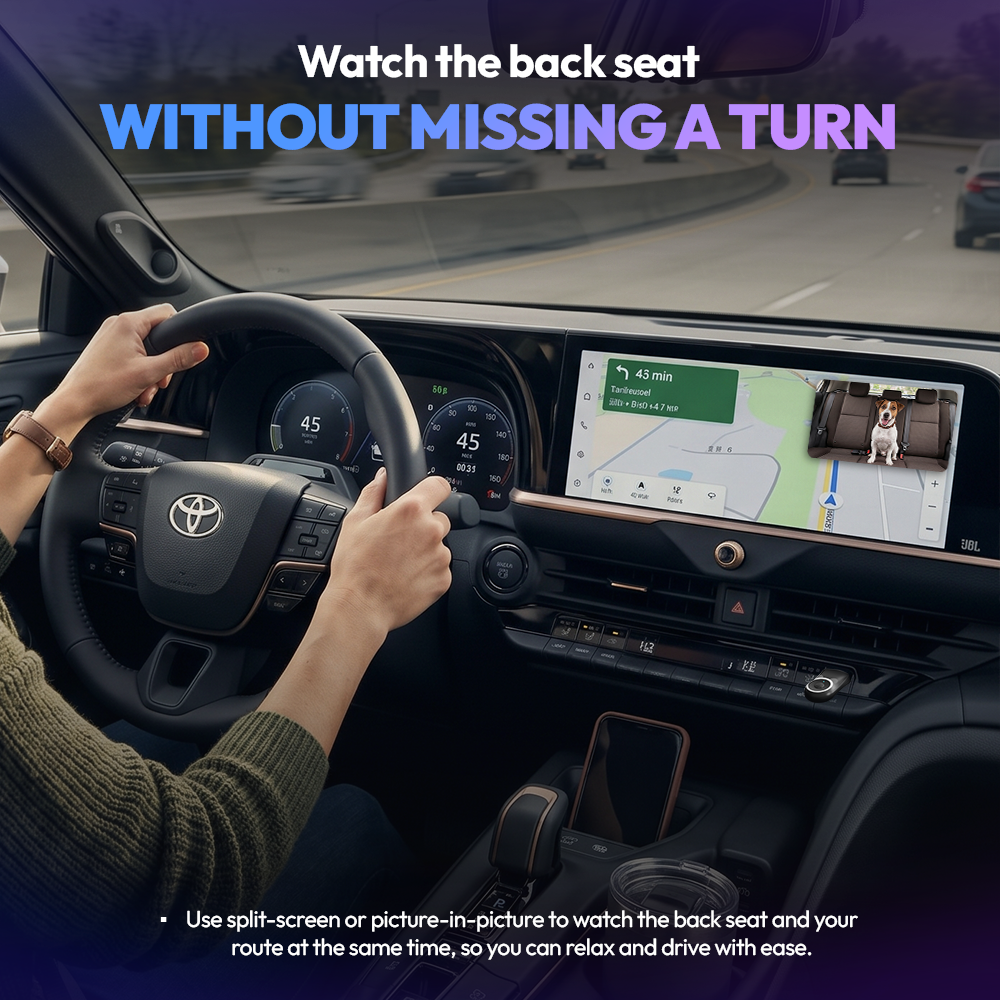
✓ Keep navigation visible: Use full-screen, split-screen, or picture-in-picture while you drive.
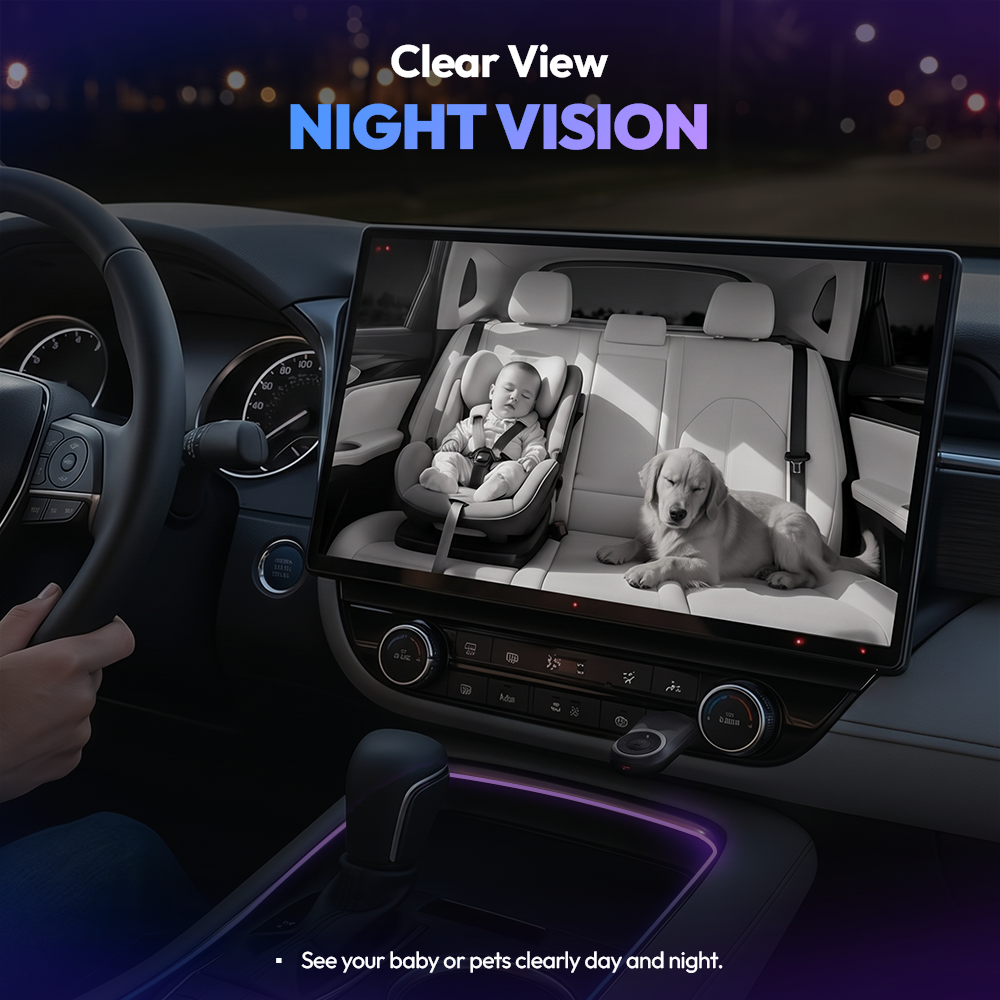
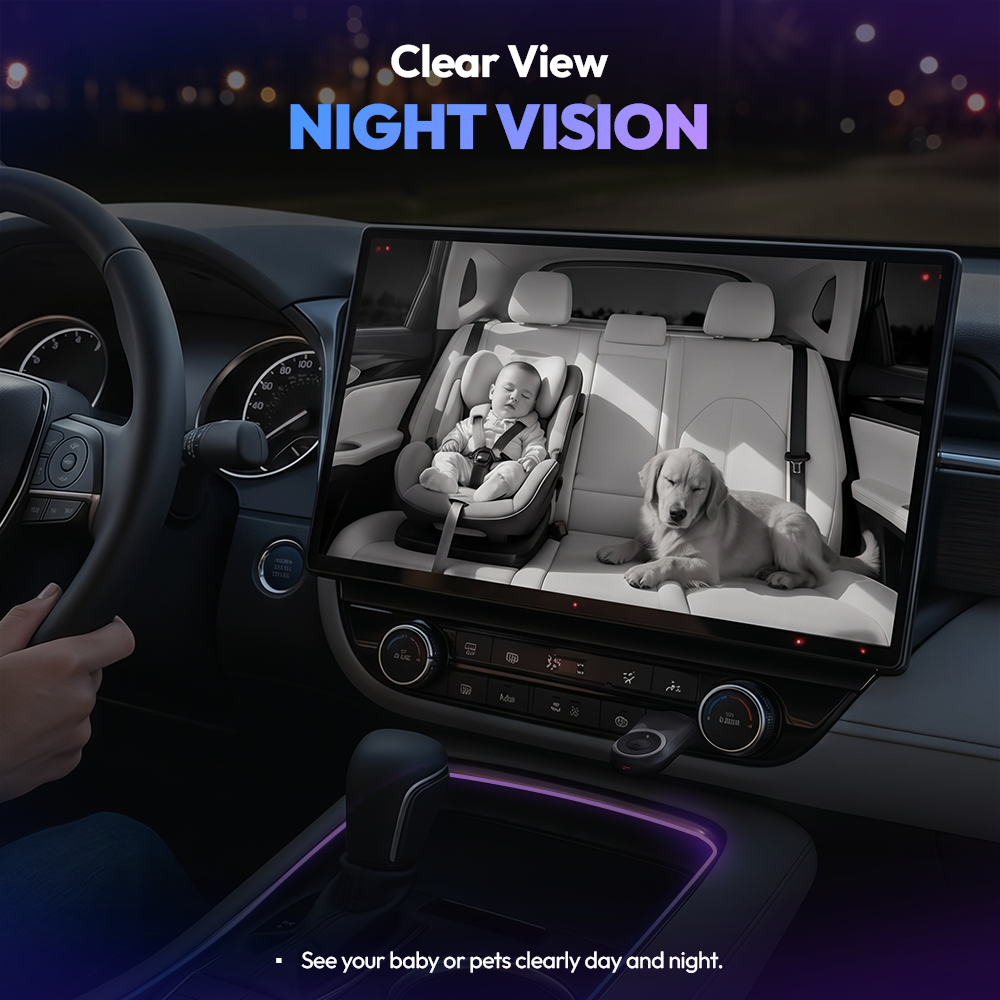
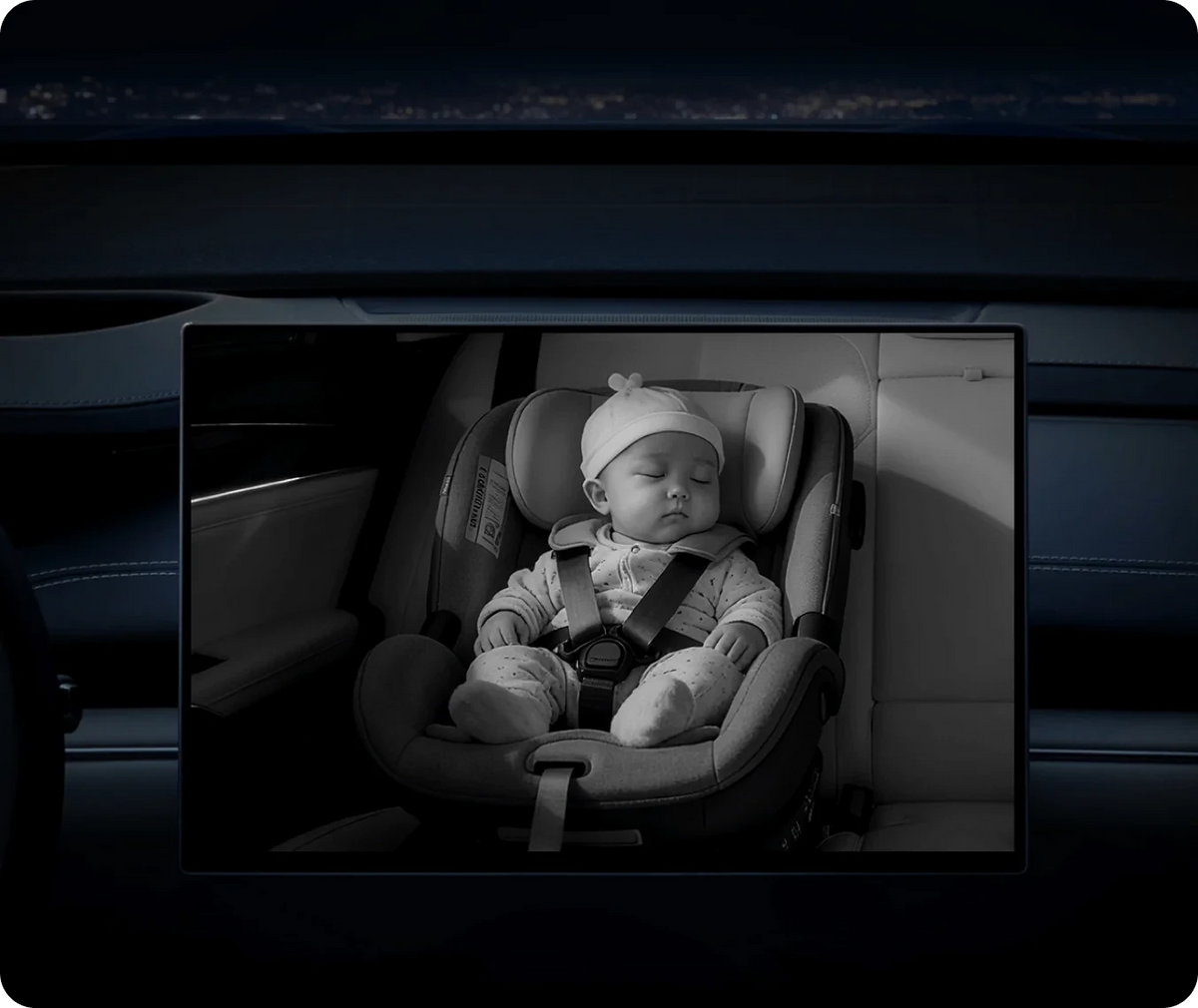
✓ Clear day or night: Infrared night vision keeps the picture sharp after dark.
✓ Private by design: Live view only. Nothing is recorded, saved, or uploaded.
Popular Add-Ons
🟢 Order by 3pm ET for same-day shipping · Mon–Fri
The Backseat Buddy
Description
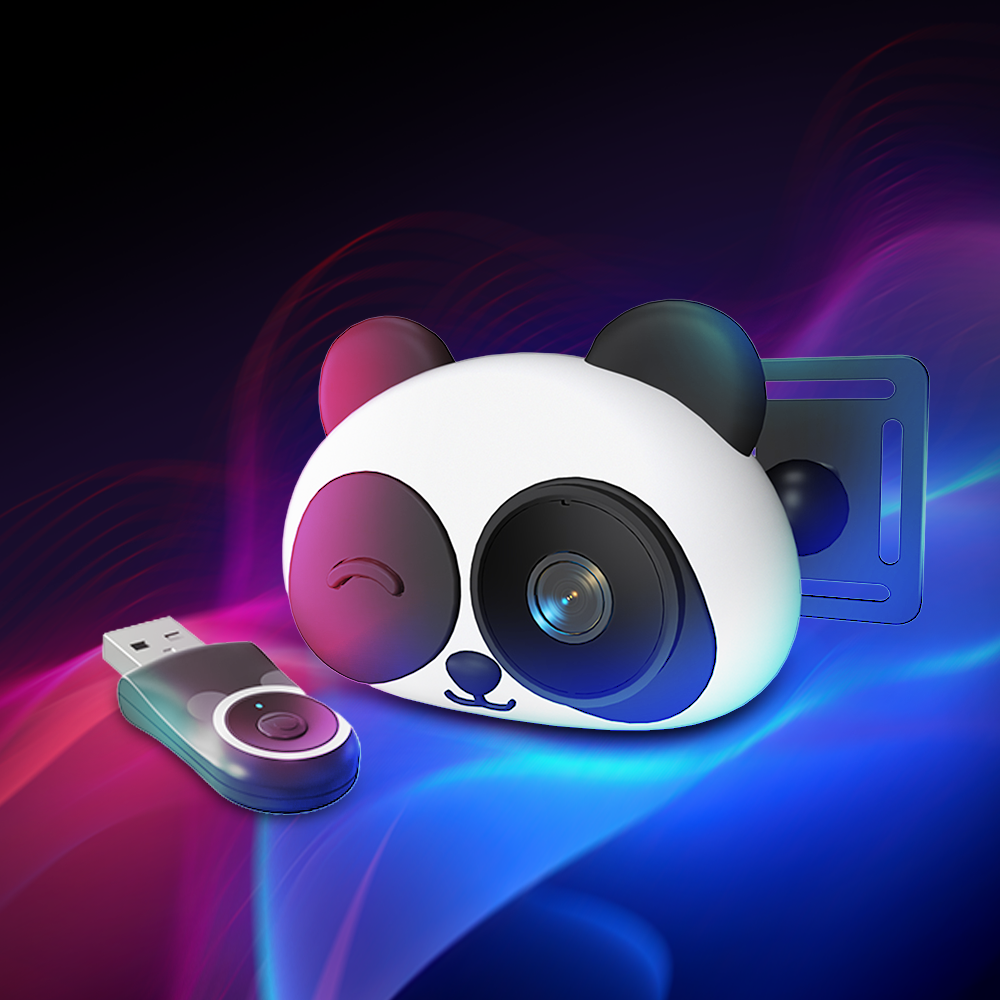
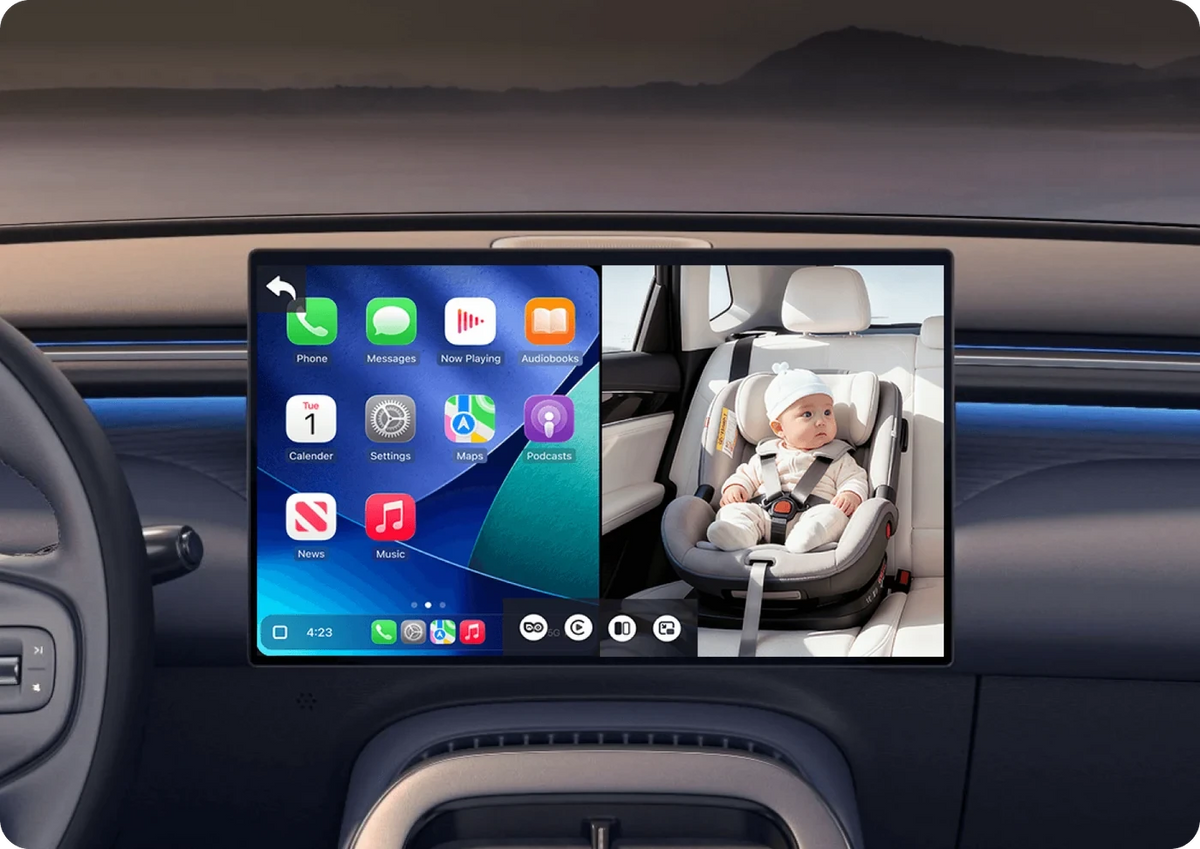
The Backseat Buddy puts a live 1080p view of your back seat on your car's screen and adds wireless CarPlay in the same device. Plug it into your factory CarPlay port, clip the camera to the headrest, and you can check on a kid or a dog without turning around.
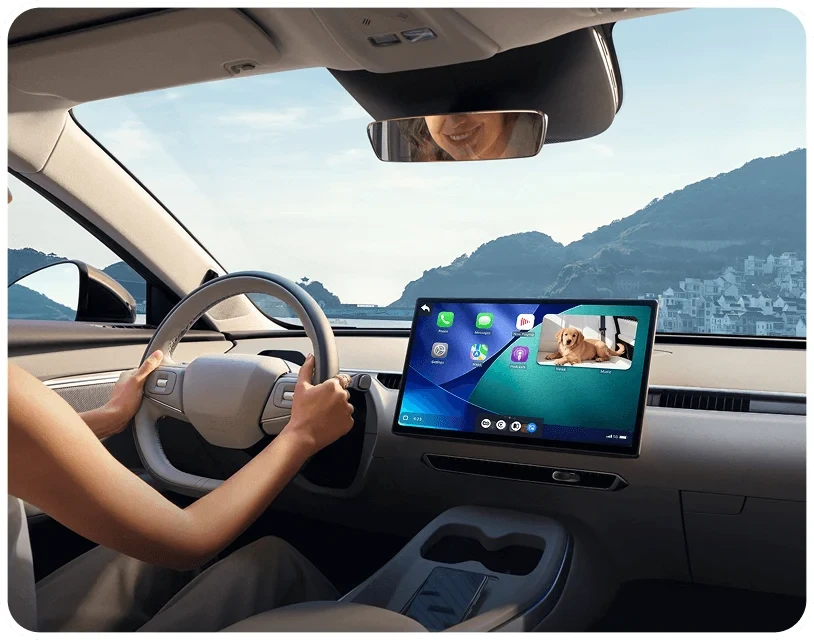
Split-screen and picture-in-picture let you keep your route and your back seat on the display at the same time.
Infrared night vision keeps the picture clear after dark. Nothing is recorded and nothing is uploaded. The feed goes from the camera to your dashboard and stops there.
User Manual
You can download The Backseat Buddy User Manual Here
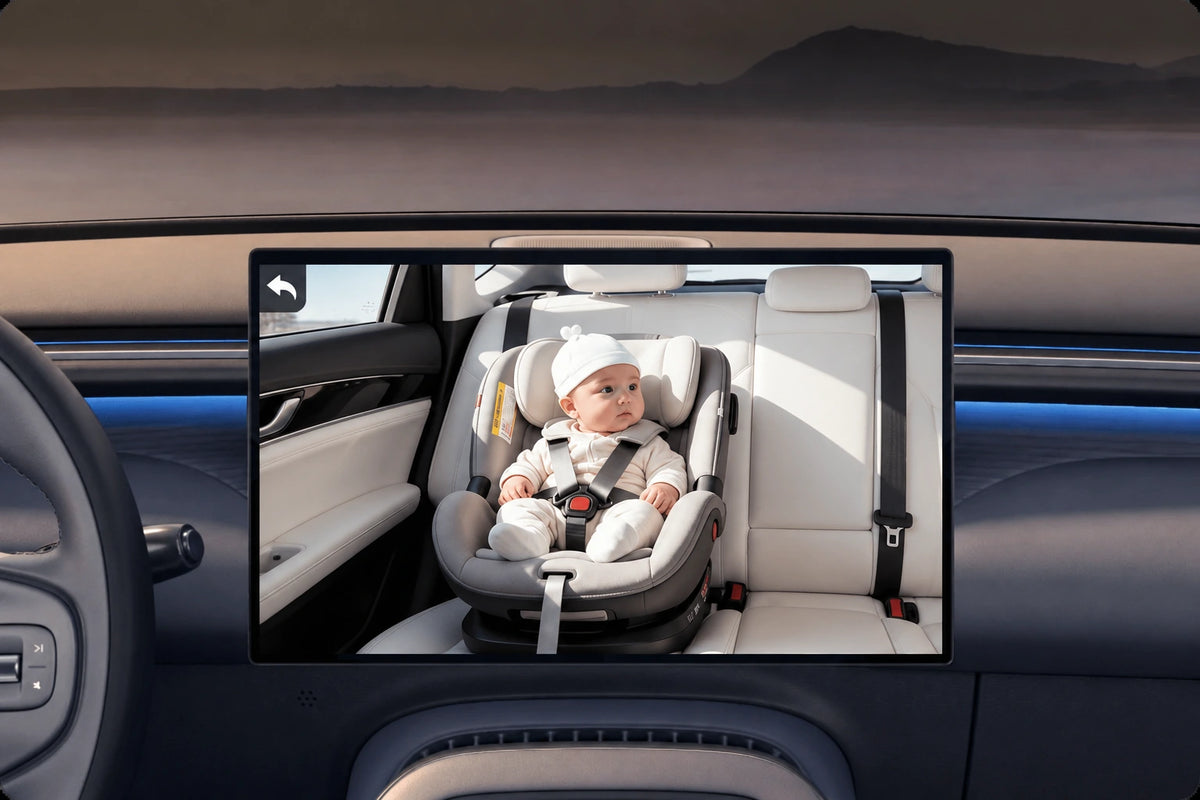
The back seat.On your screen.
Switch views from your car's touchscreen.
Set up in
3 easy steps.
Plug in. Mount up. Pair your phone.
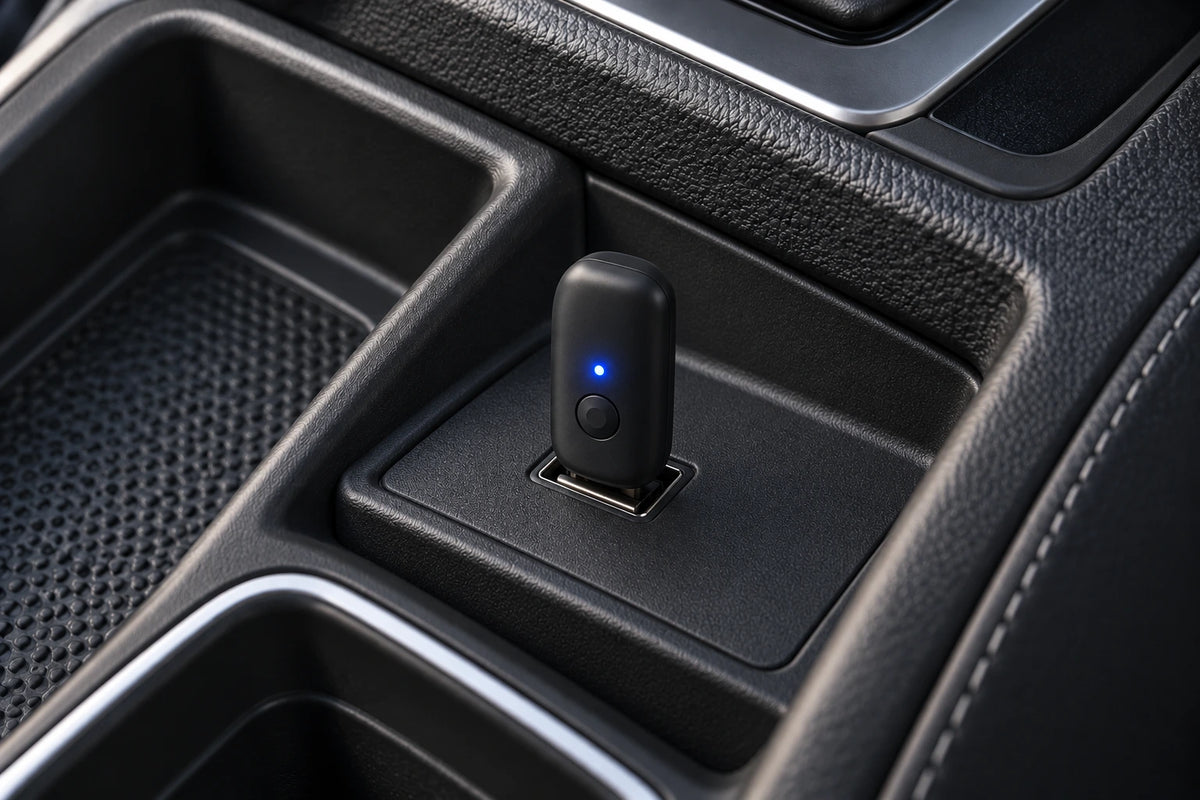
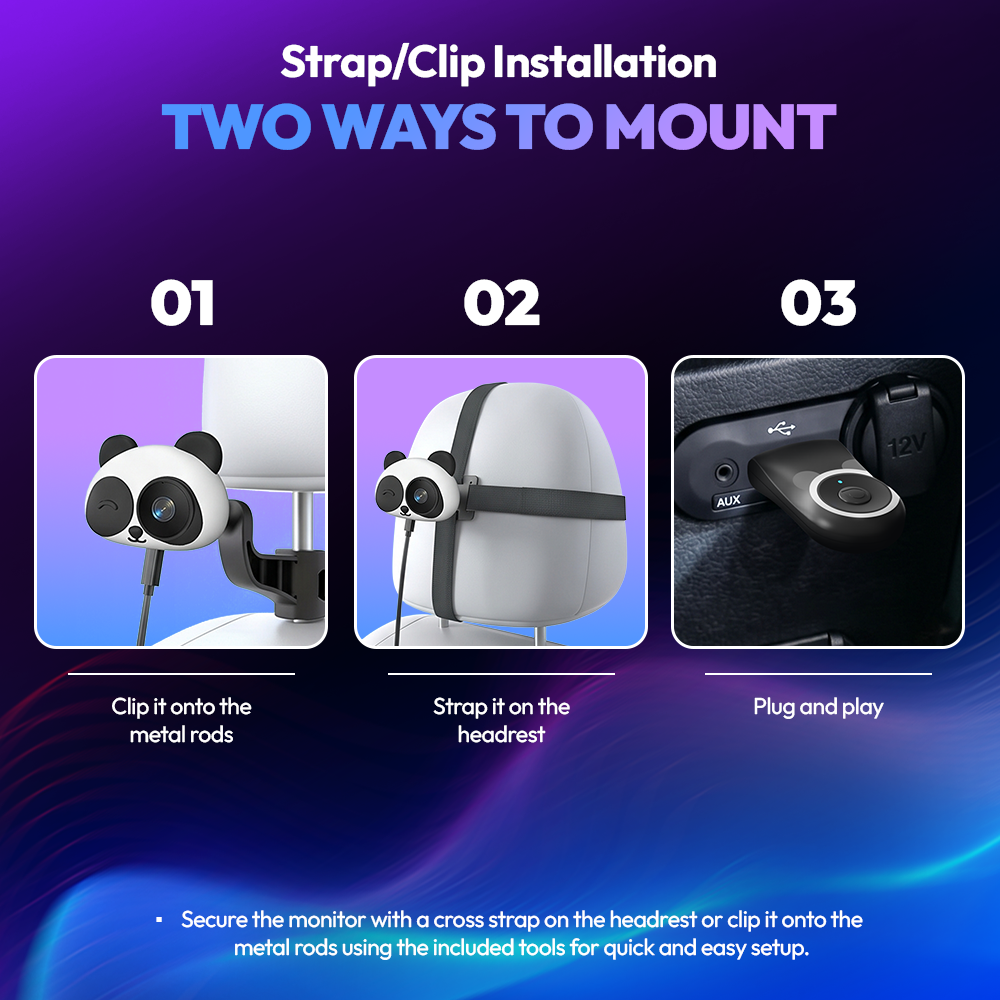
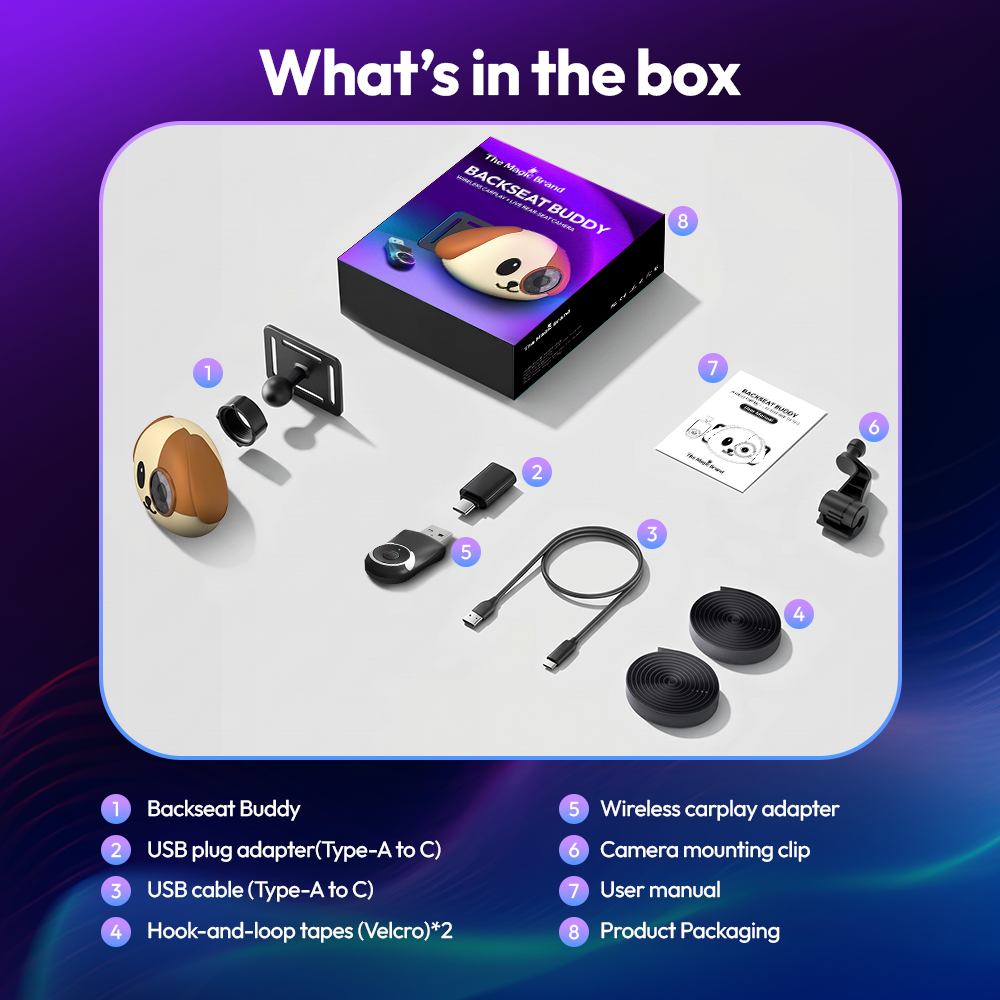
Plug in the adapter.
Use your car's factory wired CarPlay USB data port.
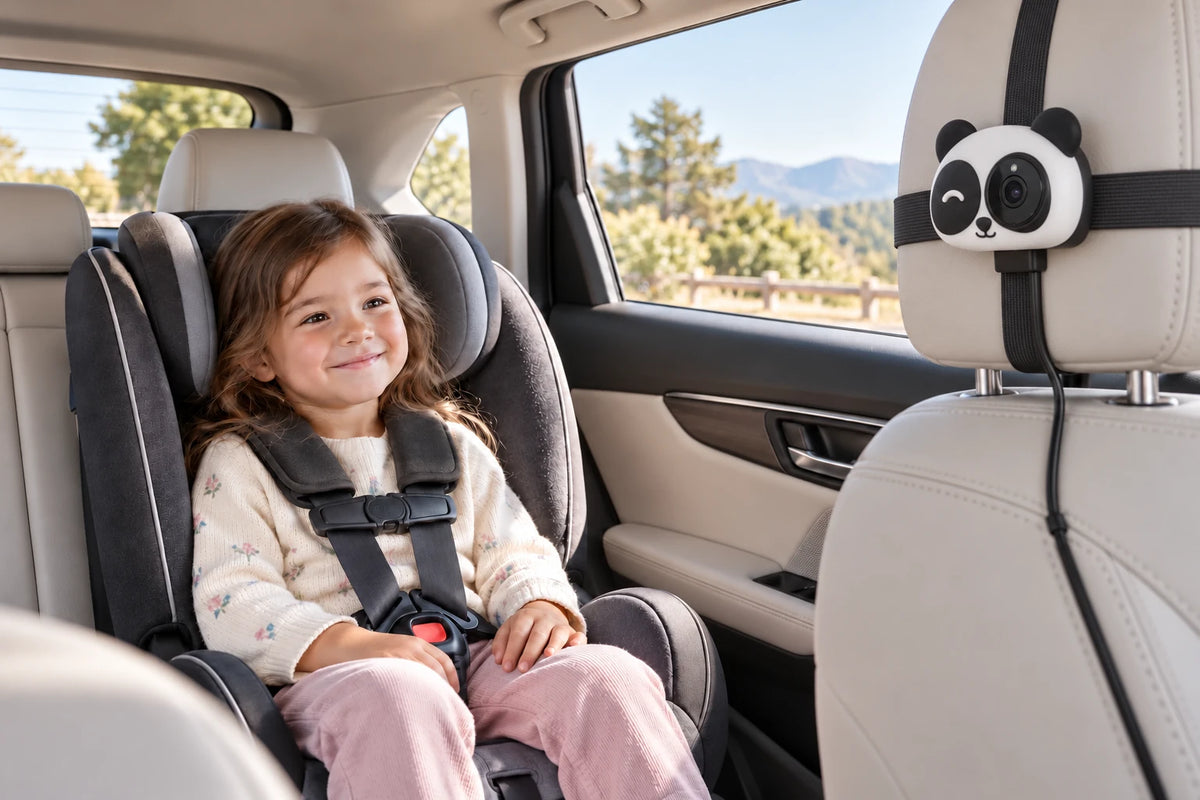
Mount the camera.
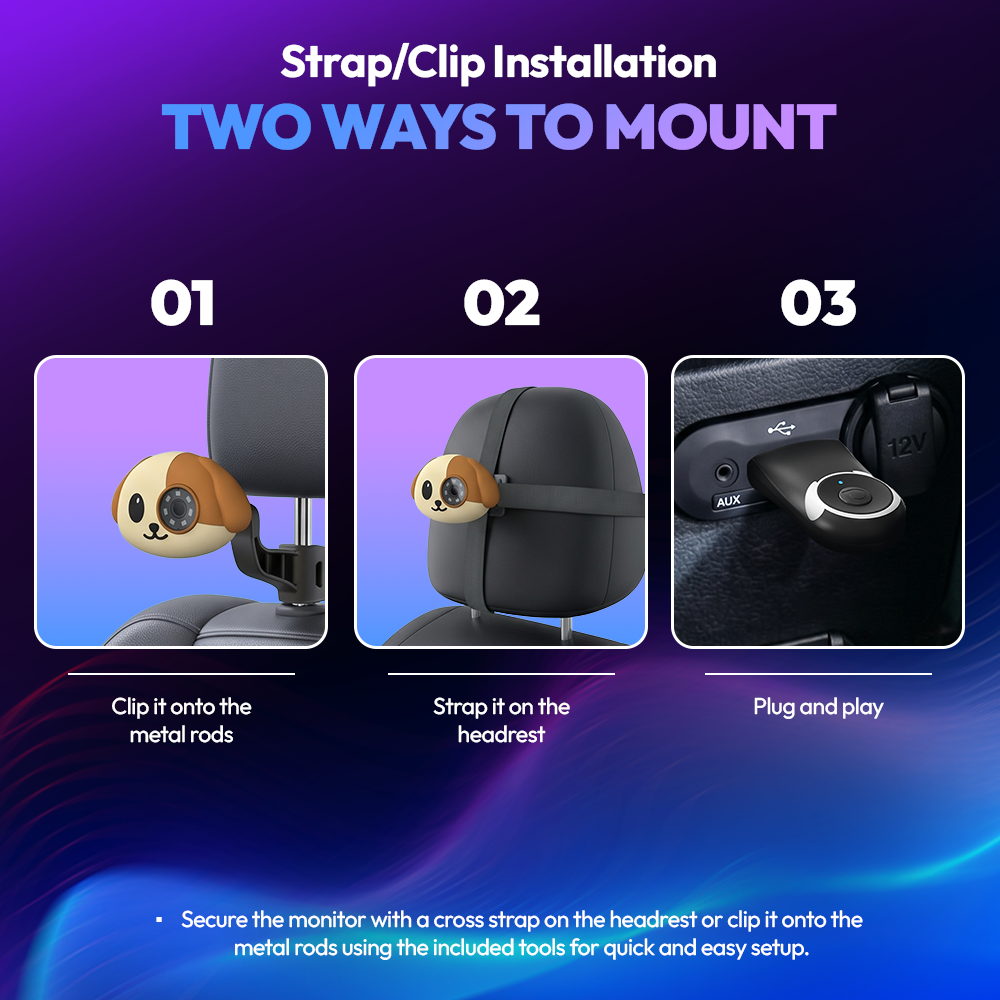
Secure it behind a headrest, then connect it to USB power.
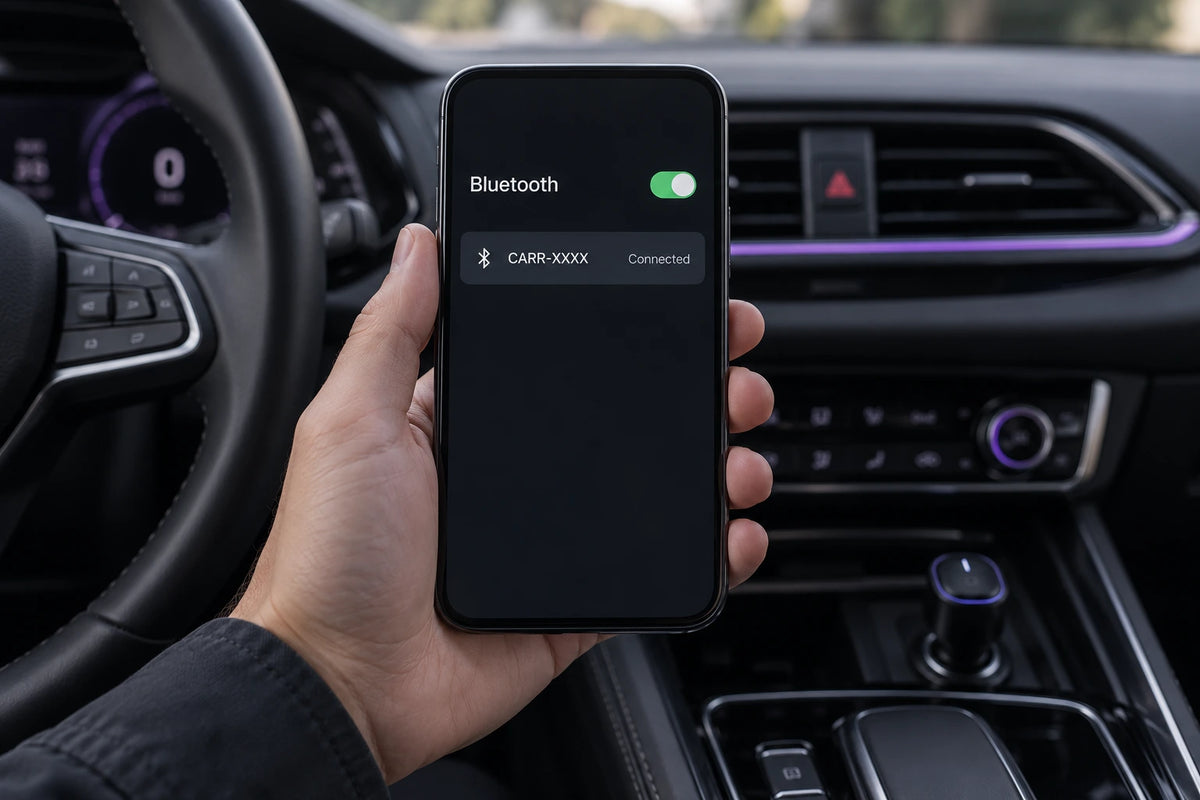
Pair your phone.
Follow the CarPlay or Android Auto connection prompts.
Two mounts.
One easy fit.
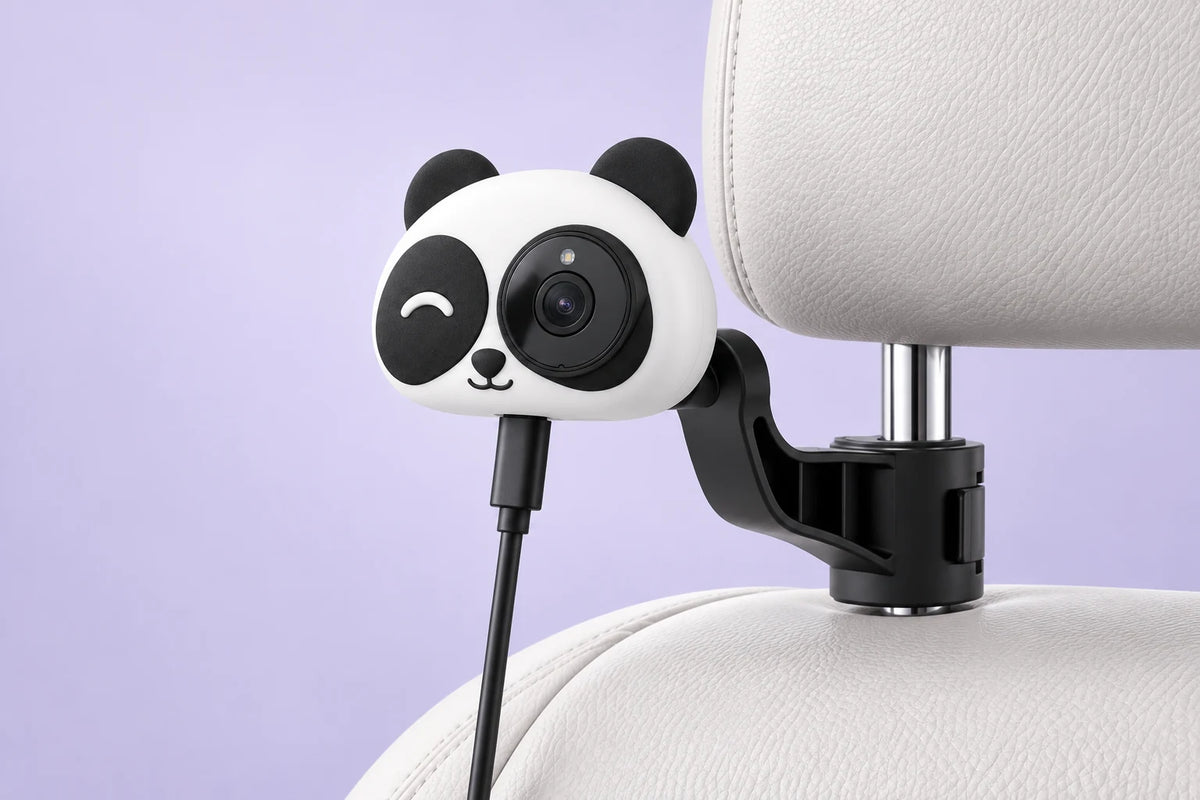
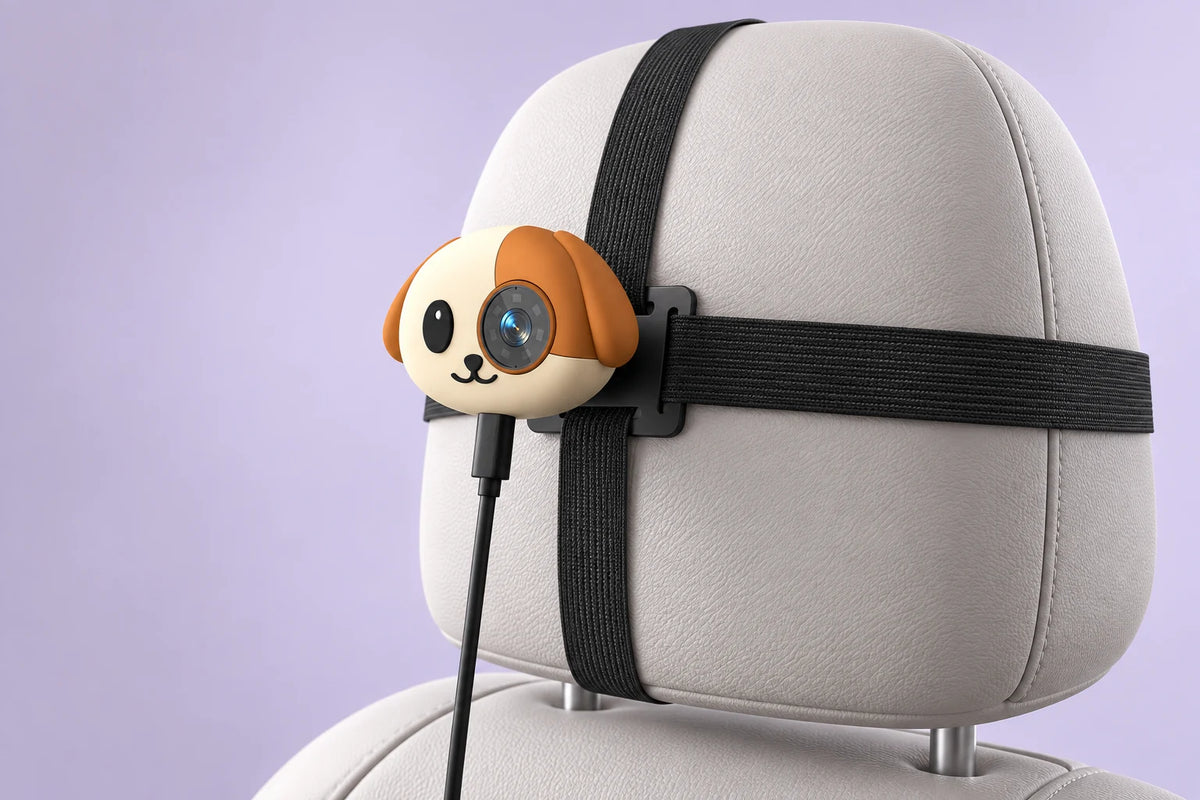
Choose the fit for your headrest.
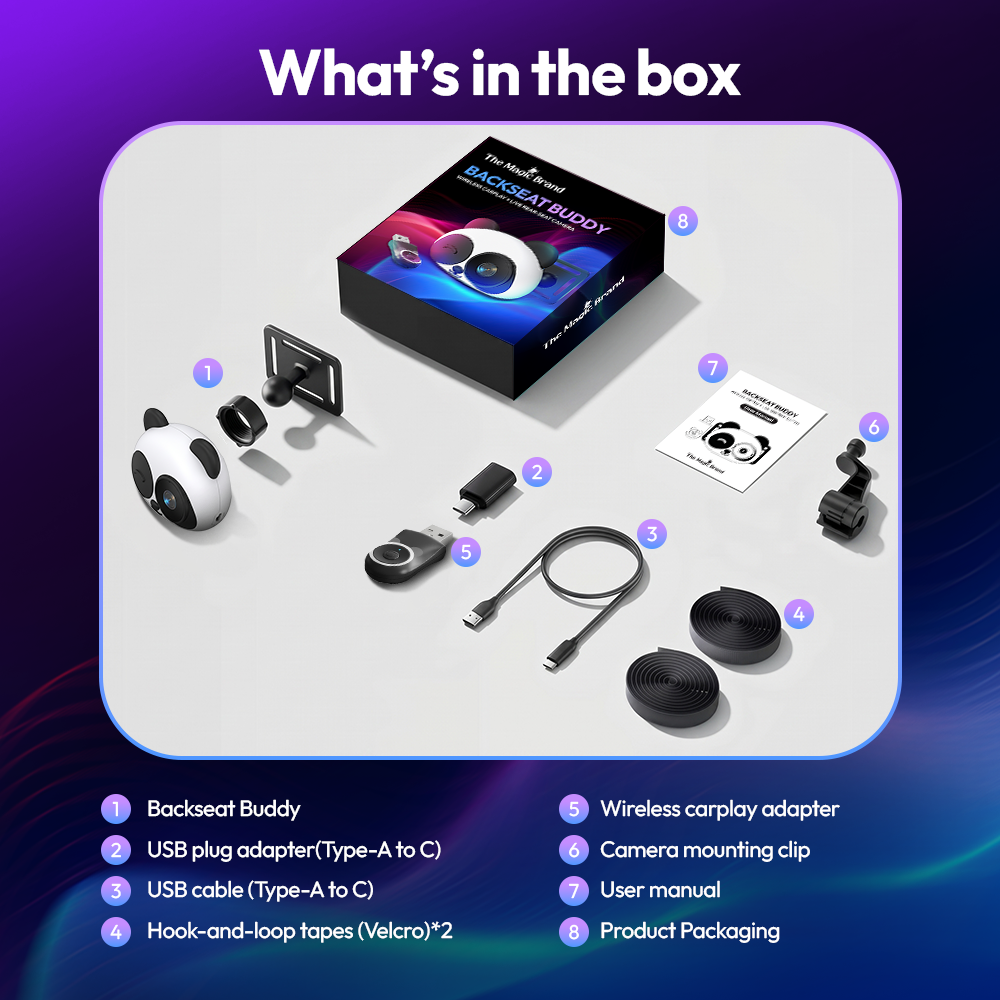
Both options come in the box.
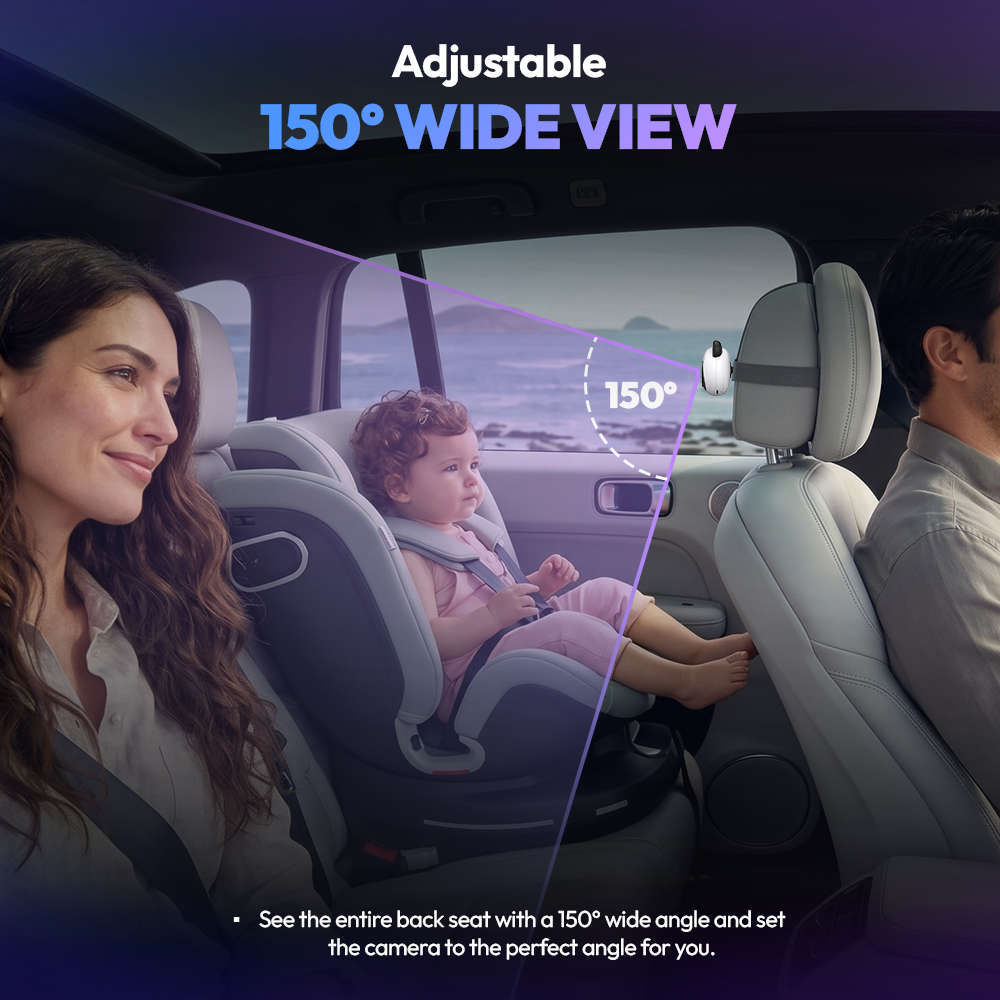
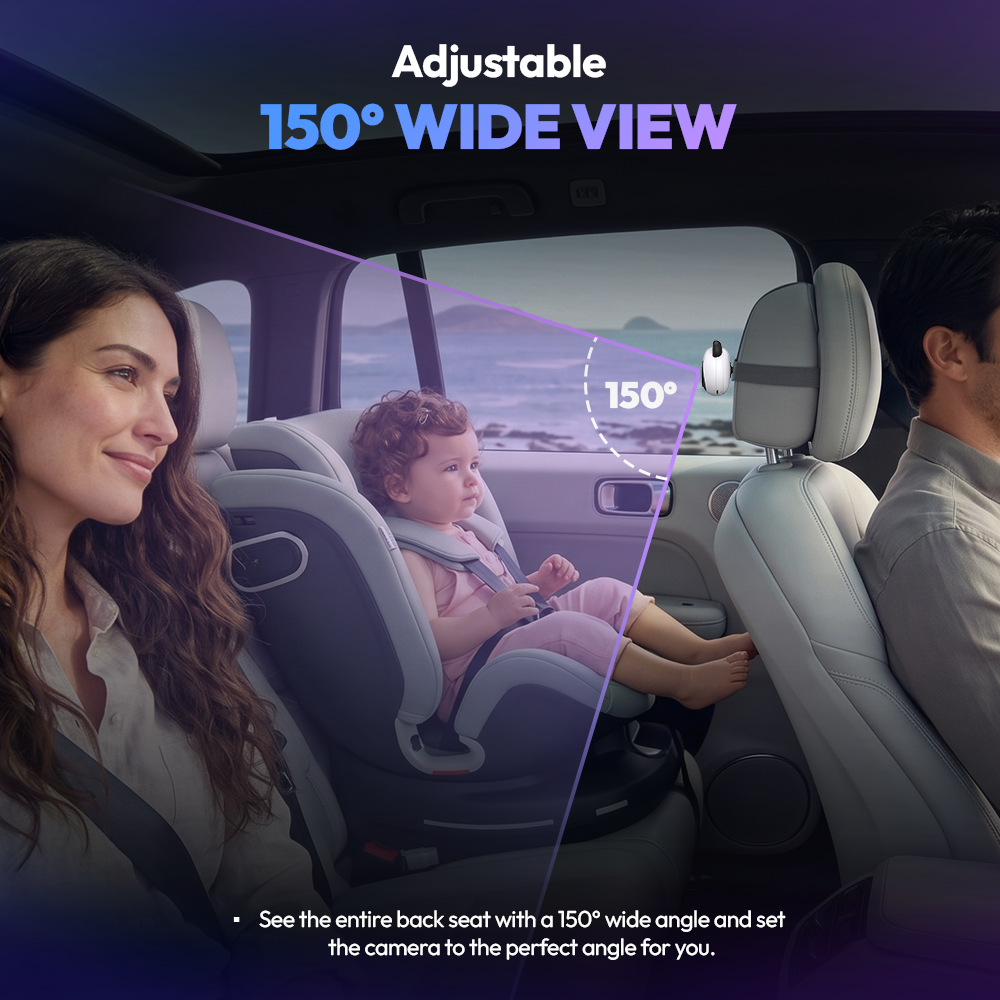
Clips onto a headrest post. Adjust the angle to frame the seat.
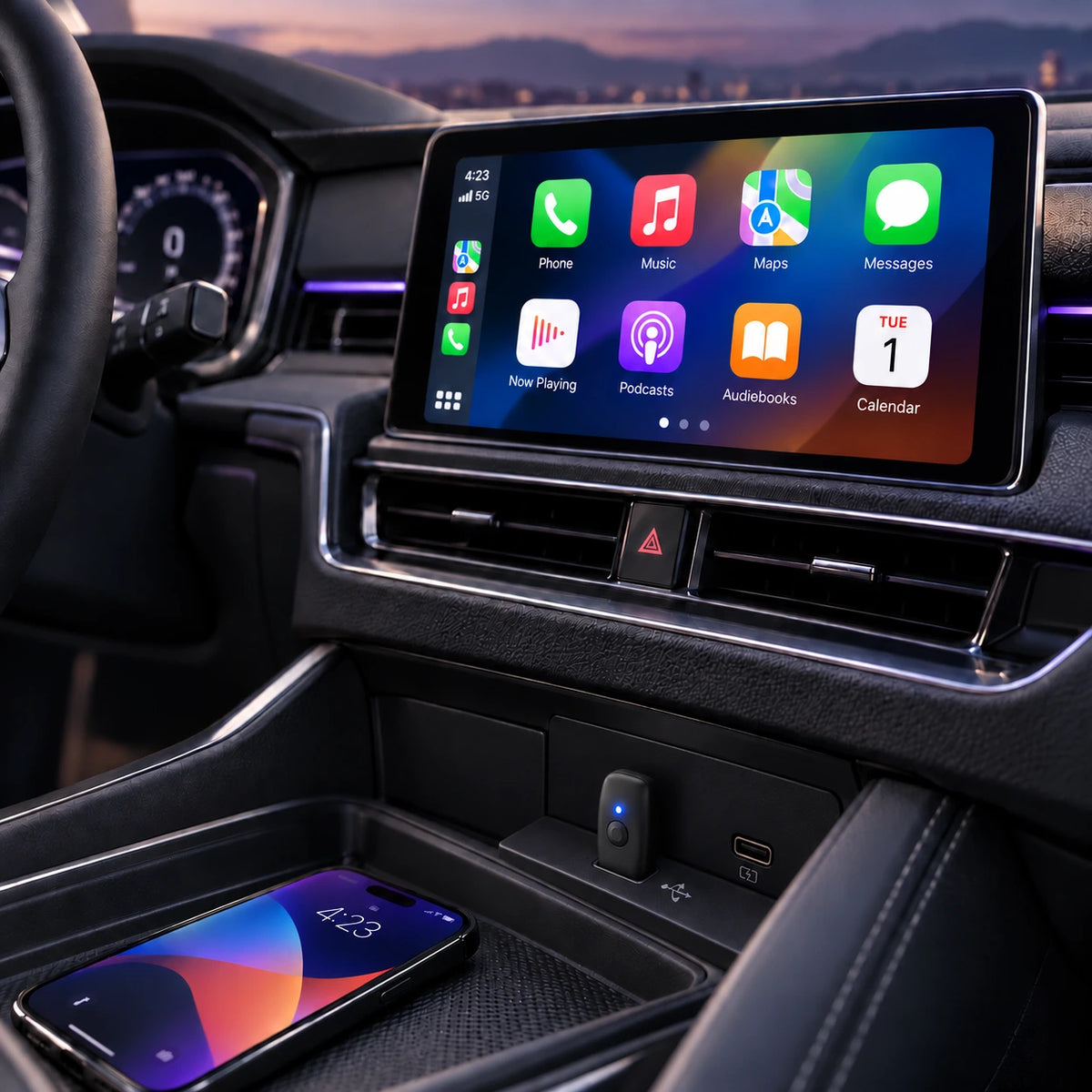
Make CarPlaywireless.
Apple CarPlay or Android Auto.
Maps, music and calls. No phone cable.
More of theback seat.
A 150° wide view.
1080p camera clarity.
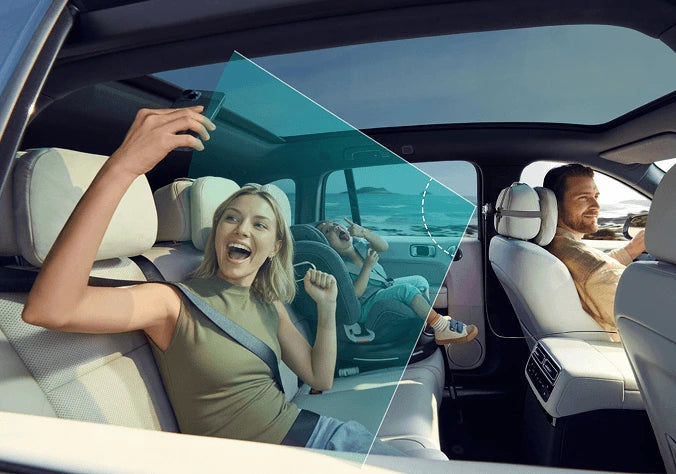
Day trips.
Night drives.
Infrared night vision keeps the back seat visible after dark.
Your car.
Your phone.Check the fit.
Factory wired Apple CarPlay and a touchscreen are required, even when using an Android phone.
Vehicle
Factory wired Apple CarPlay
Display
Existing touchscreen
Phone
iPhone or compatible Android
How do I check my car?
Look for Apple CarPlay in your car's settings or owner's manual. Or plug an iPhone into the car with a cable: if CarPlay appears on the screen, you're compatible.
Not compatible with Android Auto-only cars, wireless-only CarPlay, or cars without a touchscreen.
Good to know.
Do I need a Magic Box?
No. The Backseat Buddy has its own wireless adapter built in. If you already own a Magic Box 3.0, the Magic Monitor is the camera-only option.
Does it record video?
No. It shows a live view only. Nothing is recorded, saved or uploaded.
Can I use it without a phone?
Yes. The camera view works with only power connected. Wireless CarPlay or Android Auto needs your phone.
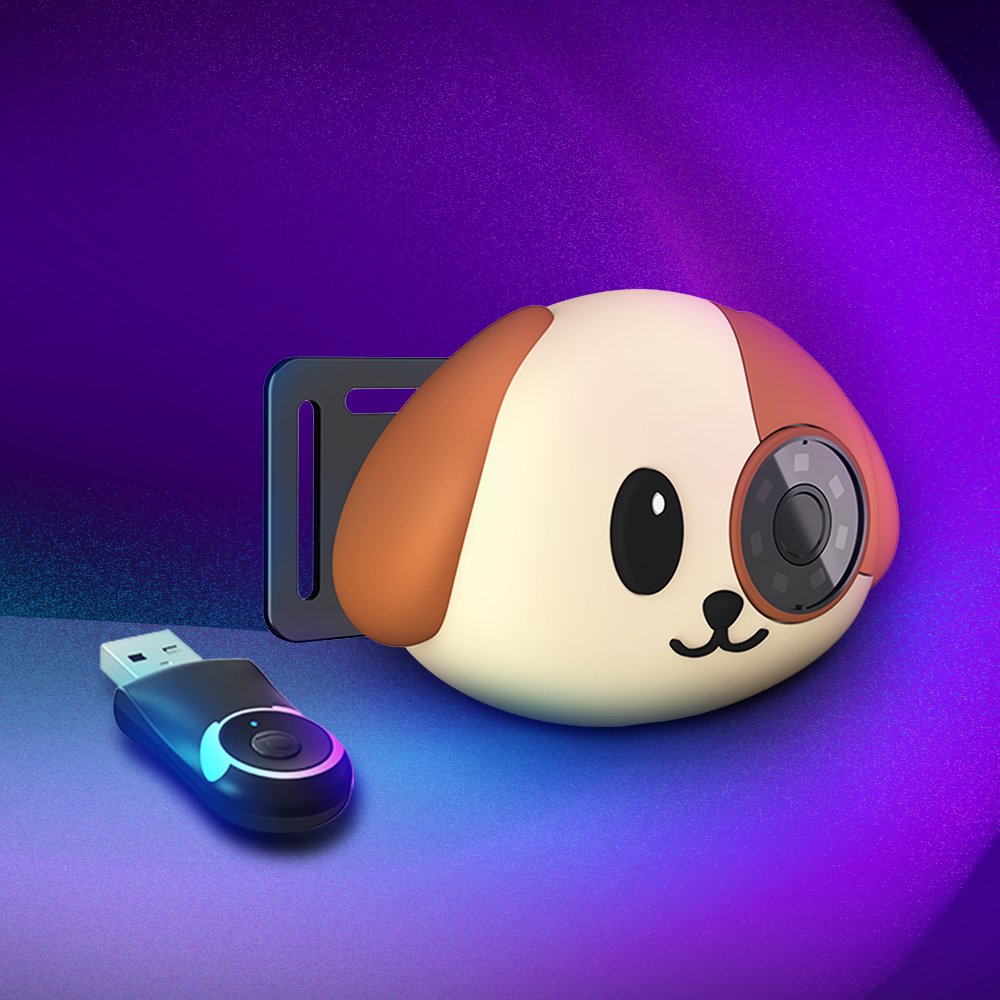
Are Panda and Dog different?
Only in design. Both have the same camera, adapter and features.
You may also like


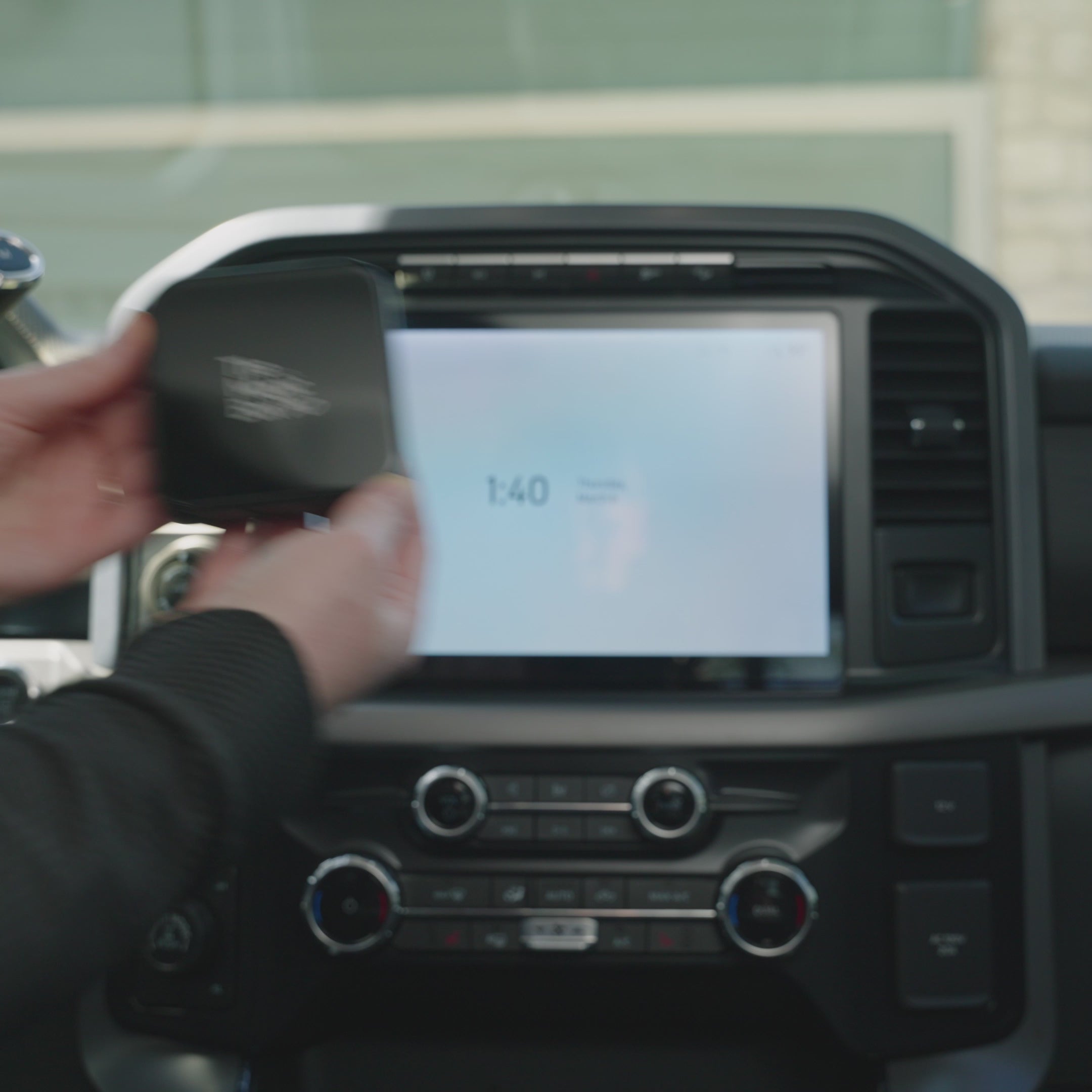

The Magic Box™ 3.0 (Wireless CarPlay Only)