Wireless CarPlay + Rear Seat Camera
The Backseat Buddy
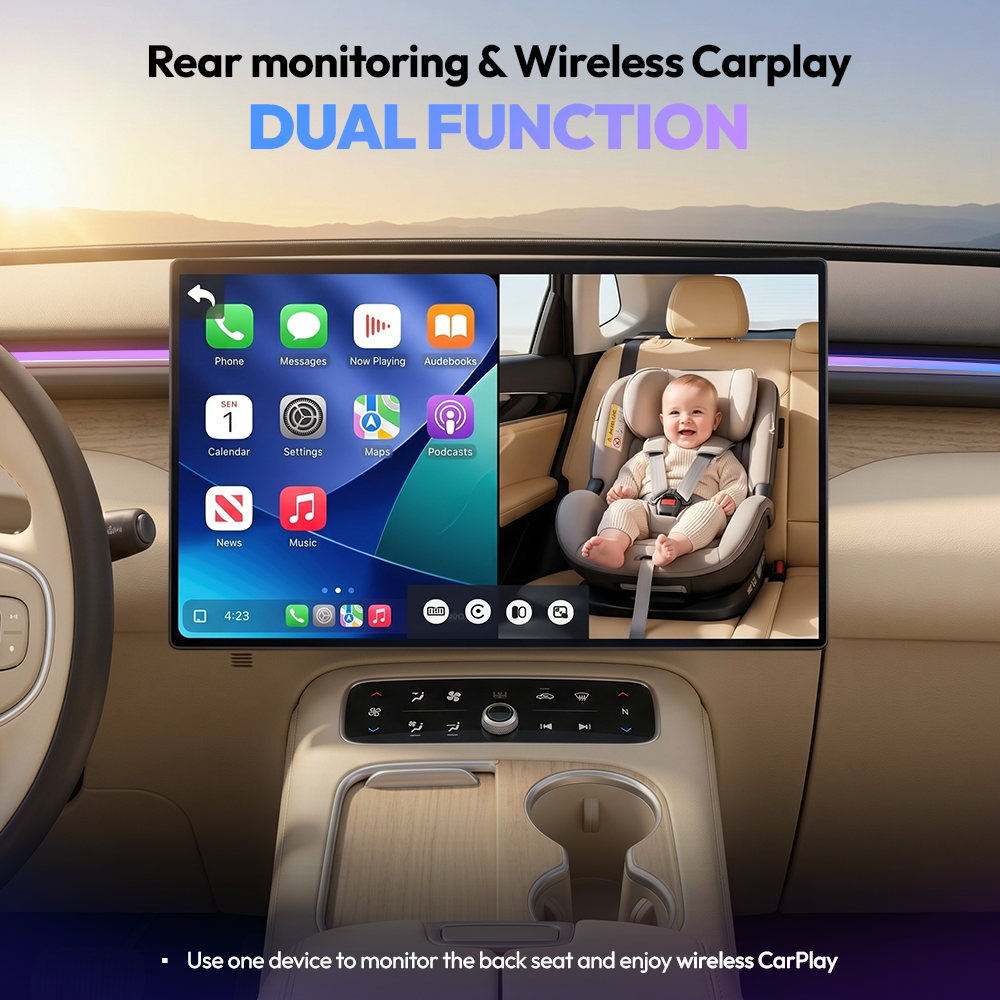
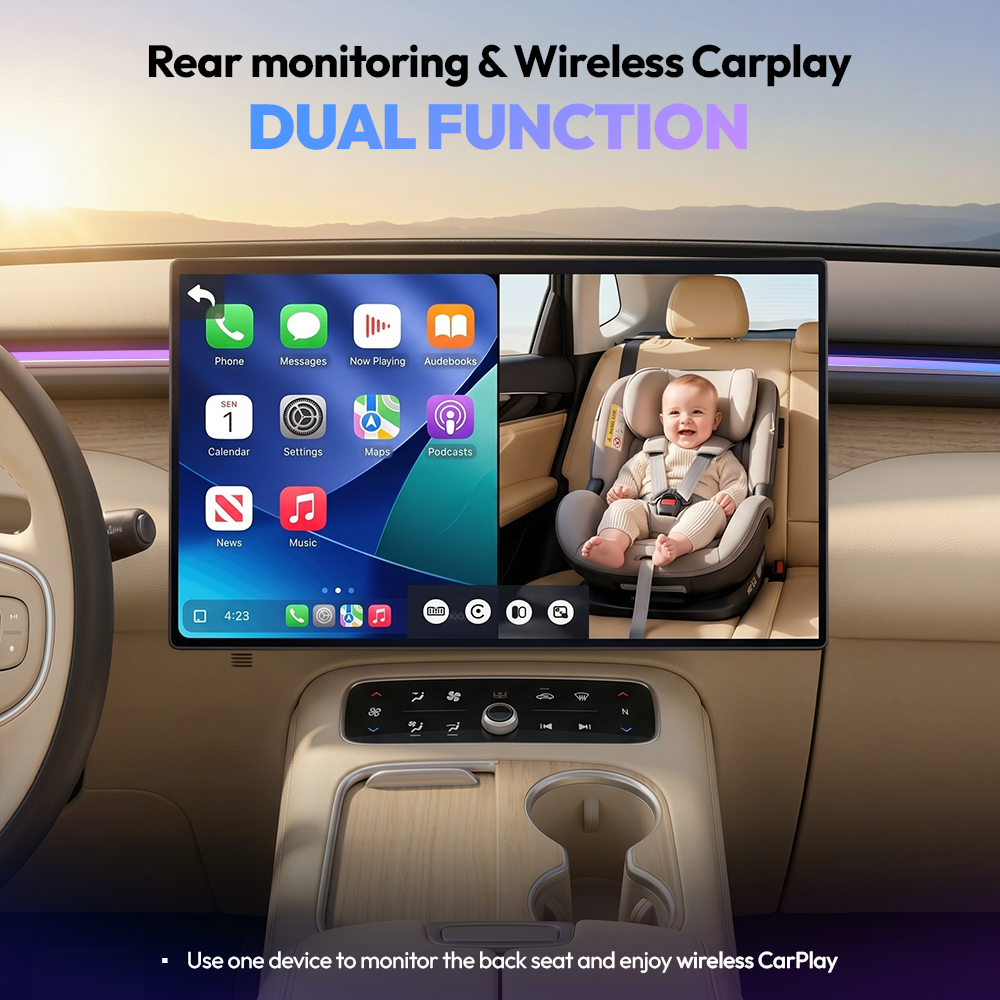
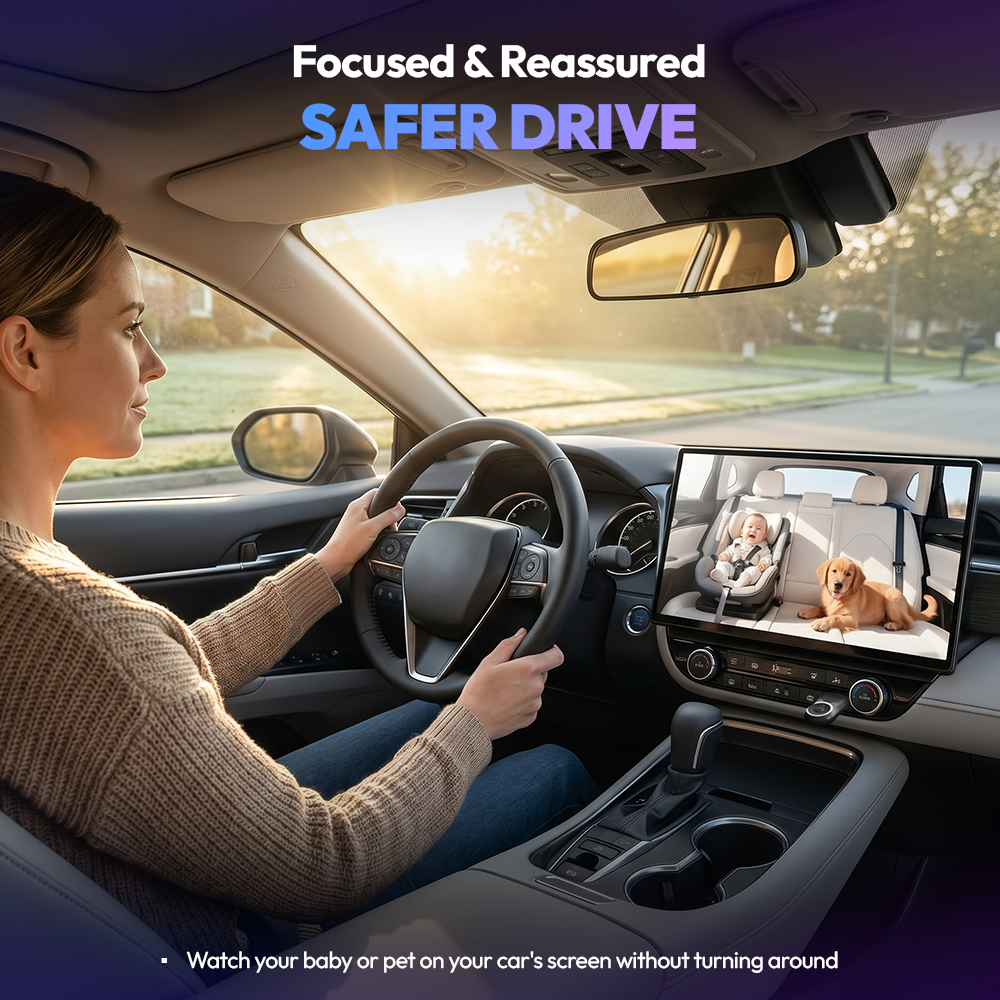
✓ See your back seat live: Watch your child or pet in 1080p on your car's existing screen. No extra monitor needed.
✓ Wireless CarPlay built in: Plug into your factory CarPlay port and go cord-free. No Magic Box required.
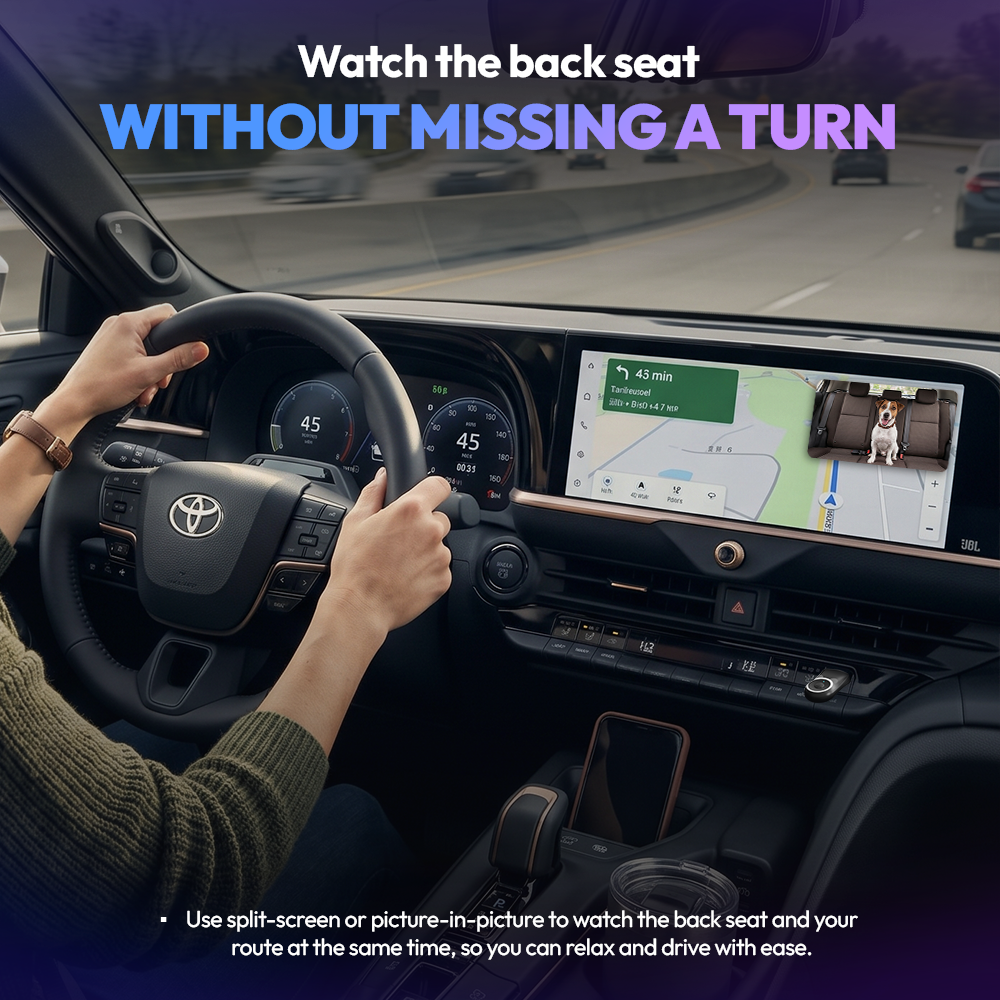
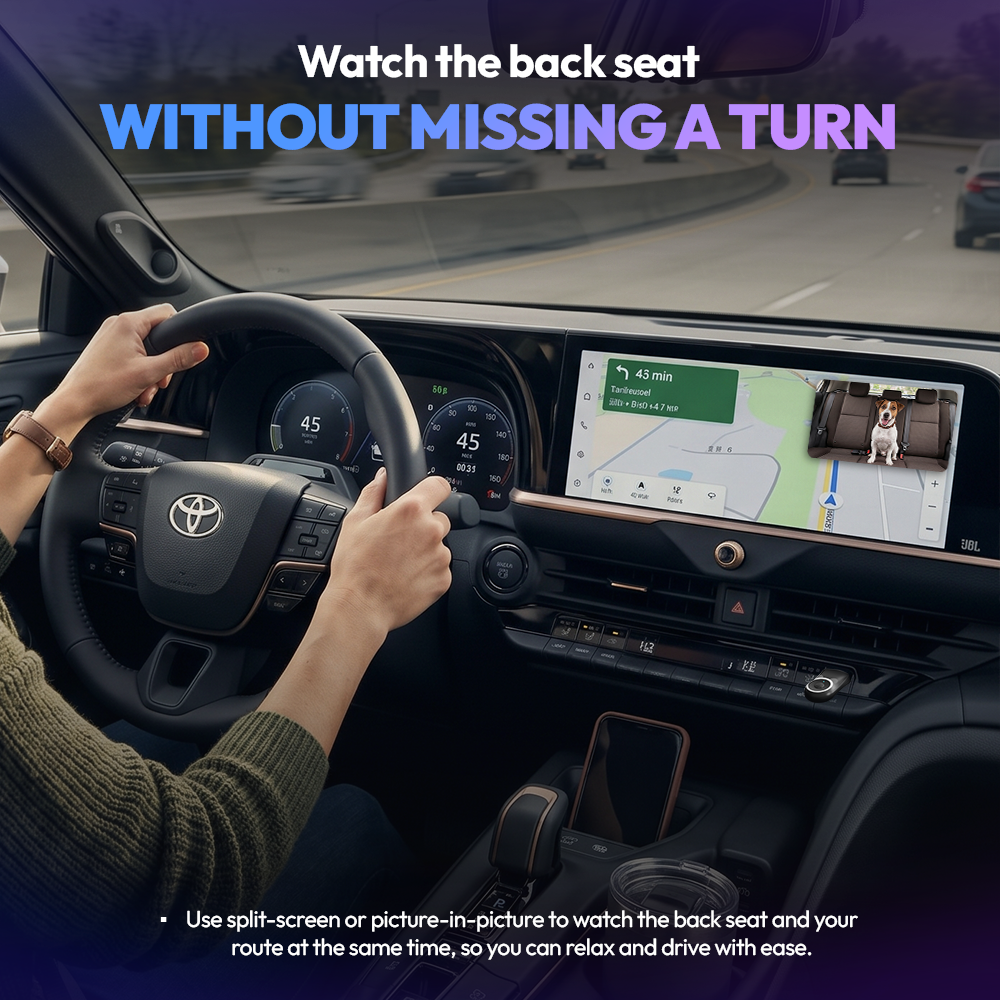
✓ Keep navigation visible: Use full-screen, split-screen, or picture-in-picture while you drive.
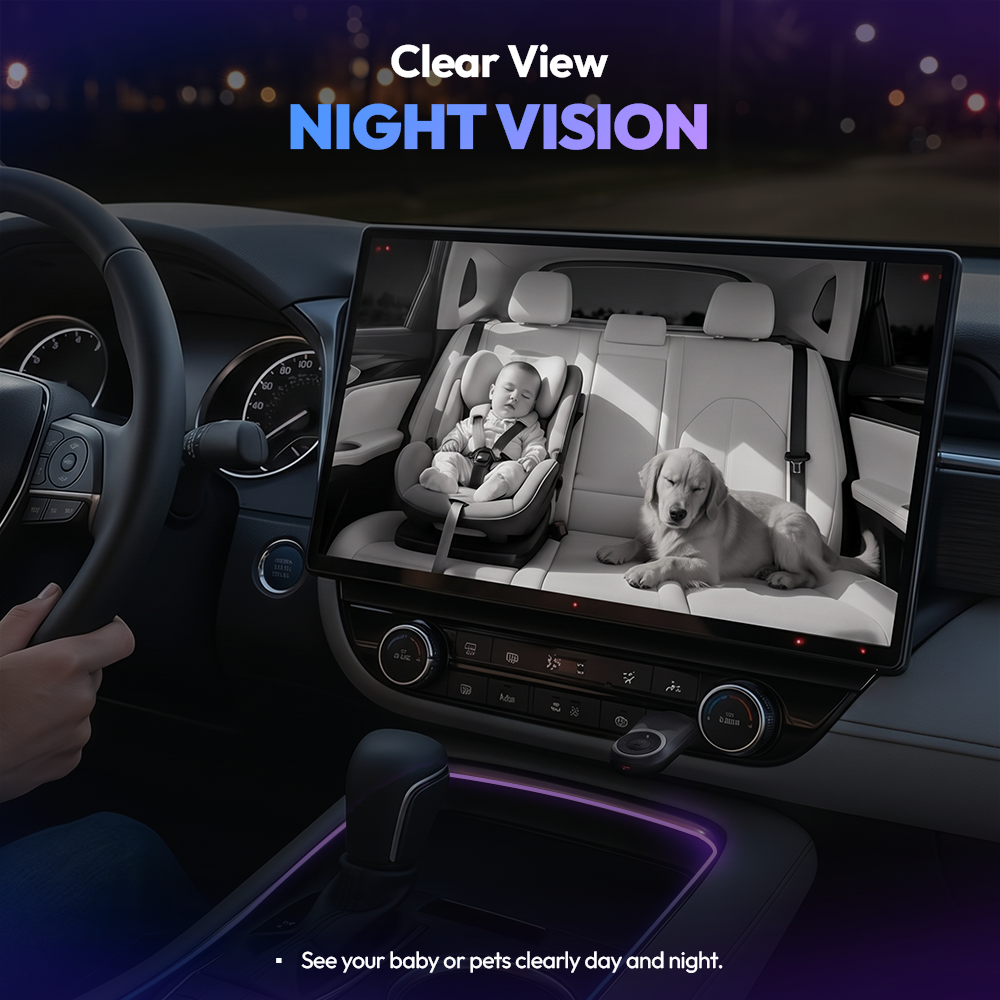
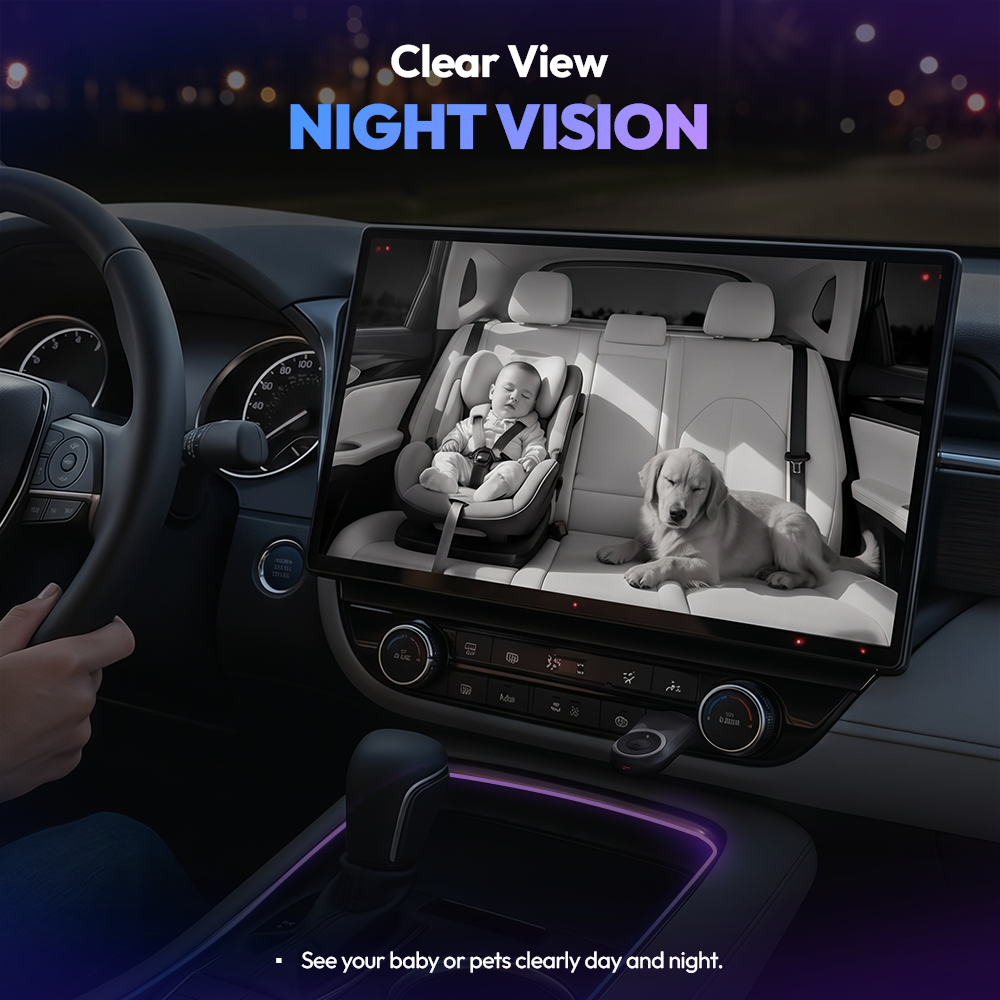
✓ Clear day or night: Infrared night vision keeps the picture sharp after dark.
✓ Private by design: Live view only. Nothing is recorded, saved, or uploaded.
Popular Add-Ons
🟢 Order by 3pm ET for same-day shipping · Mon–Fri
The Backseat Buddy
Description
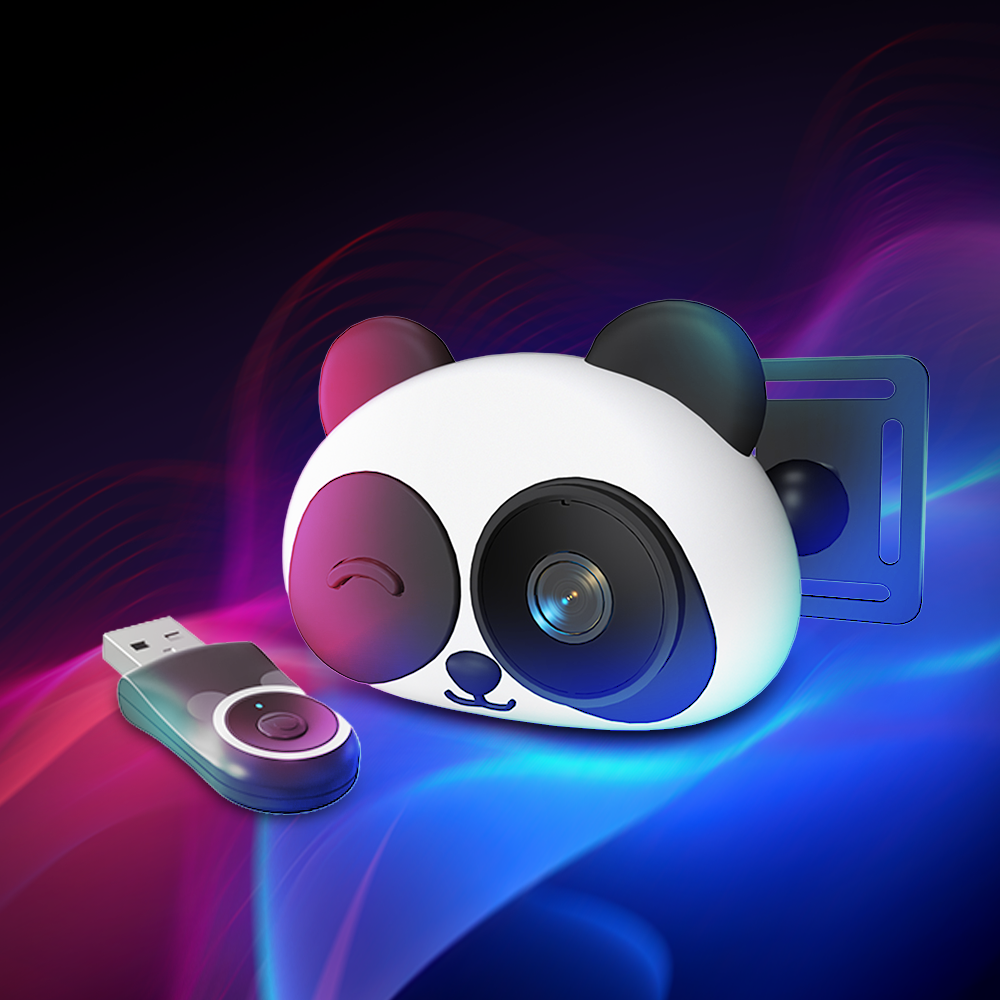
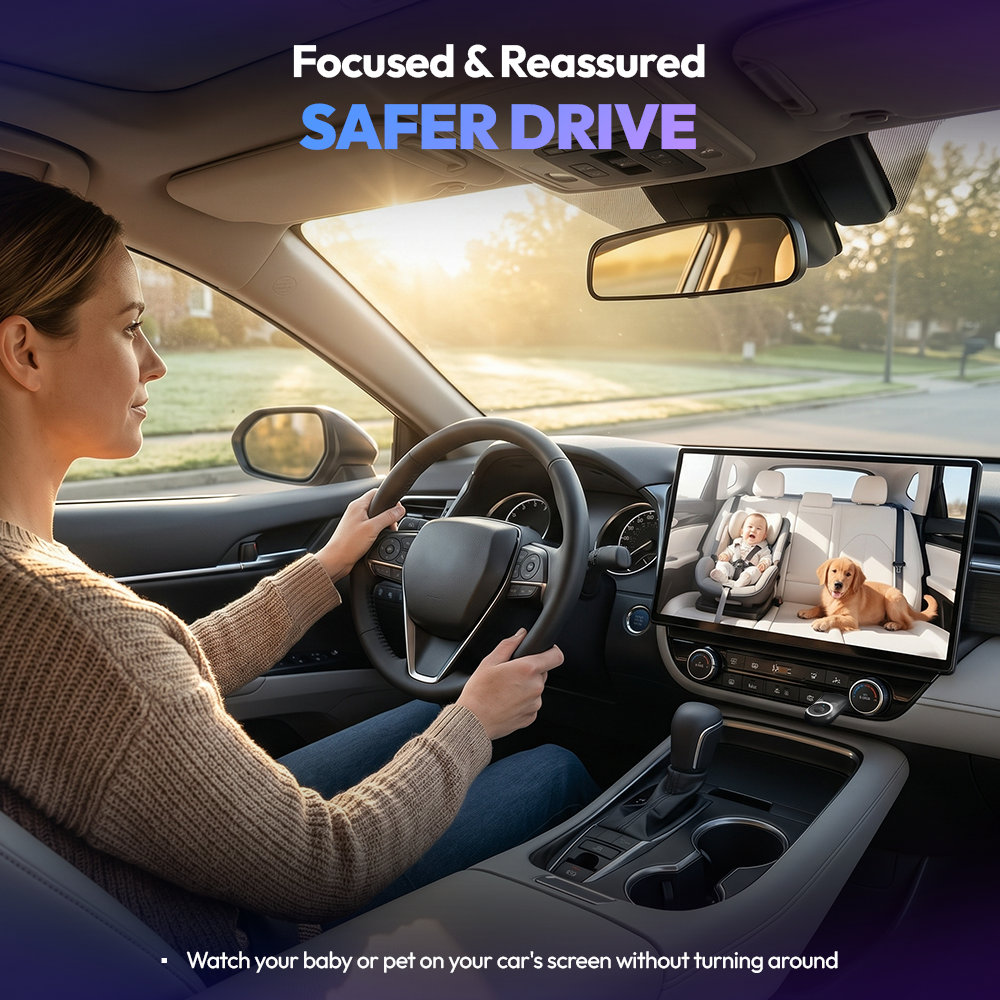
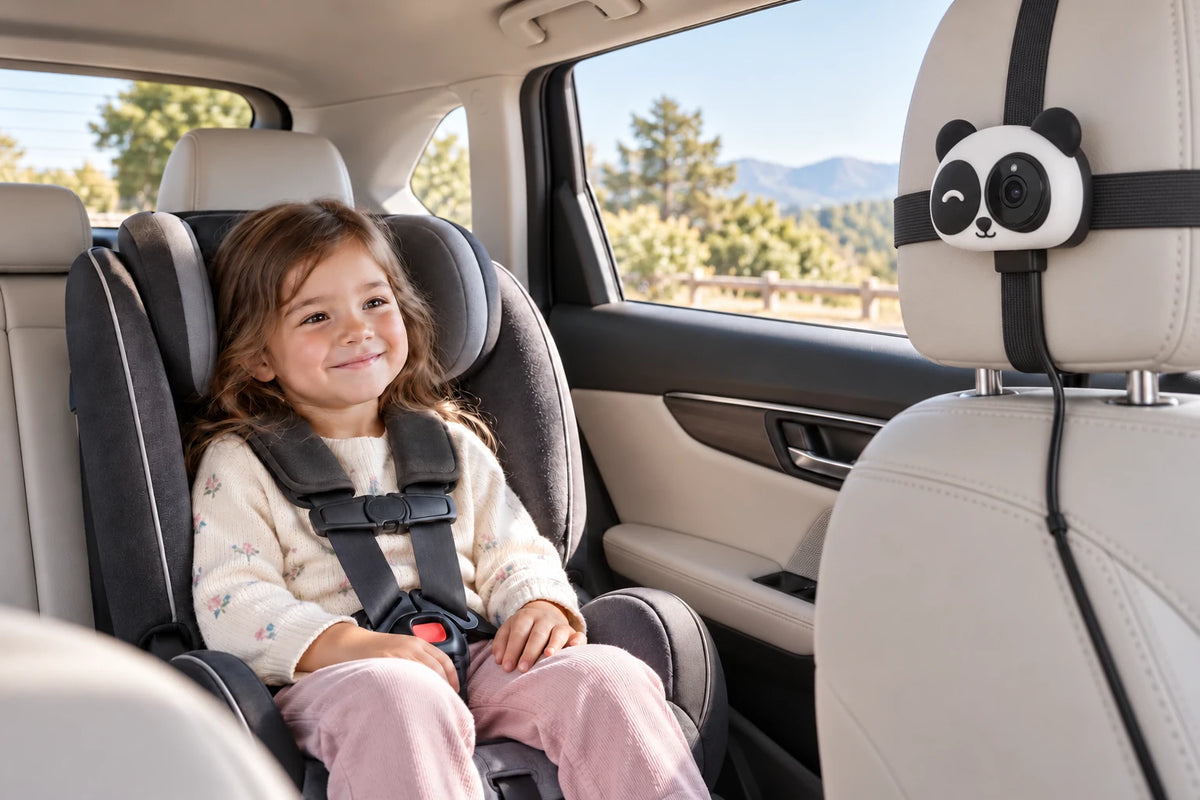
The Backseat Buddy puts a live 1080p view of your back seat on your car's screen and adds wireless CarPlay in the same device. Plug it into your factory CarPlay port, clip the camera to the headrest, and you can check on a kid or a dog without turning around.
Split-screen and picture-in-picture let you keep your route and your back seat on the display at the same time.
Infrared night vision keeps the picture clear after dark. Nothing is recorded and nothing is uploaded. The feed goes from the camera to your dashboard and stops there.
User Manual
You can download The Backseat Buddy User Manual Here
The Backseat Buddy
The back seat.
Right on your screen.
- Wireless
Apple CarPlay - Live rear seat
view - Infrared
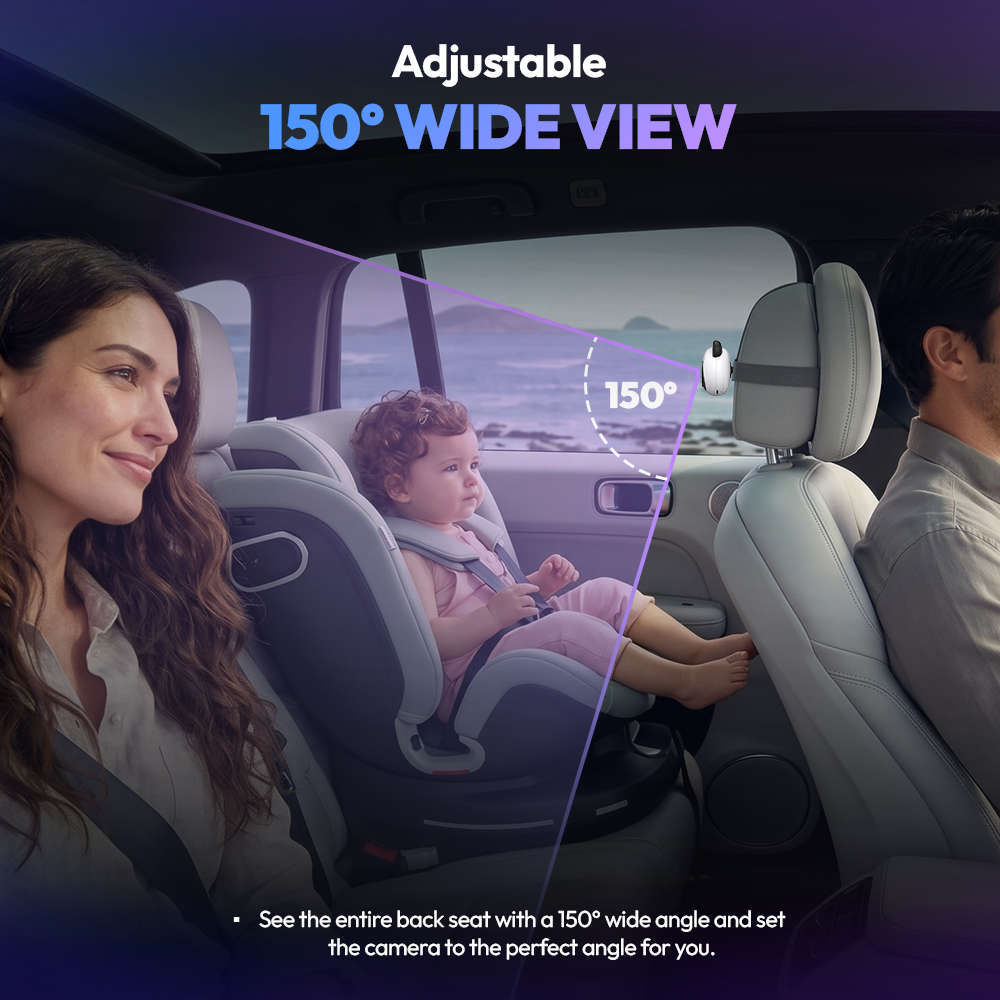
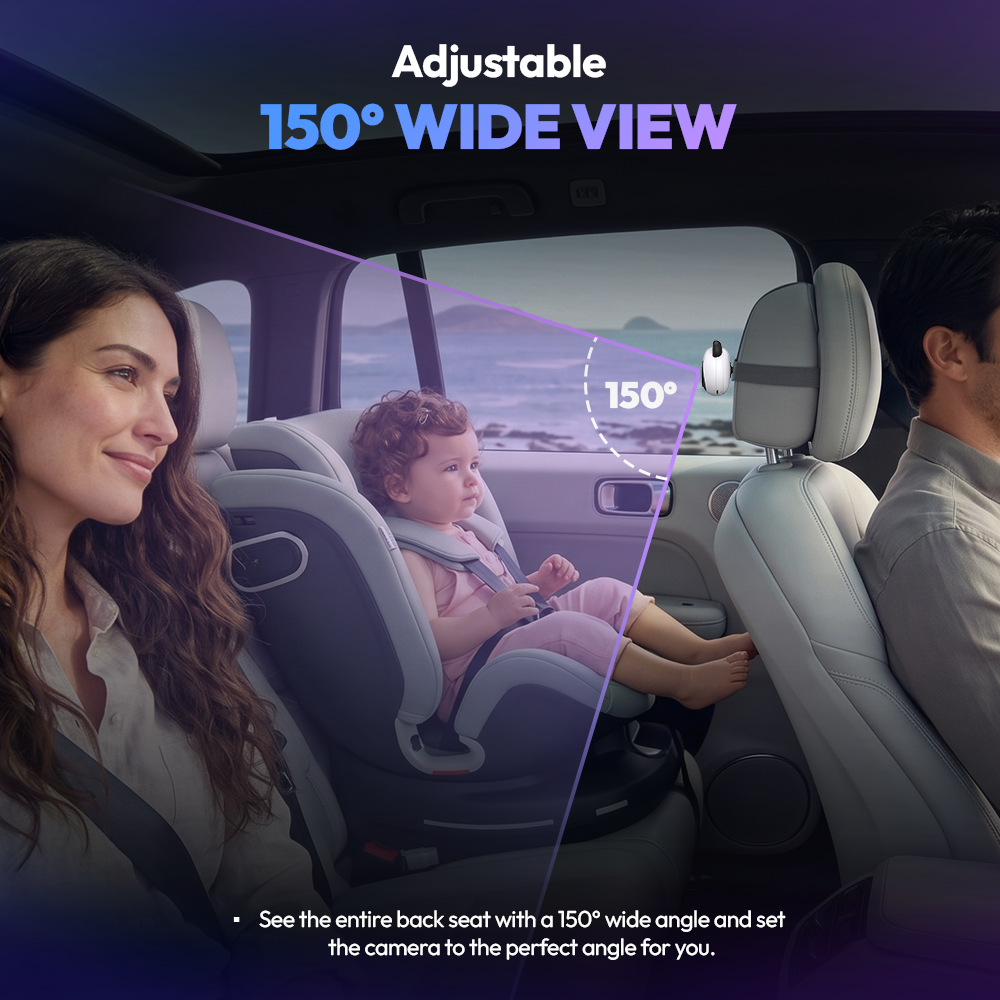
night vision - 150°
wide-angle view - Two ways
to mount - Wireless
updates
Meet your new Backseat Buddy.
A live view of the back seat.
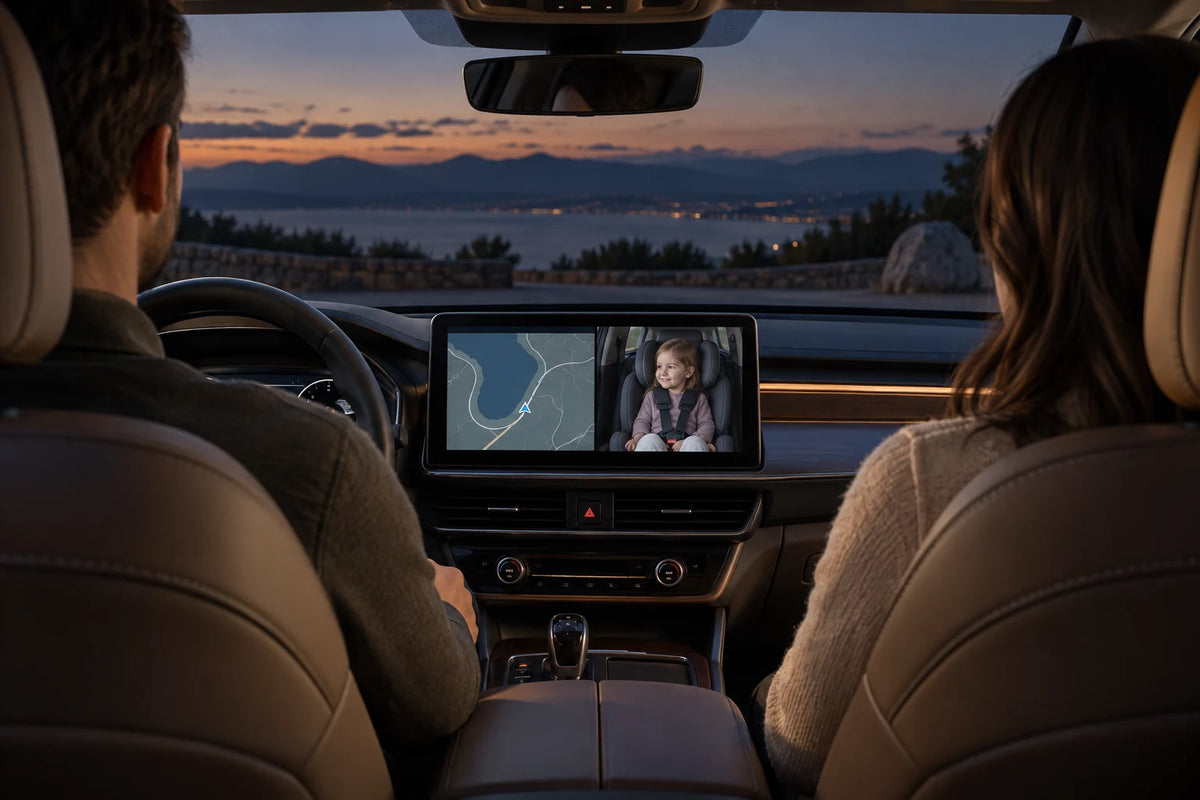
See your passengers on the screen already in your car.
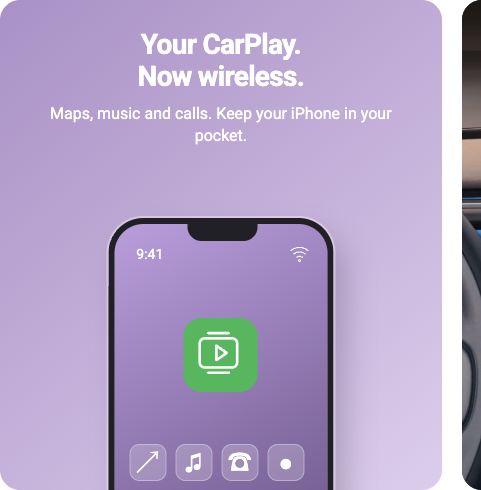
Your CarPlay.
Now wireless.
Maps, music and calls. Keep your iPhone in your pocket.

See more of the back seat.
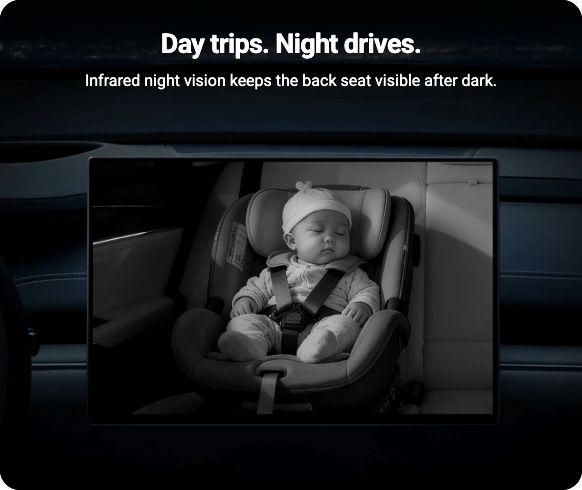
Illustrative screen views. Layout and image quality depend on your vehicle's display.
Check in at a glance.
A live camera view on your existing car screen.
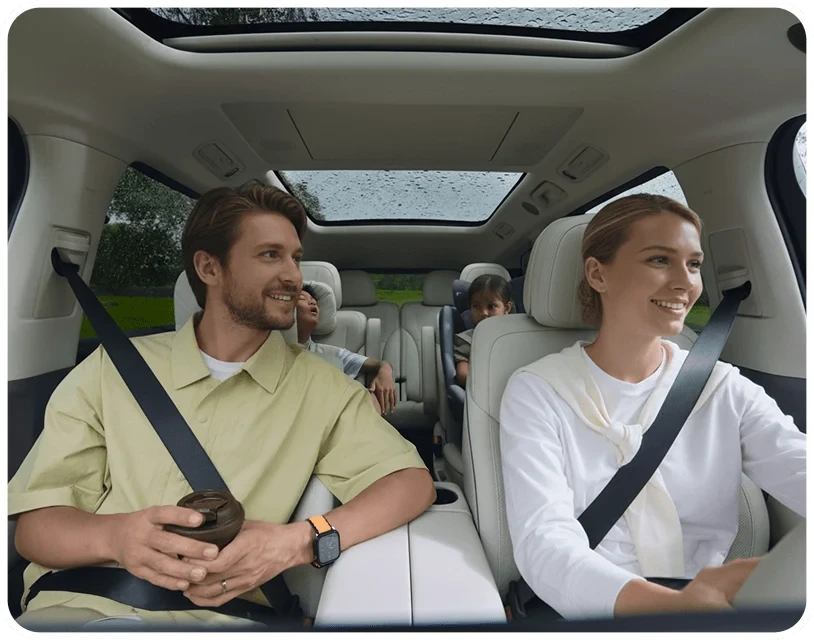
Keep family moments private.
Live view only. No recording, saving or uploading.
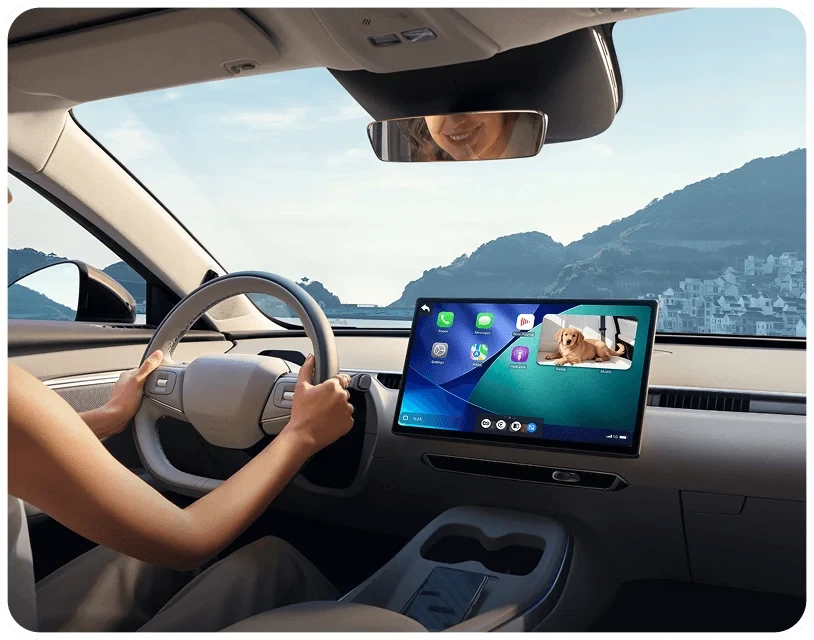
Keep CarPlay in view.
Choose split screen or picture-in-picture while connected.
Choose how you see the back seat.
Switch views from your car's touchscreen.
A camera mounted behind the front headrest keeps rear passengers in view.
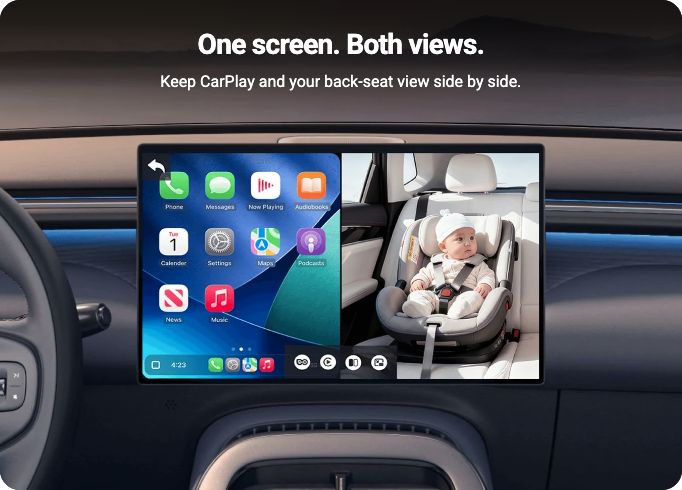
CarPlay on one side, the back seat on the other.
A small back-seat window over your CarPlay screen.
Split screen and picture-in-picture require CarPlay to be connected.
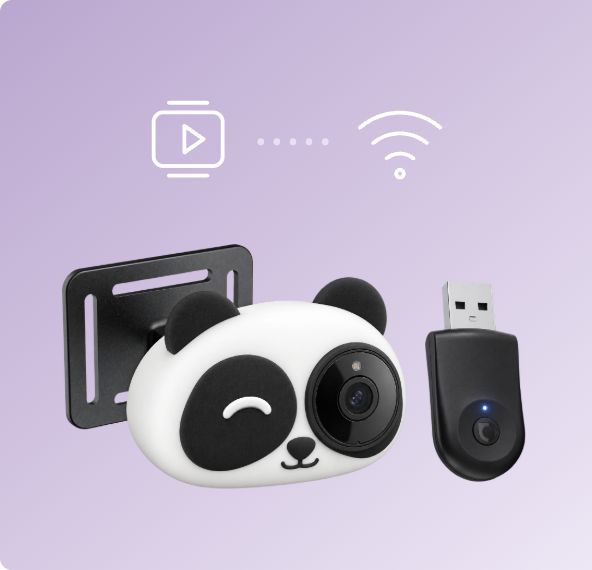
Plug in. Pair. Go wireless.
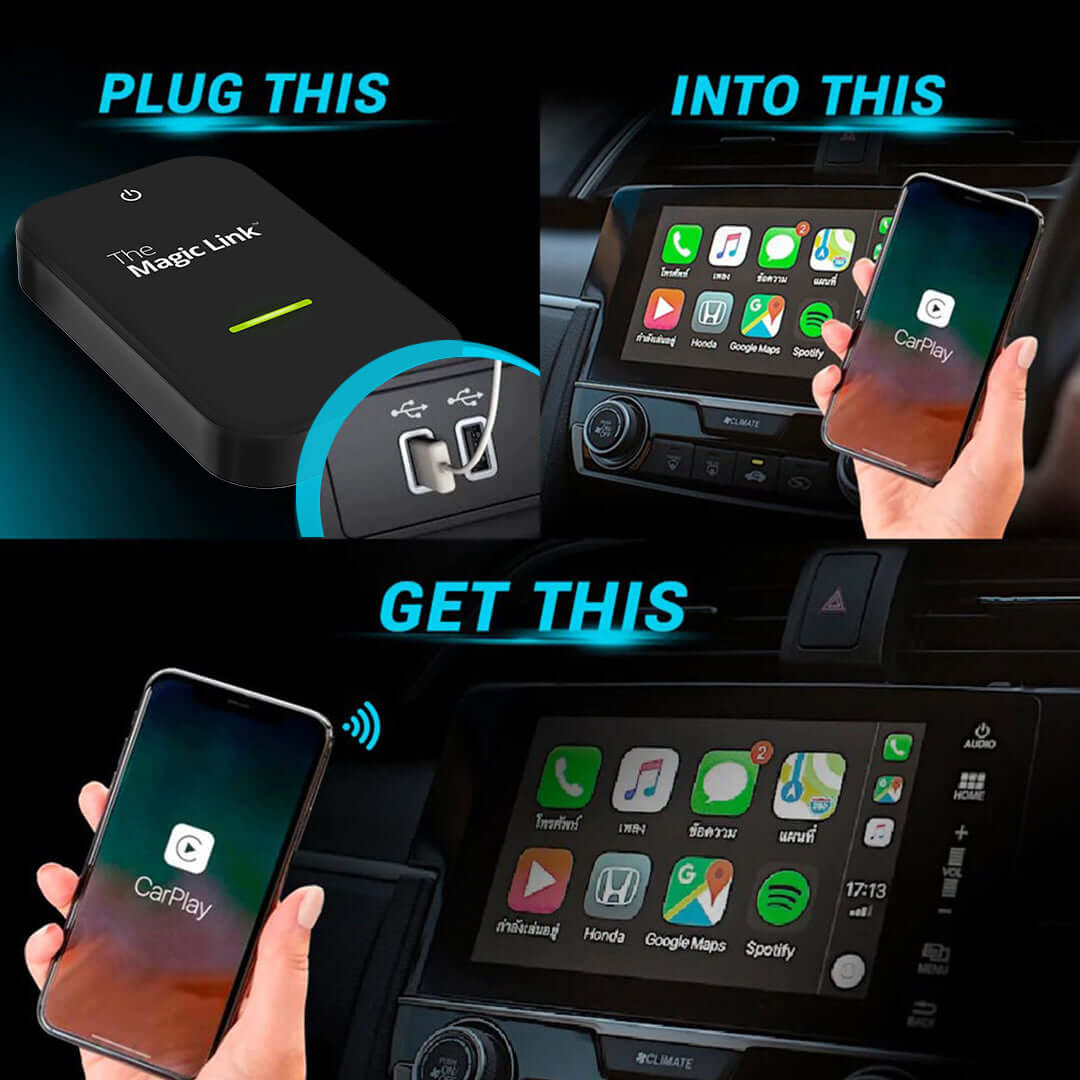
Turn your factory wired CarPlay connection into wireless CarPlay.
1. Plug the receiver into your car.
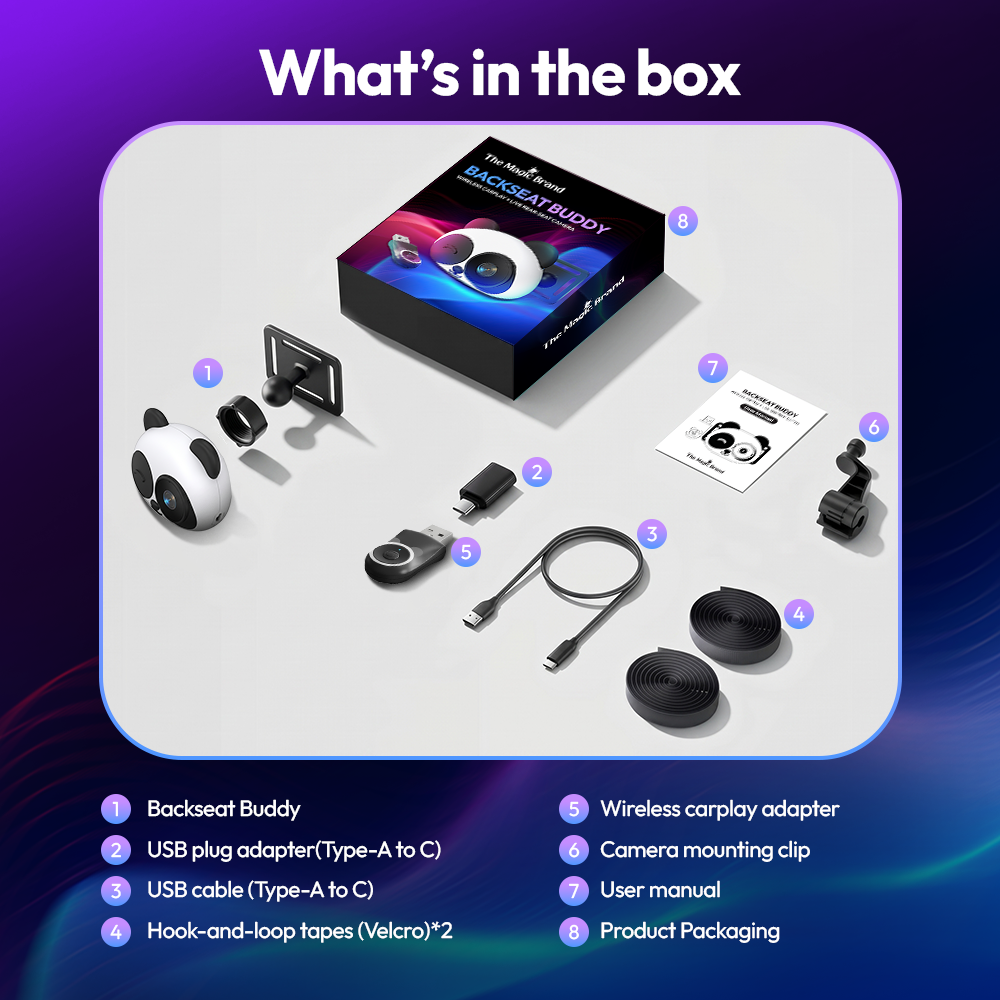
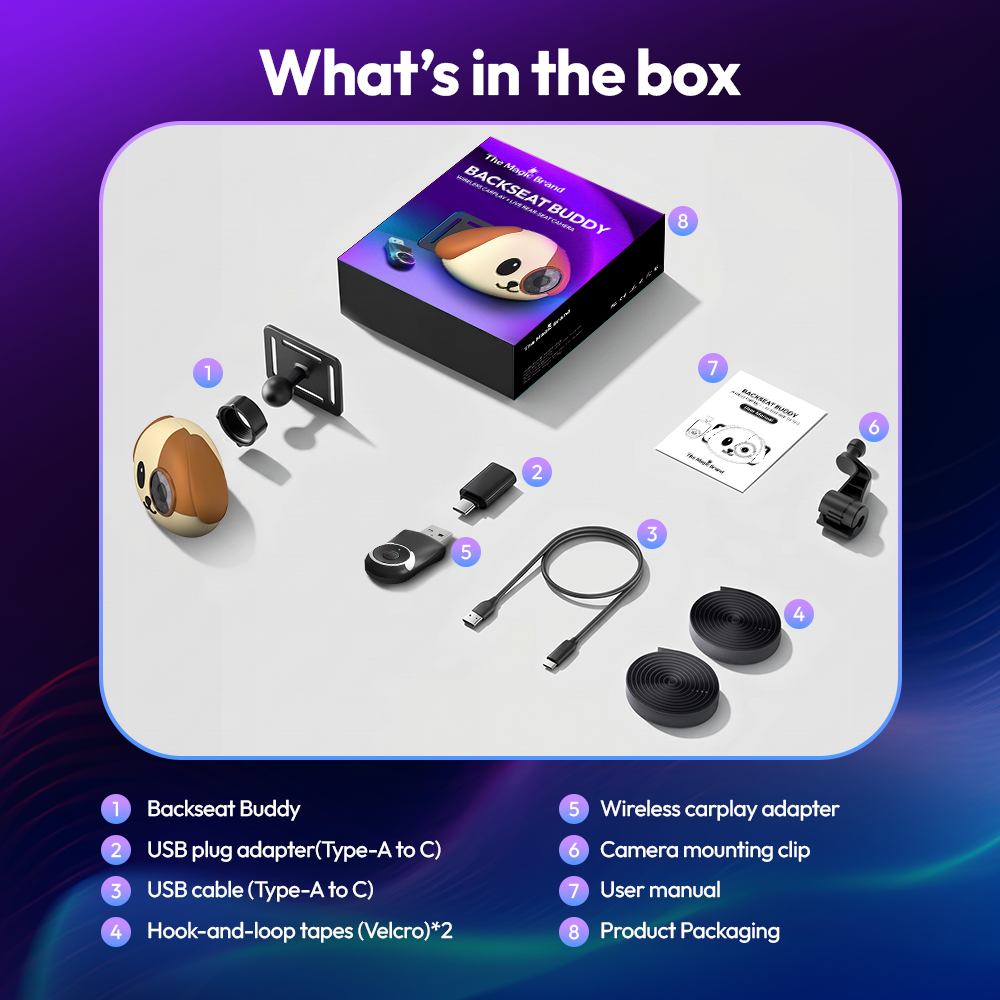
Use the factory wired CarPlay USB data port. Use the included adapter for USB-C. A charge-only port will not work for the receiver.
2. Mount and power the camera.
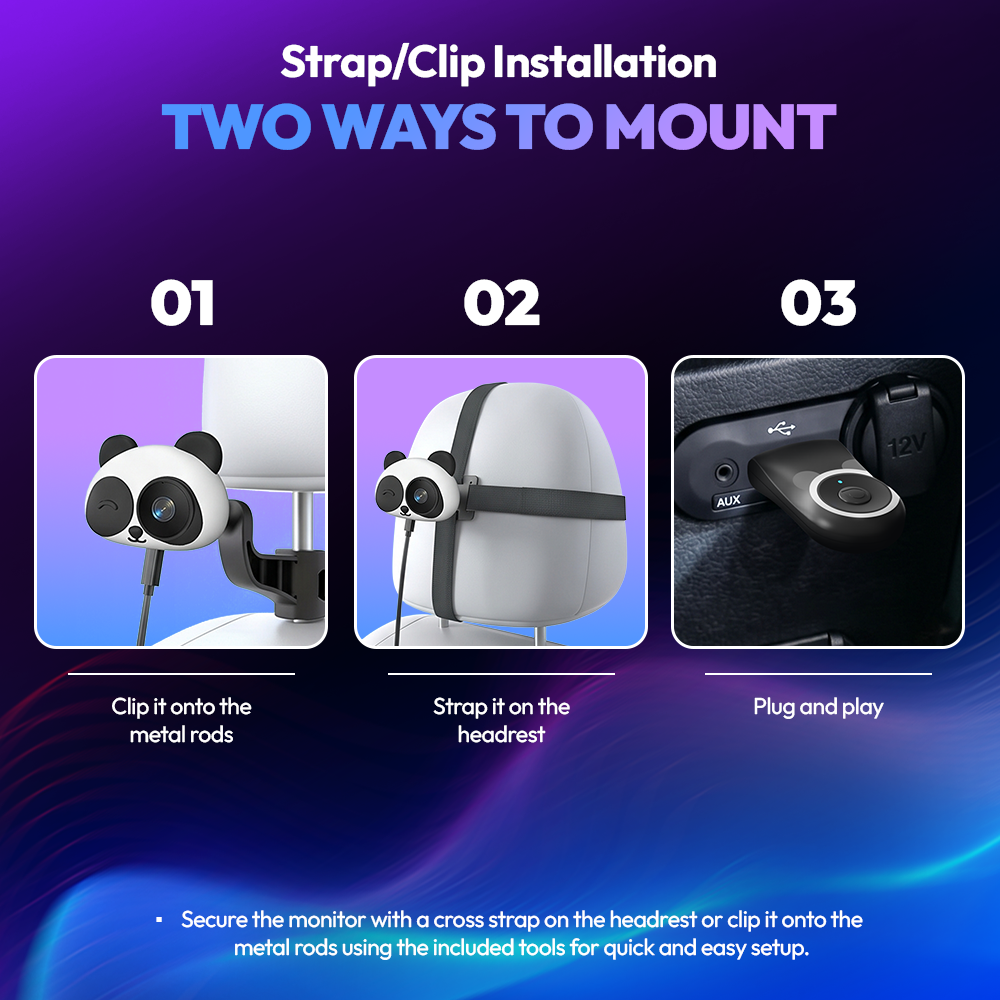
Attach the camera with the headrest bracket or straps, then connect it to USB power with the included cable.
3. Pair your iPhone.
Follow the CarPlay prompt on your car's screen to pair. After the first setup, it reconnects on its own when you start the car.
Will it work in your car?
You'll need factory wired Apple CarPlay, a touchscreen and an iPhone.
Check before you order
Plug your iPhone into your car with a cable. If CarPlay appears on the screen, the Backseat Buddy will work.
Not compatible with wireless-only CarPlay, Android Auto-only vehicles, or cars without a touchscreen.
Apple CarPlay
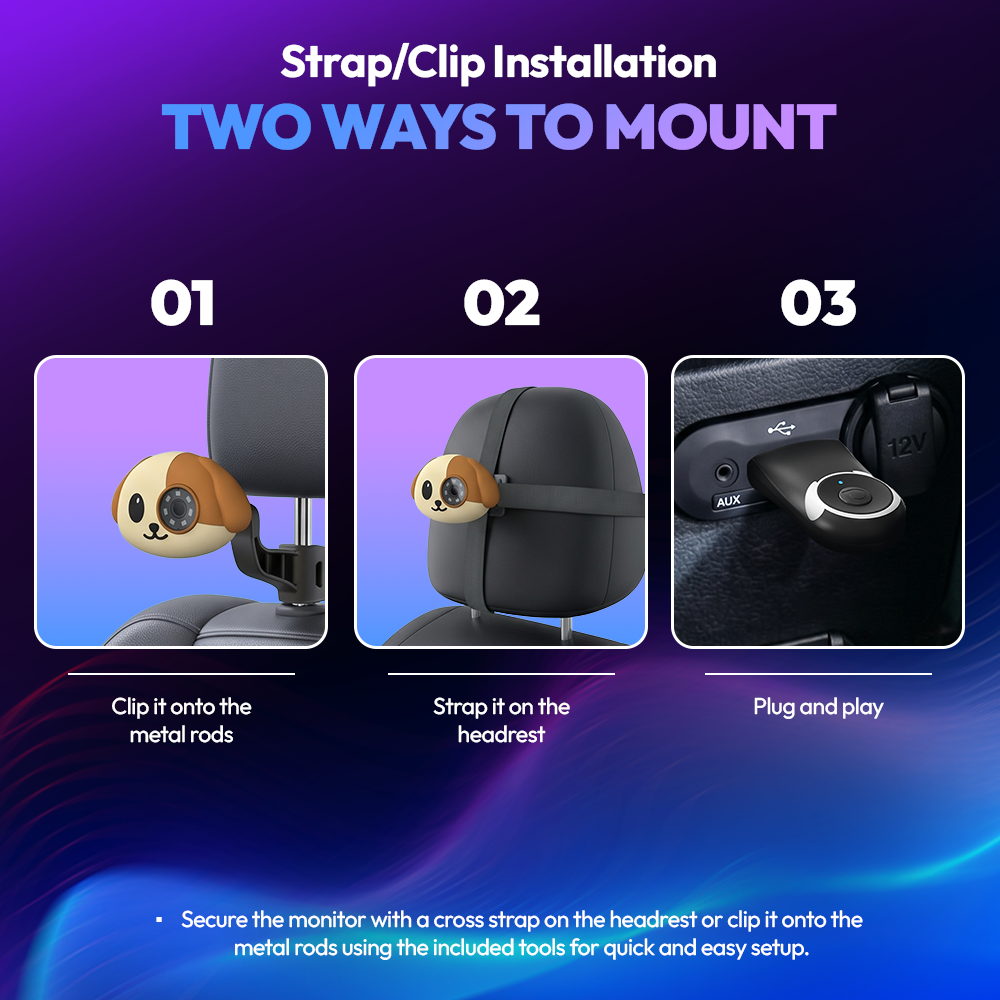
Two ways to mount it.
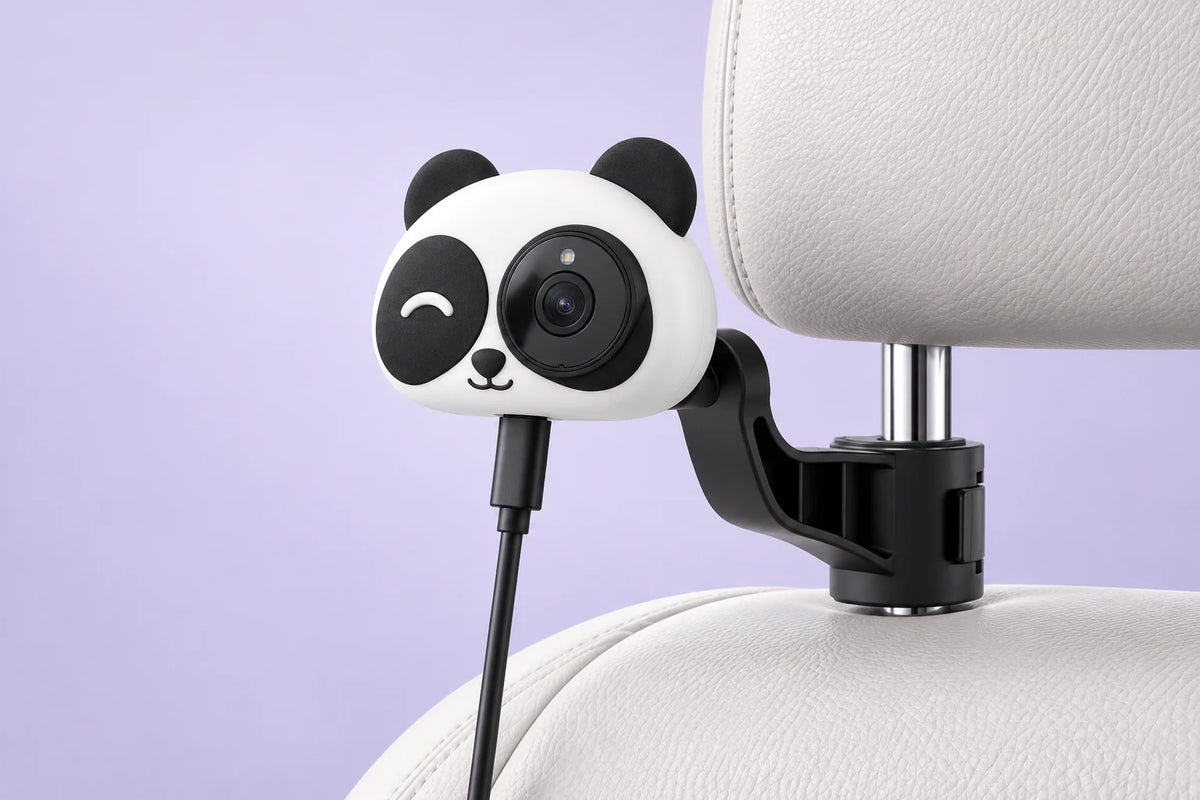
Headrest post bracket
Clip onto a headrest post, then adjust the camera angle.
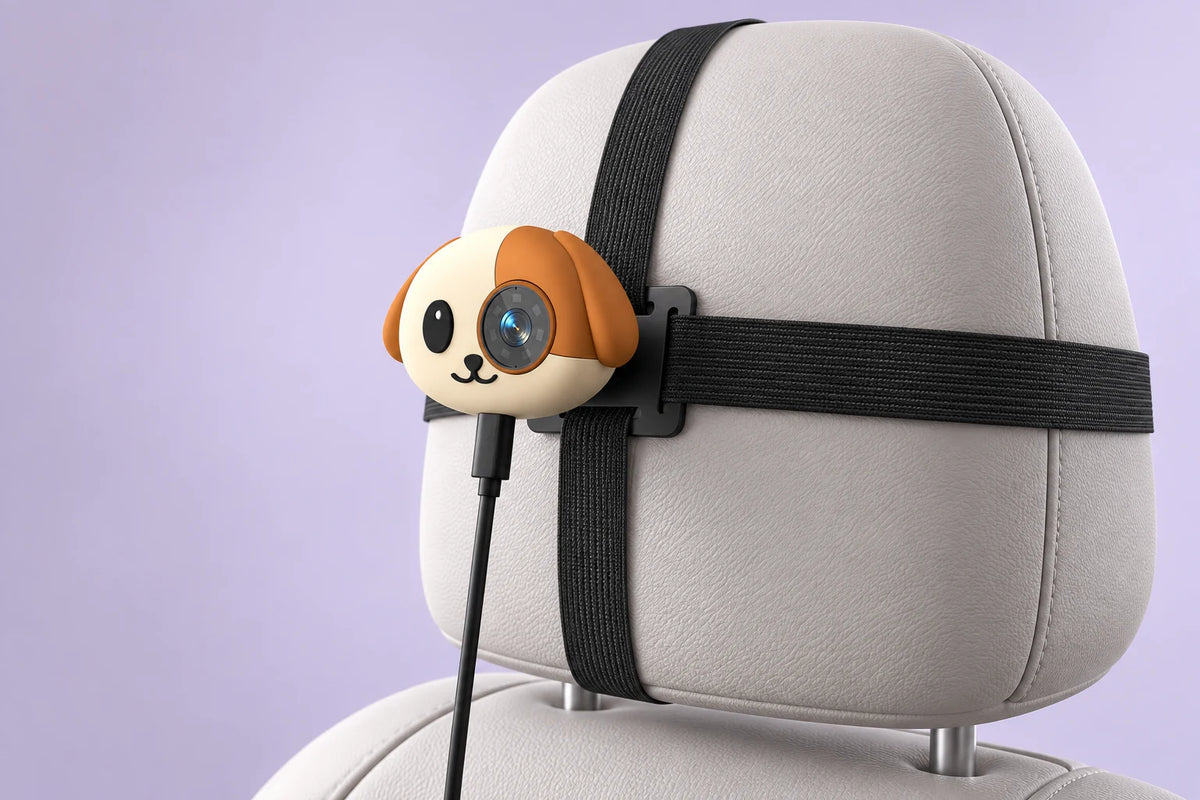
Headrest straps
Secure the plate on the back of the headrest using the straps.
The camera uses a separate USB power cable. Secure the mount and cables while parked.
Wireless software updates.
Install available firmware updates through the system's wireless update process.
Update when needed.
When an update is available, install it wirelessly. No computer required.
Find help in one place.
Setup guides, update notes and support are all on our Support page.
For everyone in your back seat.
Is a separate screen included?
No. The camera view shows on your car's existing screen.
Can I use it without a phone?
Yes. The camera view works with only power connected. CarPlay needs your iPhone.
Does it record video?
No. It shows a live view only. Nothing is recorded, saved or uploaded.
Does it work with Android Auto?
No. The Backseat Buddy requires factory wired Apple CarPlay and an iPhone.
Do I need a Magic Box?
No. The Backseat Buddy includes its own wireless CarPlay receiver. If you already have a Magic Box 3.0, the Magic Monitor is the camera-only option.
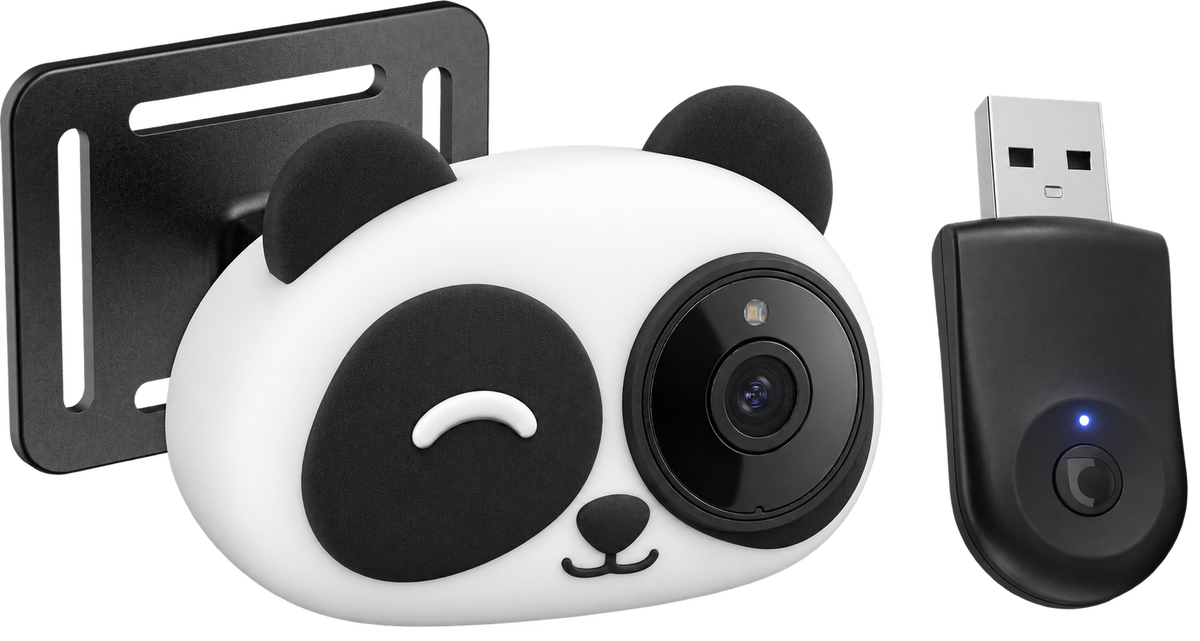
Do Panda and Dog have different features?
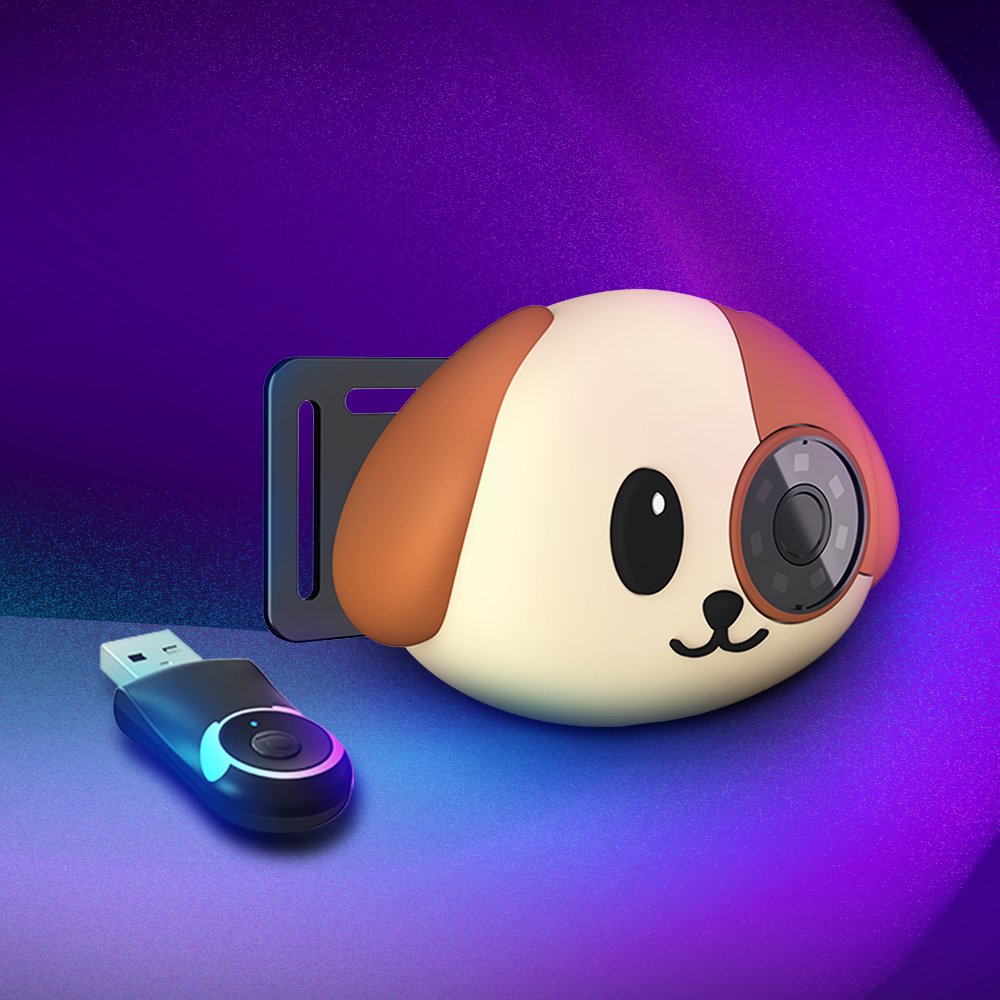
No. Both have the same camera, receiver and features. Only the design is different.
How is the camera powered?
With the included USB power cable, connected to a USB port or USB power adapter in your car.
When will my preorder ship?
Preorders are expected to ship November 9, 2026. The remaining $99 is charged when your order ships.
You may also like



The Magic Box™ 3.0 (Wireless CarPlay Only)